Details
-
Bug
-
Status: Open
-
 Medium
-
Resolution: Unresolved
-
Xporter DC 7.4.2
-
None
-
None
-
Data Center
Description
When exporting a field containing HTML that includes <input> and <select> tags to an XLSX file, the values are not exported correctly. Input field values are missing, and for <select> elements, all available options are exported instead of only the selected one.
Pre-conditions
- Install JEditor
- Create a Text Field (multi-line) custom field and add it to an issue screen (don't forger to change the renderer)
- Create an XLSX template to export the HTML field
Steps to Reproduce
- Create an issue
- In the custom field, click </> Source button and create a table containing <input> and <select> tags (HTML example for input and select tags.txt
 )
) - Populate the input fields and select values
- Export the issue using Xporter
Actual Result / Attachments
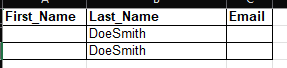
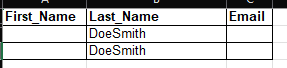
- Values entered in <input> fields are not exported
- The selected value in <select> elements is not exported; instead, all available options are included
Expected Result
The exported XLSX file should display the same values shown in Jira, including populated input fields and only the selected values from <select> elements.