Details
-
Bug
-
Status: Open
-
 Medium
-
Resolution: Unresolved
-
Xporter DC 7.4.1, Xporter DC 7.4.5
-
None
-
None
-
Data Center
Description
Description
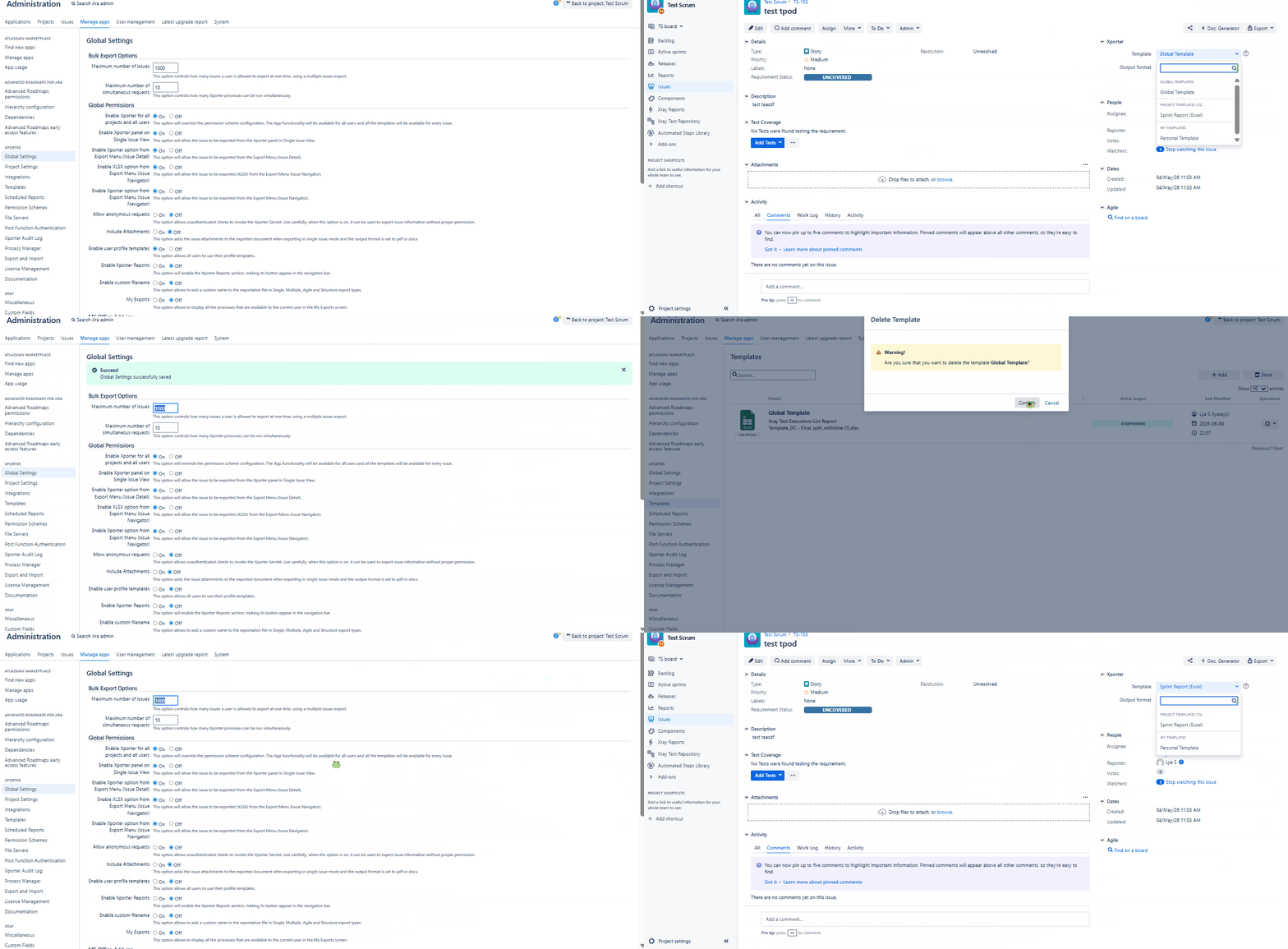
The Xporter option is not displayed in the Issue View when the "Enable user profile templates" setting is OFF, and only Project Templates are configured. If you add a Global Template, the Xporter option is restored and both the Global and Project Templates are shown.
Pre-conditions
Enable Xporter for all projects and all users is ON
How to reproduce
- Go to Global Settings, configure "Enable user profile templates" as OFF
- Do not add any Global Template
- Add a Project Template
- Open an issue
Actual result/Attachments
The Xporter option is missing.
Expected result
The Xporter option should show the Project Templates.
Version
- 7.4.1
- 7.45
Workaround
Add a global template
Attachments
Issue Links
- duplicates
-
XPOR-458 Loading...