Details
-
Bug
-
Status: Open
-
 Medium
-
Resolution: Unresolved
-
Xporter DC 7.4.5
-
None
-
None
-
macOS 26.3
Google Chrome Version 145.0.7632.160 (Official Build) (arm64)
Description
Description
Exporting an HTML-formatted table to XLSX does not render correctly. When the field contains an HTML table with multiple rows, only the first row is exported, and the remaining rows are dropped, and the cells are merged. The same template and data were exported correctly on Xporter versions 7.4.4 and older.
Pre-conditions
- A multi-line text field populated with an HTML table containing several rows.
- An XLSX template that renders this field using the HTML mapping inside a loop.
How to reproduce
- Populate a multi-line text field on a few issues with an HTML table containing multiple rows.
- Use the attached XLSX template, which renders that field as HTML within a loop.
- Export to XLSX.
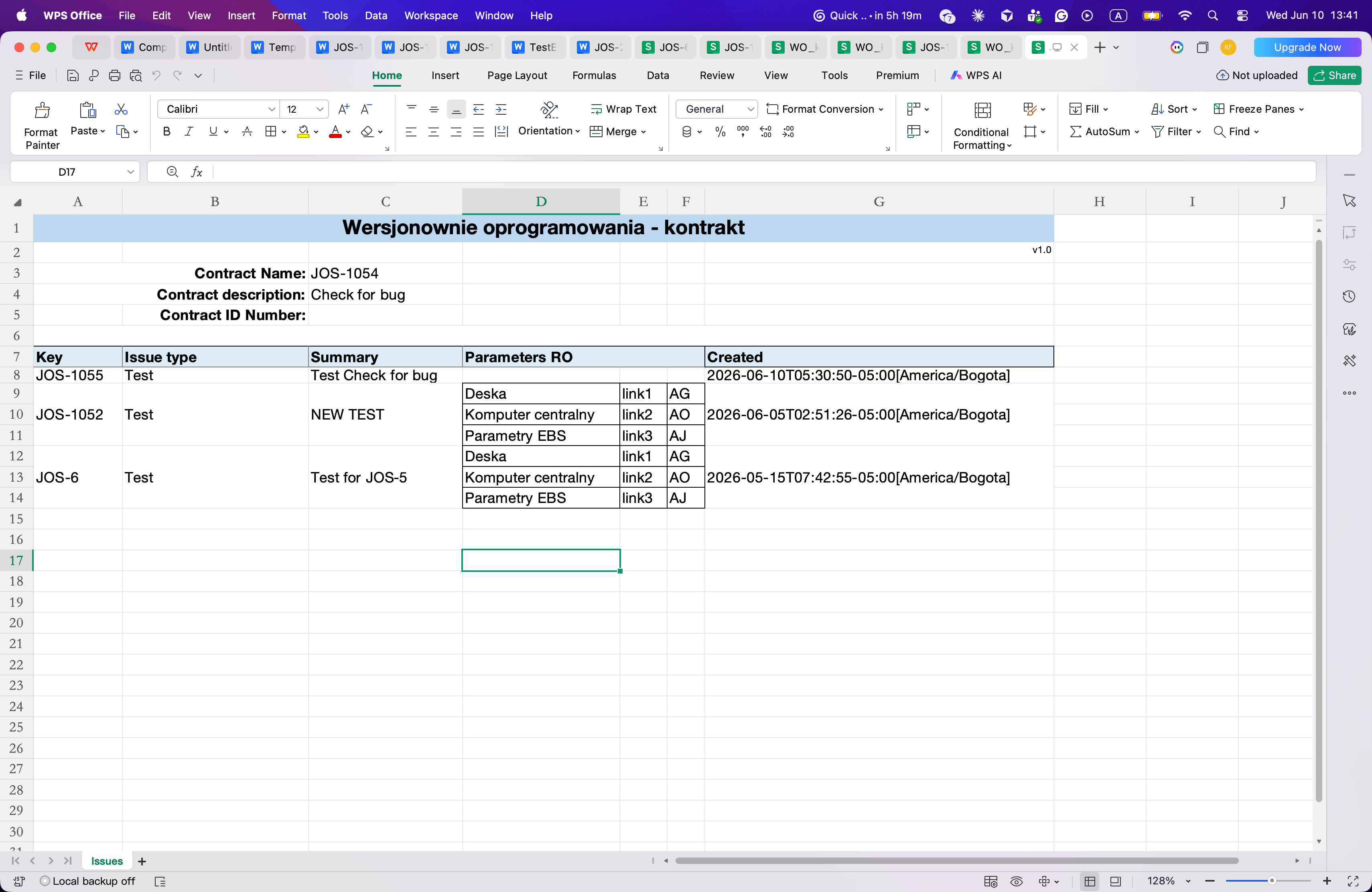
Attached is the template used for this export.

Actual result/Attachments
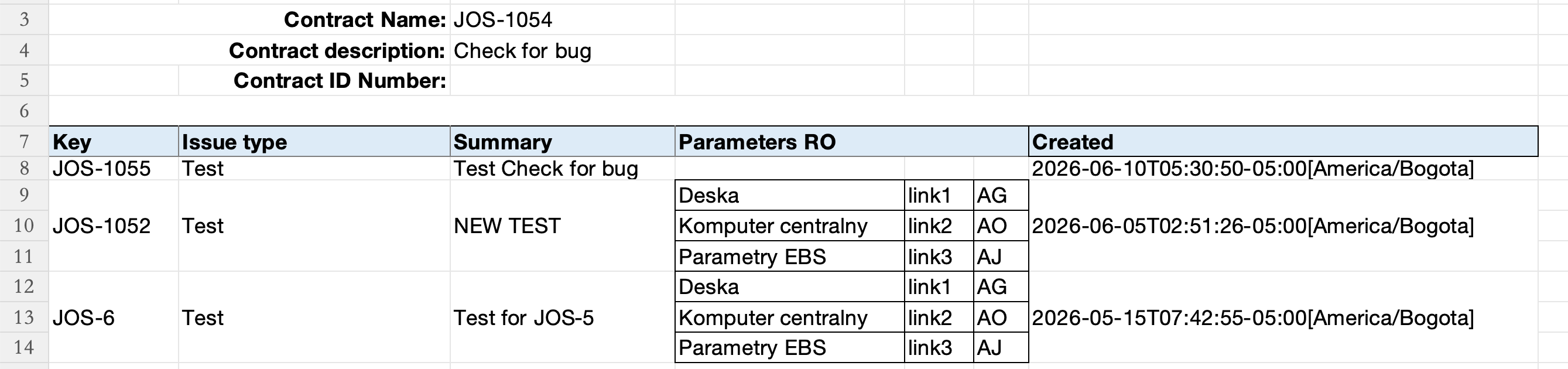
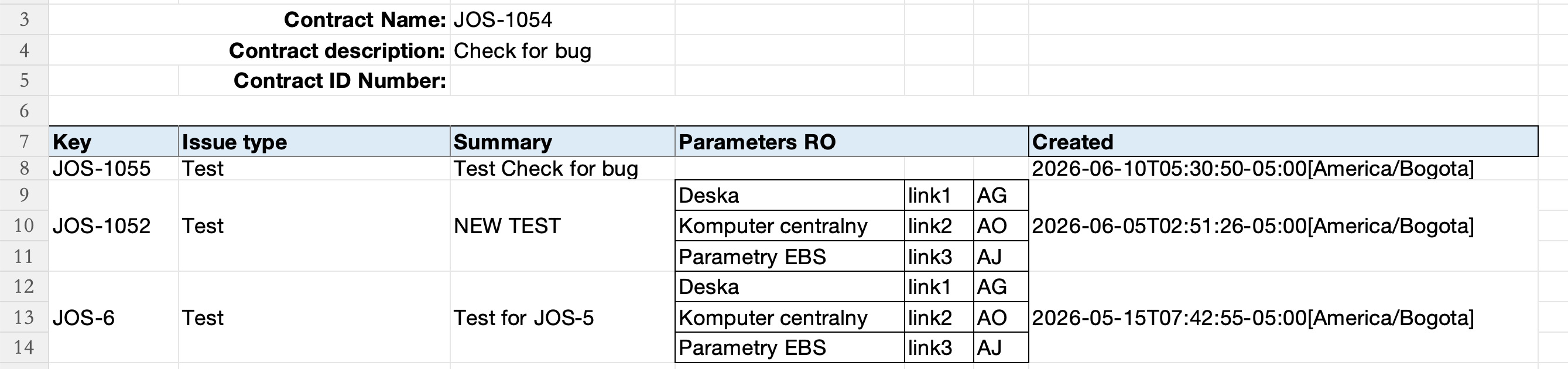
Only the first row of the HTML table is rendered, where the remaining rows are missing, and the cells are merged.

Expected result
All rows of the HTML table are rendered.
Version
- Xporter 7.4.5
Workaround
None identified
Attachments

Issue Links
- duplicates
-
XPOR-464 Loading...