Details
-
Bug
-
Status: Open
-
 Medium
-
Resolution: Unresolved
-
Xporter DC 7.3.5, Xporter DC 7.3.6, Xporter DC 7.4.7
-
None
-
None
-
Tested in
Jira 11.3.8 | Xporter 7.4.9 and 7.4.1
Jira 9.12.19 | Xporter 7.4.9, 7.3.6, 7.3.5
Description
Description
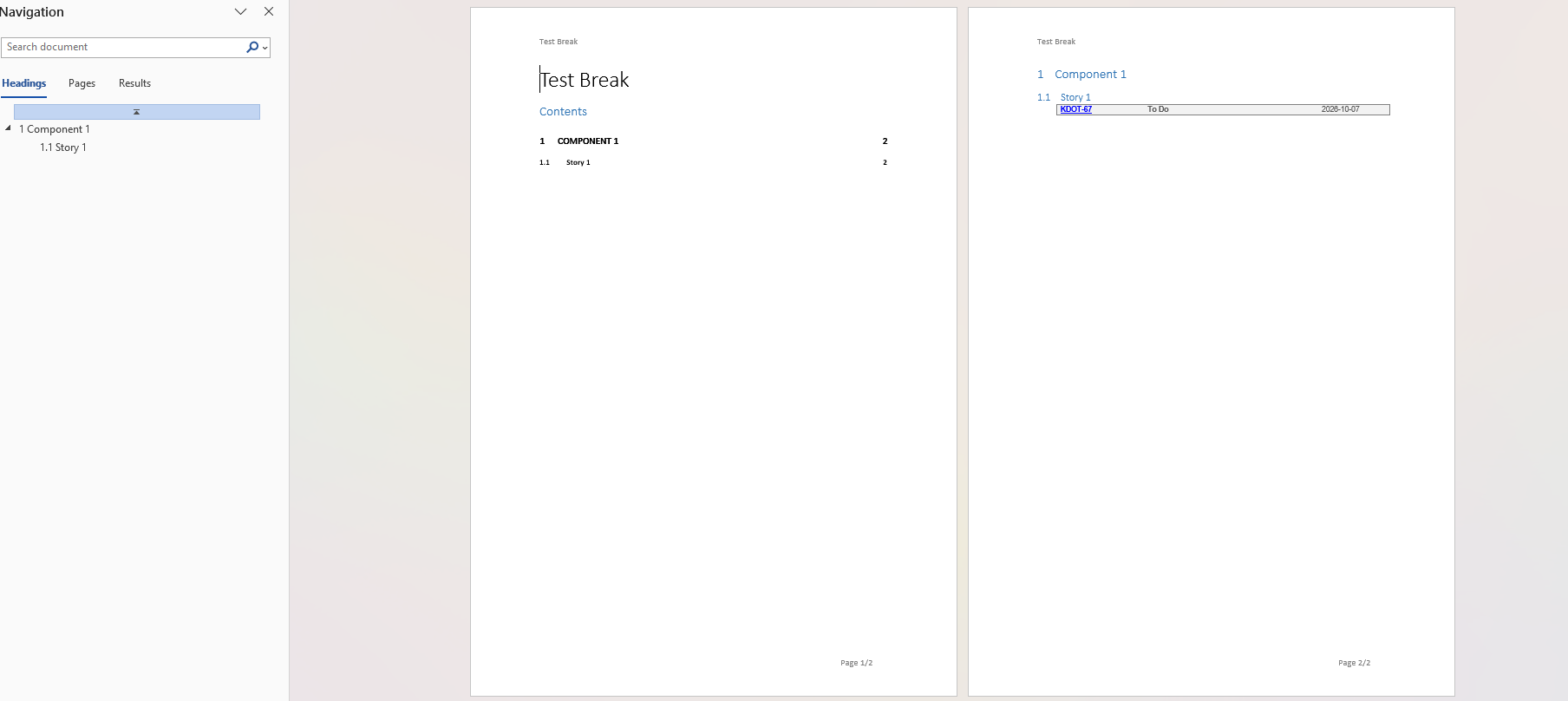
When exporting with the Break Page option enabled, only the first issue is exported. The remaining issues are not included in the generated document.
Pre-conditions
- A Structure is configured with multiple issues.
- An Xporter template is available for exporting the Structure.
How to reproduce
- Go to an existing Structure with multiple issues.
- Export the issues with Xporter
- Choose any option under Break Pages other than Never.
- Generate the export
Actual result/Attachments
Only the issues from the first group are exported. Issues from the remaining groups are missing from the generated document. 
Expected result
All issues from all groups should be exported, with page breaks applied according to the selected Break Pages option.
Version
- 7.4.9
- 7.4.1
- 7.3.6
- 7.3.5
Workaround
Disable the Break Page option.
Attachments

Issue Links
- duplicates
-
XPOR-1267 Loading...