Details
-
Bug
-
Status: Open
-
 Medium
-
Resolution: Unresolved
-
Xporter DC 7.4.11
-
None
-
None
-
Jira 11.3.X
Description
Description
When editing an existing Xporter Scheduled Report in Xporter DC 7.4.11-j11 (happens only with Jira 11 compatible version), the scheduled action configuration dialog opens with all fields empty instead of displaying the previously saved configuration.
The scheduled report already contains email recipients and other configuration details. However, upon opening the edit screen, none of the existing values are populated. If the user clicks Update, the empty values overwrite the existing configuration, resulting in loss of the previously configured data. If the user clicks Cancel, the original configuration remains intact.
Pre-conditions
- Jira Data Center 11.x
- Xporter DC 7.4.11-j11 installed
- Existing Scheduled Report created and configured with:
- Email recipients (To/Cc/Bcc)
- Subject
- Other scheduled action configuration settings
How to reproduce
- Create a Scheduled Report with email recipients and other configuration details.
- Save the Scheduled Report.
- Navigate to the Scheduled Reports list.
- Open the existing Scheduled Report for editing (Configure scheduled action).
- Observe the values displayed in the configuration dialog.
- Optionally click Update without re-entering the values.
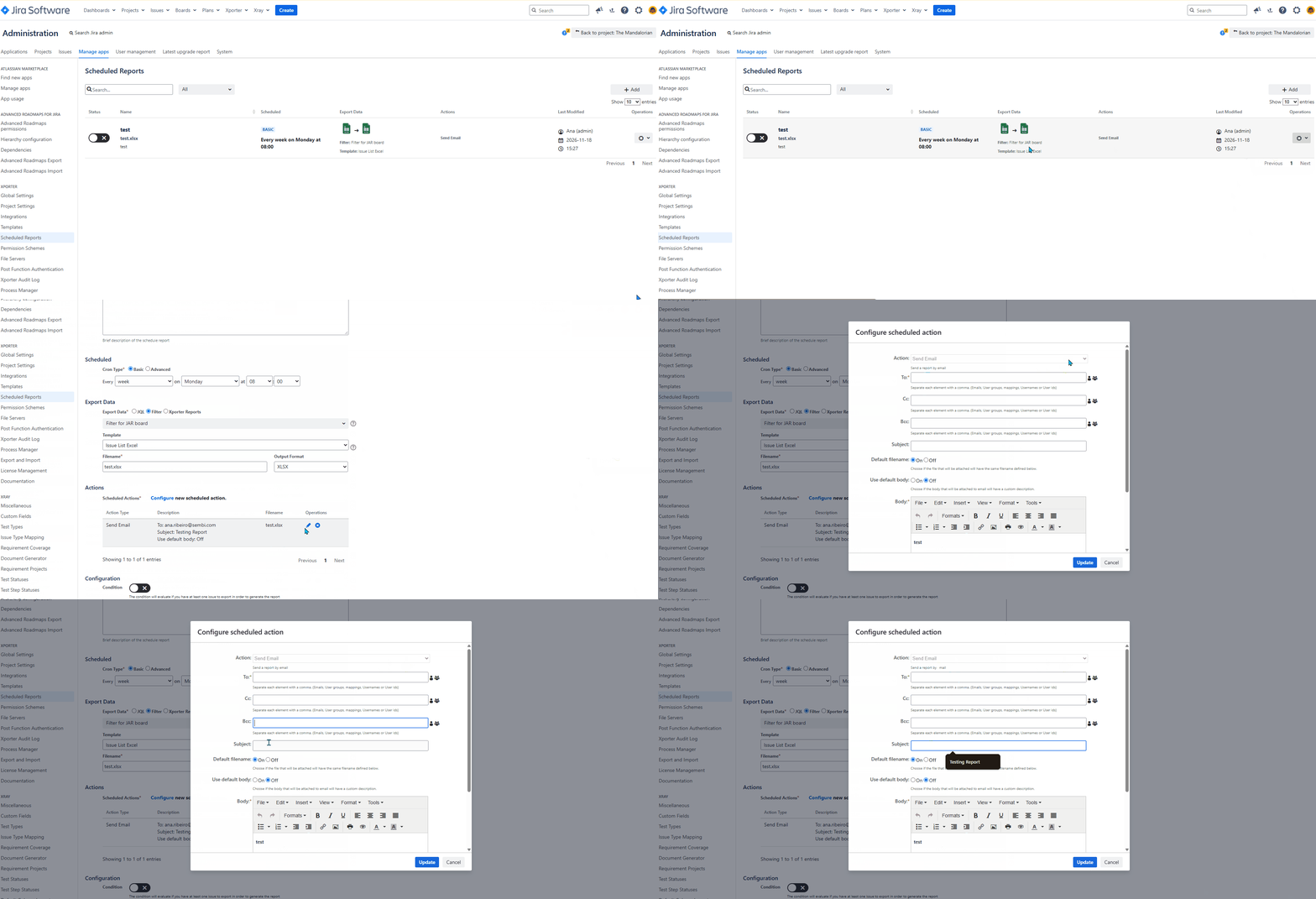
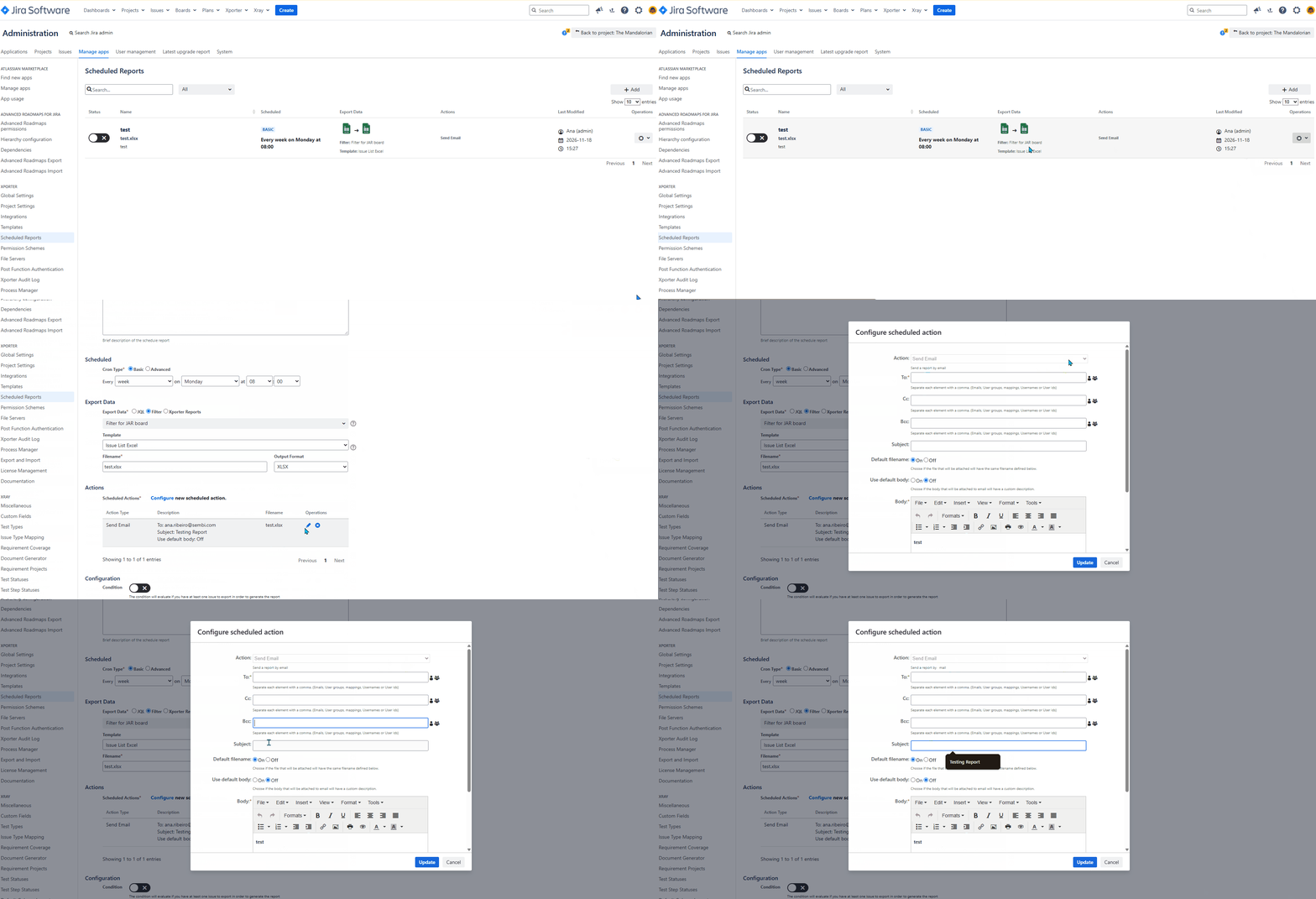
Actual result/Attachments
- The configuration dialog opens with empty fields.
- Previously saved email recipients and other configuration values are not displayed.
Expected result
When editing an existing Scheduled Report, all previously saved configuration values should be loaded and displayed in the configuration dialog so that users can review and modify them. Saving the report should preserve existing values unless explicitly changed by the user.
Version
- Xporter DC: 7.4.11-j11
Workaround
- Do not click Update when the edit dialog opens with empty fields.
- Click Cancel to avoid overwriting the existing configuration.
- Note the configuration details and then update the existing one as if you we are creating a new one.
Attachments
Issue Links
- duplicates
-
XPOR-1599 Loading...