Details
-
Bug
-
Status: Resolved
-
 Medium
-
Resolution: Fixed
-
Xporter Cloud 2.3.8
-
None
-
UI
Description
Description
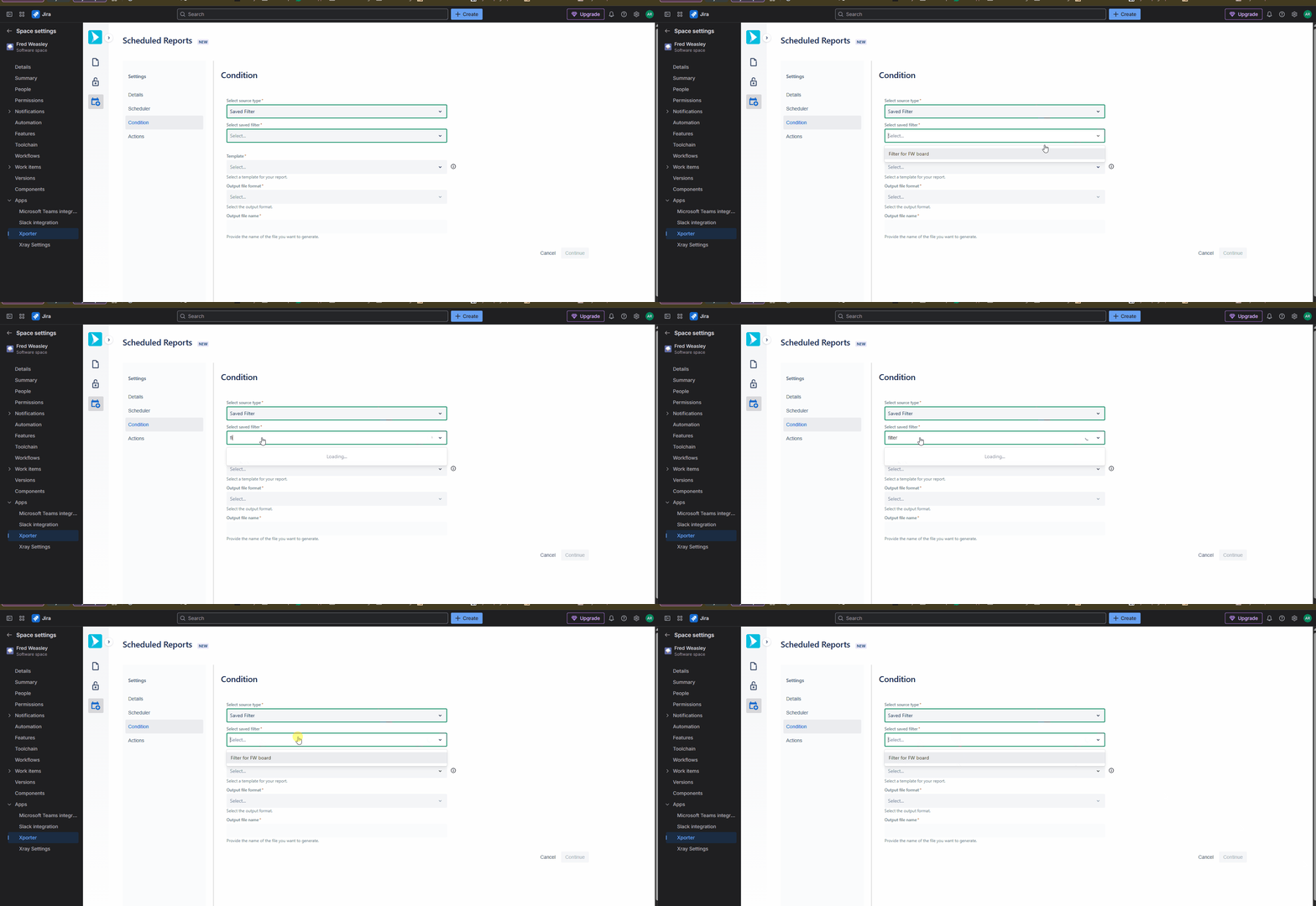
When creating a scheduled report and entering the name of a saved filter, no results are returned, and the system displays “No Options,” even though saved filters exist
How to reproduce
- Go to Space Settings → Xporter → Scheduled Reports
- Create a new Schedule Report
- Navigate to Conditions
- In Saved Filters, start typing the filter name
- The system displays “No Options.”
- In the HAR File it shows error 403
Actual result/Attachments
When the filter name is entered, the matching filter should appear and be available for selection.
Expected result
To enter the filter name and have the filter displayed for selection.
Version
- Xporter 2.3.8
Workaround
To scrolldown the list and manually choose the Saved Filter