Details
-
Bug
-
Status: Closed
-
 Critical
-
Resolution: Fixed
-
Xporter Cloud 3.1.0
-
None
-
Cloud
Description
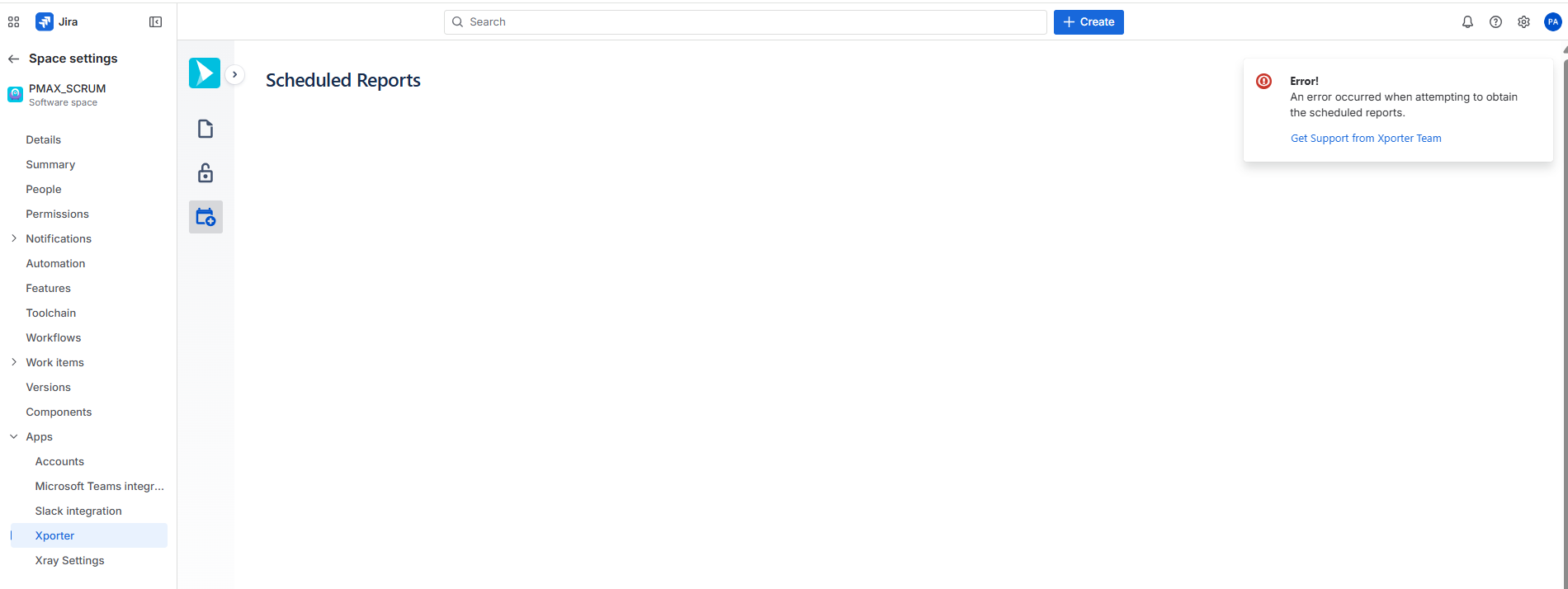
Can't open the Scheduled Reports section in the Space settings after creating a Scheduled Report.
The following error is shown:
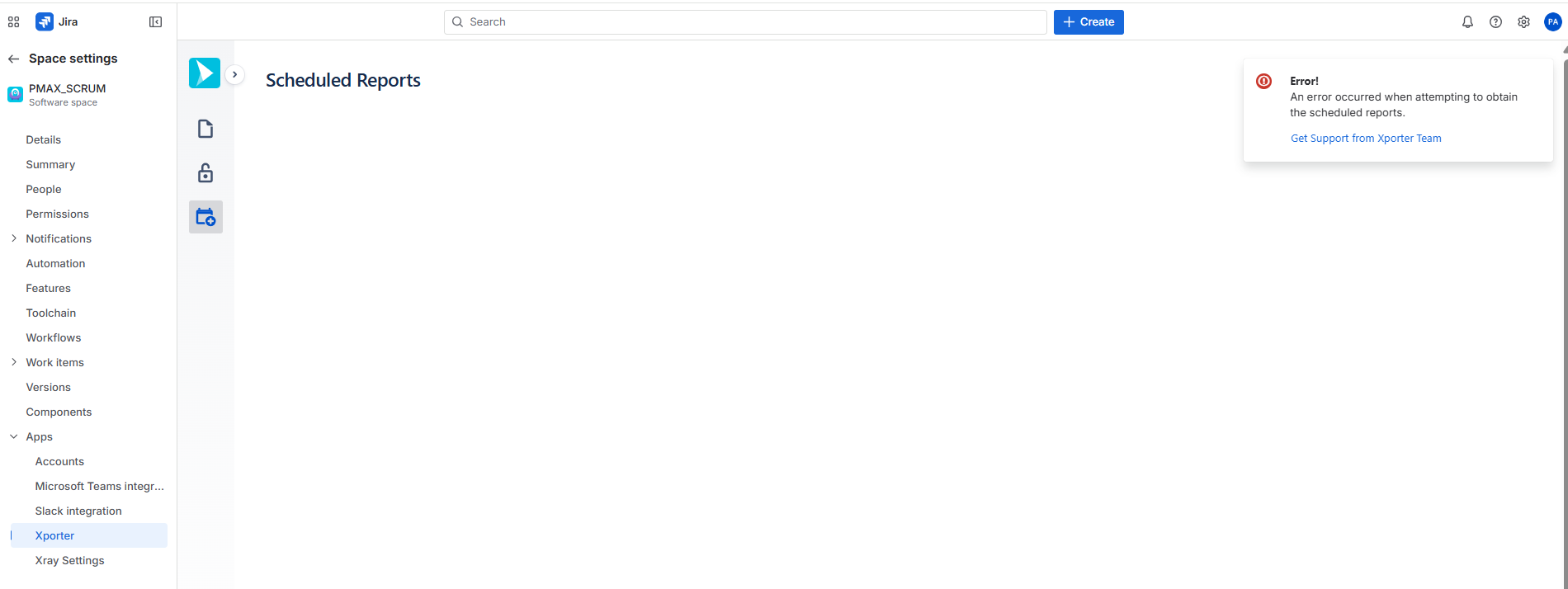
The same doesn't occur if we open the page for one Project where no Scheduled Reports have been created yet.
Steps to reproduce:
- Access Space settings > Apps > Xporter and create a Scheduled Report.
Expected Result:
- The list of Scheduled Reports should be shown.