Details
-
Bug
-
Status: Resolved
-
 Critical
-
Resolution: Fixed
-
Xporter Cloud 8.0.0
-
None
-
macOS 27.0
Google Chrome Version 150.0.7871.187 (Official Build) (arm64)
Description
Description
Xporter export dialog fails to render when a recently added template is selected from the Issue Navigator bulk export path. Templates already uploaded approximately a week ago or earlier continue to work normally, while newly created document entries trigger the problem.
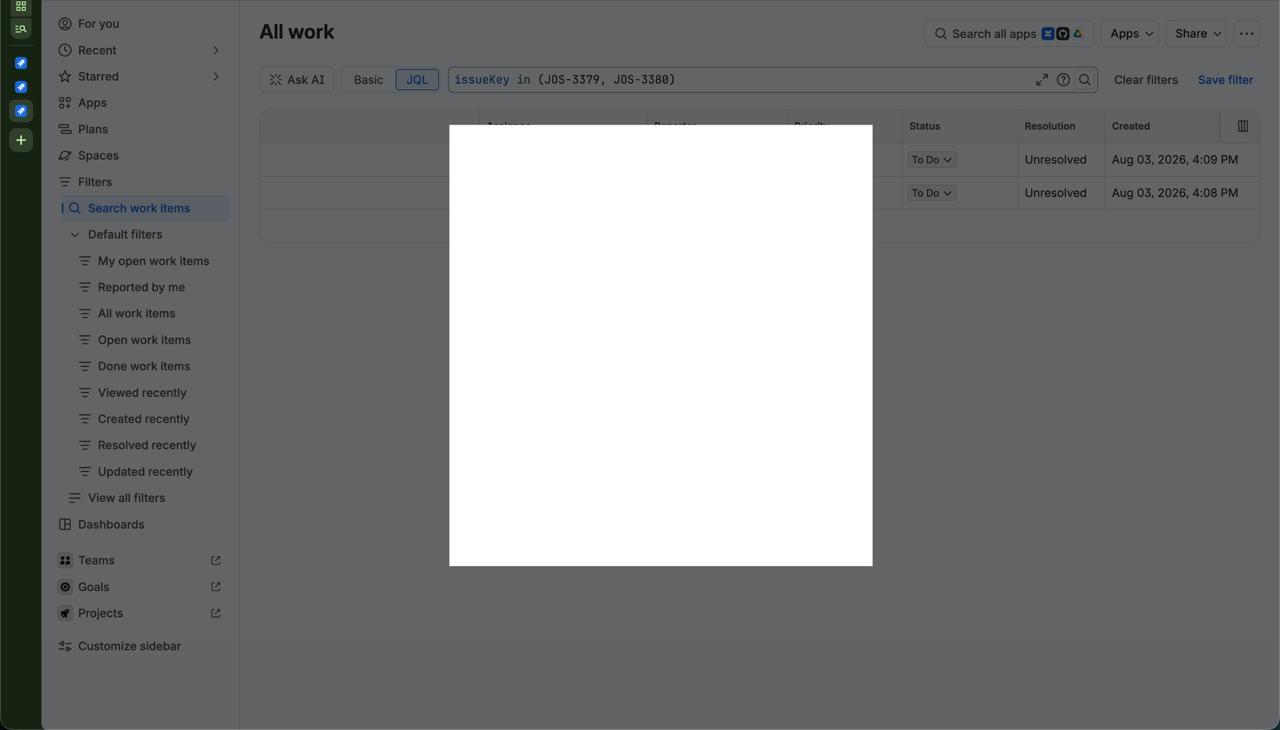
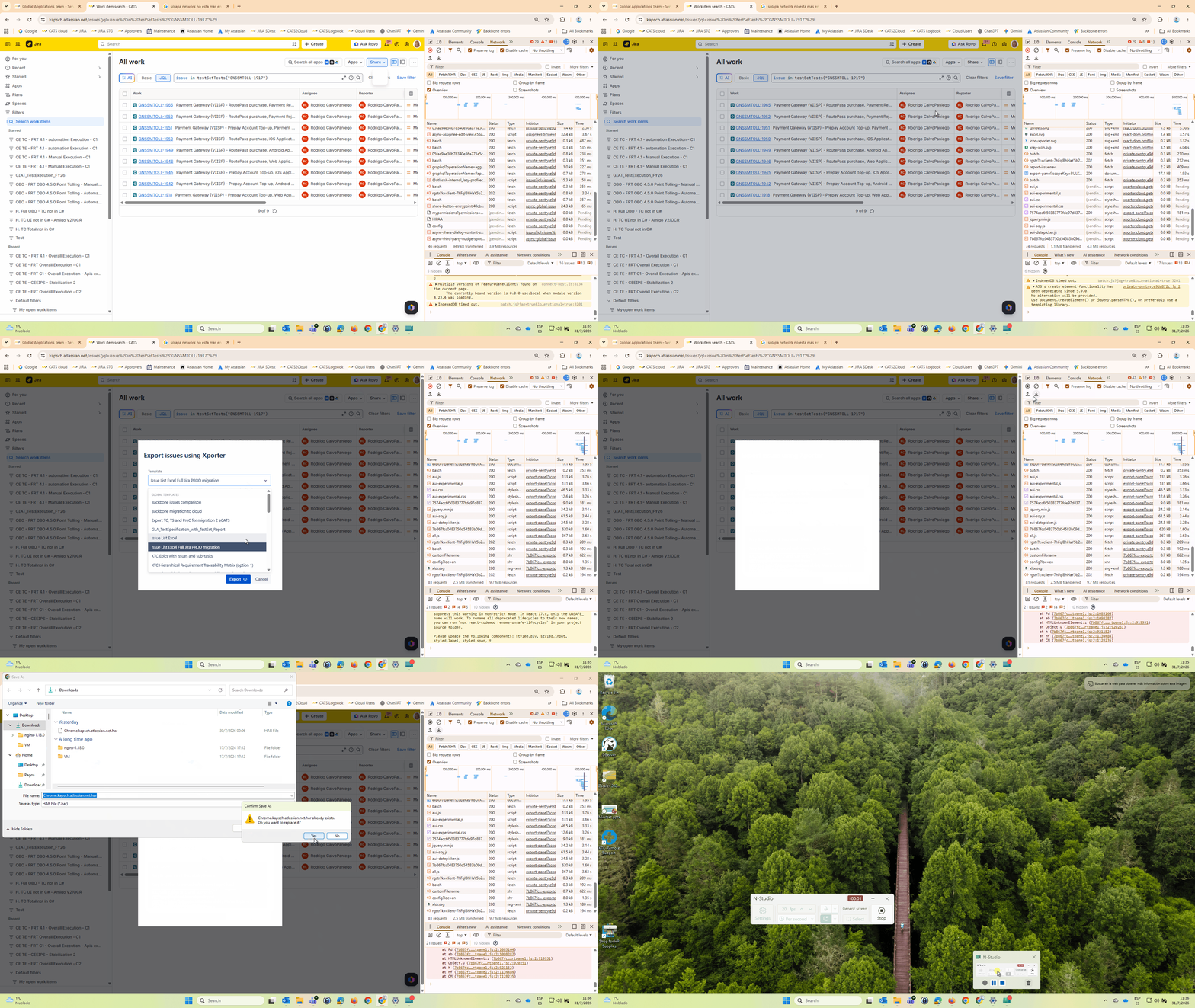
- Word templates: selecting the entry turns the dialog fully blank/white, and the export cannot be started. No workaround is known.
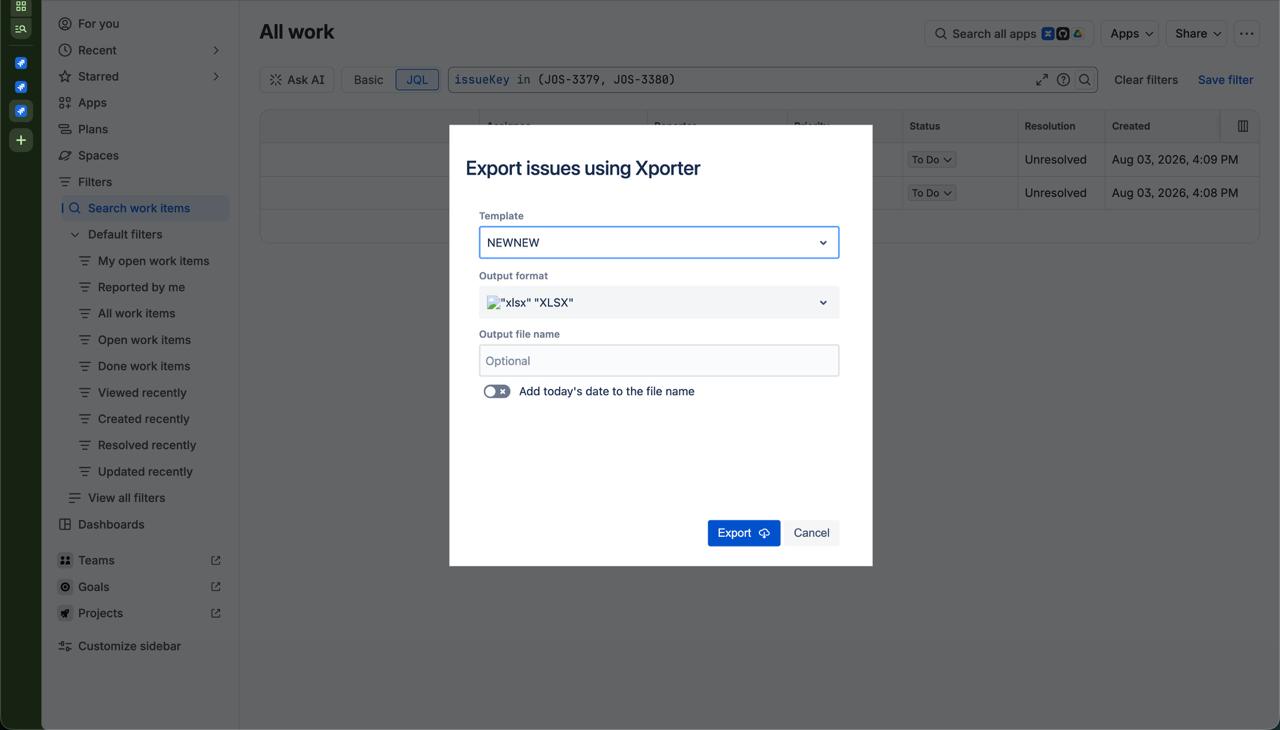
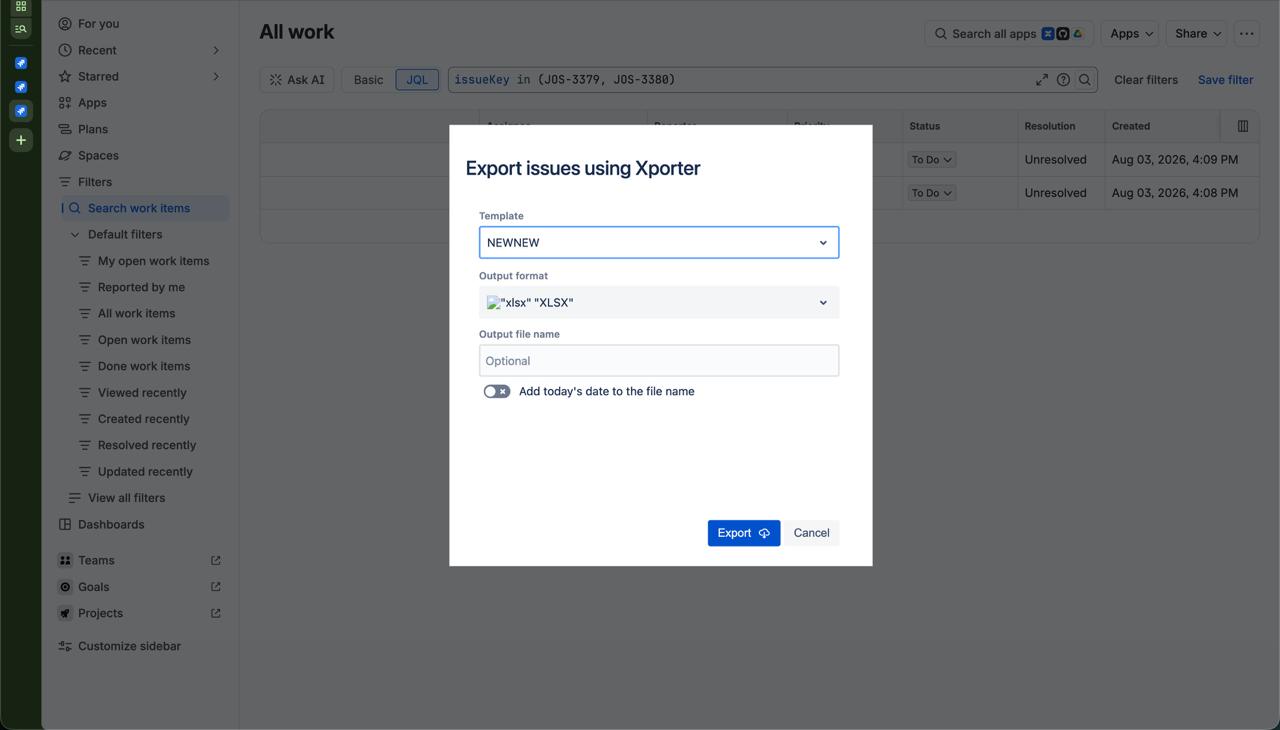
- Excel templates: the entry renders, but with broken Word/Excel file-type icons; changing the target export file type makes these work.
Single-issue exports with the same templates work correctly; only the bulk (filter) path is affected.
Pre-conditions
- Xporter Cloud installed on the instance.
- A newly created document entry with an uploaded template
- Any saved filter in the Issue Navigator
How to reproduce
- Go to Xporter settings and create a new template document.
- Open a filter in the Issue Navigator.
- Click Apps >> Xporter.
- Select the newly created document entry.
Actual result/Attachments
Word Templates: The export dialog turns fully blank/white and the export cannot be started
Excel templates: The dialog renders with broken file-type icons, and switching the target export format works around it.
Expected result
The export dialog renders normally for newly added document entries, identical to previously created entries.
Workaround
- Excel templates: change the target export file type in the dialog, which makes the entry usable.
- Word templates: N/A
Attachments
Issue Links
- duplicates
-
XPOR-753 Loading...