Details
-
Bug
-
Status: Open
-
 Medium
-
Resolution: Unresolved
-
Xporter Cloud 10.2.0
-
None
-
None
-
macOS 27.0
Google Chrome Version 156.0.8078.48 (Official Build) (arm64)
Description
Description
When a user authorizes the Tempo Timesheets integration in Xporter Cloud, the browser is redirected to a deprecated Tempo servlet URL on the Jira site, https://<site>.atlassian.net/plugins/servlet/ac/io.tempo.jira/oauth-authorize/?client_id=...&redirect_uri=...&state=... , and a white page with the text “Bundle error” is displayed instead of the Tempo consent screen.
Pre-conditions
- Xporter Cloud installed.
- Tempo Timesheets latest installed
- An OAuth 2.0 application created in Tempo Settings with redirect URI https://xporter.cloud.getxporter.app/api/integrations/tempo/auth as per the documentation.
- Client ID and Client Secret from Tempo entered in Xporter Integration Settings.
How to reproduce
- Open Xporter > Integrations and click Configure on the Tempo Timesheets to start the user authorization.
- Observe the error and the URL the browser is redirected to.
Actual result/Attachments
The browser lands on https://<site>.atlassian.net/plugins/servlet/ac/io.tempo.jira/oauth-authorize/?client_id=...&redirect_uri=...&access_type=tenant_user&state=... and shows a white page with “Bundle error”.

Expected result
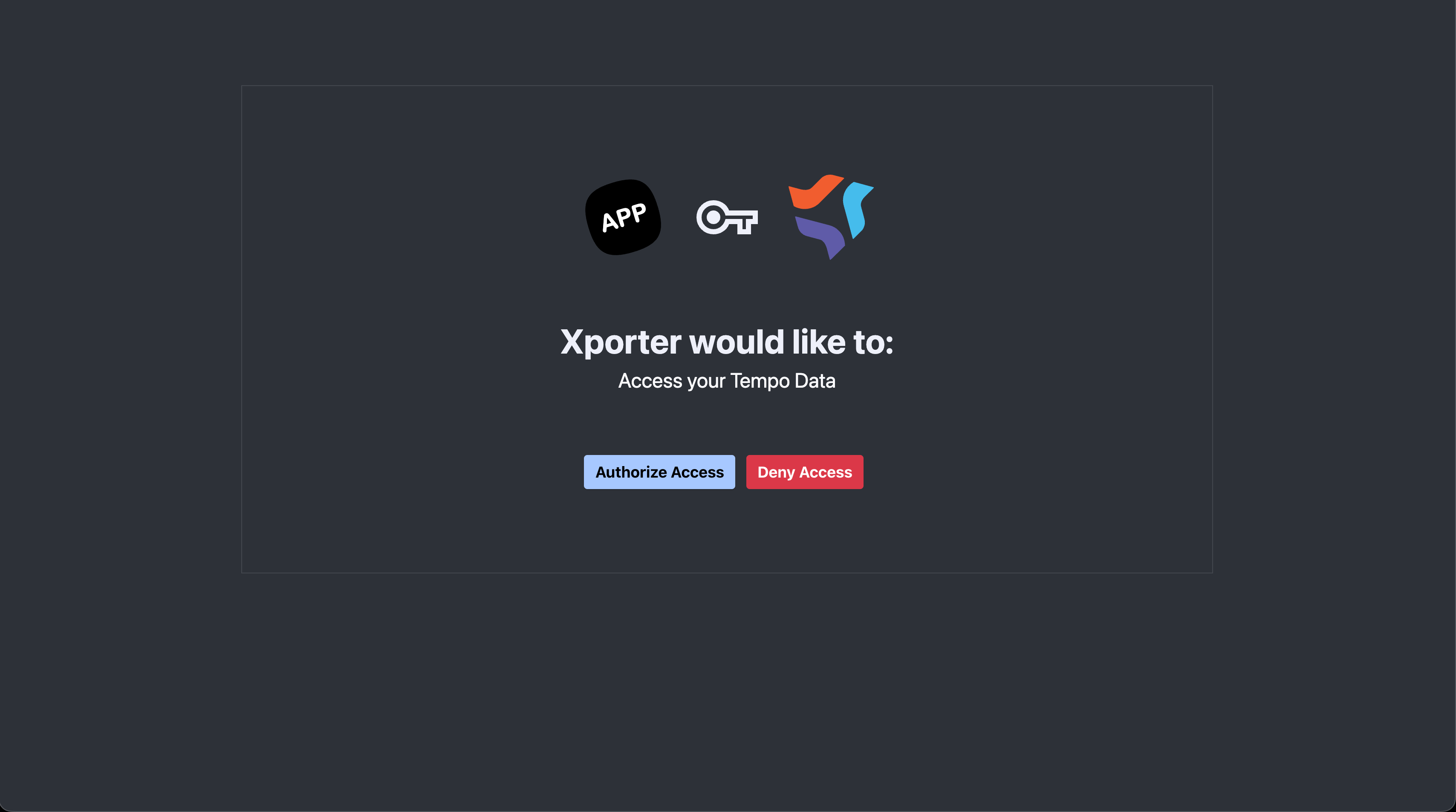
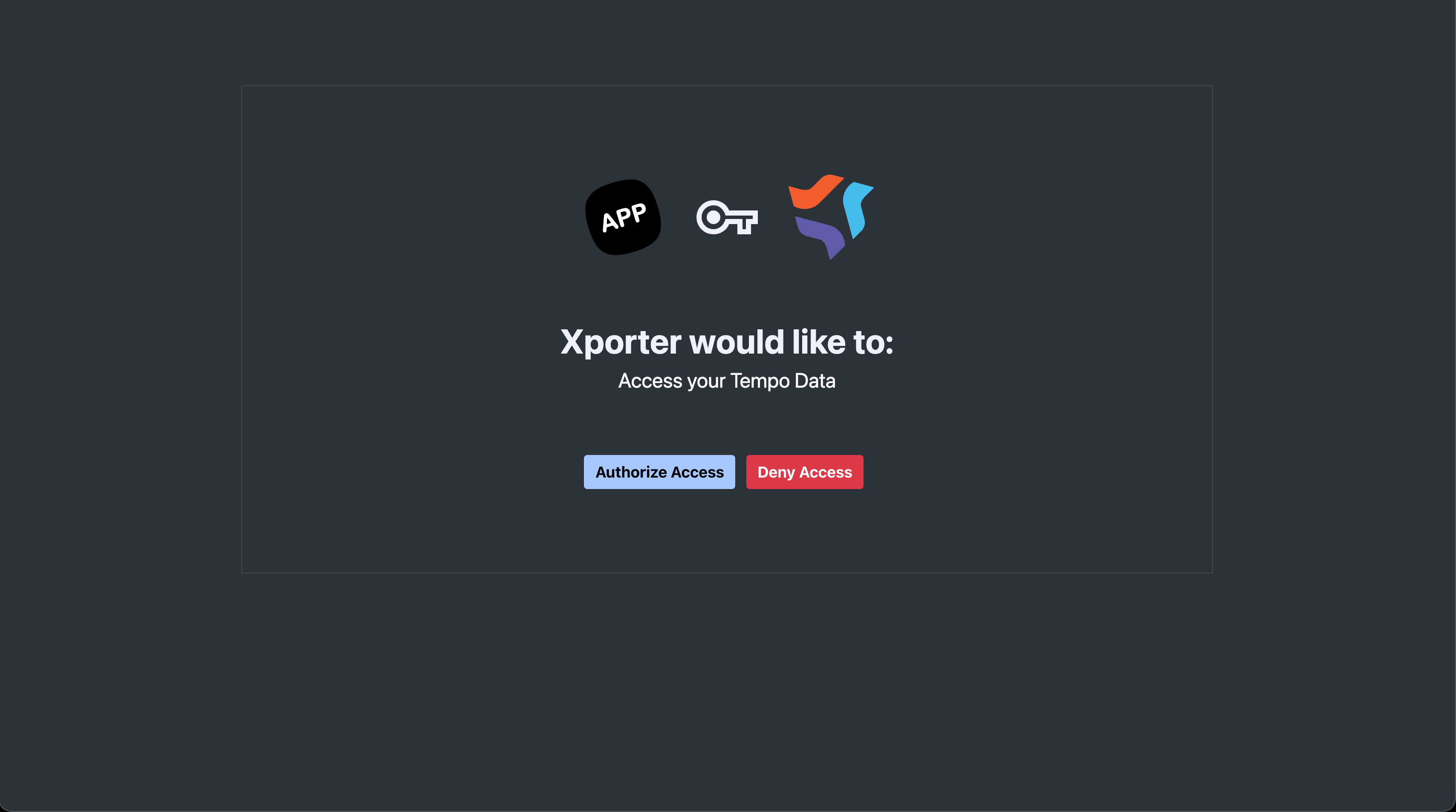
The user is taken to the Tempo consent screen, approves the access, and is redirected back to Xporter with the integration connected.
Version
- Xporter Cloud 10.0.0
- Tempo Timesheets 11.4.0
Workaround
Copy the client_id and state values from the failing URL and open manually
https://api.tempo.io/oauth/authorize/redirect?client_id=<client_id>&redirect_uri=https://xporter.cloud.getxporter.app/api/integrations/tempo/auth&access_type=tenant_user&state=<state>&jira_url=https://<site>.atlassian.net
Attachments

Issue Links
- is duplicated by
-
XPOR-1396 Loading...