Details
-
Bug
-
Status: Open
-
 Minor
Minor
-
Resolution: Unresolved
-
Xray DC 8.2.2, Xray DC 8.2.3
-
None
-
None
-
UI
Description
Description
When more than one Test Step exists, the Done button does not appear when attempting to add images in the Expected Result.
How to reproduce
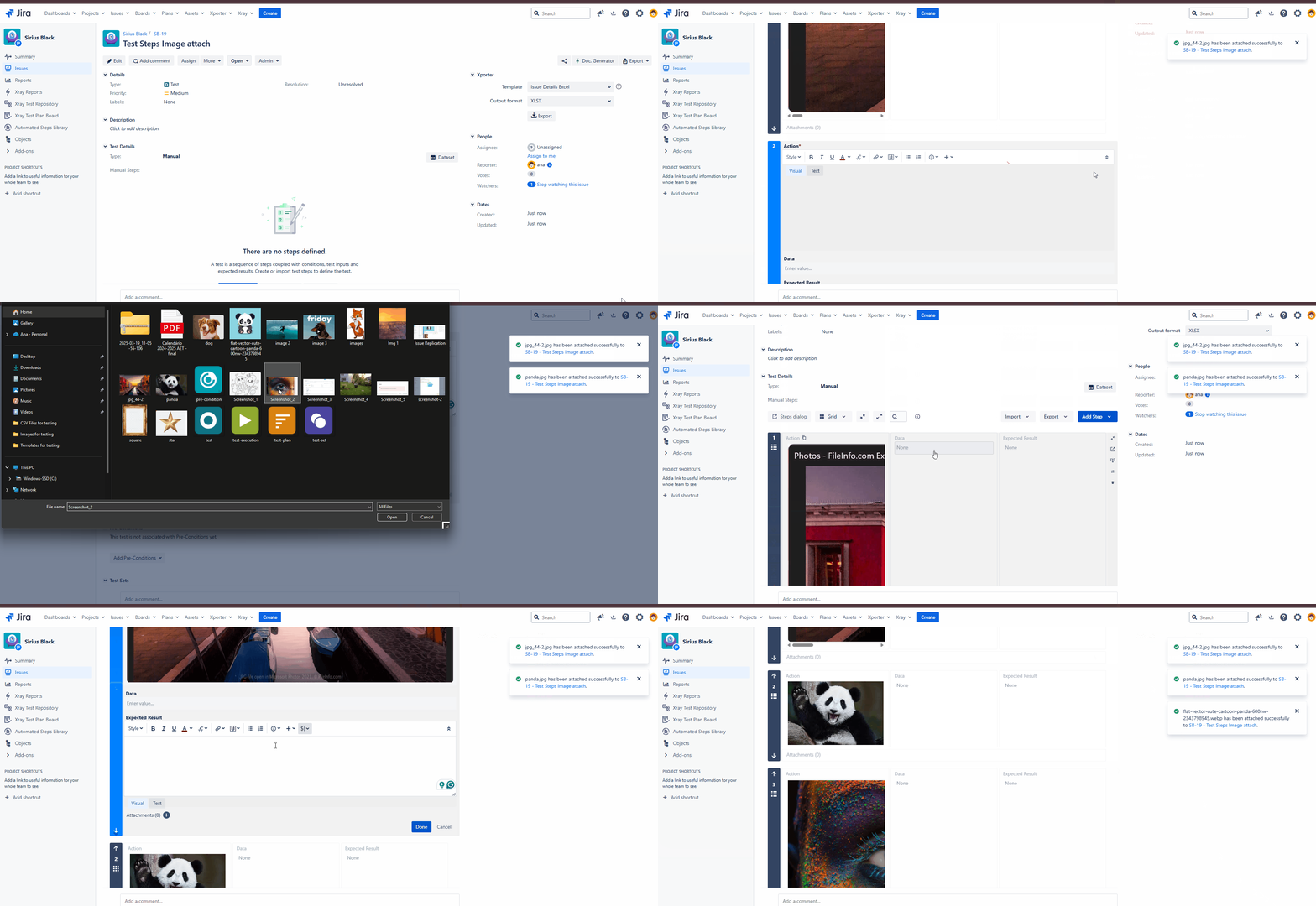
- Create a Test
- Add multiple Test Steps to the Test
- Add Images to the Test Steps
- Navigate back to the first test step
- In the Expected Result section, attempt to add an image.
- Observe that the Done button does not appear unless the Expected Result field is clicked.
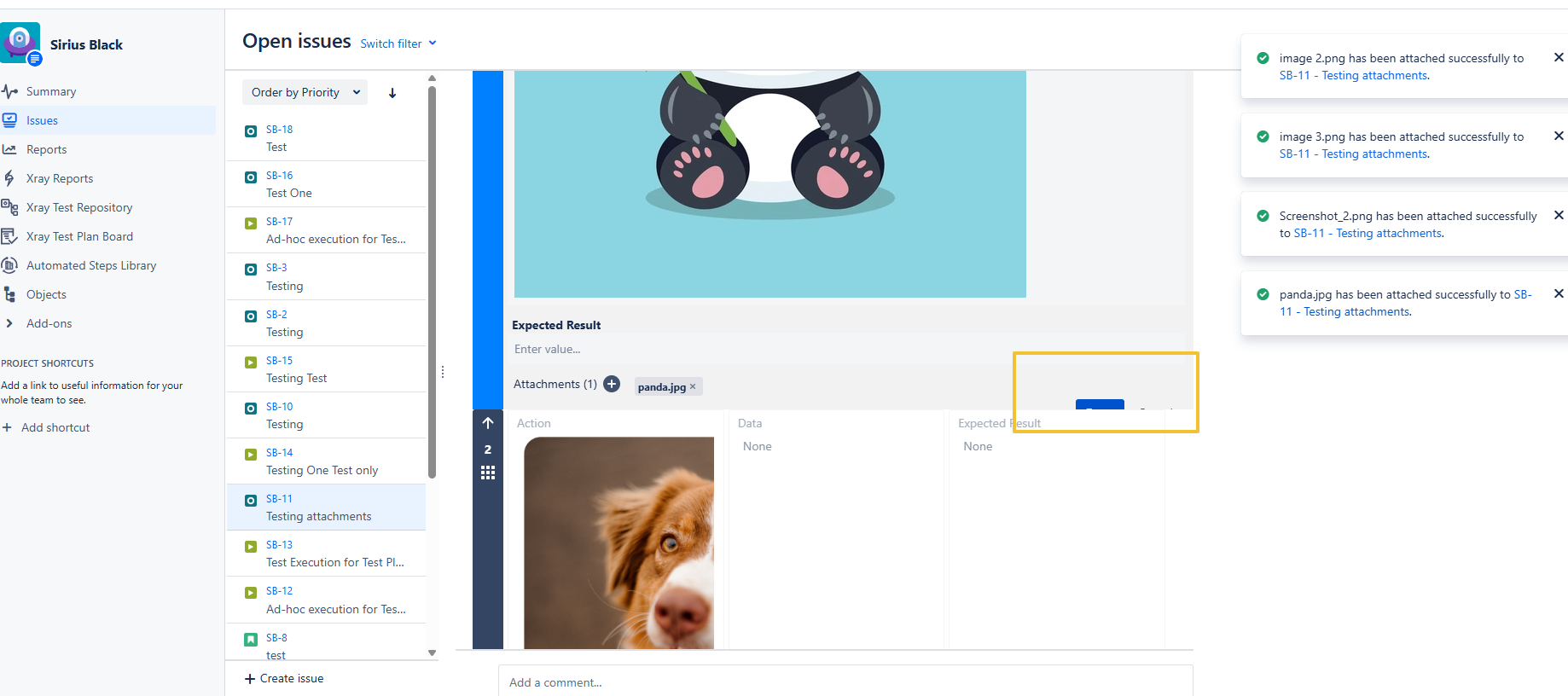
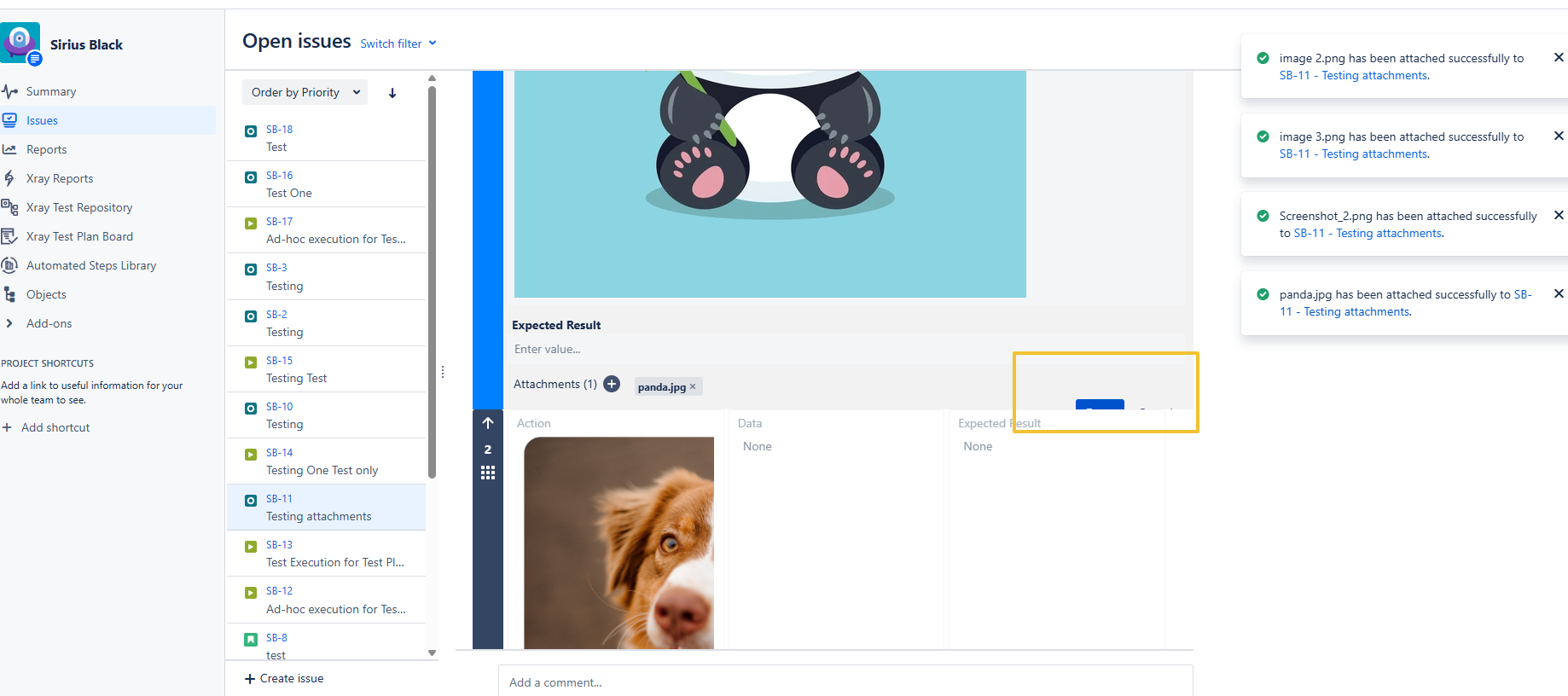
Actual result/Attachments
The Done button does not appear unless we click inside the Expected Result field.
(gif attached showing the behavior)
Expected result
The Done button should be visible and available without requiring an additional click inside the Expected Result field
Version
- 8.2.2-j10
- 8.2.3-j10
Workaround
If clicking in the Expected Result area, then the Done Button will show
Attachments
Issue Links
- duplicates
-
XDC-994 Loading...