Details
-
Bug
-
Status: Resolved
-
 Minor
Minor
-
Resolution: Fixed
-
Xray DC 8.2.3, Xray DC 8.4.1
-
None
-
Jira Server, Chrome, Windows O.S
Description
Description
In Xray DC/Server, on the Test Run page, changes made to attachments within the Attachments section of Test Steps do not trigger the Reset / Merge option.
However, when any other Test Step information (such as text fields or attachments within those fields) is modified, the Execution Details page correctly displays the Reset / Merge option.
Pre-conditions
- An existing Manual Test with a Test Run associated with the Manual Test
- Test Steps that already include attachments
How to reproduce
- Open a Manual Test that contains Test Steps with attachments and has an associated Test Run.
- Edit the Test Steps by modifying:
- Text fields (Action / Data / Expected Results), and/or
- Attachments within those fields.
- Open the Test Run page and observe the Reset / Merge option.
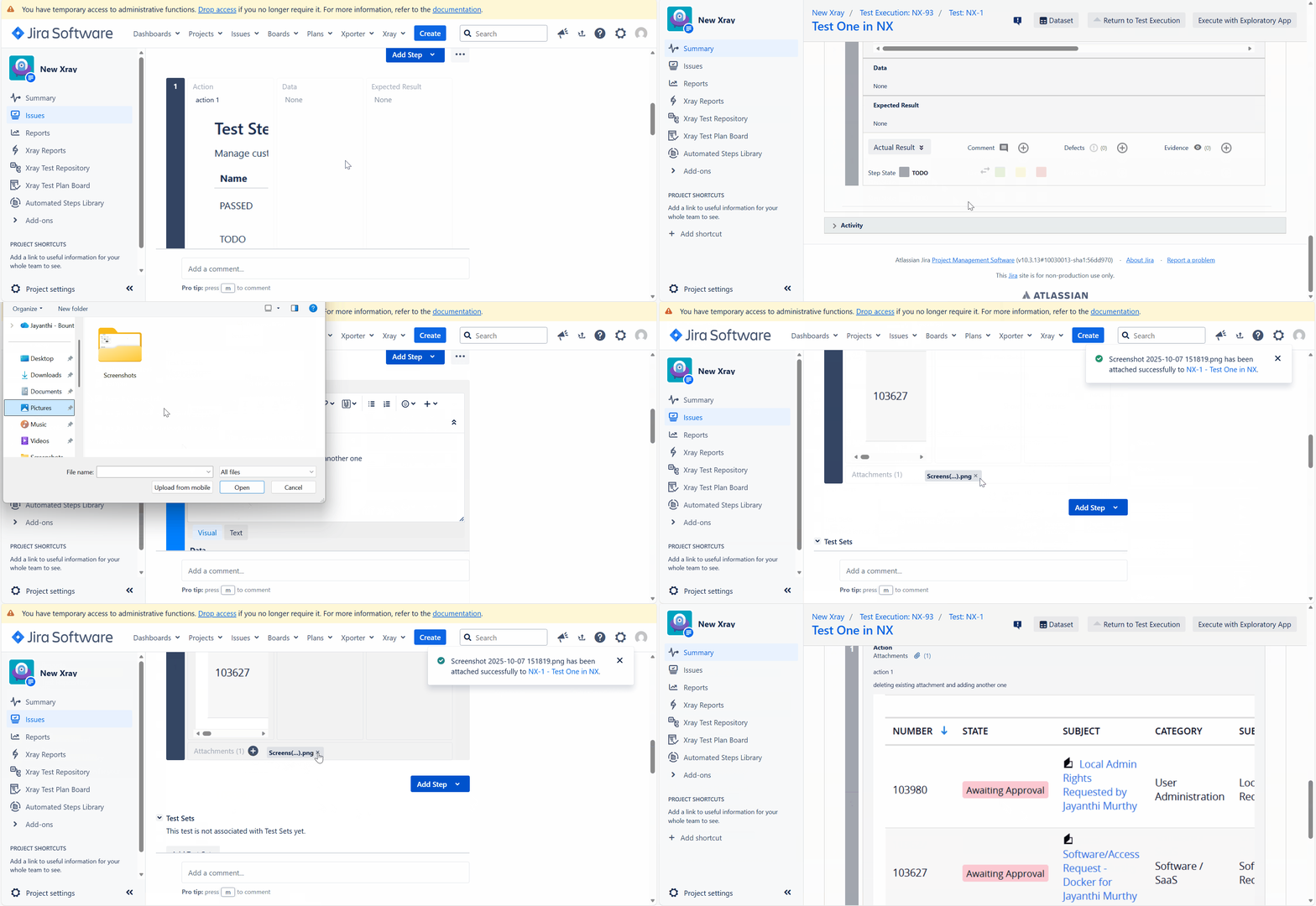
- Now, edit the Test Steps by changing attachments using the Attachments field in the Test Step.
- Open the Test Run page again.
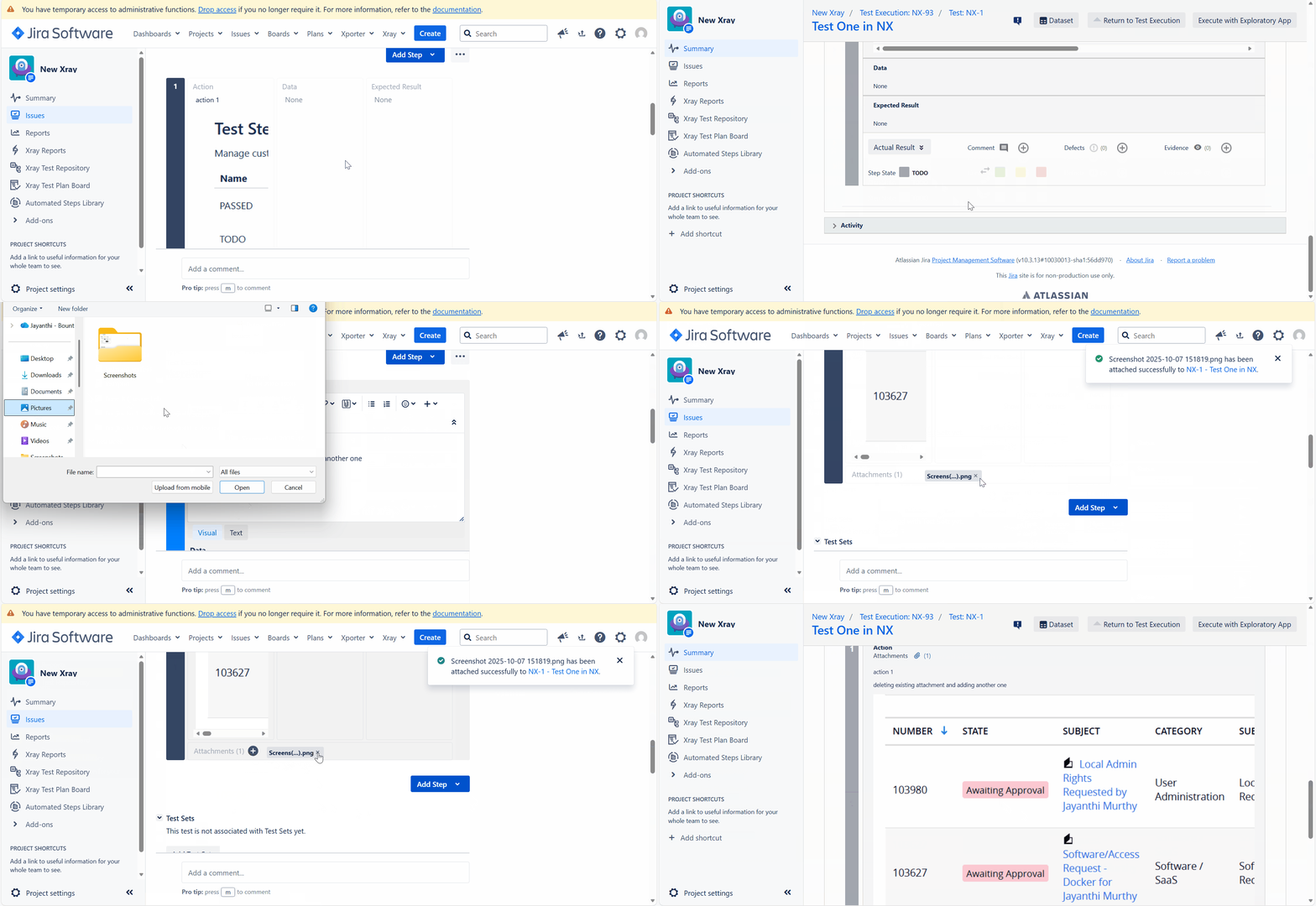
Actual result/Attachments
- When Test Step text fields or inline attachments are modified, the Reset / Merge option is displayed as expected.
- When attachments are modified only via the Attachments field in the Test Steps, the Reset / Merge option is not shown on the Test Run page.
Expected result
The Reset / Merge option should be displayed on the Test Run page whenever Test Step attachments are modified, regardless of whether the change is made through text fields or the Attachments section.
Version
- Xray 8.4.2
Workaround
N/A
Attachments
Issue Links
- duplicates
-
XDC-229 Loading...