Details
-
Bug
-
Status: Resolved
-
 Minor
Minor
-
Resolution: Fixed
-
Xray DC 8.4.1
-
None
-
N/A
Description
Steps to reproduce:
- On Xray Data Center
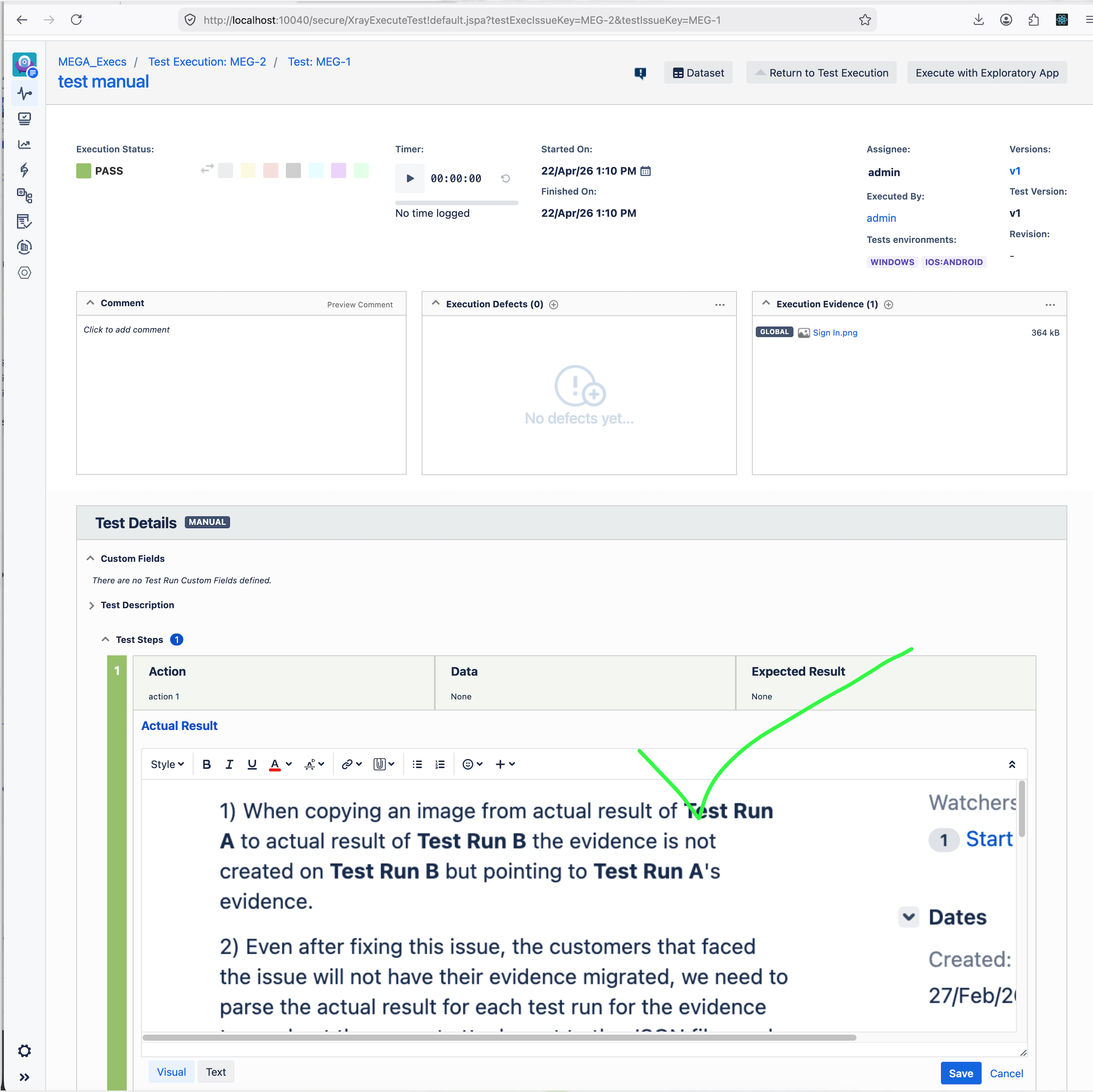
- Create a Test Execution and execute a Test, generating Test Run A.
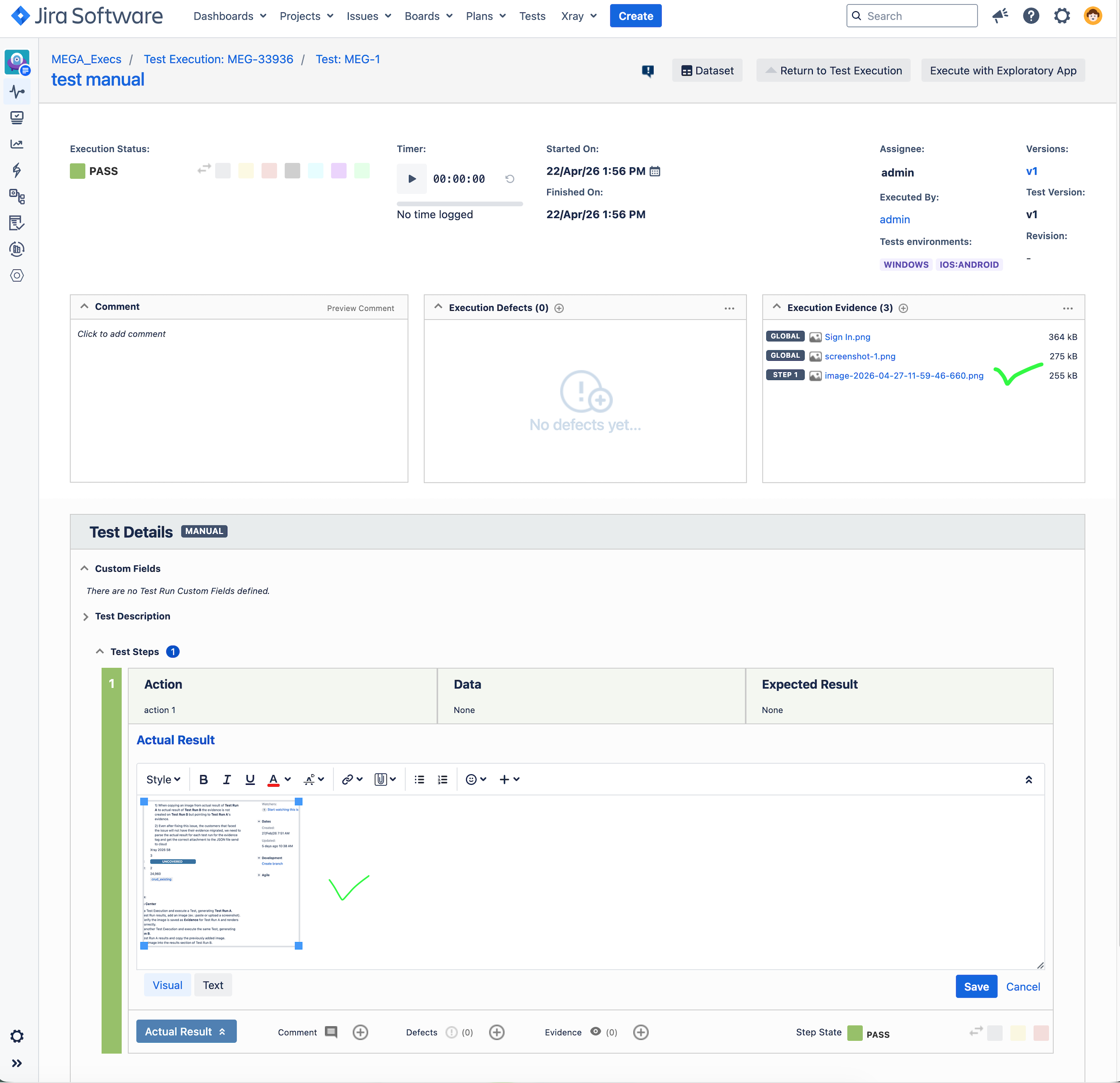
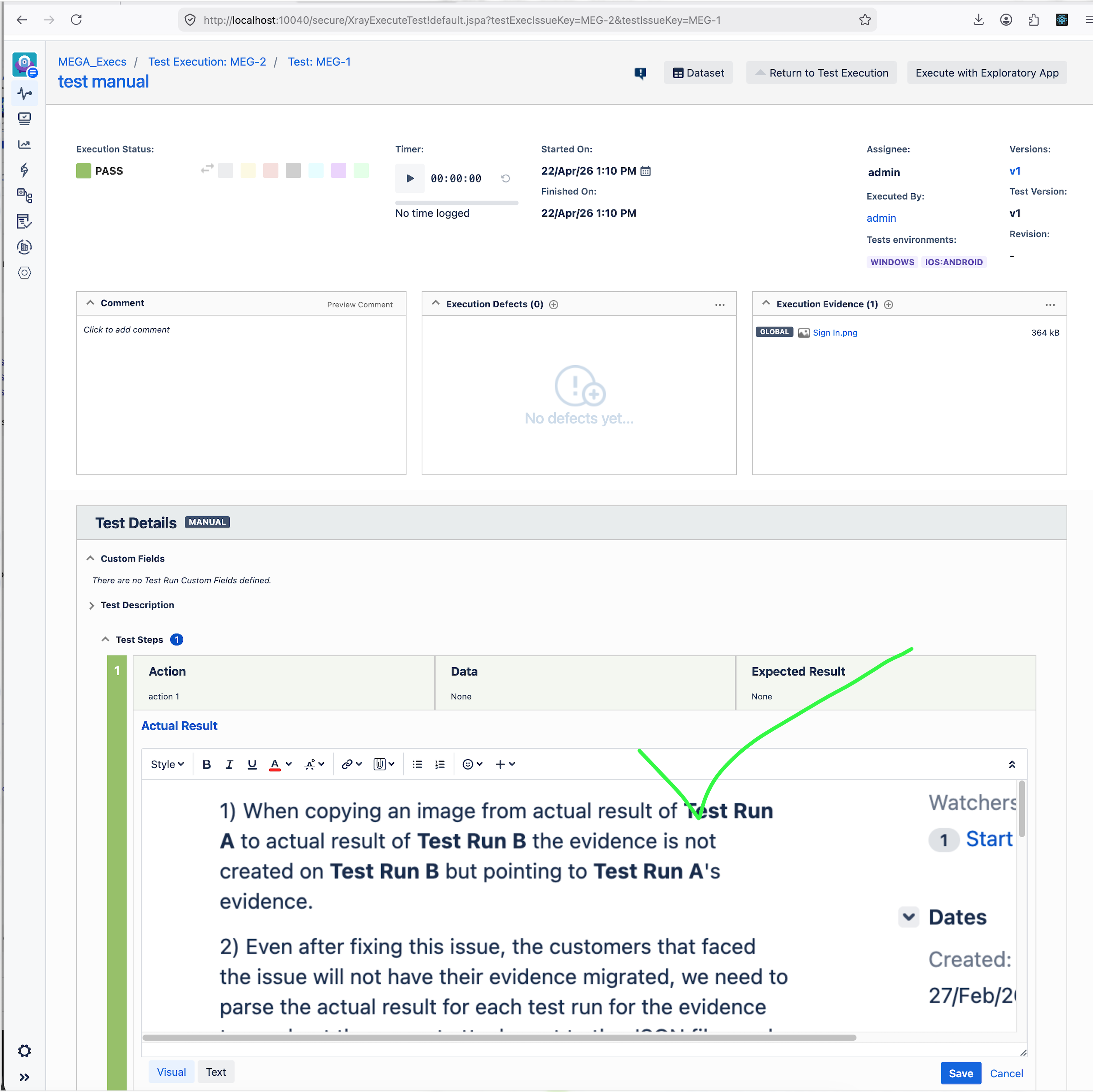
- In the Test Run Actual Resulta, add an image (ex.: paste or upload a screenshot).
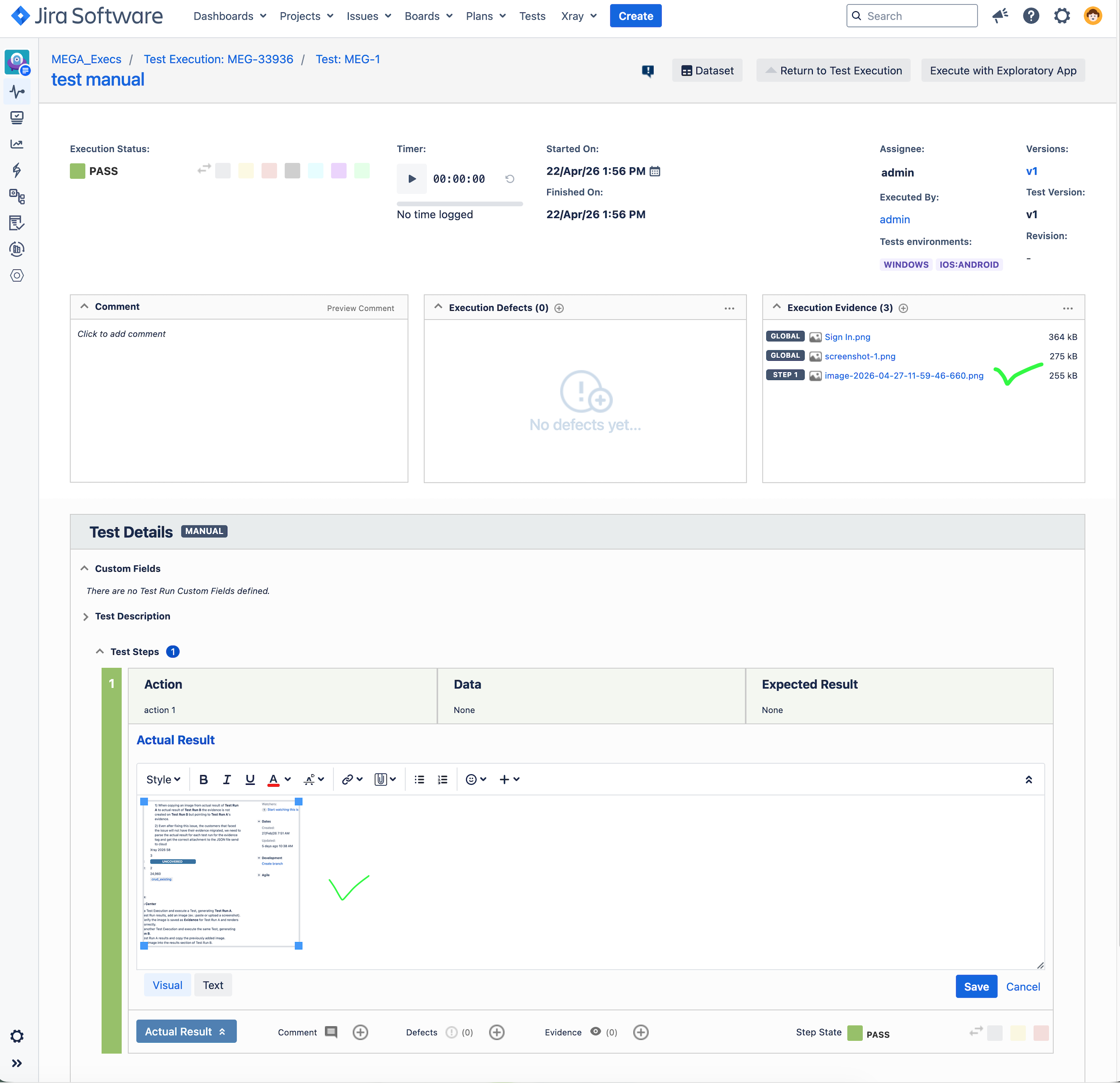
- Verify the image is saved as Evidence for Test Run A and renders correctly.
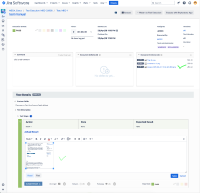
- Verify the image is saved as Evidence for Test Run A and renders correctly.
- Create another Test Execution and execute the same Test, generating Test Run B.
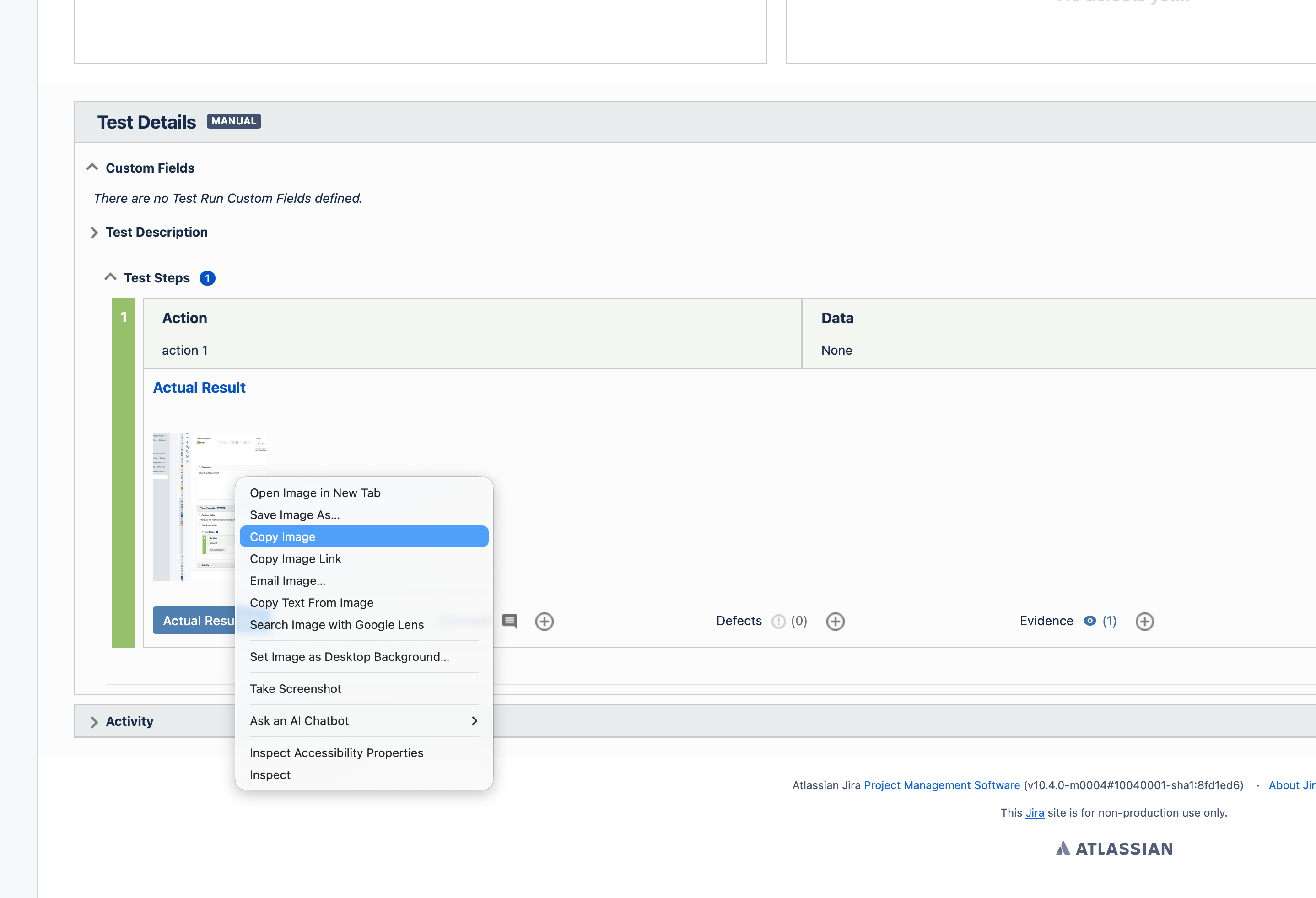
- Open Test Run A Actual result in visual mode and copy the previously added image.
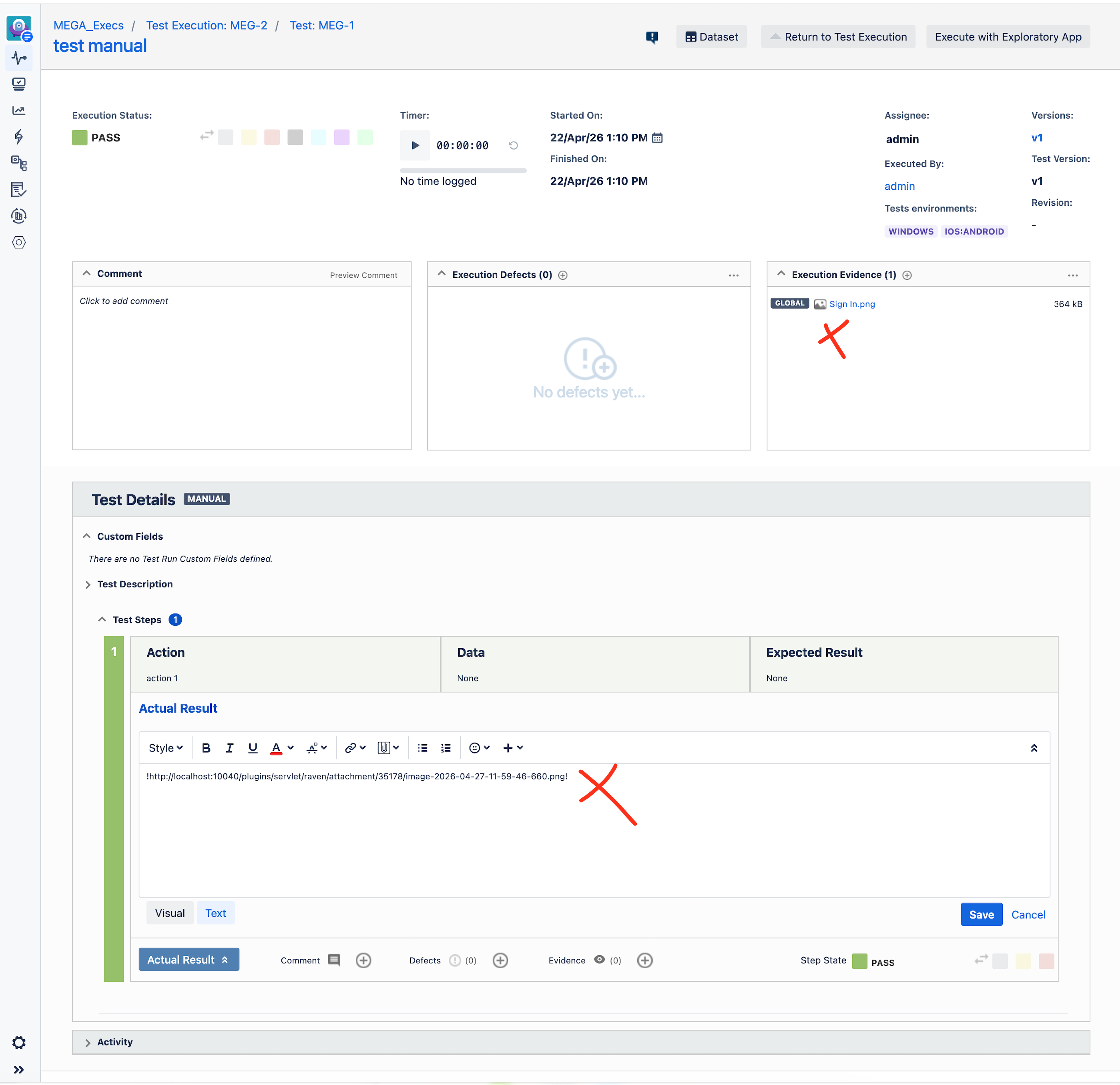
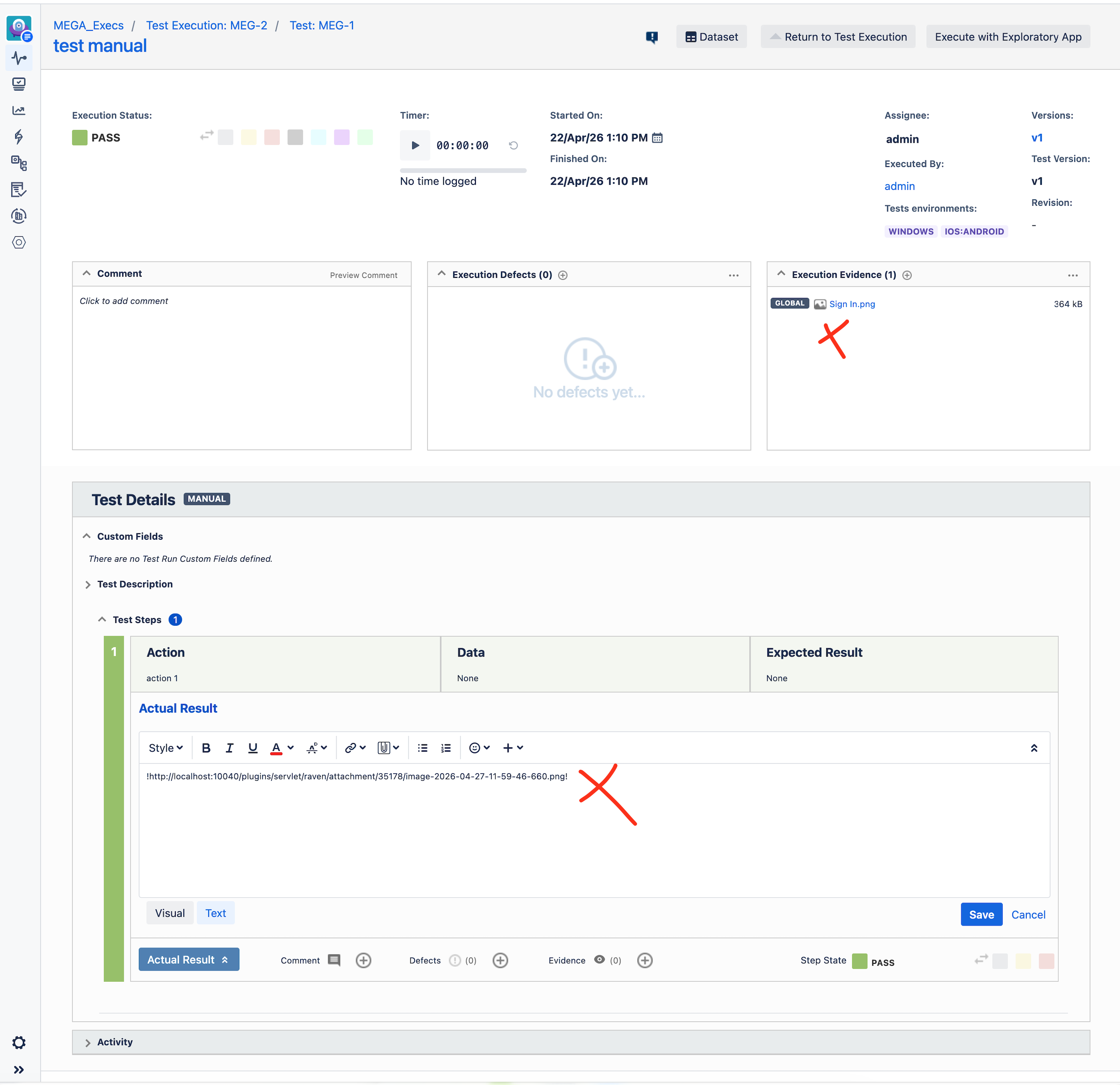
- Paste the image into the actual result section of Test Run B.
- Verify:
- The image renders correctly in Test Run B.
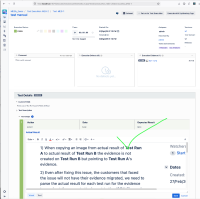
- The image is NOT added as Evidence for Test Run B.
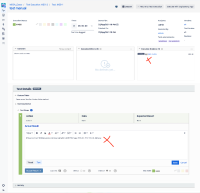
- The image renders correctly in Test Run B.
- Migration
- Perform a migration for that project from Xray DC to Xray Cloud.
- On Xray Cloud (after migration)
- Open Test Run B results (the one containing the copied image).
Expected results:
When pasting an image, the evidence should be created.
Actual results:
The evidence is never created, and a link is created instead.
This bug affects migration to Xray Cloud:
- Images that were copied from another Test Run in DC are not linked as Evidence to the destination Test Run.
- Xray Cloud requires images to be linked as Evidence to render them.
- As a result, the image is not displayed and shows a placeholder:
"Preview unavailable"
This leads to previously visible Test Run results appearing broken after migration.
Attachments
Issue Links
- duplicates
-
XDC-277 Loading...