Details
-
Bug
-
Status: Resolved
-
 Blocker
-
Resolution: Fixed
-
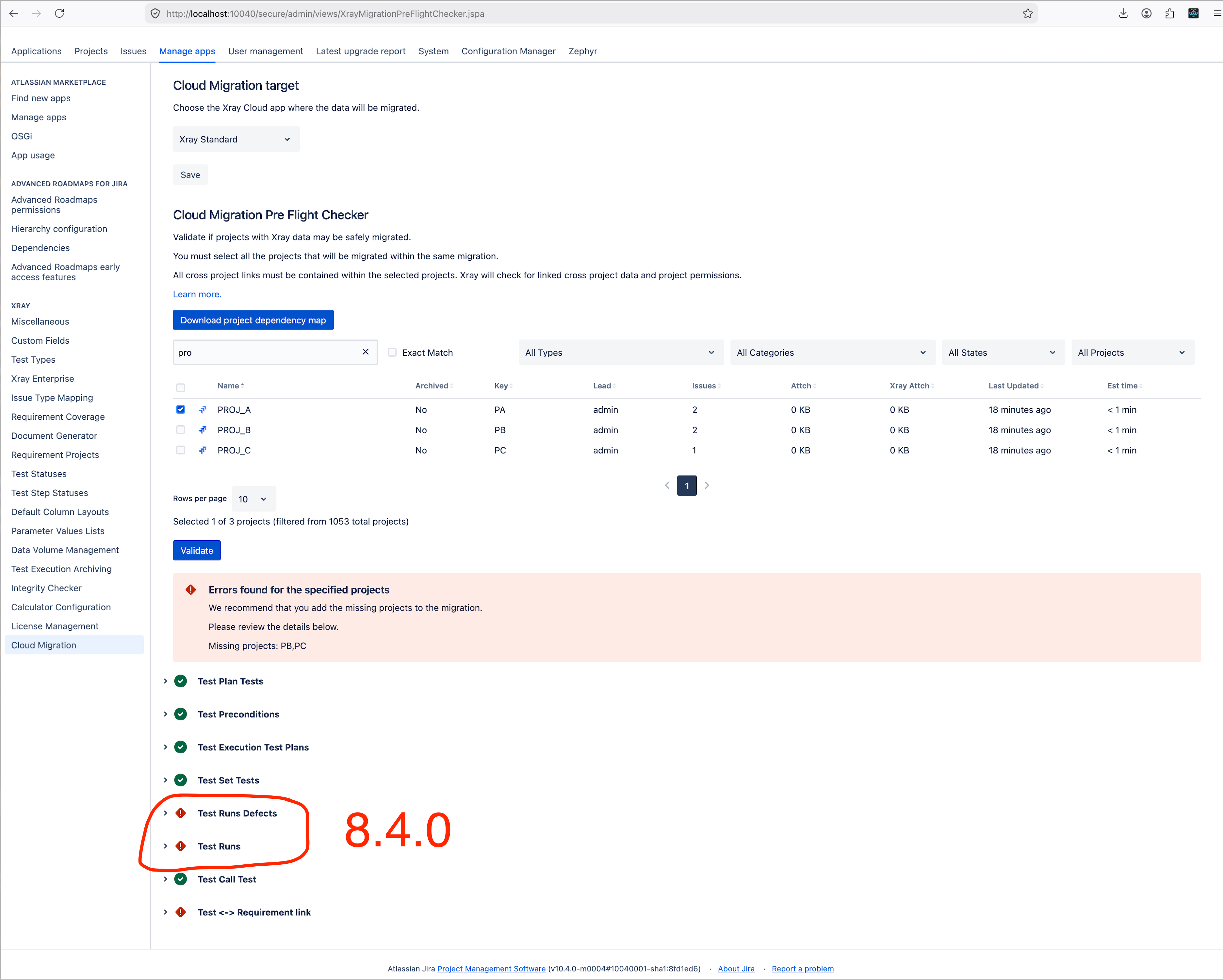
Xray DC 8.4.2, Xray DC 8.4.3
-
None
-
Manage Apps → Cloud Migration section.
Description
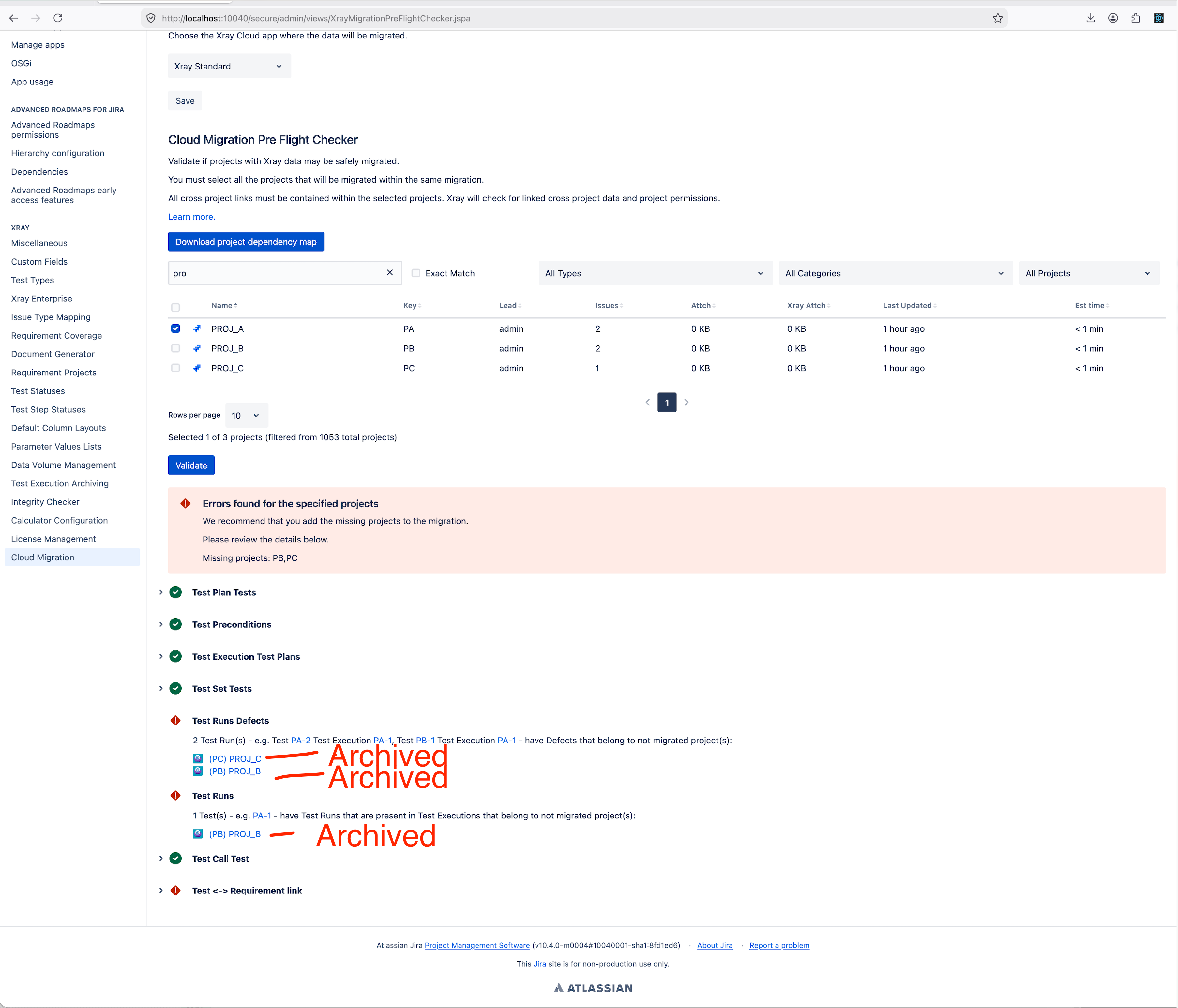
In Xray Data Center version 8.4.2, archived projects lose their connections to related projects during the Xray pre-flight check. After unarchiving and re-indexing, the connections reappear, but this inconsistency disrupts accurate validation in the migration process.
1- Create a test execution in a Xray project.
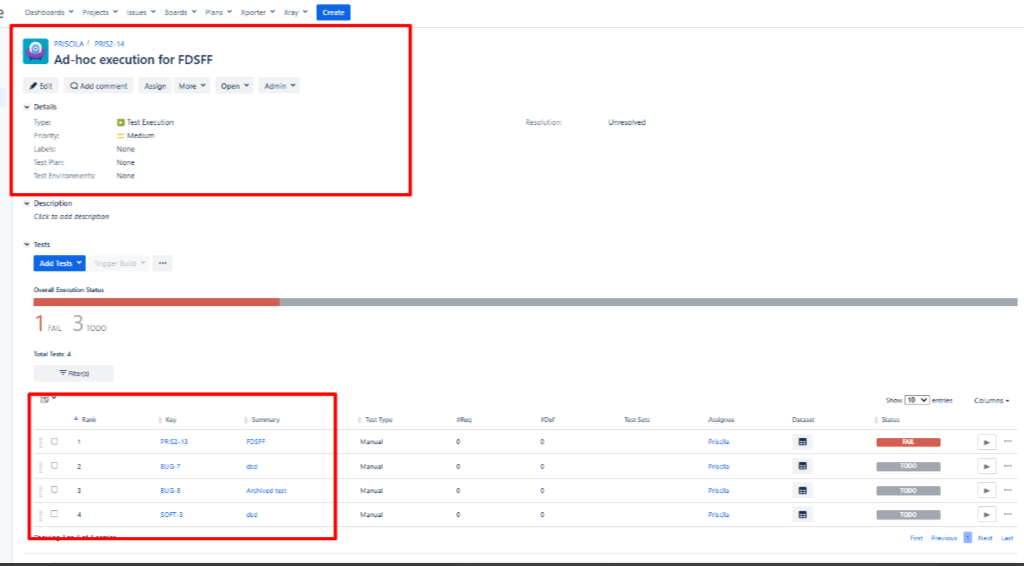
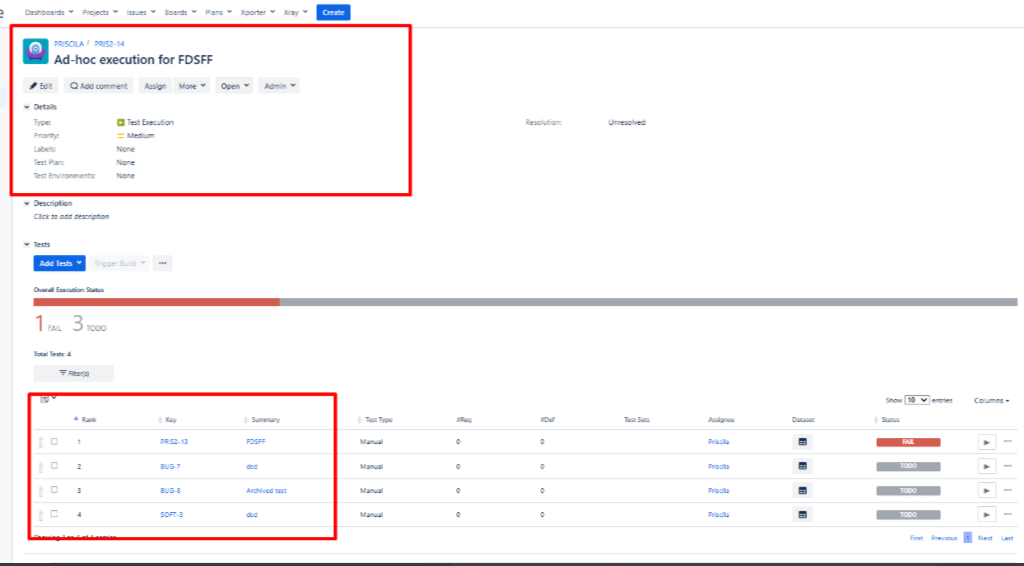
2- Create a Test Execution on this new project. Then, add Tests to this Test Execution:
2.1 In my example, I added one test to the same new project that is called Priscila, two tests from the "Bug" project, and one test from the "Soft" project.
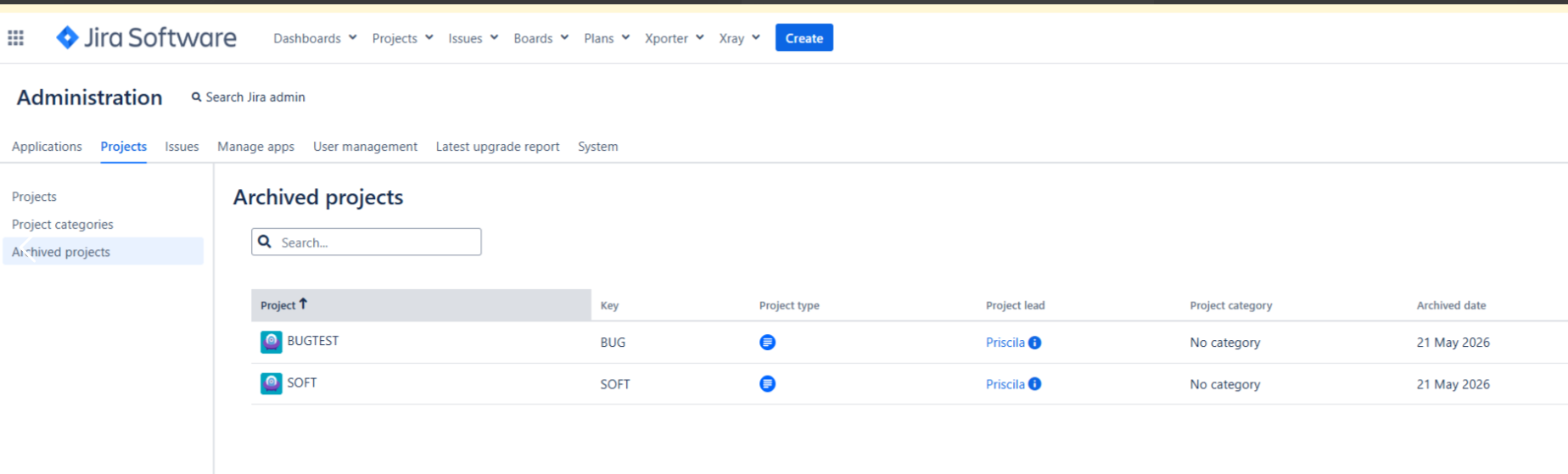
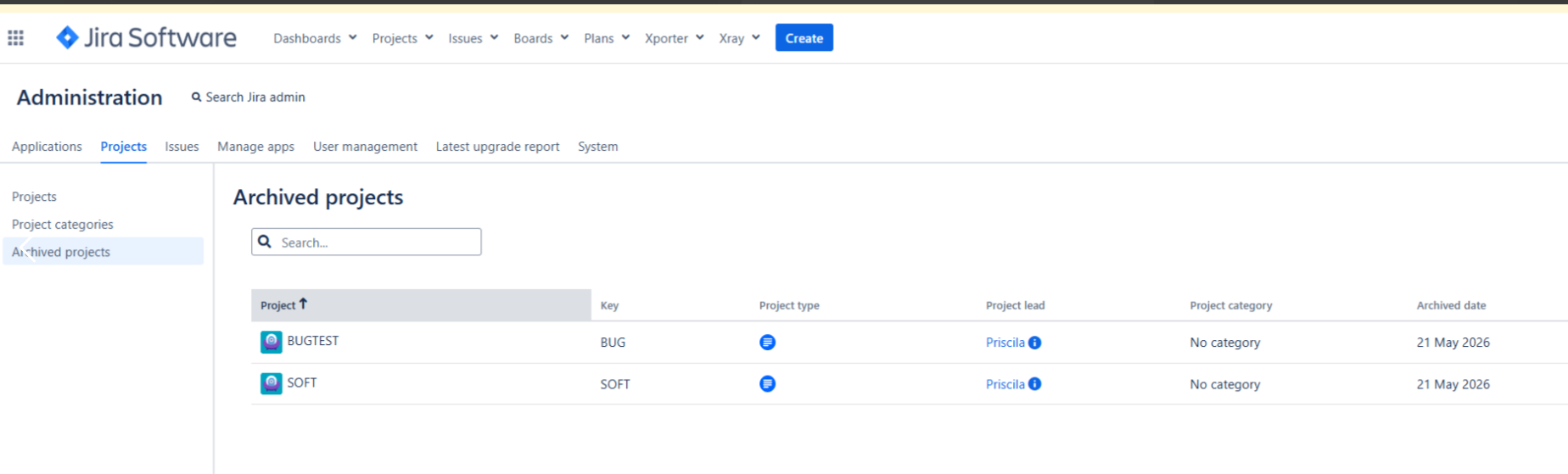
3- Archive both the "Bug" and "Soft" projects.
4- Perform a project re-indexing and a Jira re-indexing.
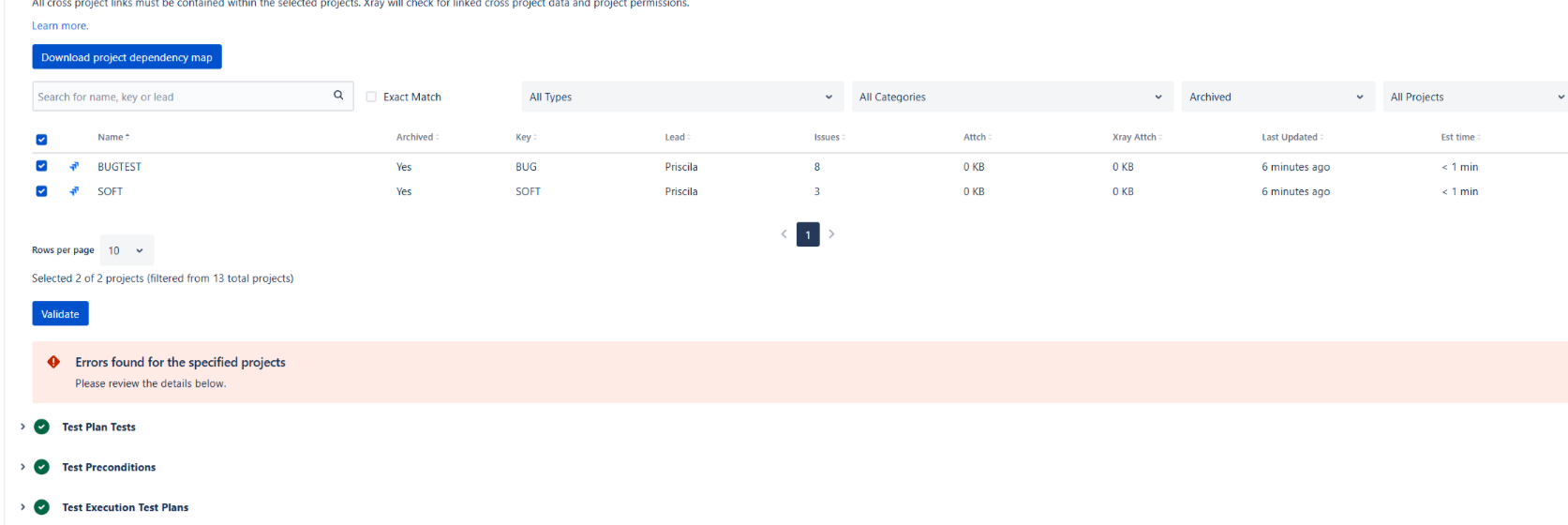
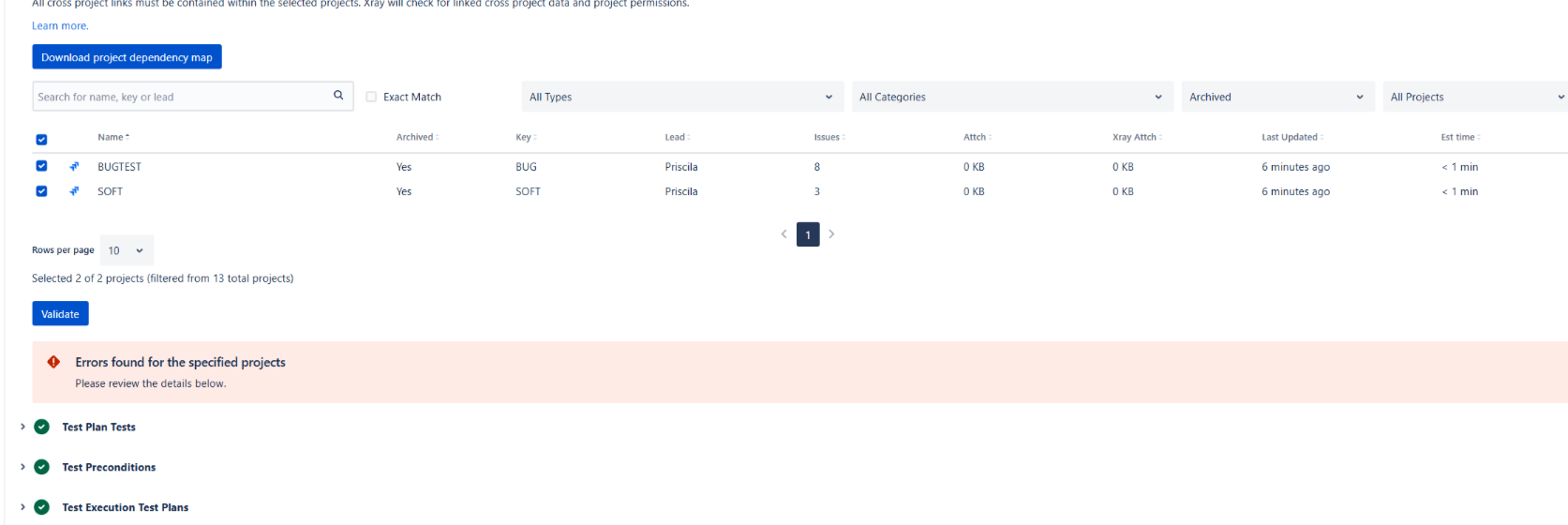
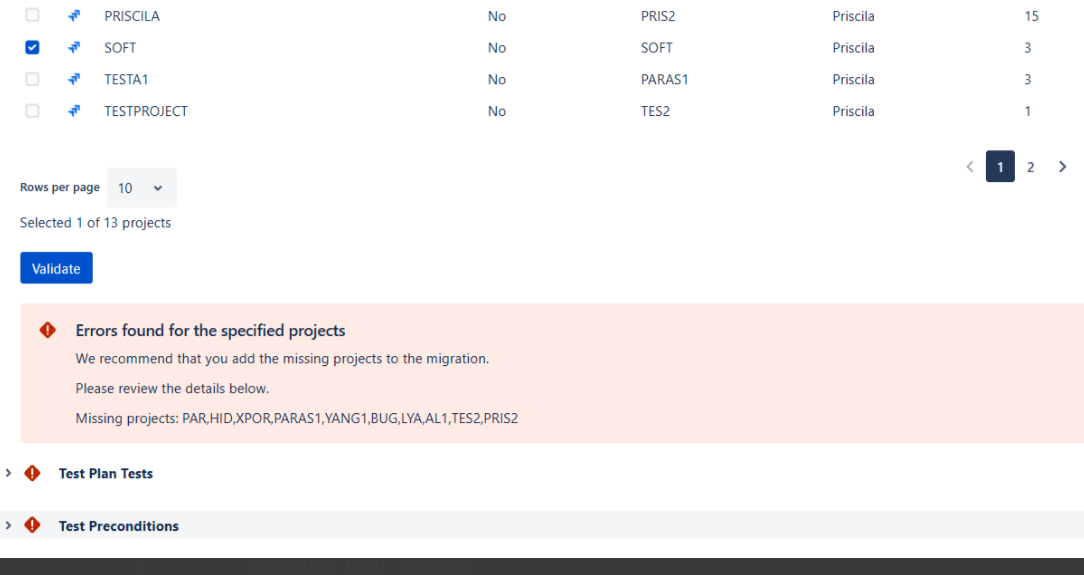
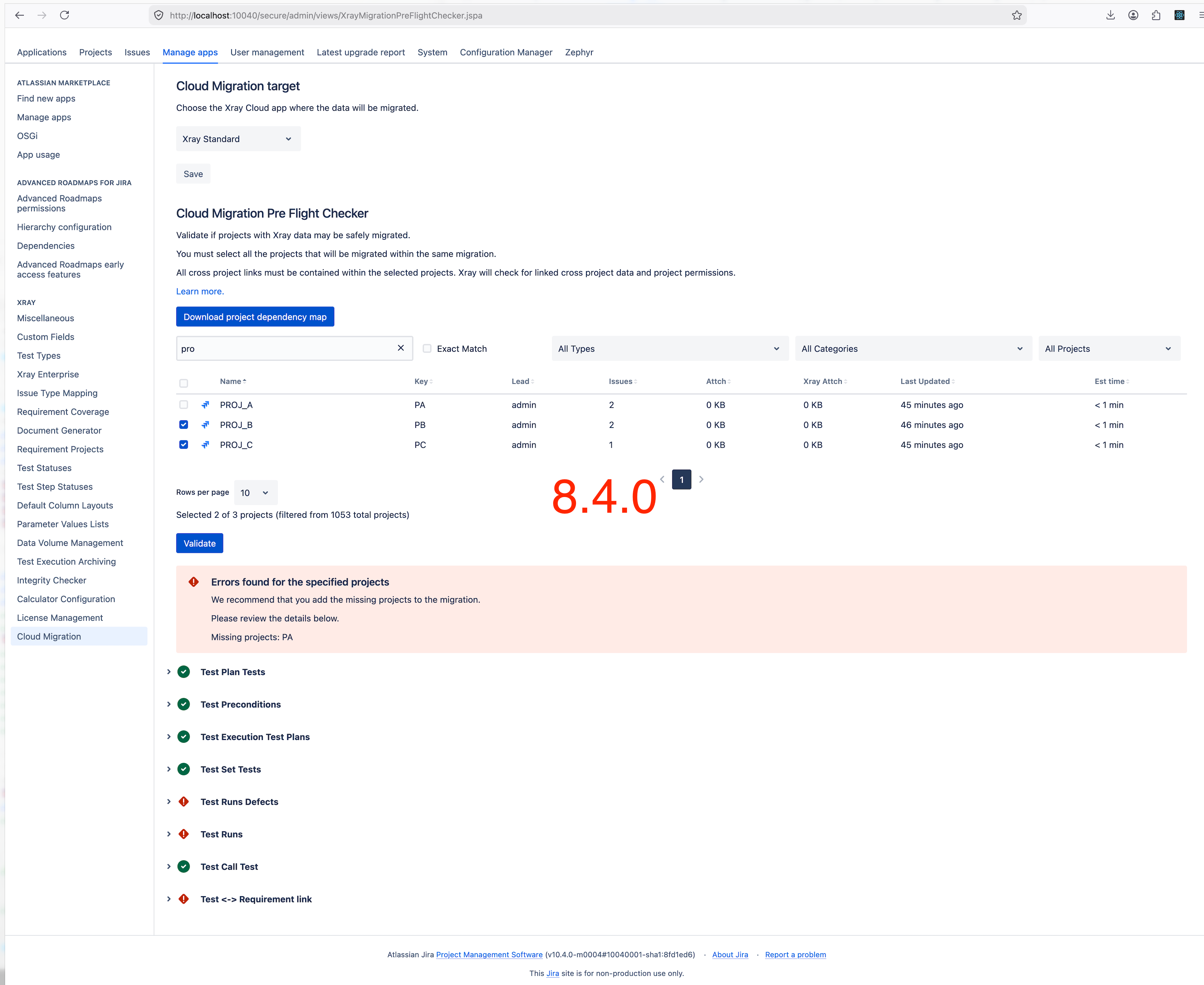
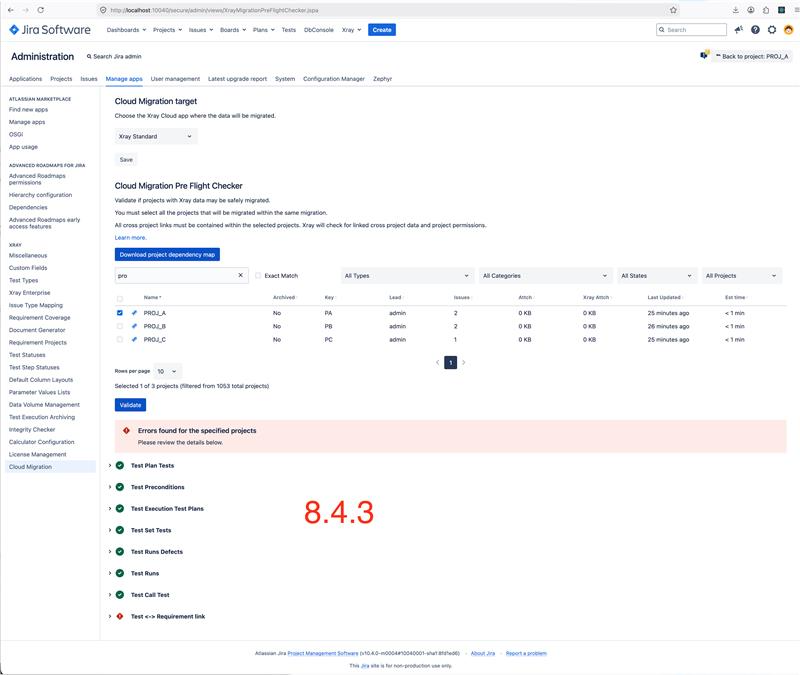
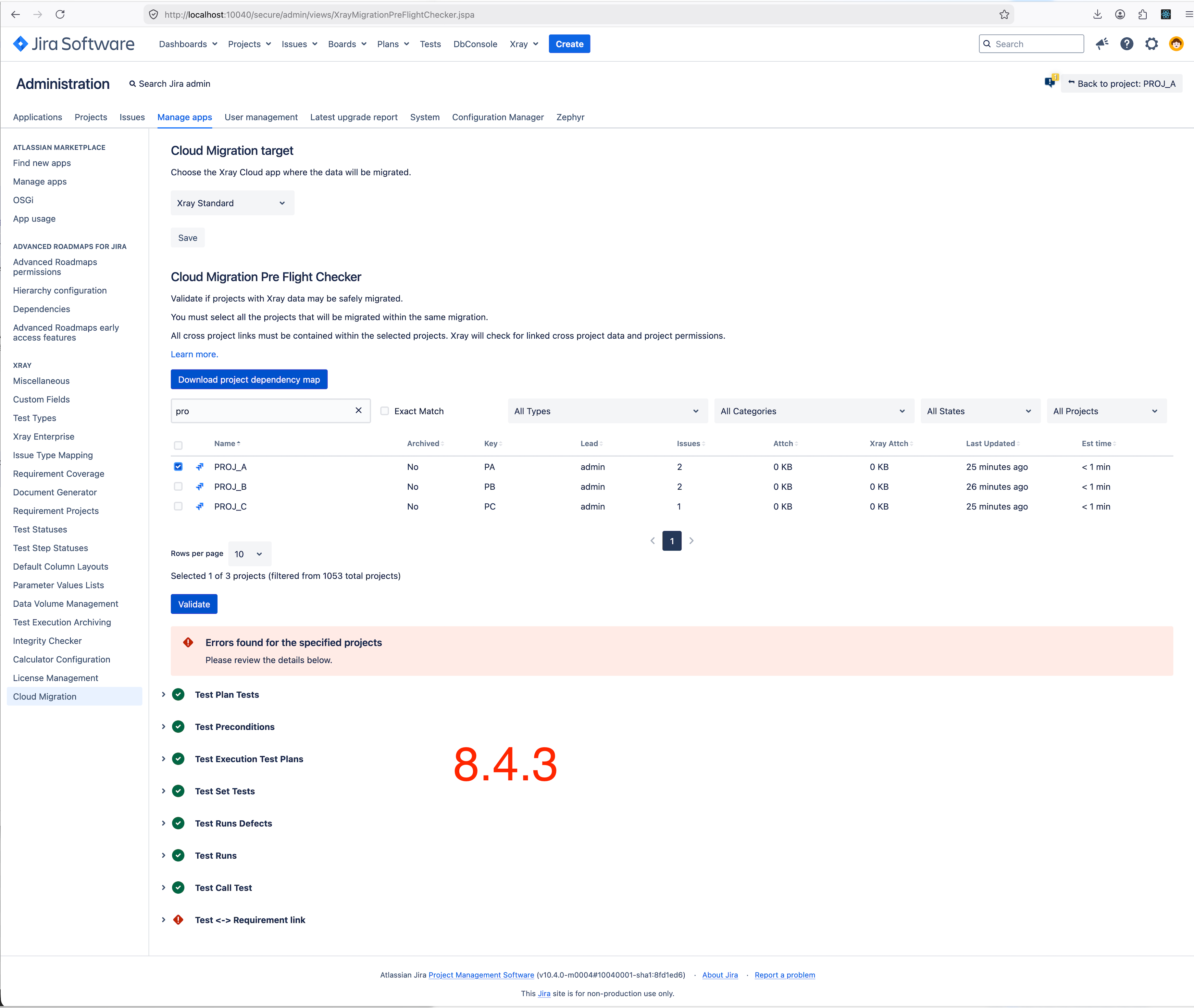
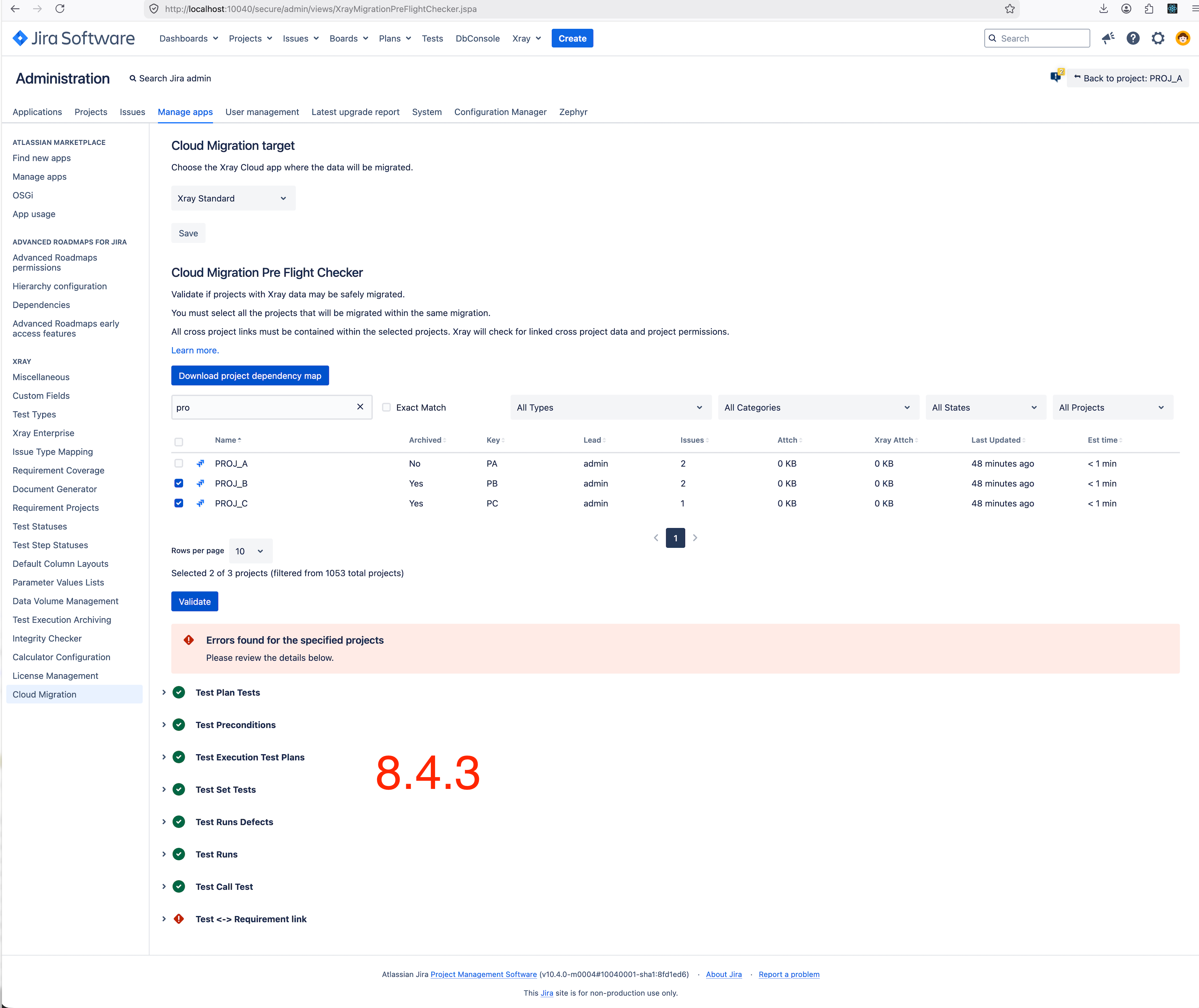
5- Access the Xray Cloud Migration pre-flight check via the Manage Apps → Cloud Migration section. Select the archived "Bug" and "Soft" projects and click "Validate."
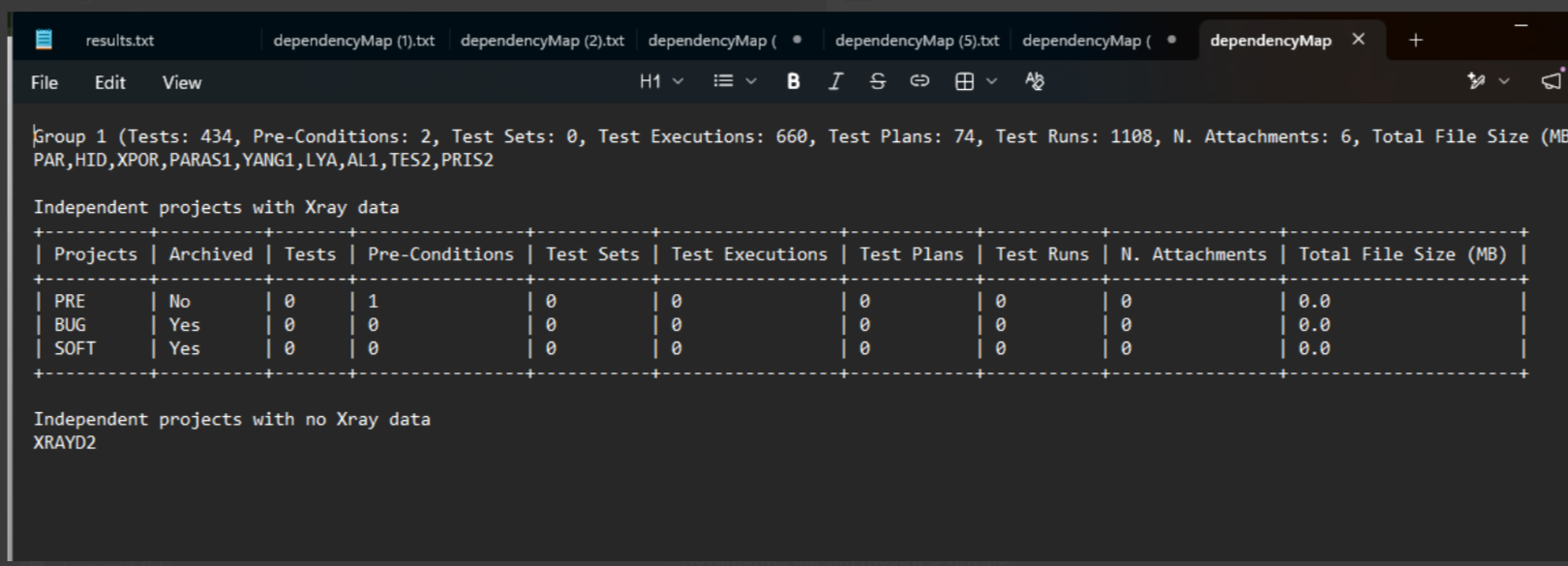
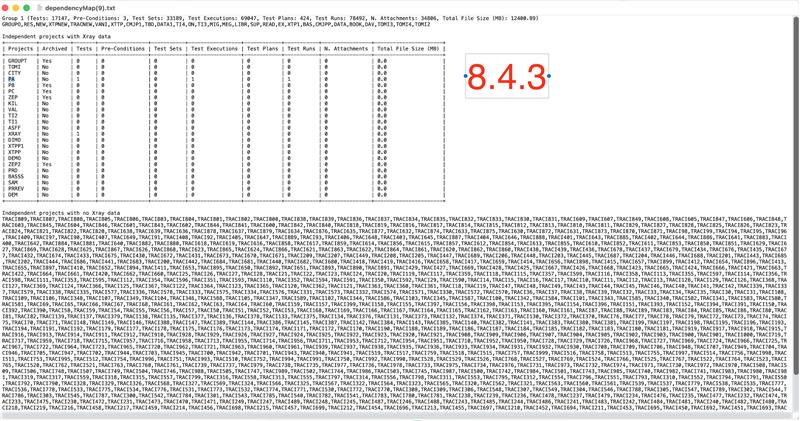
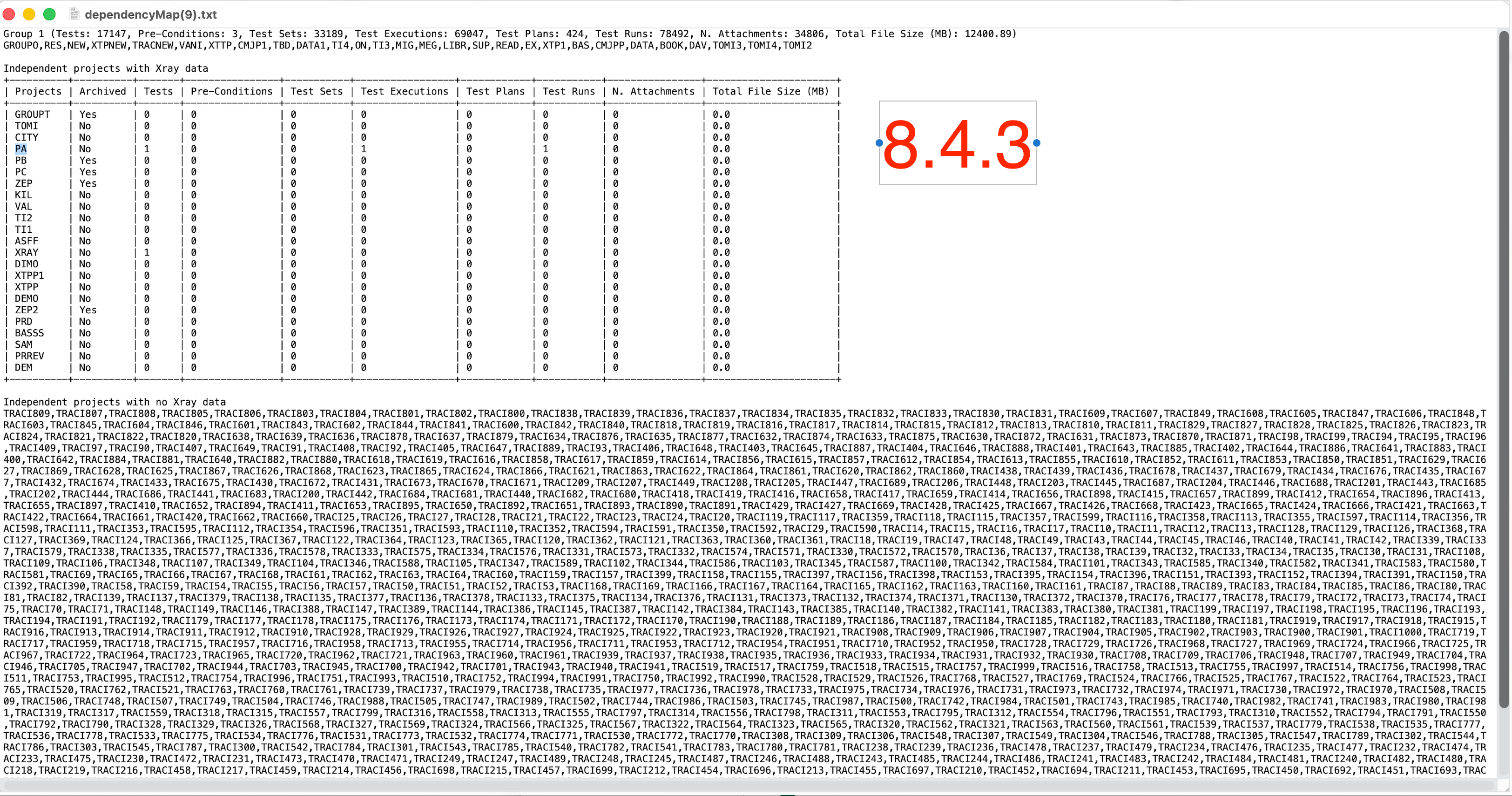
6- No errors appear, and the dependency map shows no connections.
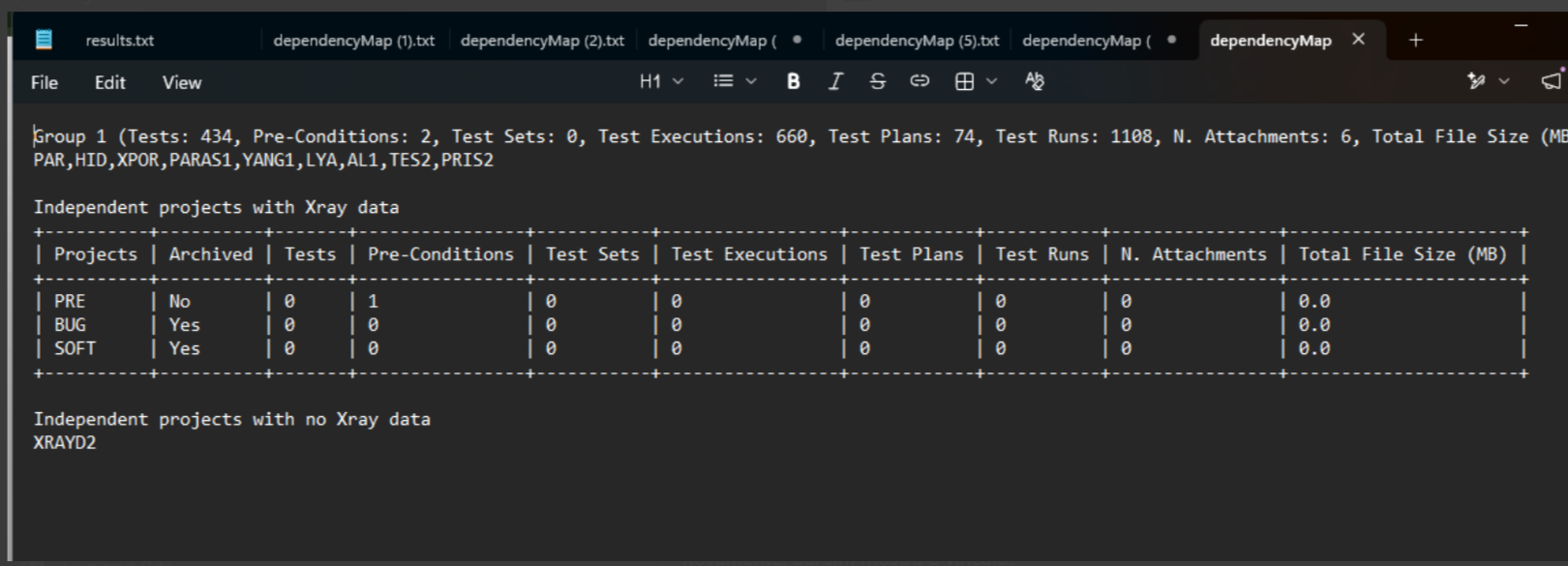
7- Then, unarchive both projects, re-index again in both Jira and Xray, and recheck the pre-flight validation.
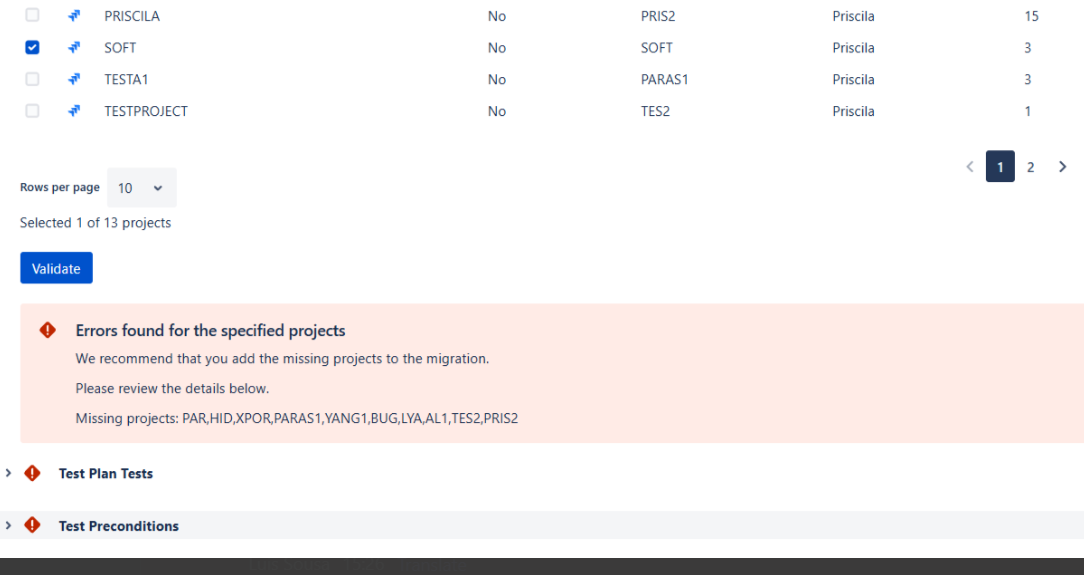
8- This time, an error appears, stating that the "Priscila and other projects must be added" project must be added, even though it was correctly connected before.
Expected Behavior:
The Xray pre-flight check should consistently detect and display all project dependencies, including connections involving archived projects. Archiving a project should not remove or hide existing relationships required for migration validation.
Actual Behavior:
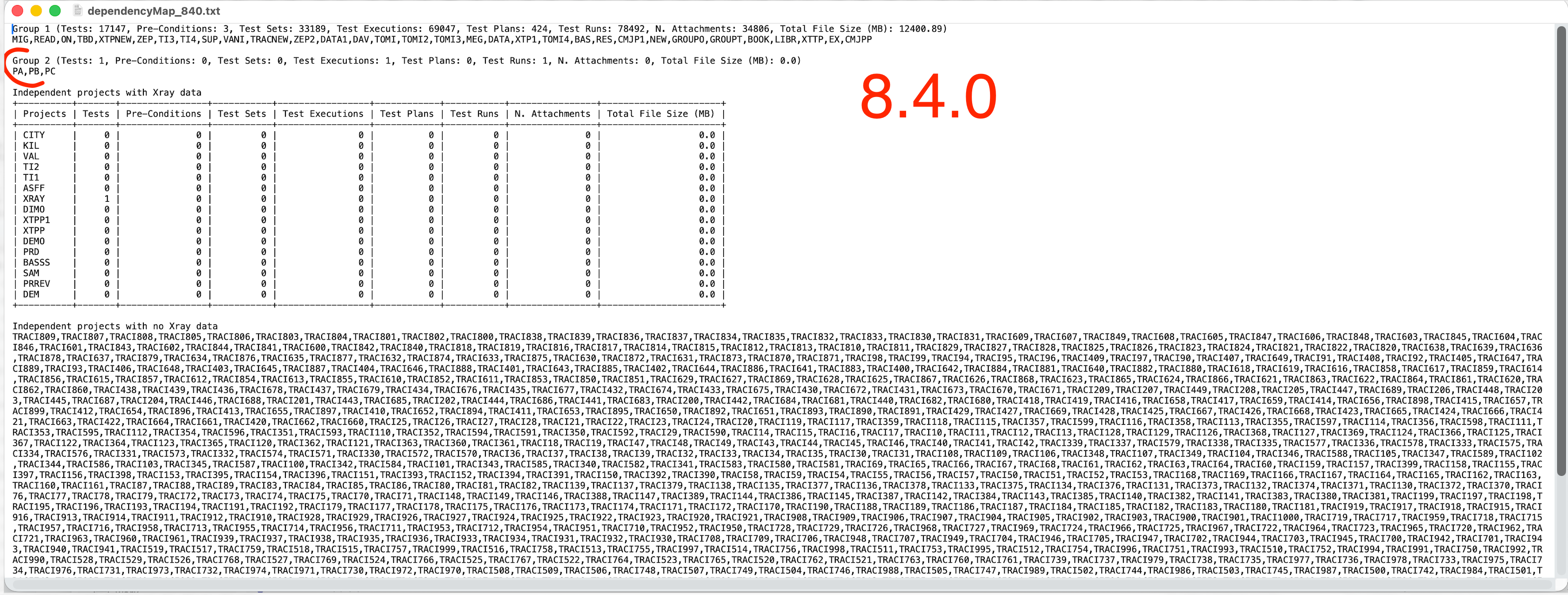
When the related projects are archived, the Xray pre-flight check does not detect the existing project dependencies and allows validation without errors. After unarchiving the projects and re-indexing Jira and Xray, the dependencies are detected again, and the validation correctly reports that the related "Priscila" project must also be included in the migration.
Attachments
Issue Links
- duplicates
-
XDC-232 Loading...
