Details
-
Bug
-
Status: Resolved
-
 Minor
Minor
-
Resolution: Fixed
-
Xray DC 8.4.3
-
None
-
DC
Description
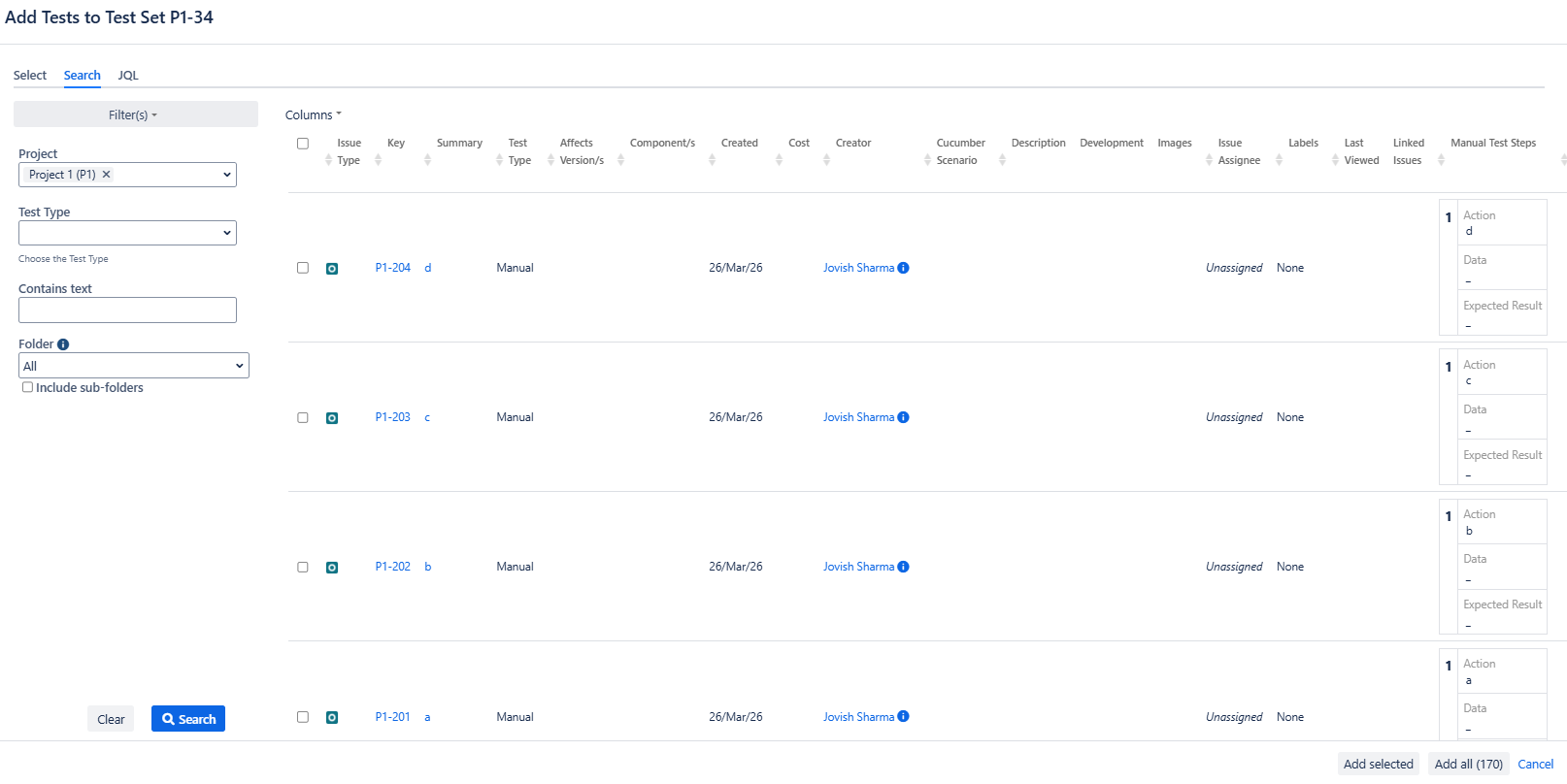
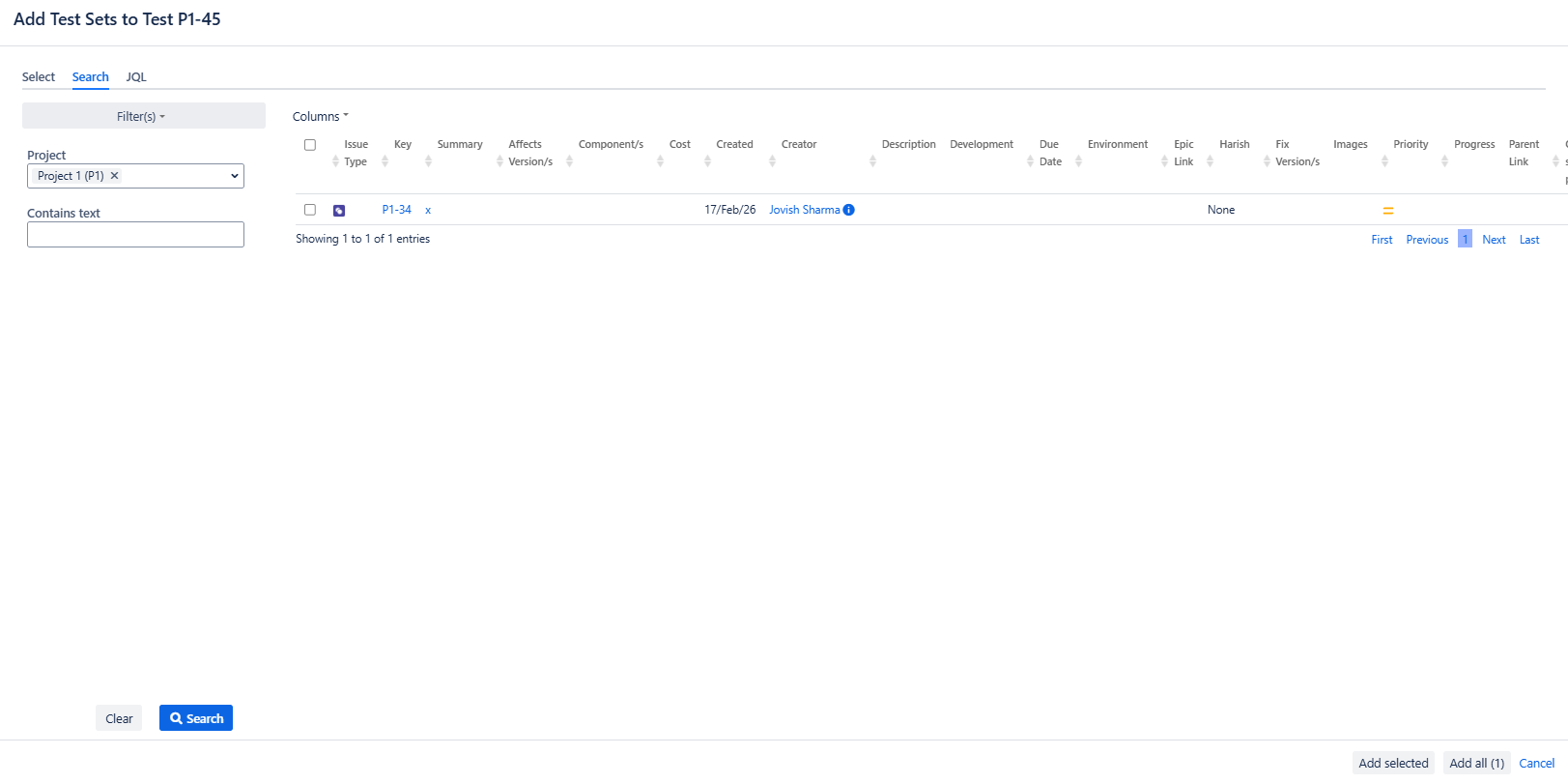
Description: Add tests/Add Test sets/ Add Test plan, etc window, do not show search bar.
Pre-conditions: NA
How to reproduce
- Create a Test case
- Go to any option like Add Test Set, Test Plan, or Pre-condition
- In the search window, go to 2nd option, search, and list all issues with multiple columns.
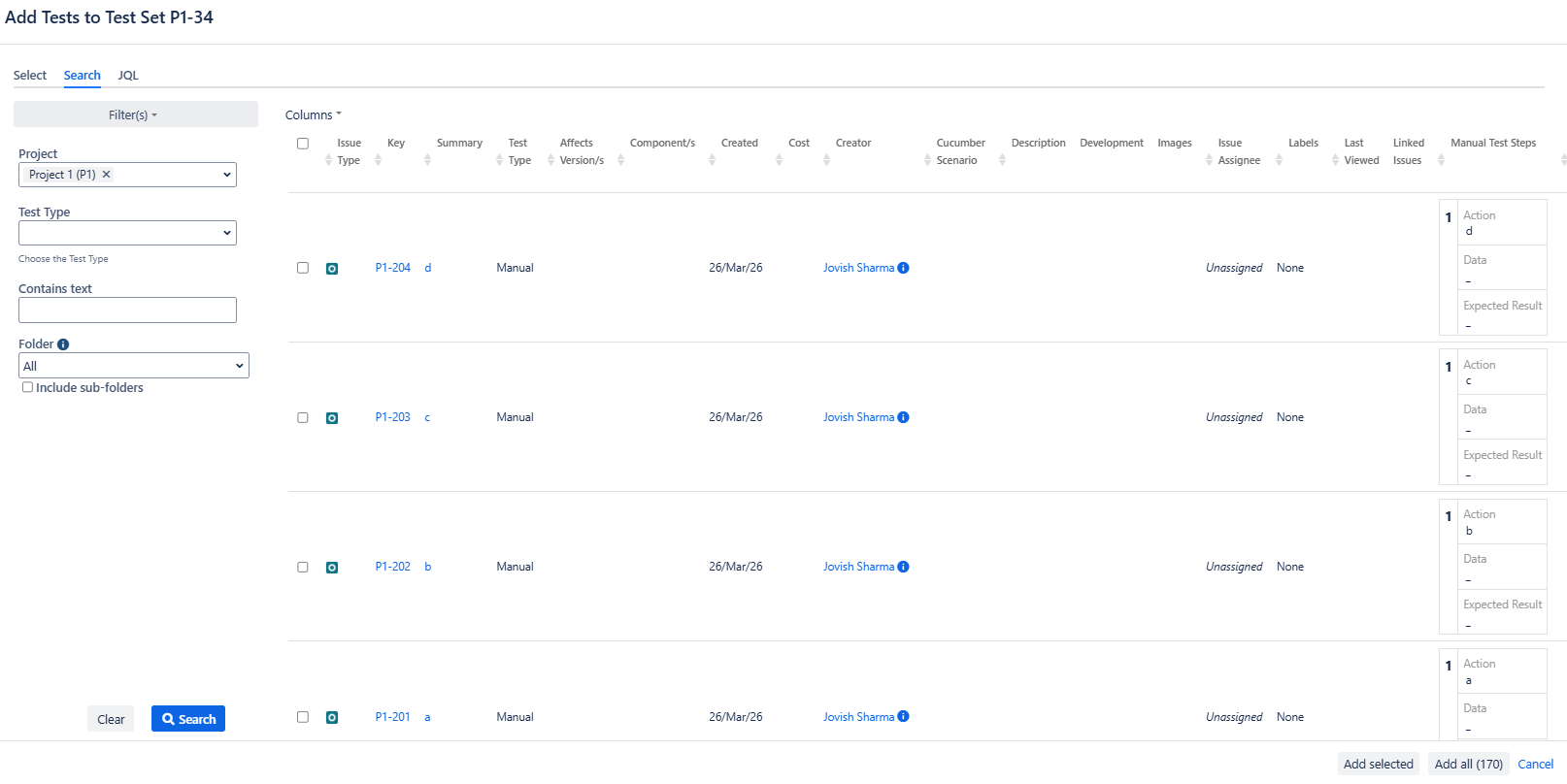
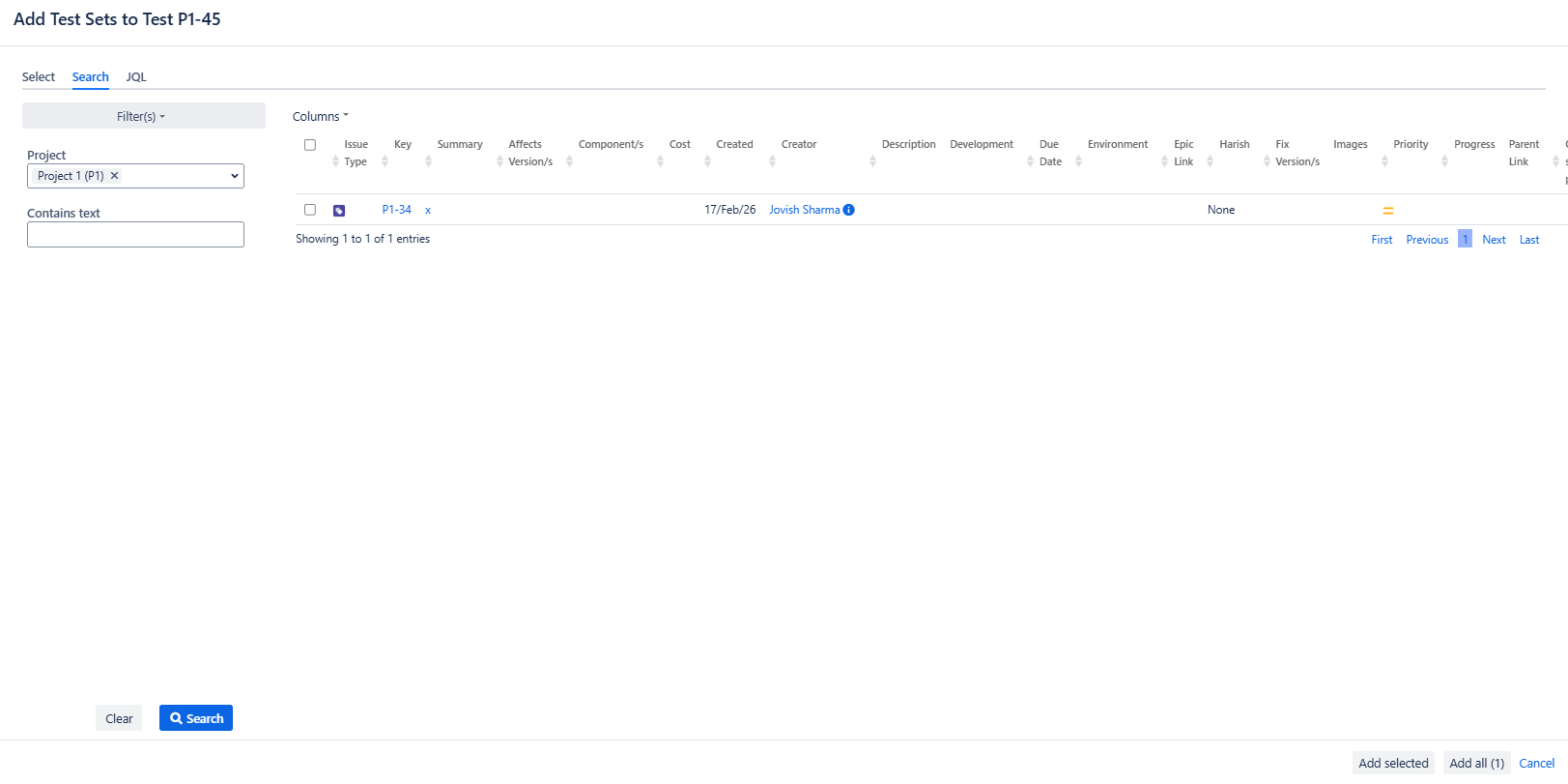
- The scroll bar is missing on the window.
- This is also happening on Add tests under Test Sets, Test plan etc
Actual result/Attachments
Expected result
Scrollbar should appear as soon as the results go out of the window.
Version
- 8.4.3
Workaround: NA
Attachments
Issue Links
- duplicates
-
XDC-234 Loading...