Details
-
Bug
-
Status: Resolved
-
 Major
Major
-
Resolution: Fixed
-
Xray DC 8.4.0, Xray DC 8.4.1, Xray DC 8.4.2, Xray DC 8.4.3, Xray DC 8.4.4, Xray DC 8.4.5
-
None
-
UI
Description
Description
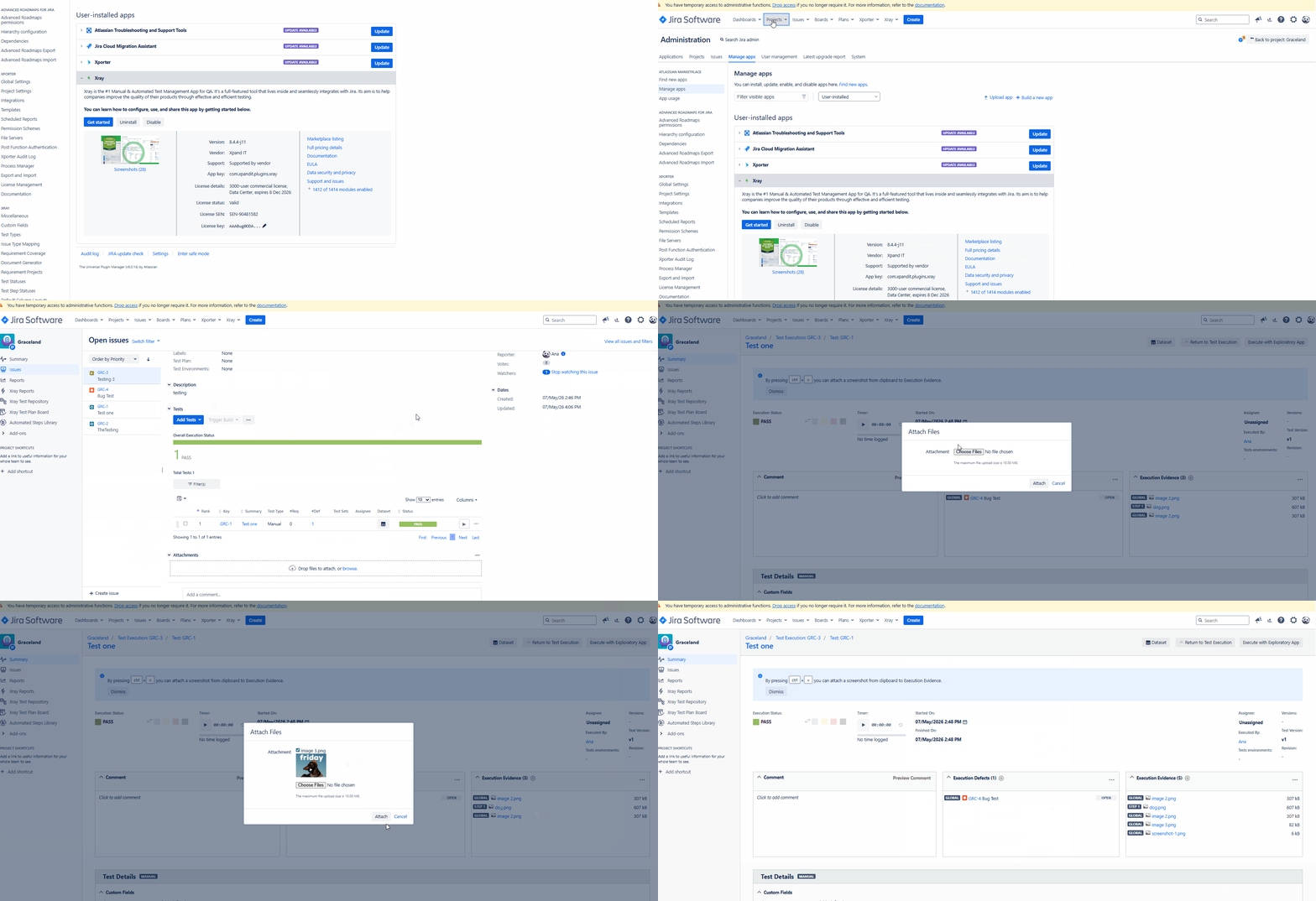
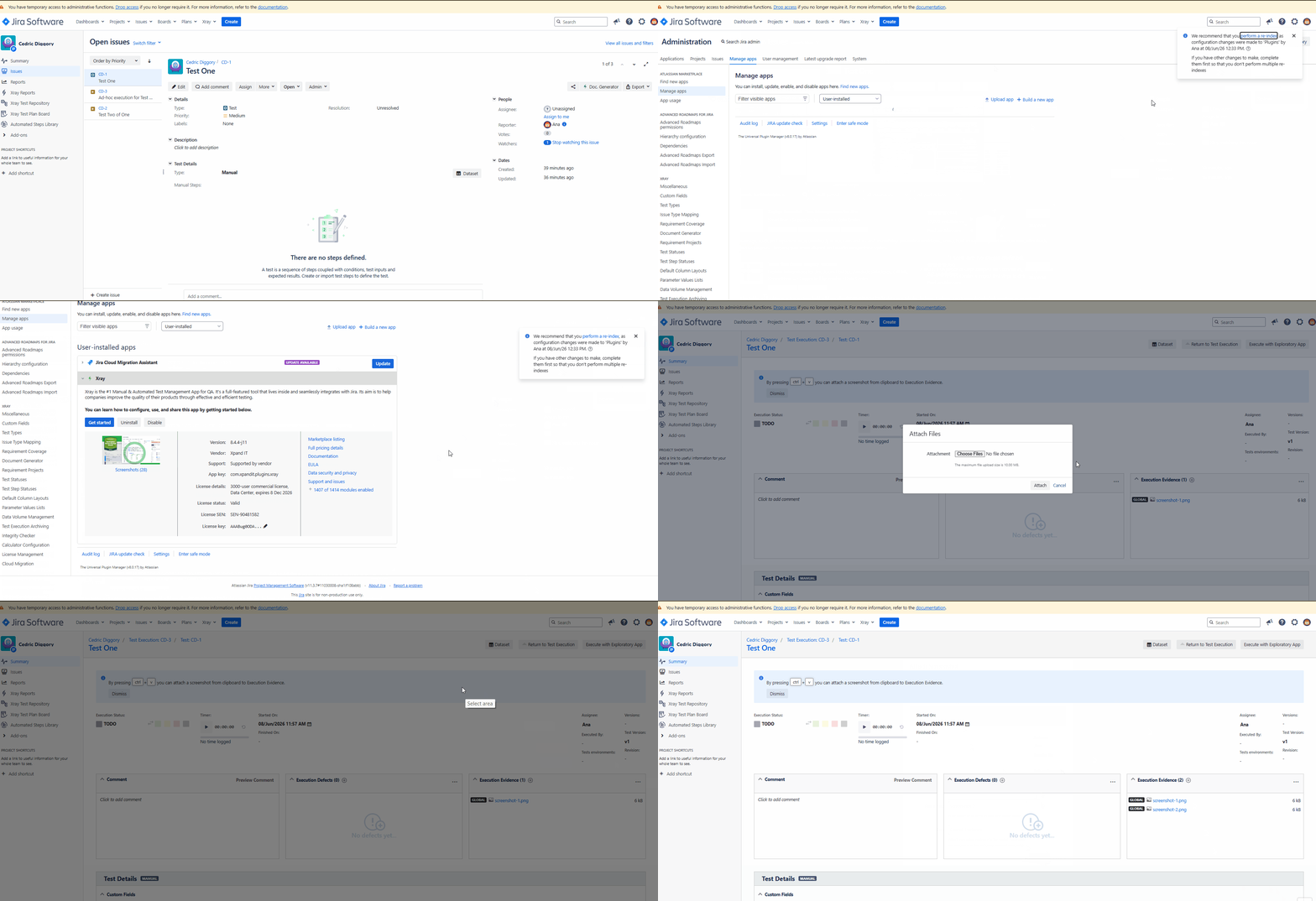
Unable to Add Attachments/Evidence to a Test Run in Jira 11.3.7, no matter what Xray Version is used. Tried in a different Jira Version 11.3.5, and the same issue was not observed
How to reproduce
- Install Jira 11.3.7
- Install any of the Xray versions 8.4.0-j11, 8.4.1-j11, 8.4.2-j11, 8.4.3-j11, or 8.4.4-j11, 8.4.5-j11
- Create a Test
- Create a Test Execution and associate the Test with it
- Open the Test Execution and start executing the Test
- In the Test Run screen, locate the Evidences section
- Click the
 button under Evidences
 - Select an image file that is already saved on your computer and attempt to upload it
- No action occurs after selecting the file
- The evidence is not uploaded to the Test Run.
Actual result/Attachments
- Capturing and adding a screenshot works as expected, but uploading an existing image file from the local machine does not.
- This issue could not be reproduced on Jira 11.3.5.
(attachments below)
Expected result
The selected image file should be successfully uploaded and added as evidence to the Test Run
Version
- Xray Versions: 8.4.0-j11, 8.4.1-j11, 8.4.2-j11, 8.4.3-j11, or 8.4.4-j11, 8.4.5-j11
Workaround
N/A
Attachments
Issue Links
- duplicates
-
XDC-480 Loading...