Details
-
Suggestion
-
Status: New
-
Resolution: Unresolved
-
None
-
None
-
None
-
UI
Description
Description
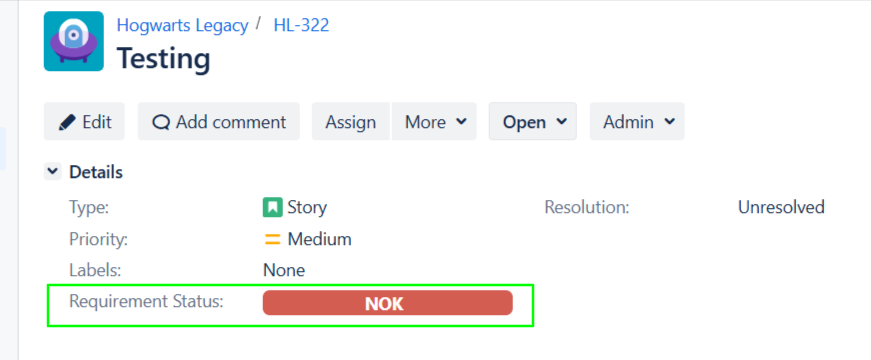
The Requirement Status bar should be clickable, allowing users to navigate directly to the related issues represented in each status segment.
User friction
Users can see the requirement status distribution but cannot interact with it to identify the underlying issues. They must manually search or recreate filters, making analysis slower and less intuitive.
Steps to reproduce (right now) / Actual Result:
1 - Open a Requirement view that displays the Requirement Status bar
2 - Click on the Requirement Status bar
3 - Notice that it is not expandable, showing the associated Issues
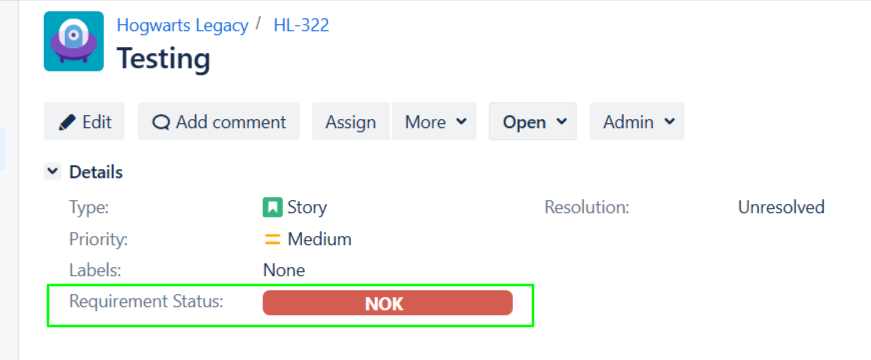
Actual Result: The Requirement Status bar is informational only and does not provide access to the related issues.
IMPACT
What would improve if solved:
Users could quickly navigate from the status summary to the corresponding issues, making investigation and reporting significantly faster.
Impact on stakeholders:
- Users can investigate coverage gaps more efficiently
- Users can quickly identify affected requirements
- Spending less time manually searching for issues
Current workaround:
Manually search for the corresponding issues using JQL, filters, or other reports.
CONTEXT & EXAMPLES:
Concrete example:
The Requirement Status bar shows 5 Failed requirements. Clicking the Failed segment should open the list of those five related issues in the issue navigator
Workaround risk:
Manual searches are time-consuming, prone to mistakes, and interrupt the user's workflow, especially in projects with a large number of requirements