Details
-
Bug
-
Status: Open
-
 Minor
Minor
-
Resolution: Unresolved
-
Xray DC 8.4.6
-
None
-
None
-
DC
Description
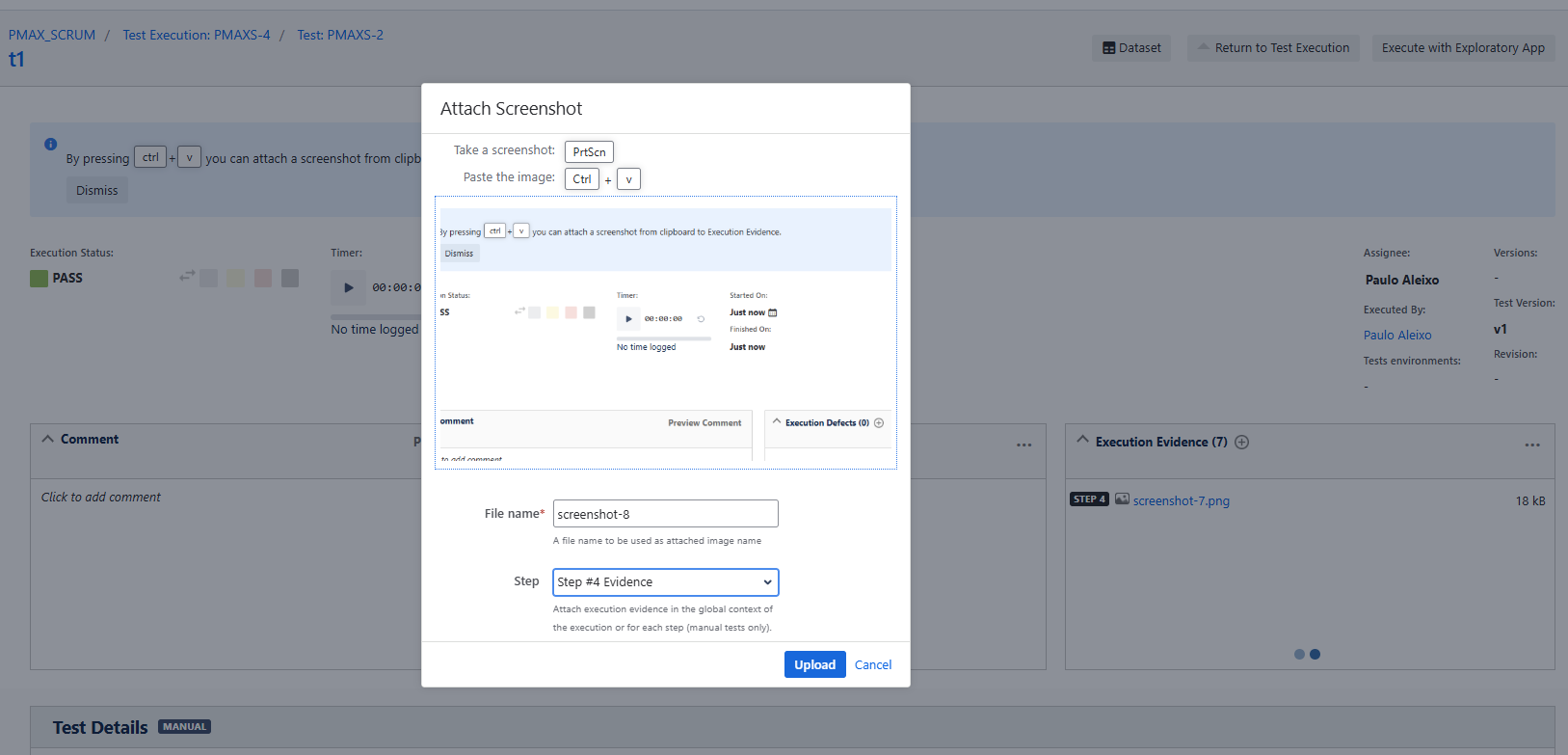
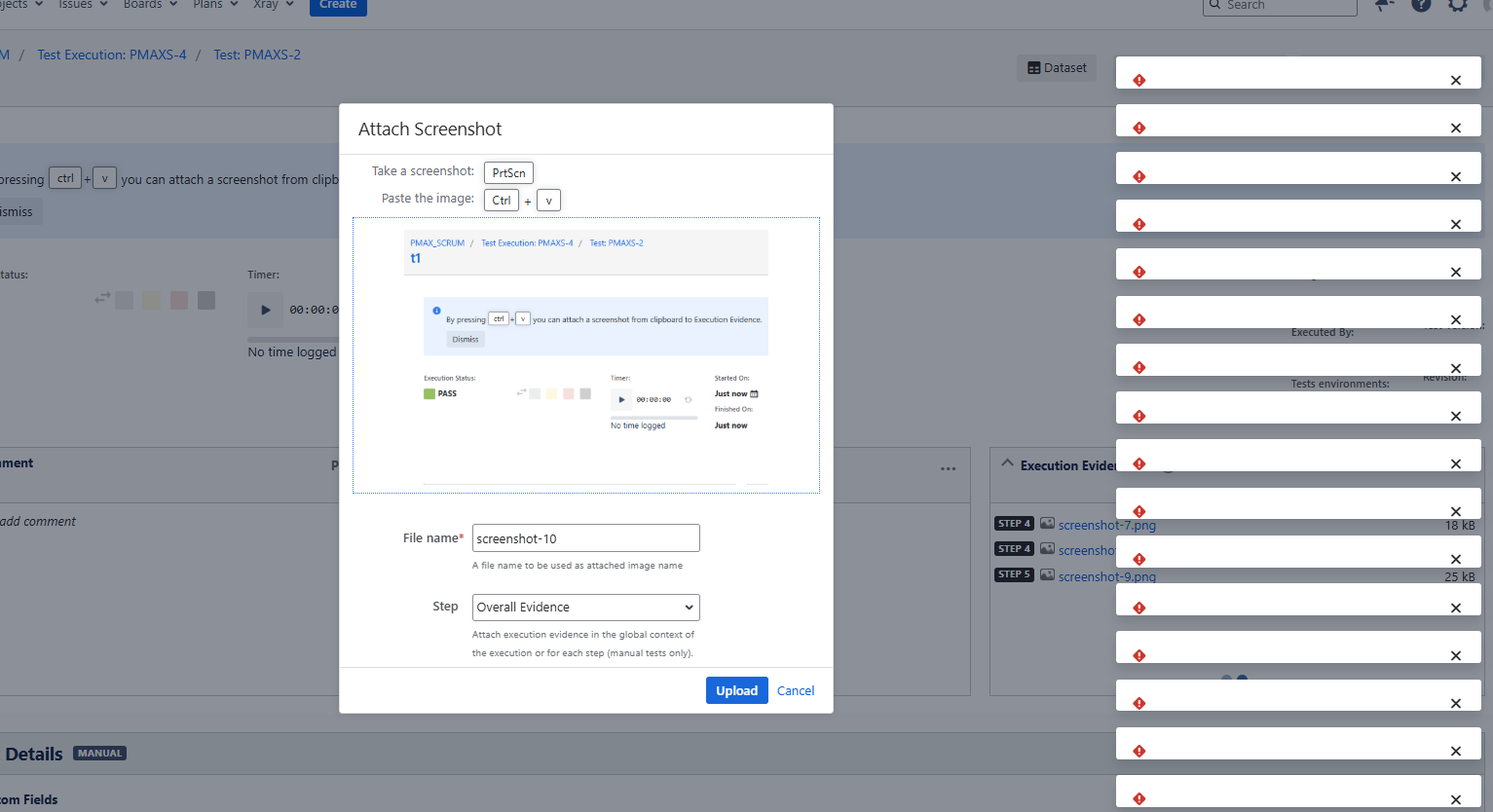
When attaching evidence (screenshots) on the execution details screen using the paste function (Ctrl + V), after 7 images, the process gets slower and slower until a corrupted error pop-up is shown on screen.
When adding the screenshots via the button in the ui, the same doesn't happen.
If we refresh the page during the process, the same doesn’t happen. It only happens if we keep the page open.
How to reproduce
Install Jira 11.3.7
Install Xray version 8.4.6-j11
Create a Test
Create some Test Steps
Create a Test Execution and associate the Test with it
Open the Test Execution and start executing the Test
In the Test Run screen, take a screenshot, and add it via copy and paste (control + v)
Keep adding more screenshots with the same method
After adding some screenshots, the system starts behaving slowly and ends up stuck, throwing multiple errors on screen.
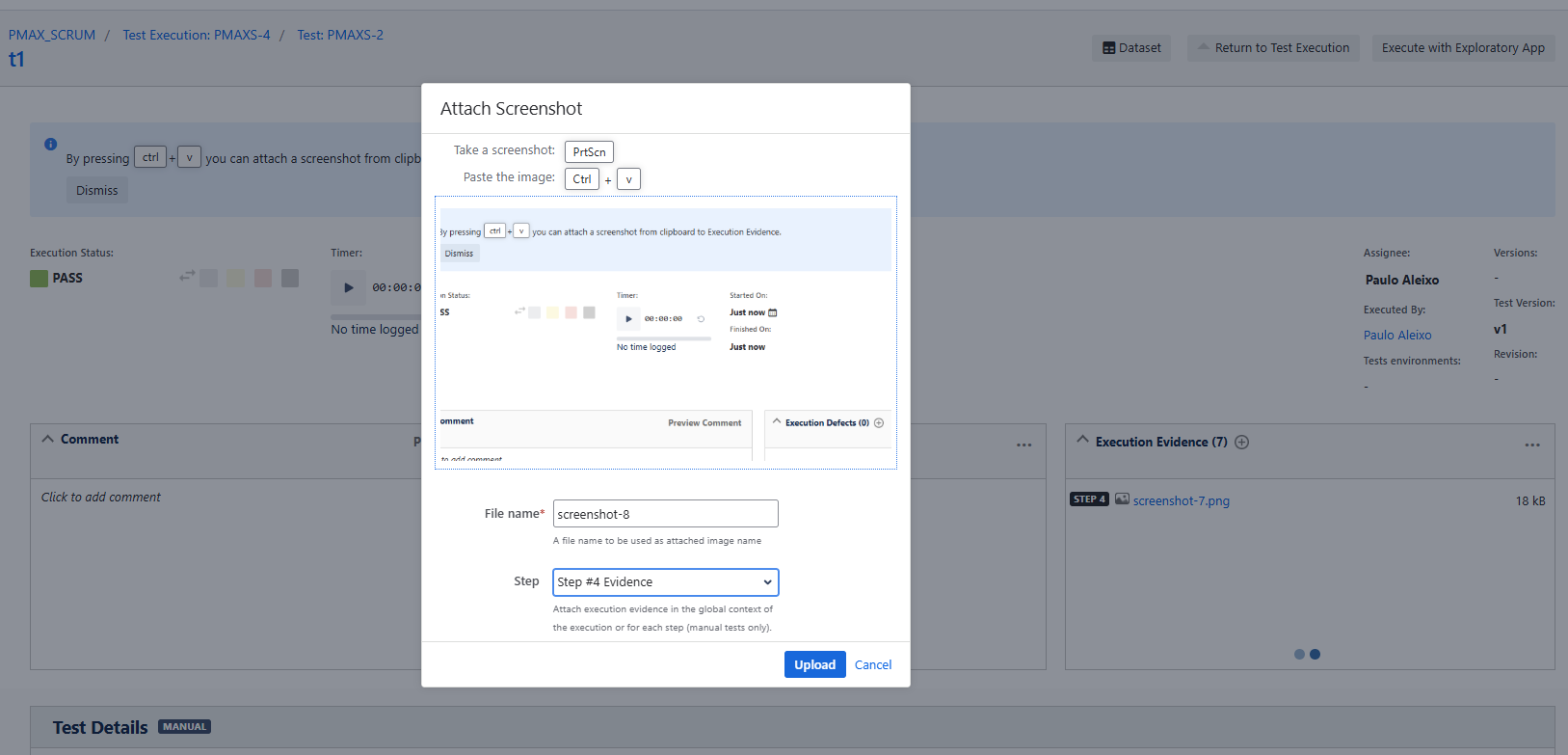
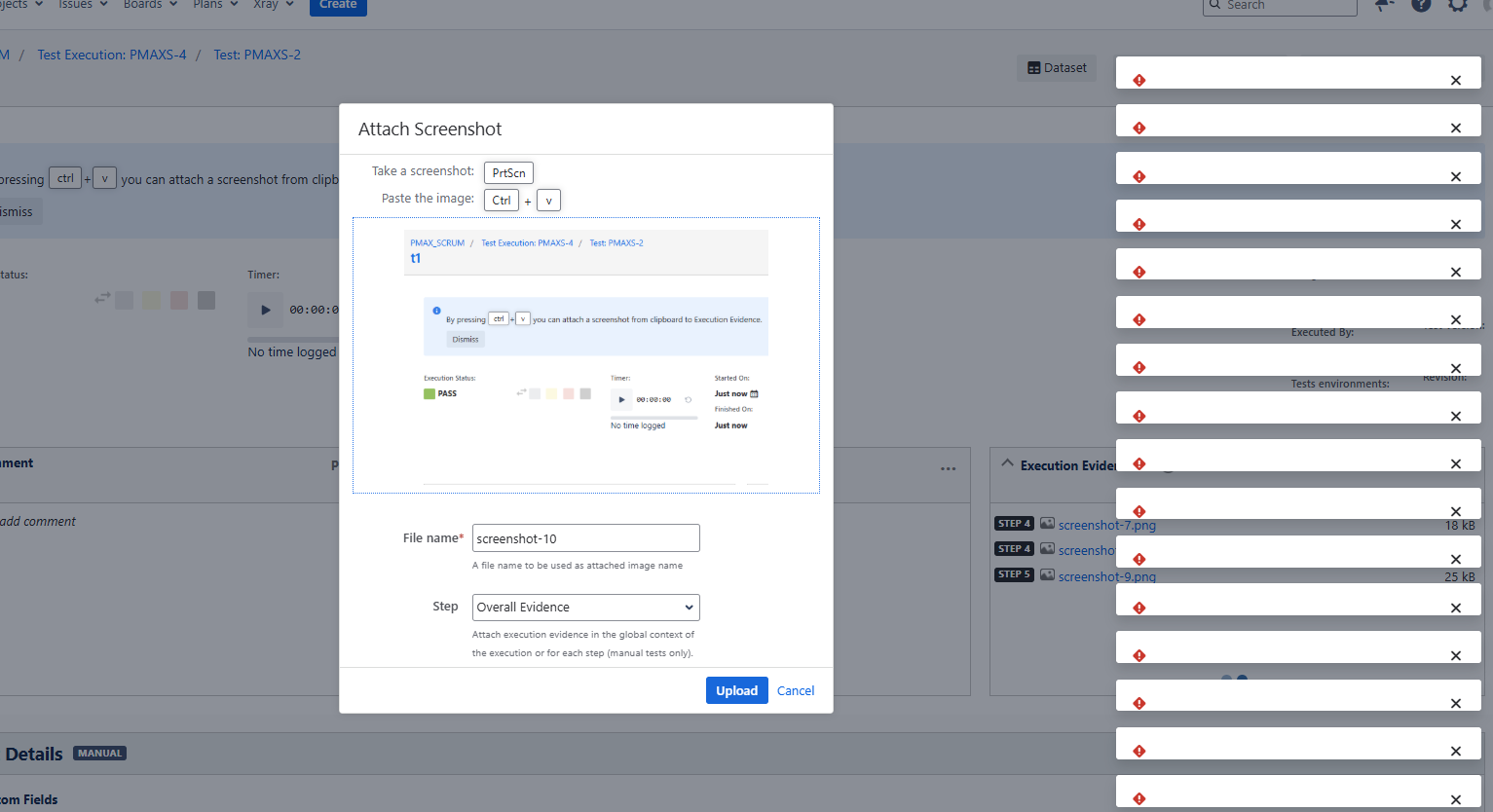
Actual result/Attachments
Expected result
The user should be able to keep uploading attachments without any system failure.
Version
Data Center Xray Version: 8.4.6-j11
Jira Version: 11.3.7
Attachments
Issue Links
- duplicates
-
XDC-1126 Loading...