Details
-
Bug
-
Status: Open
-
 Medium
-
Resolution: Unresolved
-
Xray Cloud 6.16.0, Xray Cloud (6.16.1) [Silent Release_26.1]
-
Production
Description
[Manual Step Library] It's not possible to Import the MSL step
Preconditions
- Xray project is created
- Manual Step Library is enabled
Steps to reproduce
- Create a Test A with 'Managed on Library' step (Add step -> Import Step)
- Create another Test B
- Open Test B view page
- Click Import -> From Test -> Select Test A with MSL step
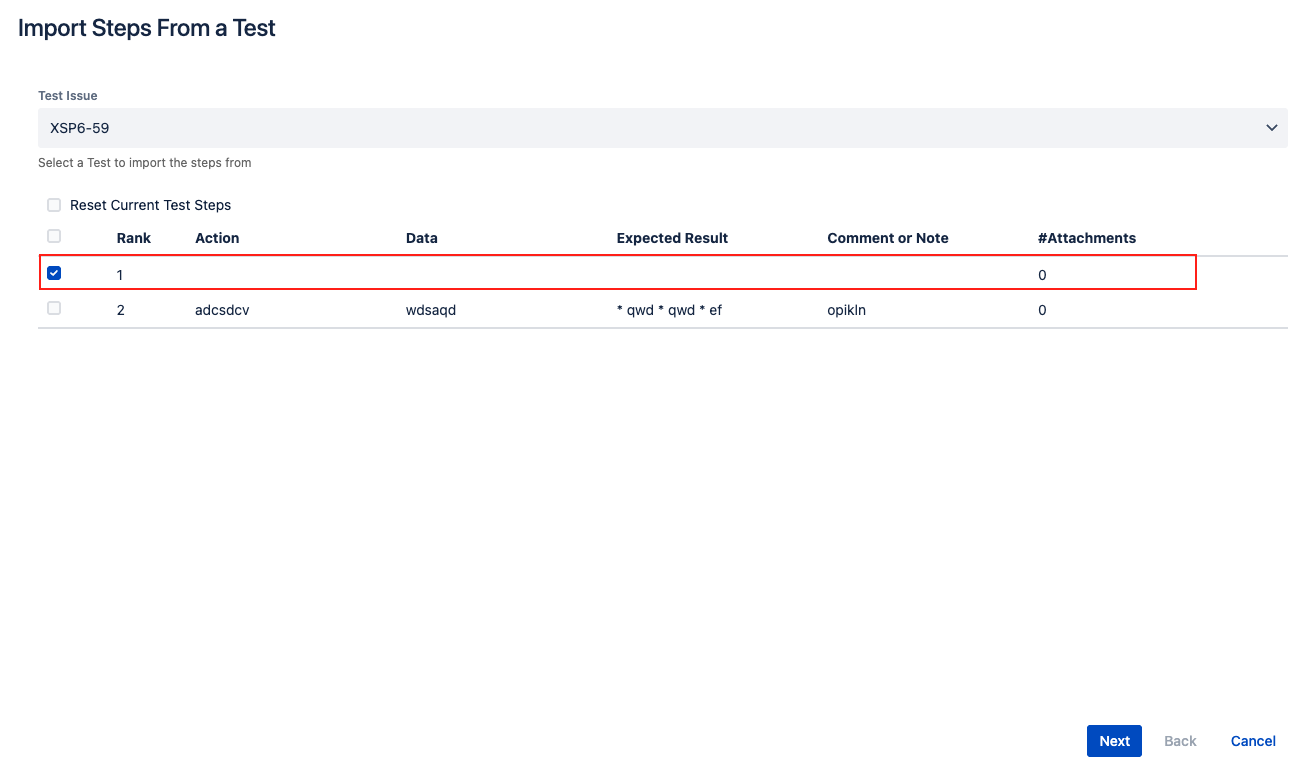
- Pay attention to the MSL step details (Action/Data/Expected Result)
- Select the MSL step and click Next
- Map all the fields and click Validate
Actual result:
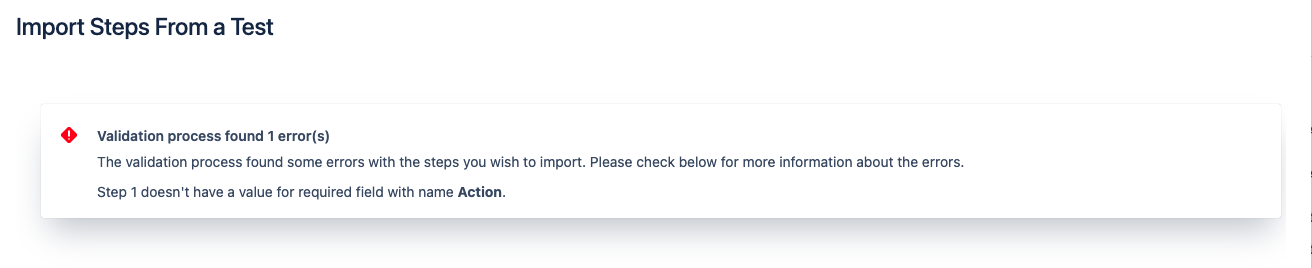
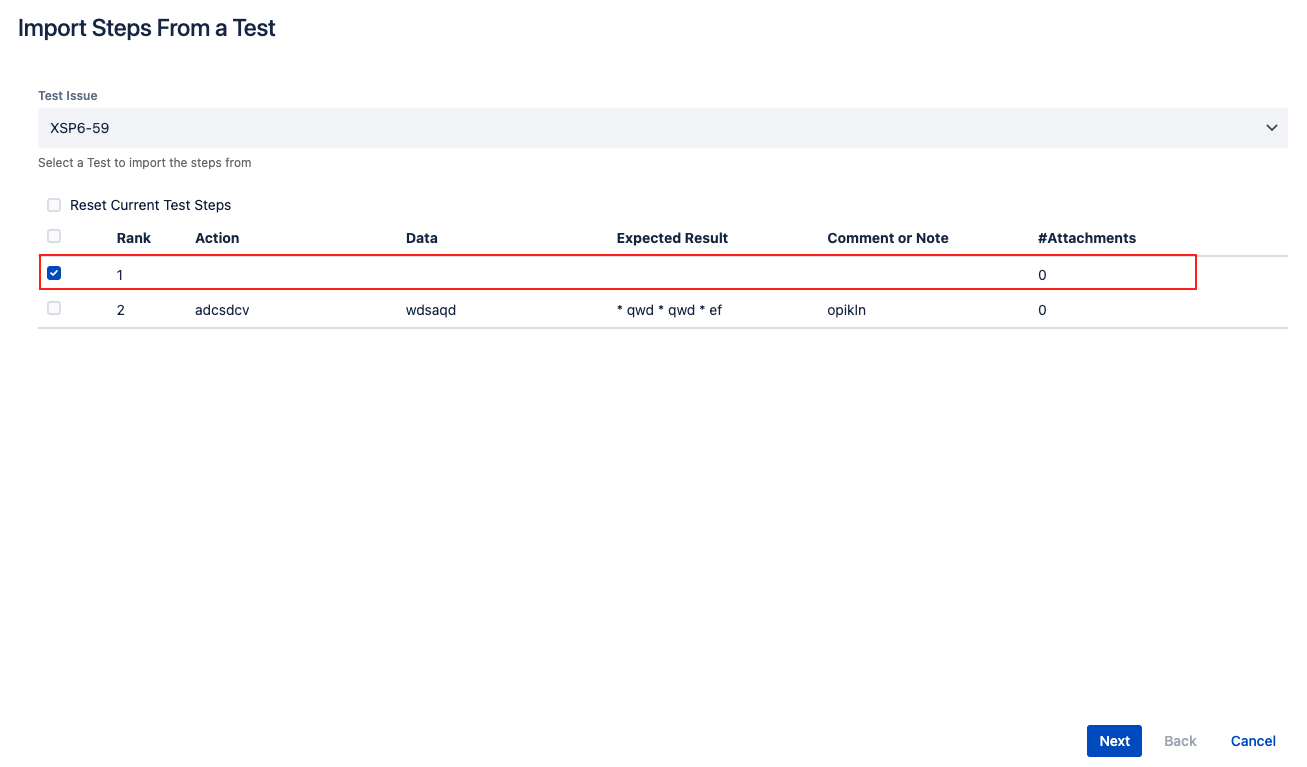
 Step 5 - No data is shown for the MSL step
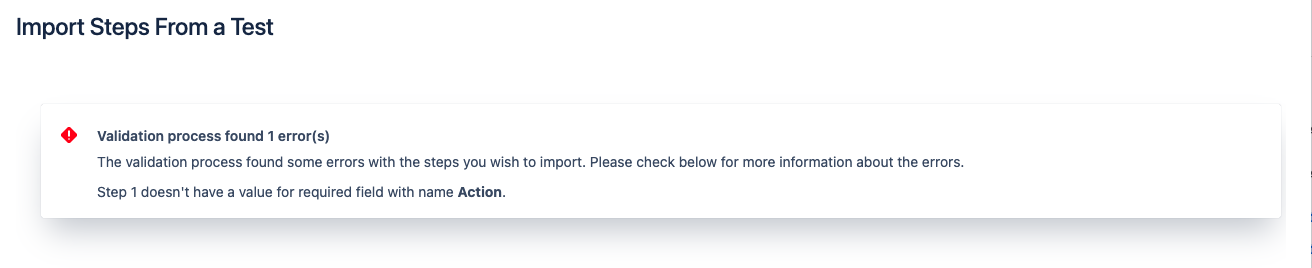
Step 7 - It's not possible to import the MSL step from another test
Expected result
 A user can Import the MSL step from another test