Details
-
Bug
-
Status: Closed
-
 Critical
-
Resolution: Resolved
-
Xray Cloud 7.2.0
-
None
-
Browser: Microsoft Edge
Description
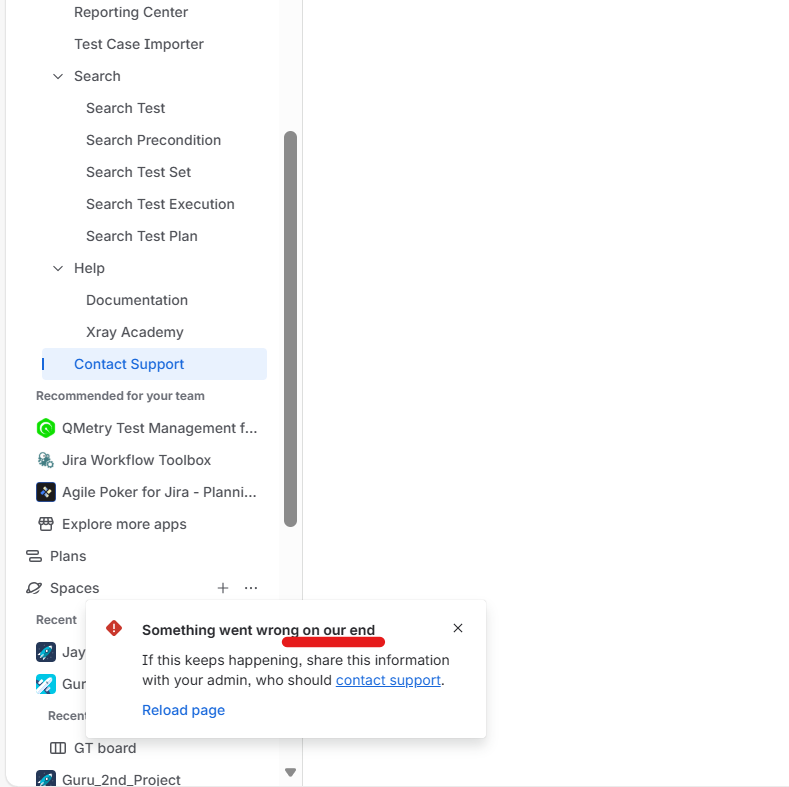
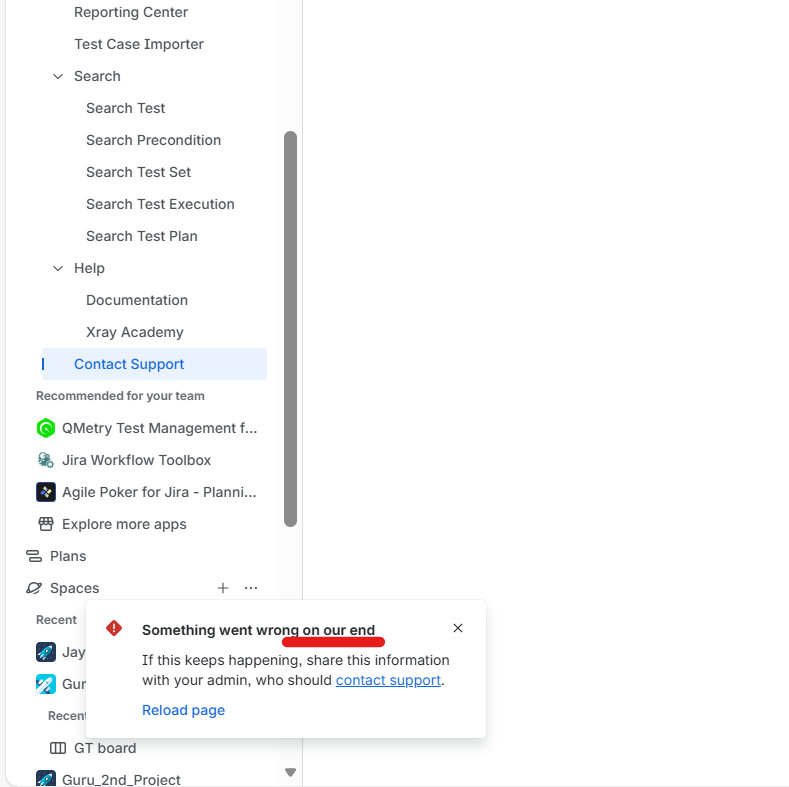
Description: When attempting to open the Contact Support page from the Xray left navigation panel, the page does not load successfully. Instead, a pop-up appears showing the message “Something went wrong on our end.
Steps to Reproduce
- Log in to the Jira Cloud instance.
- Open any project where Xray is enabled.
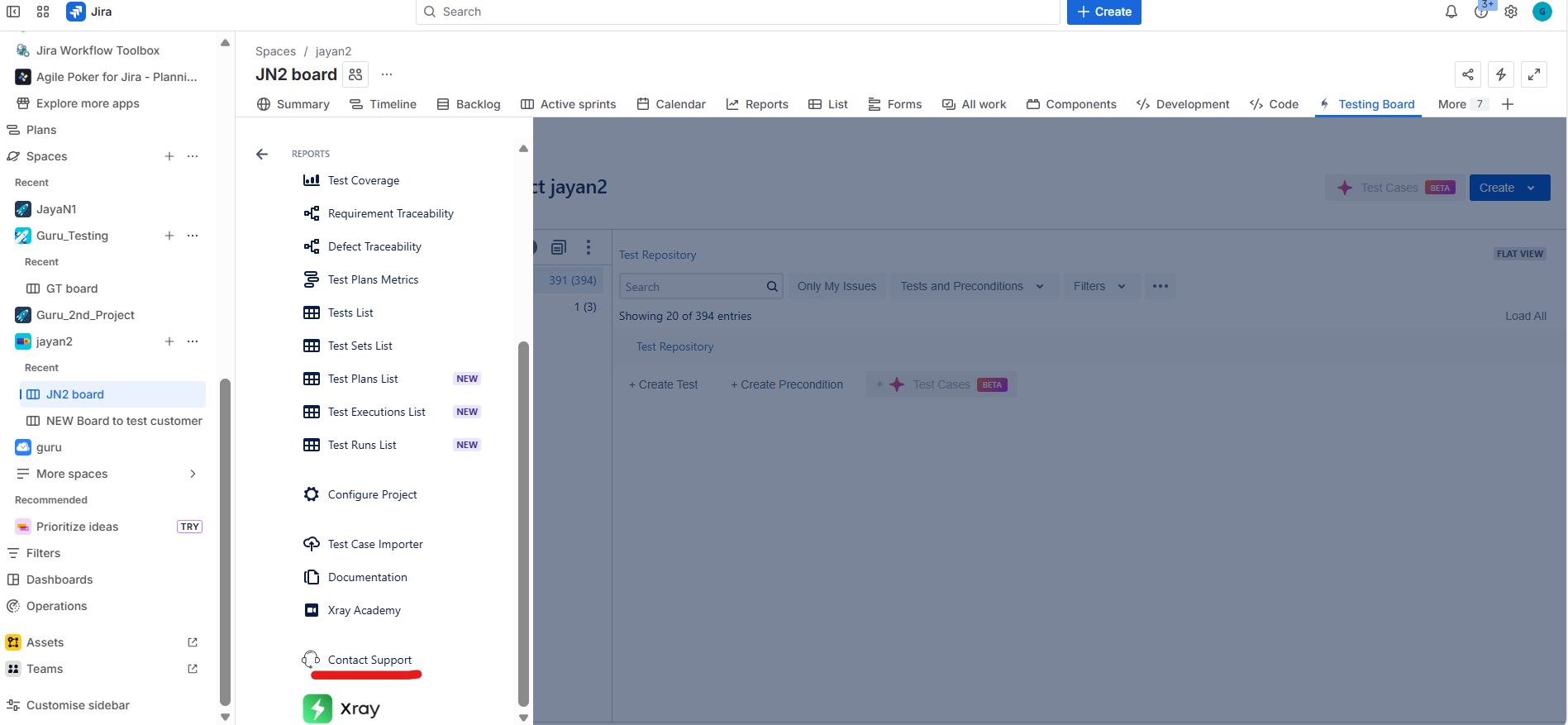
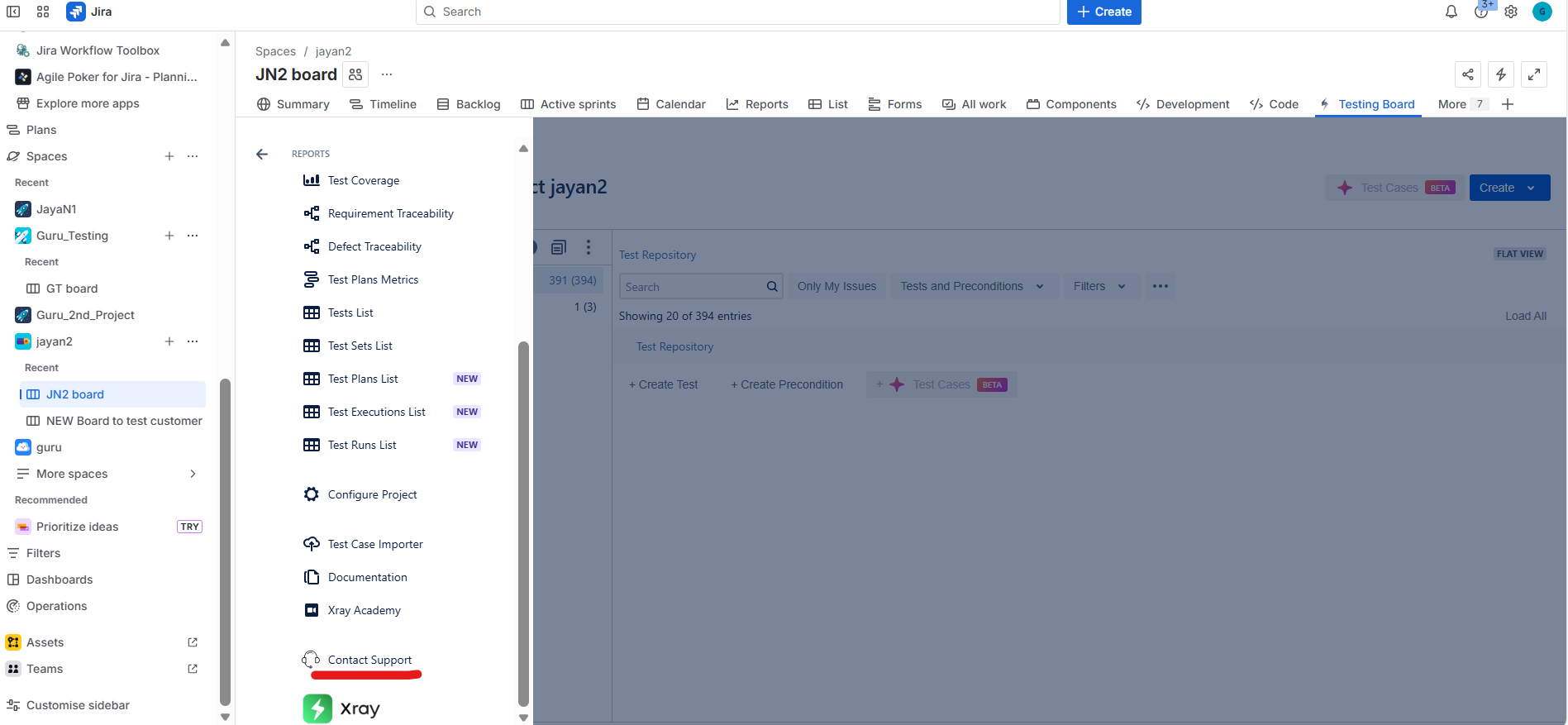
- Navigate to the Testing Board
- Click the three horizontal lines to expand the panel.
- Scroll down in the expanded panel
- Click Contact Support.
7. Observe the error message displayed
Actual Result
The page fails to load and displays the error message:
“Something went wrong on our end."
Expected Result
Clicking Contact Support should successfully open the Xray support page
Version
- 7.2.0