Details
-
Bug
-
Status: Resolved
-
 Medium
-
Resolution: Not a Problem
-
Xray Cloud 7.3.0
-
None
-
Cloud
Description
Cloud ticket: https://sembi.atlassian.net/browse/XCC-1694
Description
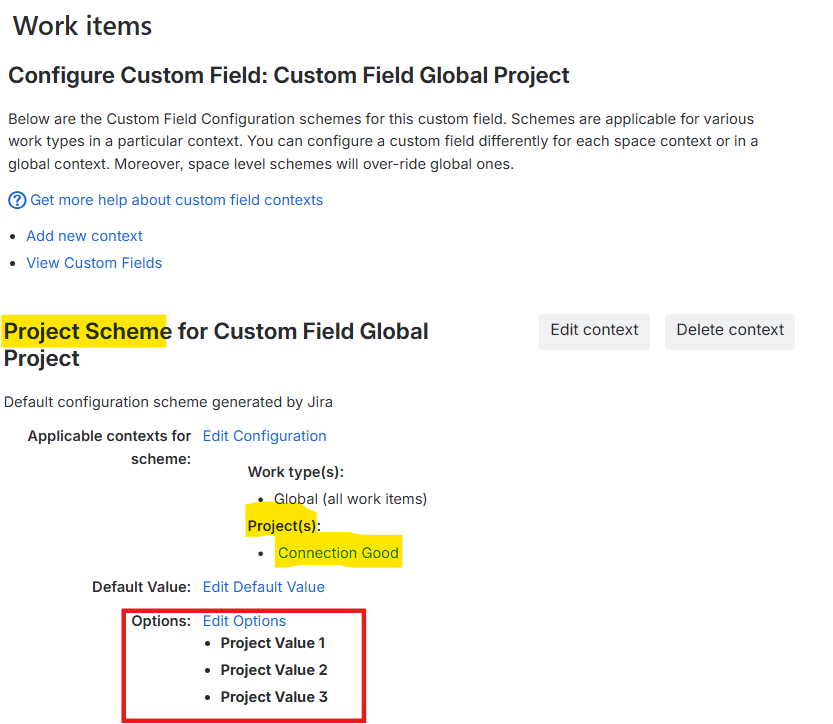
When a custom field is configured for a project/s, it does not work.
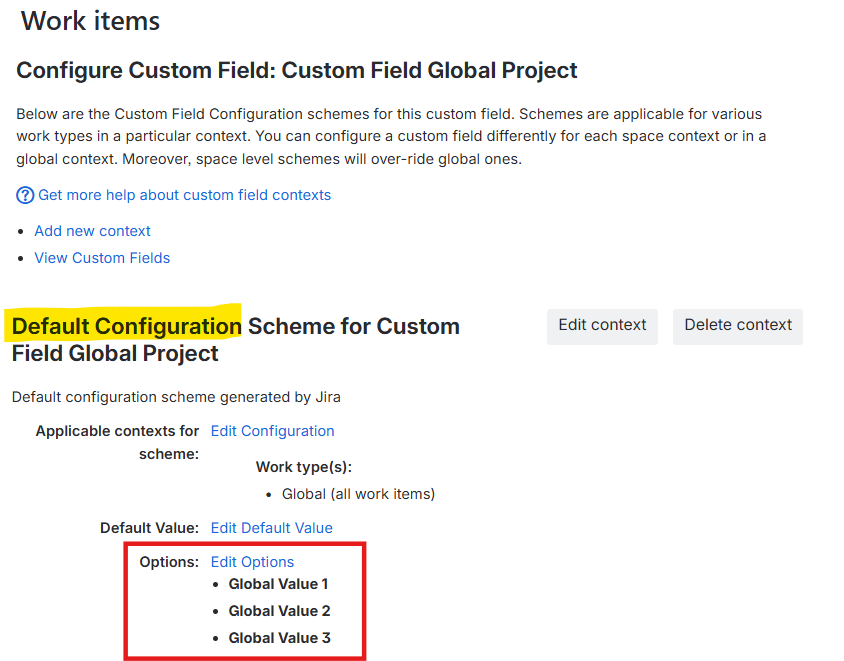
It will show "No elements" or default global values.
Pre-conditions
-
How to reproduce
- Create 2 custom fields of type Select List (single choice)
- Add each custom field to the same project screens
- Edit the configuration for both
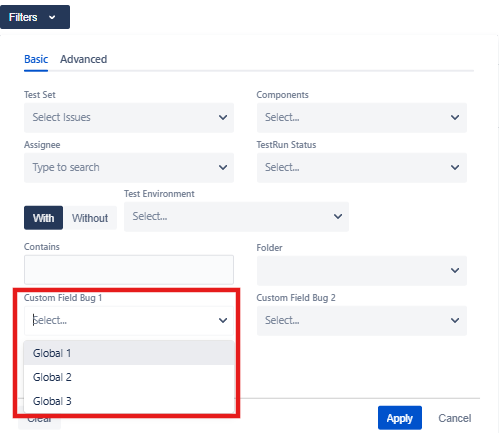
- Custom field 1 - Set to a global context
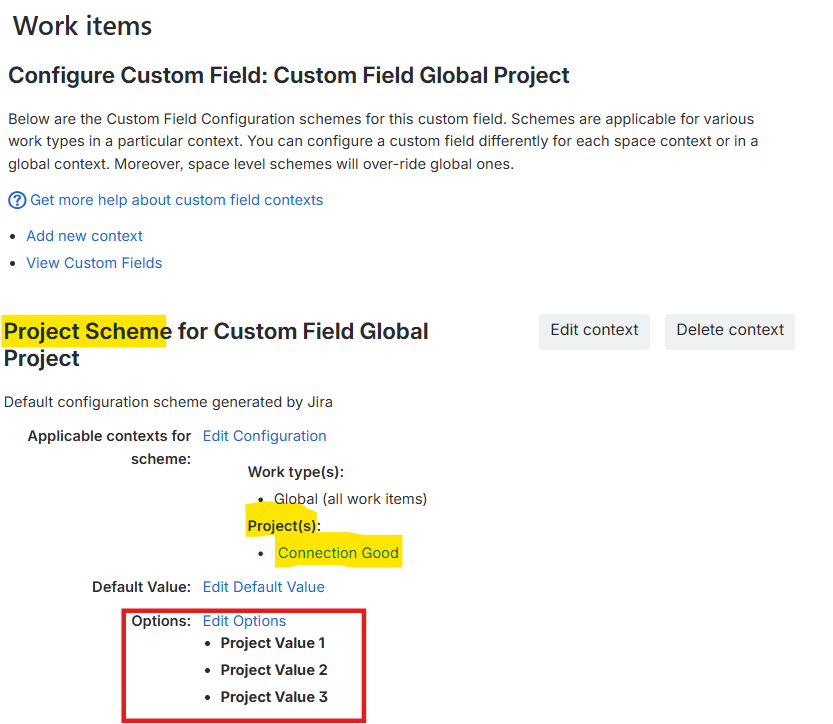
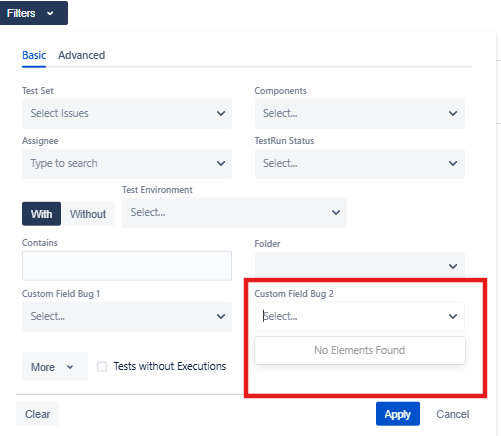
- Custom field 2 - Set to a specific project context
- Use custom fields in a filter
Actual result/Attachments
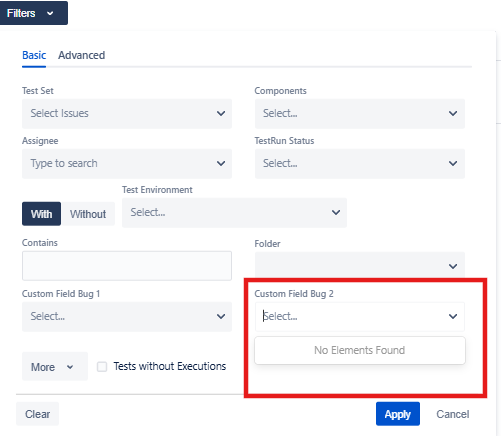
Project-specific custom field showing "No elements"
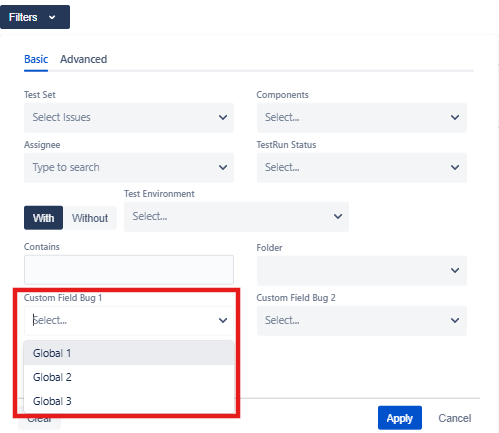
Globally configured custom field showing elements as expected
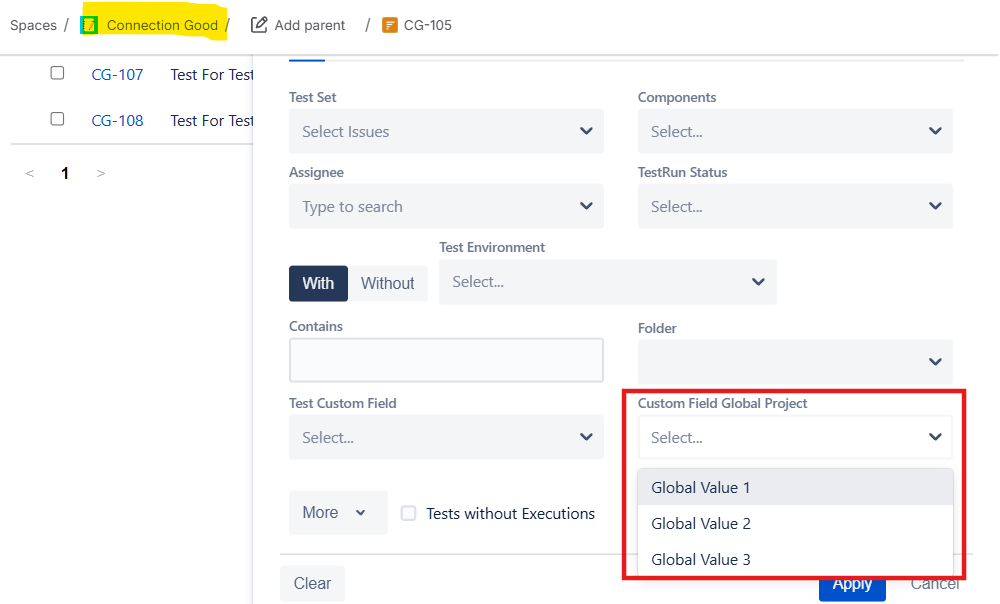
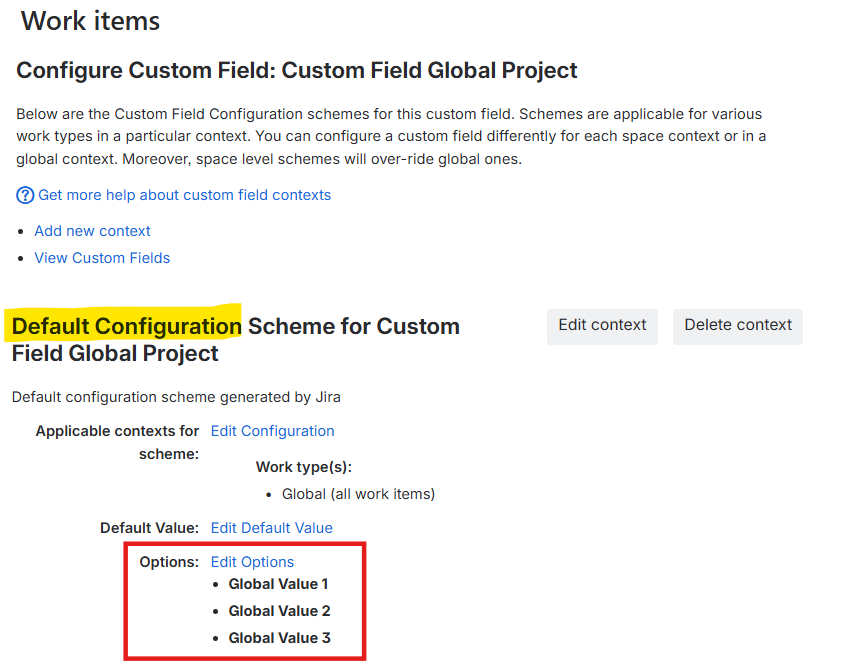
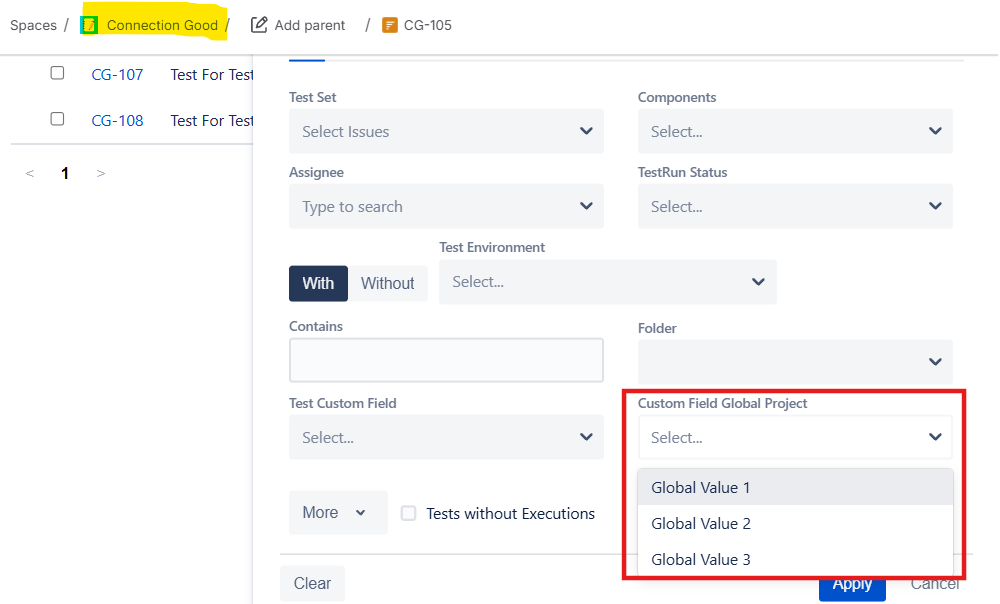
In another situation where a custom field has default global values, the default global values are displayed instead of the project-specific values.
Expected result
Project-specific custom fields should display values.
Version
- 7.3.0
Workaround
-
Attachments
Issue Links
- relates to
-
XRAYCLOUD-10901 Display project scope values in filter panels
- New
- duplicates
-
XCC-1694 Loading...