Details
-
Bug
-
Status: Resolved
-
 Medium
-
Resolution: Fixed
-
Xray Cloud 7.4.0
-
None
-
UI
Description
Description
The Defect Traceability Report does not correctly filter Fix Versions by the selected Project/Space. As a result, users see Fix Versions associated with other Projects/Spaces, leading to inaccurate and potentially misleading report data.
How to reproduce
- Select Project A and create one or more Fix Versions
- Select Project B and create different Fix Versions
- Navigate to the Defect Traceability Report
- In the report filters, select one specific Project
- Open the Fix Version and/or Affects Version filter dropdown
- Observe that the dropdown displays Fix Versions from all projects, not only from the selected project
- Now navigate to the Requirement Traceability Report
- Go to Analysis & Scope
- Select Version and choose the same Project
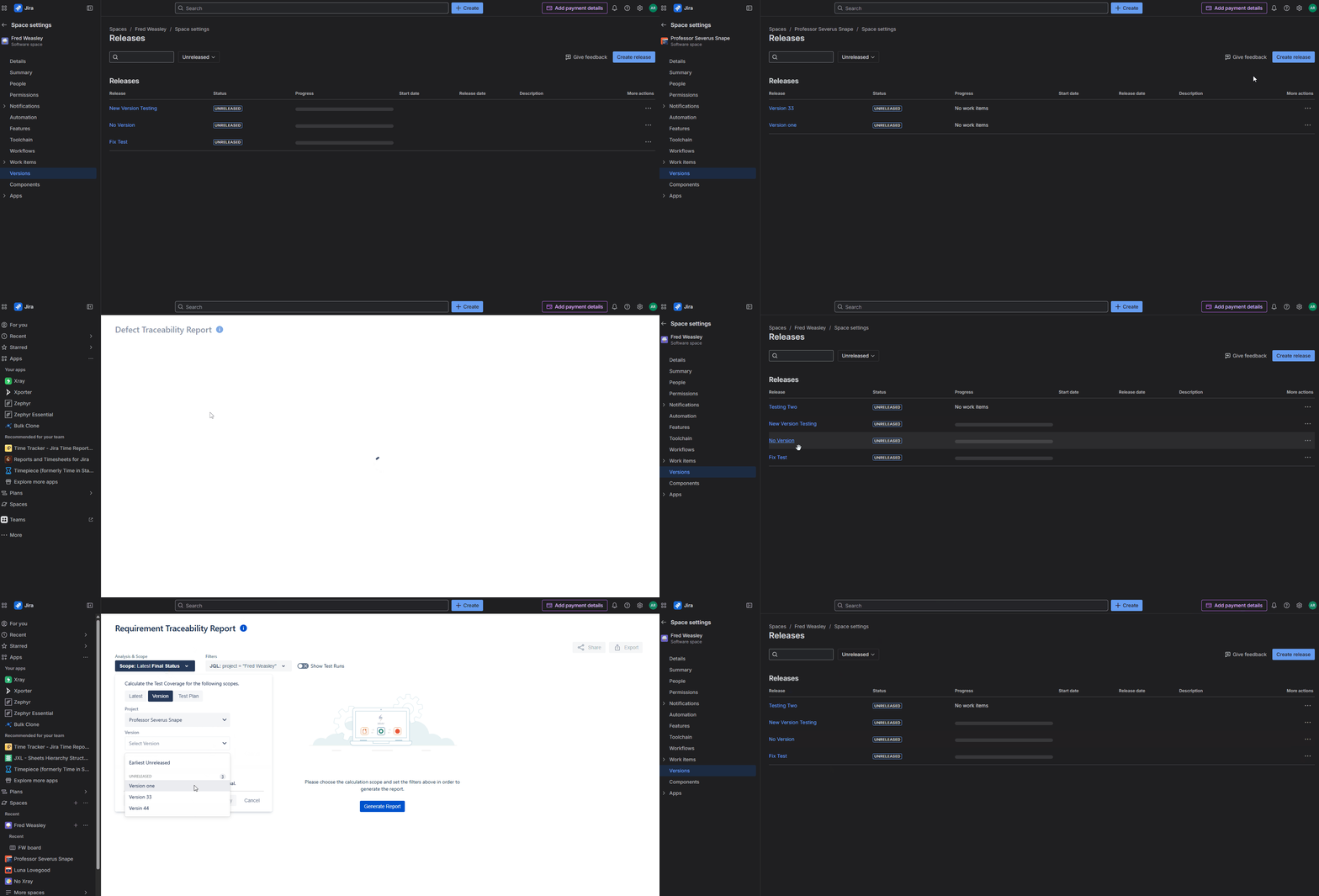
- Observe that only the Versions associated with the selected project are displayed
Actual result/Attachments
When a Project is selected in the Defect Traceability Report, the Fix Version and Affects Version filters display Versions from multiple Projects instead of being limited to the selected Project.
This results in inconsistent filtering behavior and may cause confusion or incorrect report configuration.
(Please find Screentogif attached)
Expected result
When a Project is selected in the Defect Traceability Report, the Fix Version and Affects Version filters should display only the Versions associated with the selected Project.
The filtering behavior should be consistent with the Requirement Traceability Report, where only Versions linked to the selected Project are shown.
Version
- XrayCloud 7.4.0
Workaround
Attachments
Issue Links
- duplicates
-
-
- Resolved
-
-
XCC-1688 Loading...