Details
-
Bug
-
Status: Resolved
-
 Medium
-
Resolution: Fixed
-
Xray Cloud 7.4.0
-
None
-
Test Execution, Test Run
Description
Description
When opening a Testing Board for a Test Execution where one of the Test Steps is set to a Custom Test Status not enabled for that project, the Testing Board becomes blank when you scroll down to that Test Step.
Pre-conditions
Enable a Custom Test Step for a Project with a Testing Board already opened
How to reproduce
- Open a Test Execution in the Testing Board
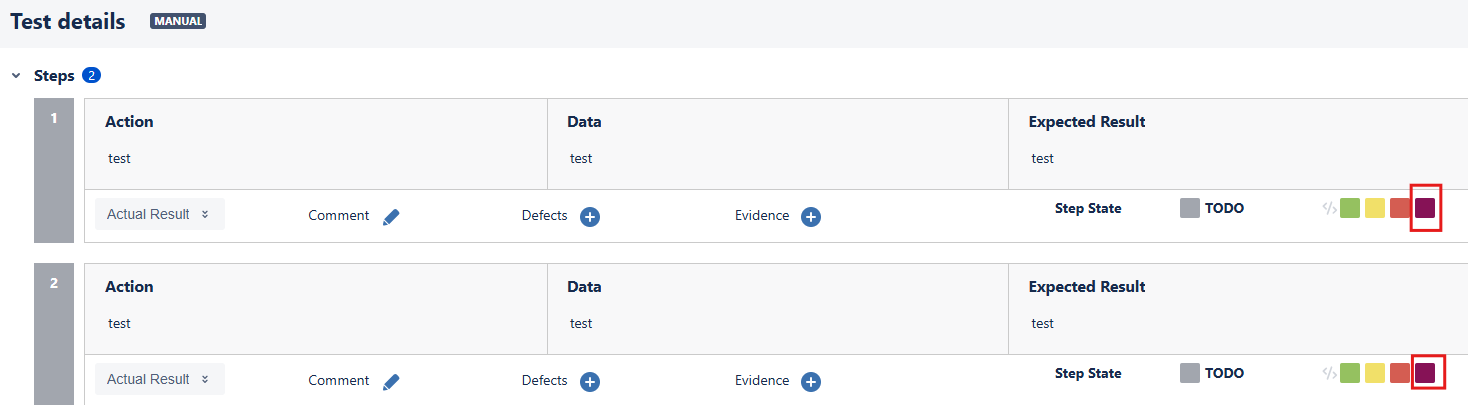
- Set a Test Step to an enabled Custom Test Step Status, keep Testing Board open
- Disable the Custom Test Step Status
Actual result/Attachments
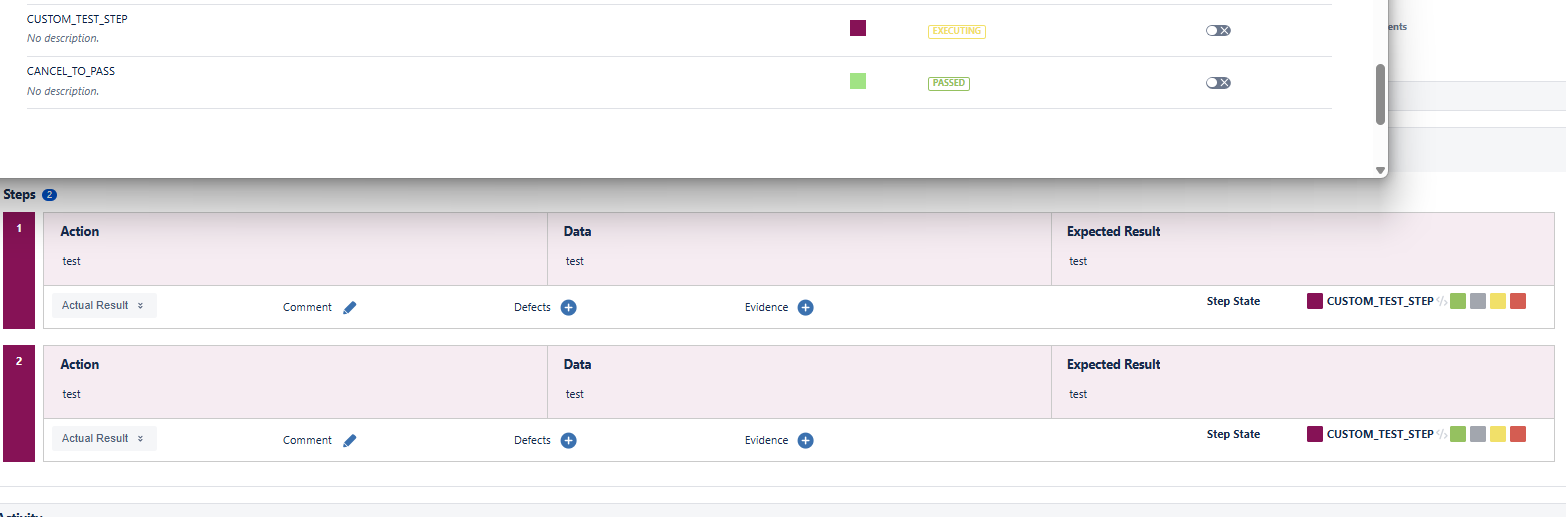
Custom Test Step Status visible
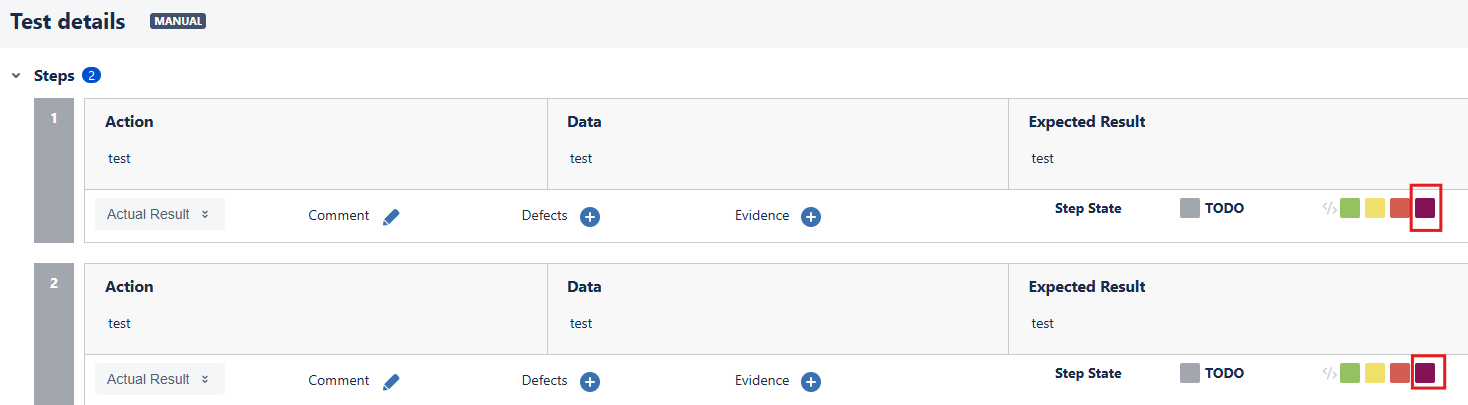
When a Testing Board is kept open, I am able to disable the Custom Test Step Status, and still use it.
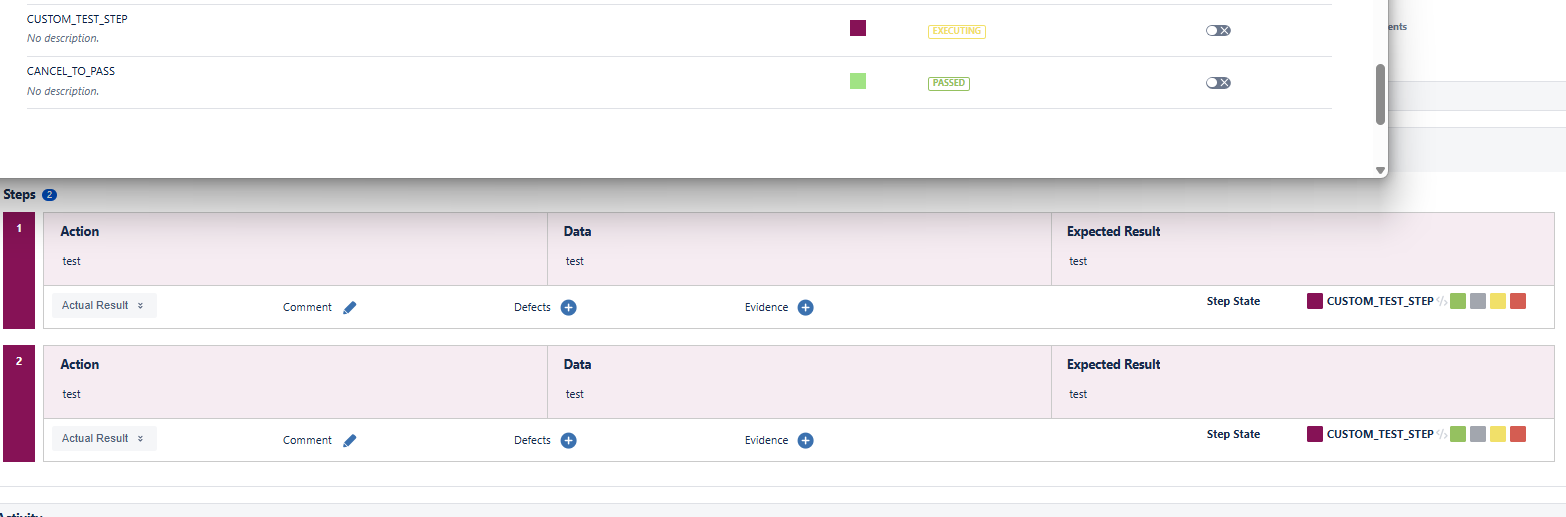
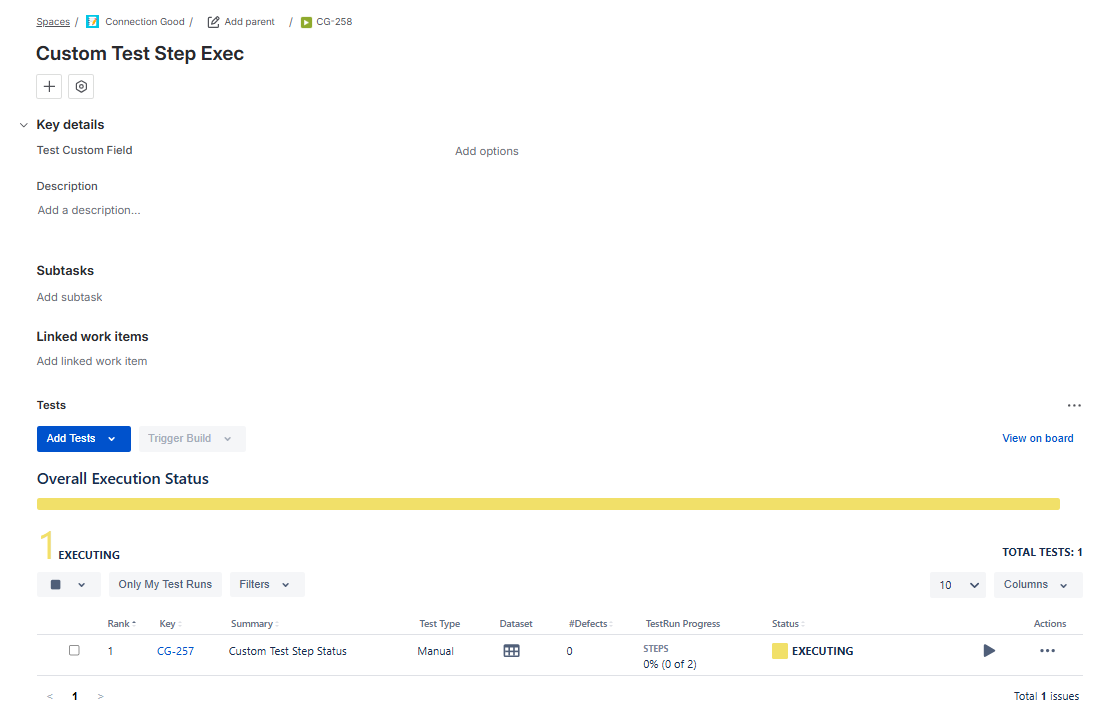
No errors are shown on the Test Execution
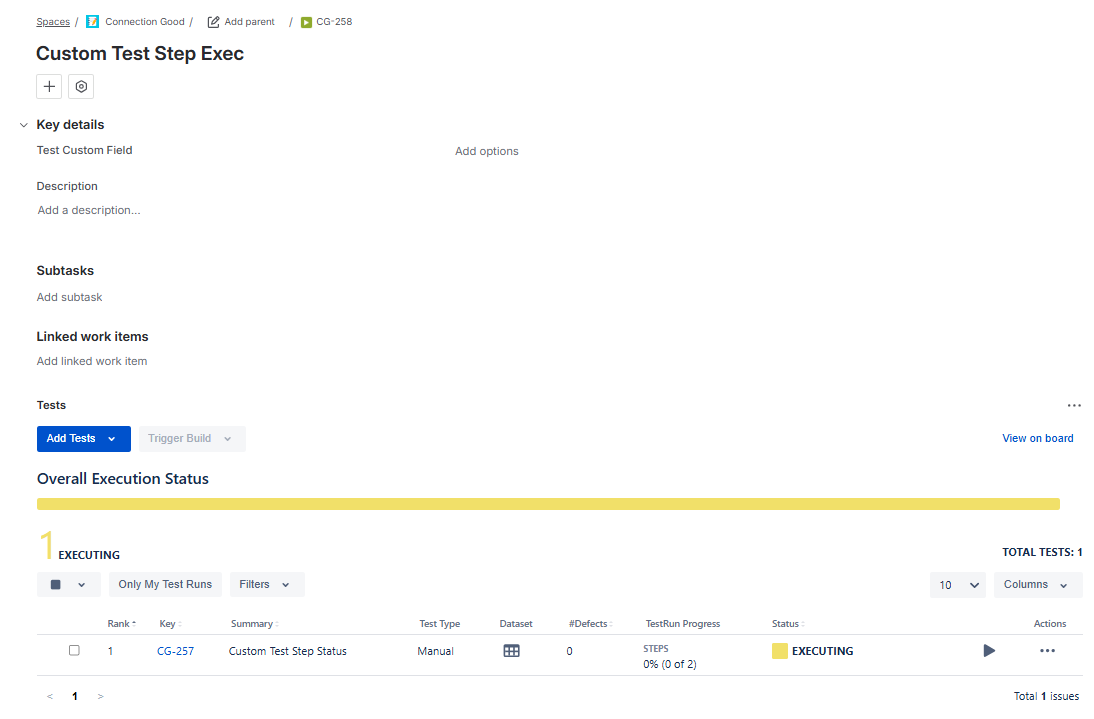
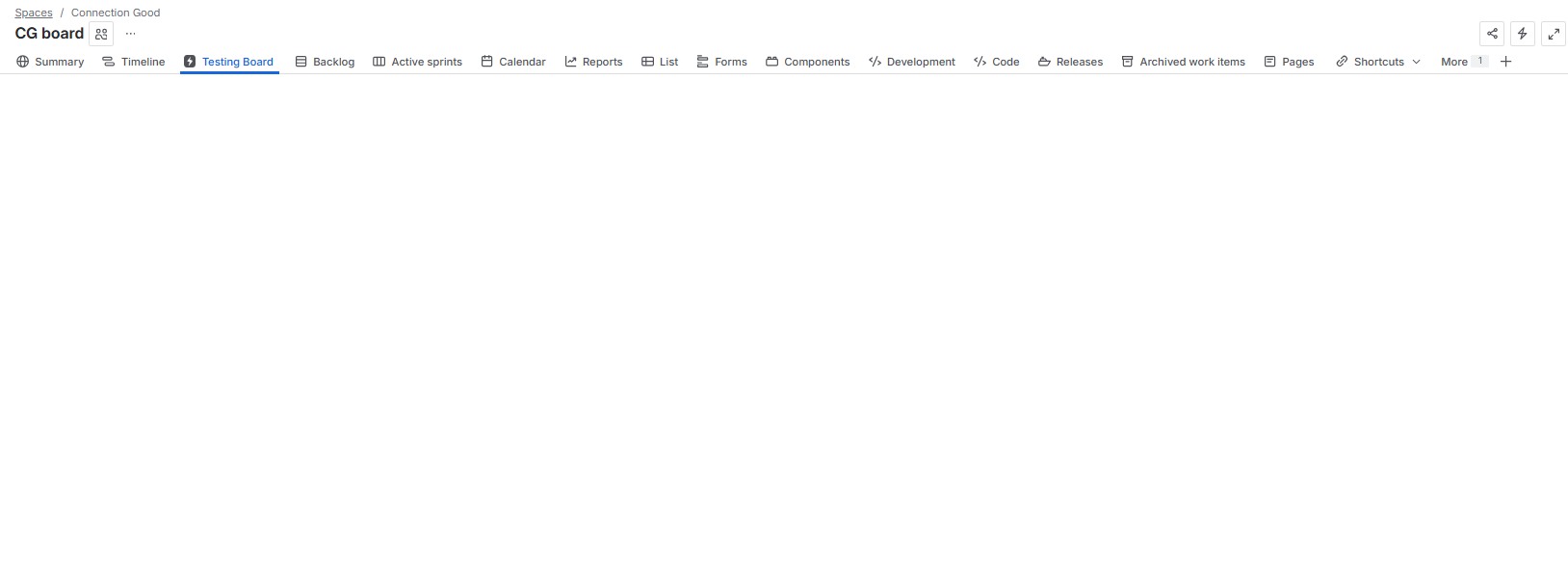
When opening the Testing Board, it will be blank.
If the affected Test Step is at later in the Test(e.g. Step 7), it will load at first but when it reaches the affected Test Step, it will turn blank.
Expected result
It should not be possible to use a Test Step not configured for that Project
Version
- 7.4.0
Workaround
Enable custom Test Step Status in the Project.
Attachments
Issue Links
- relates to
-
-
- Resolved
-
- duplicates
-
XCC-2319 Loading...