Details
-
Bug
-
Status: Resolved
-
 Medium
-
Resolution: Fixed
-
Xray Cloud 8.0.0
-
None
-
Prod
Description
Description:
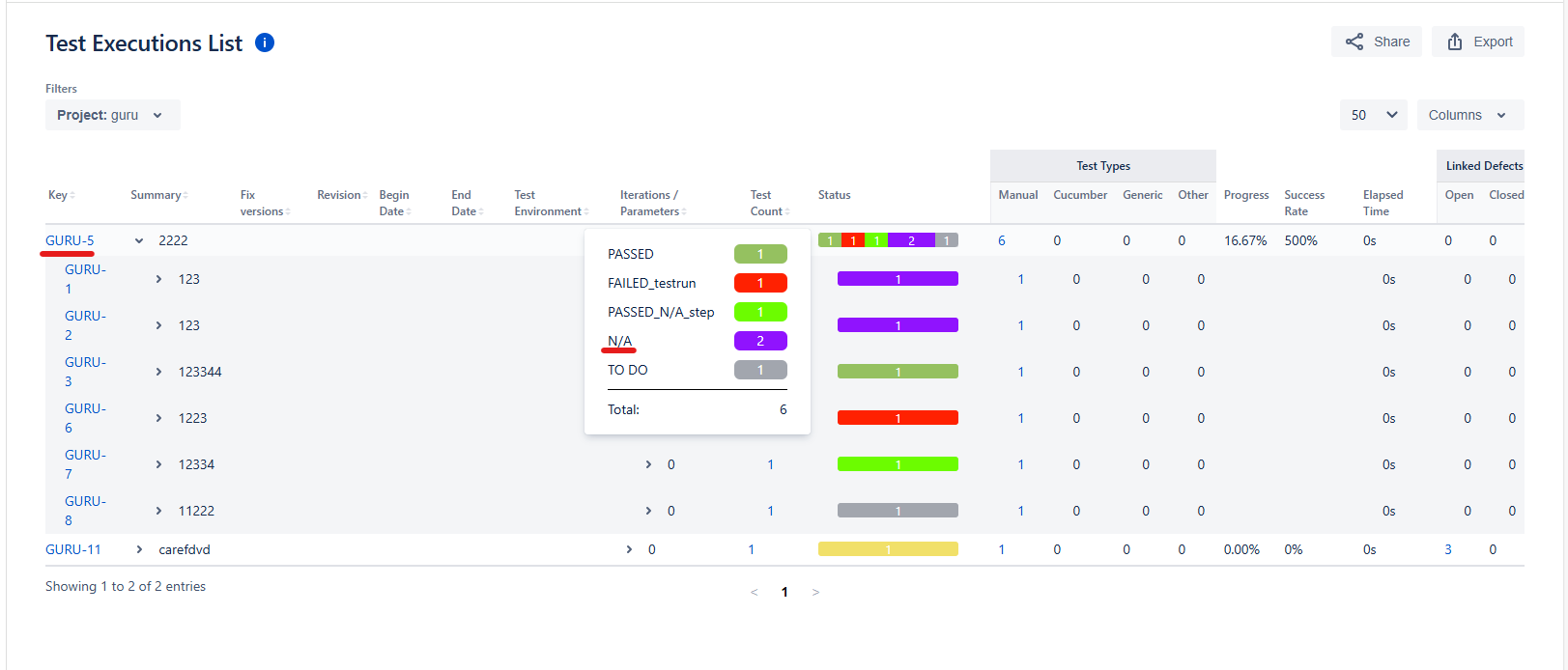
Custom Test Status with name “N/A” is not exported in CSV from the Test Execution report, though it is visible in the Test Execution Report UI
When a custom Test Run Status is created with the name “N/A”, it is correctly displayed in the Test Execution List UI and works as expected within Xray.
However, upon exporting the Test Execution report (CSV), the “N/A” status is missing in the exported file.
Please note that if the custom Test Run status is “NA” and "PASSED_N/A_step", it is exported correctly.
Steps to Reproduce:
1. Go to Jira Settings > Marketplace apps > Test Statuses (Under Xray)
2. Add or edit a custom status with the name “N/A.”
3. Assign any Test Coverage Status ** (e.g., OK)
4. Add the status
5. Open a Test Execution
6. Assign “N/A” status to one or more tests
7. Verify status is visible in Test Execution List
8. Export the Test Execution report (CSV)
9. Open the exported file and check the status column
Actual result/Attachments
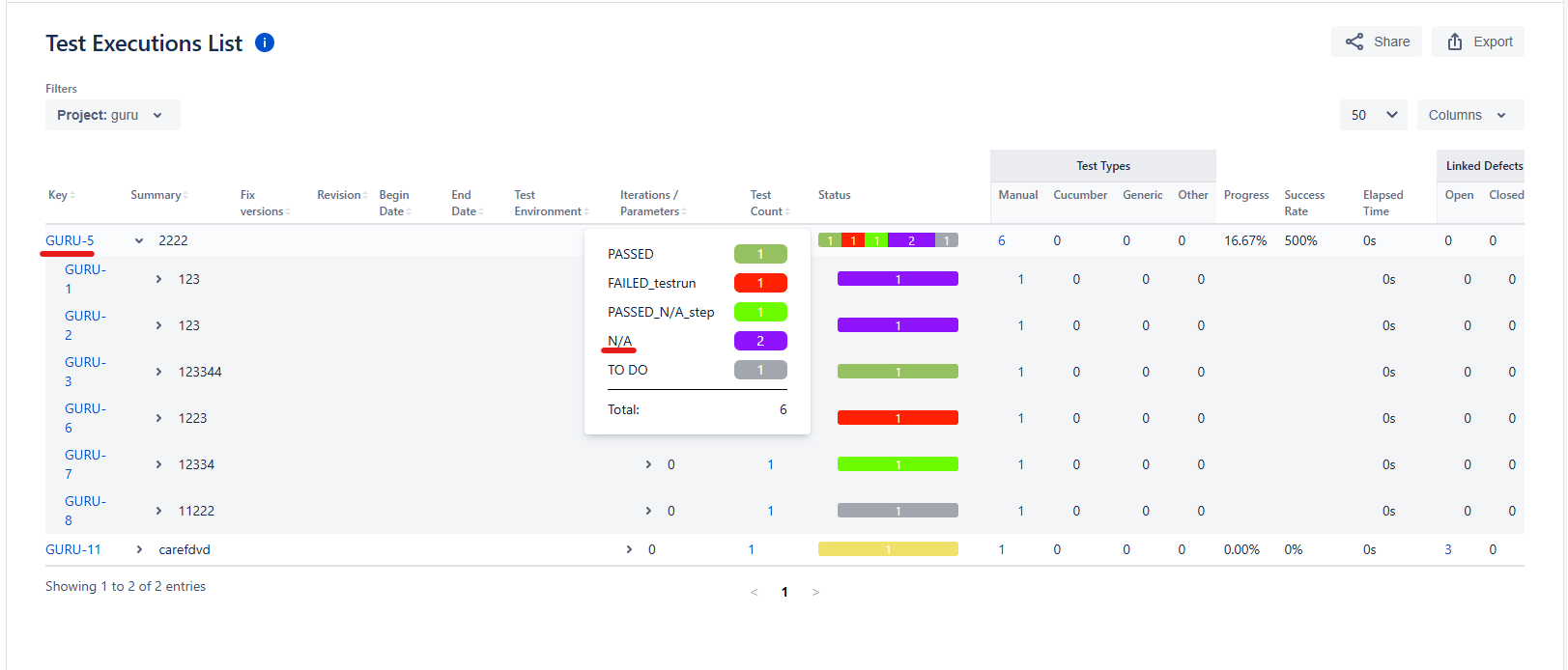
The attached screenshot shows that the status “N/A” is correctly displayed for the Tests in the Test Execution List report UI.
The attached exported CSV file shows that the "N/A" status is missing for the same Tests
Status missing in the Test Execution List report.csv
Expected Result
Status “N/A” should be exported like other Test Run Status
Version :
8.0.0
Attachments
Issue Links
- duplicates
-
XCC-2053 Loading...