Details
-
Bug
-
Status: Waiting Approval
-
 Medium
-
Resolution: Unresolved
-
Xray Cloud (8.0.1) [Silent Release26.4]
-
None
-
None
-
Jira cloud
Description
Description
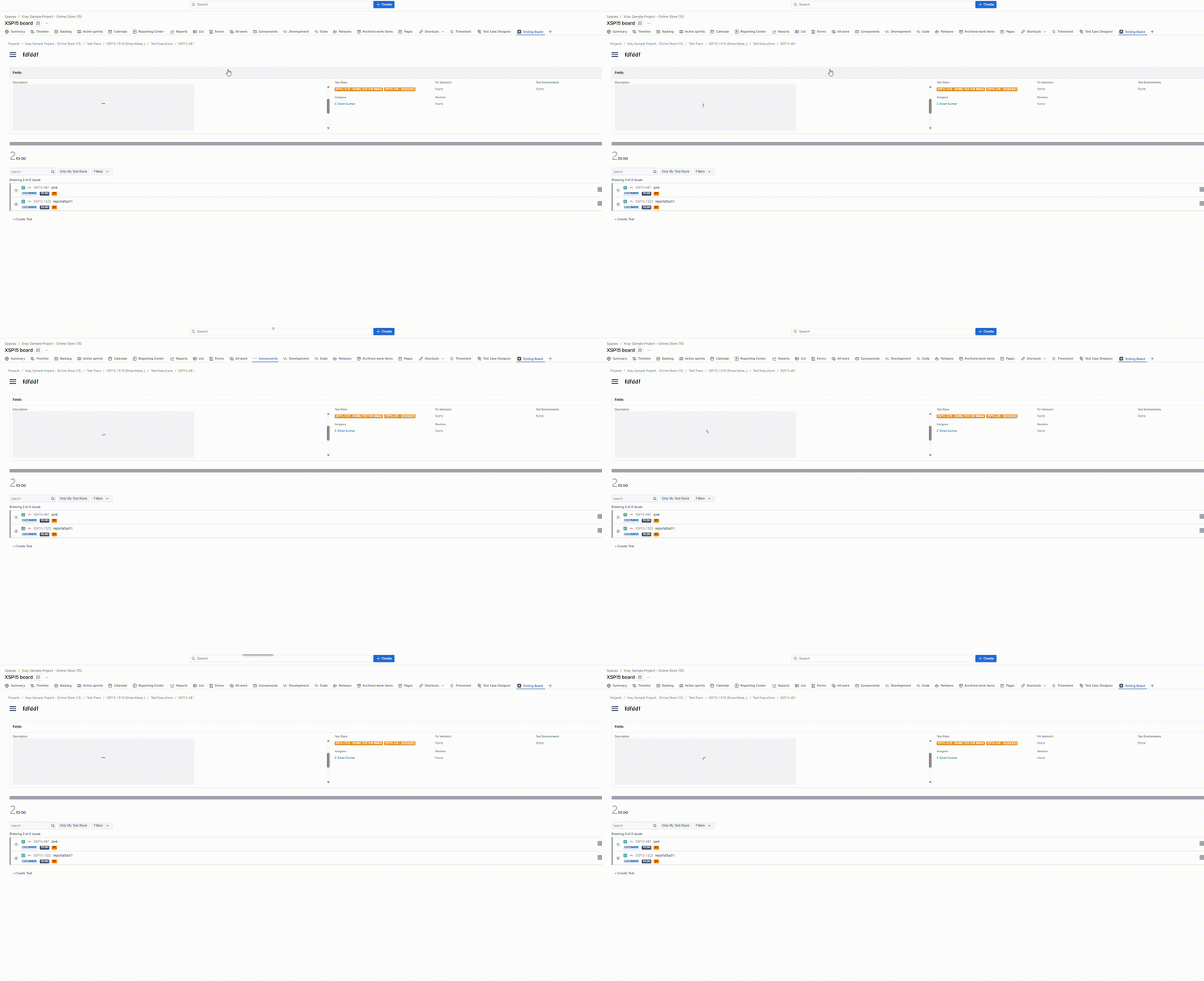
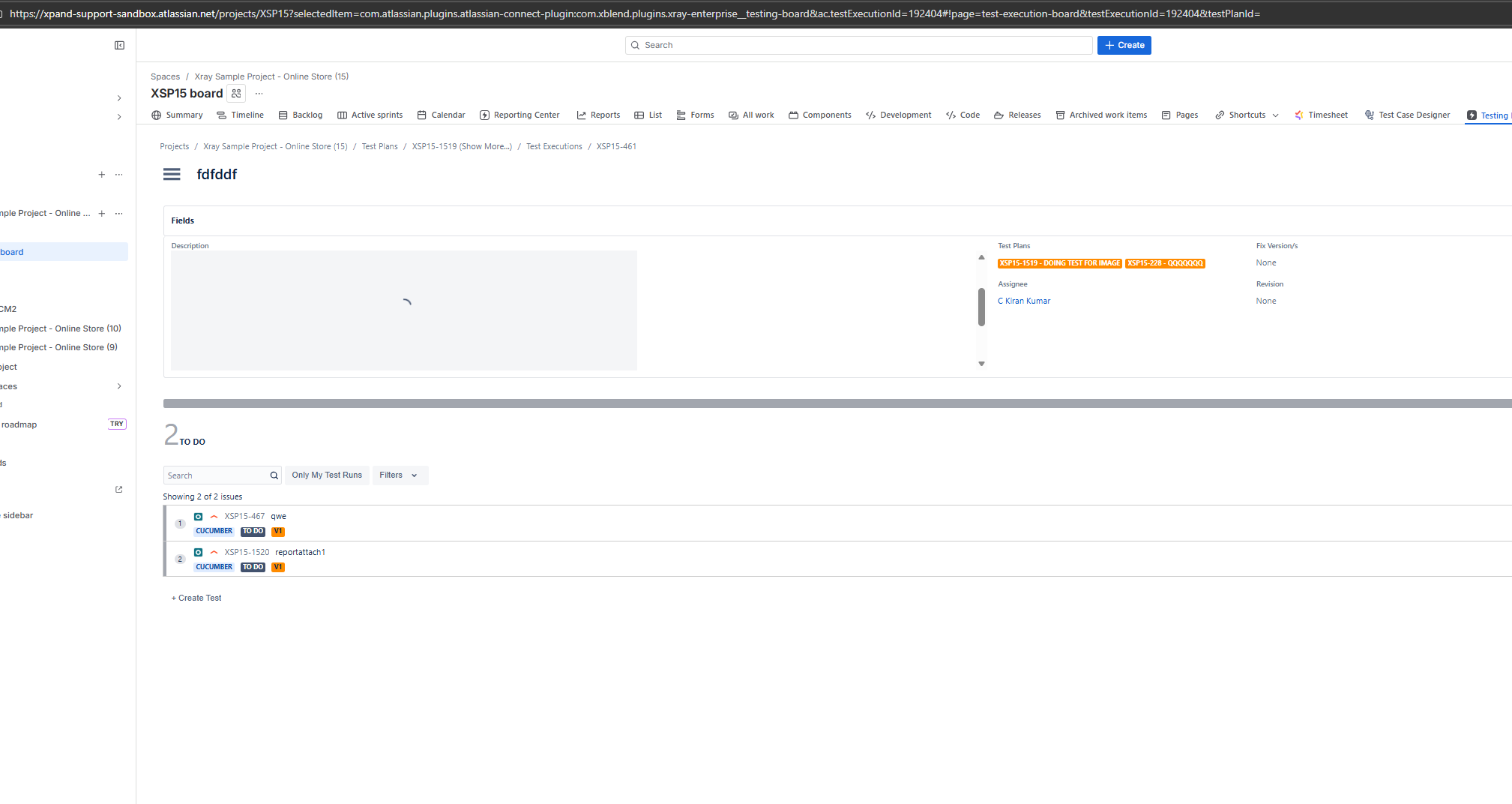
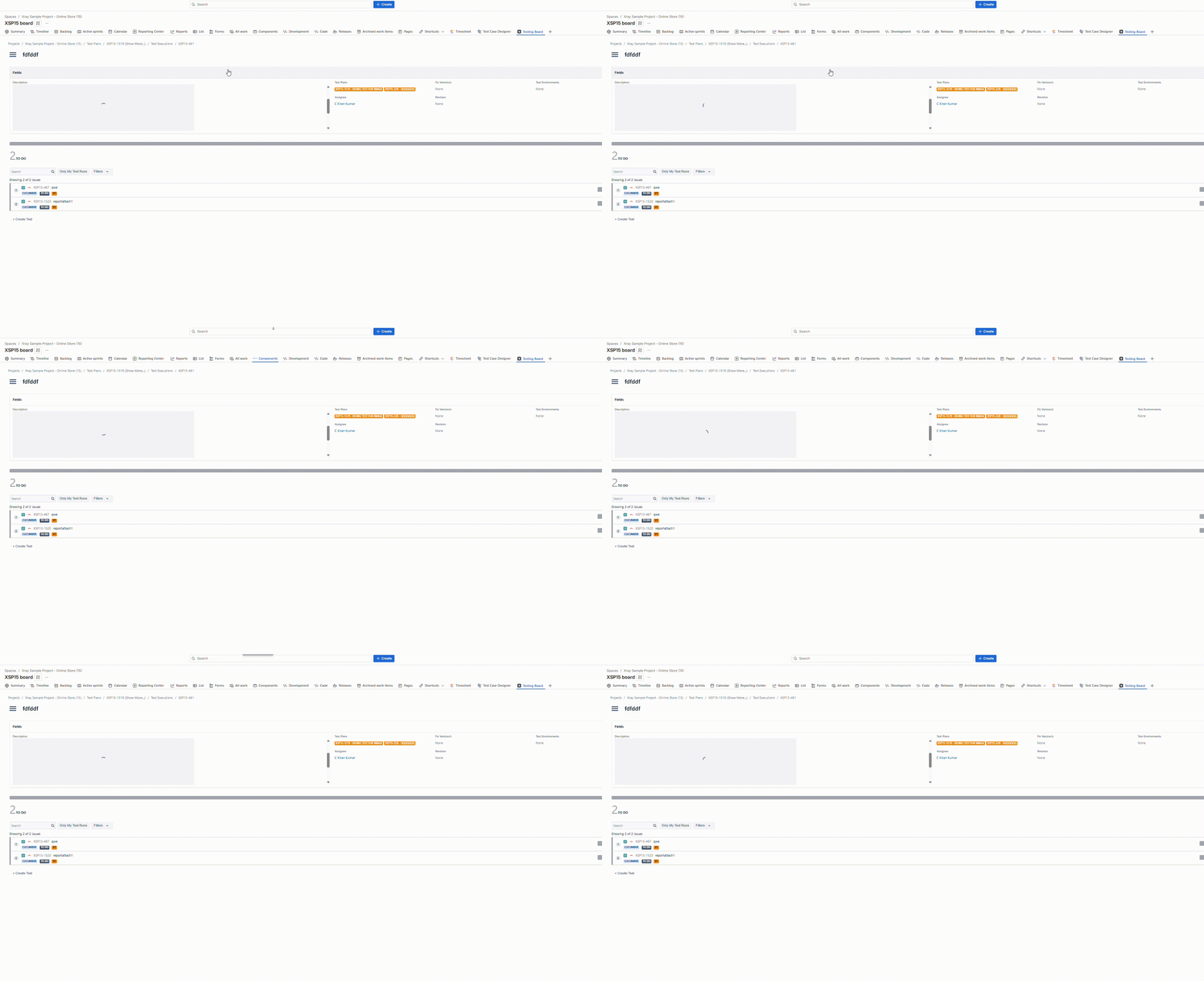
When viewing a Test Execution within the Testing Board, any image or attachment included in the Description field fails to render, resulting in an infinite loading.
Pre-conditions
- In Test Execution. The Description field of Test Execution must contain an embedded image.
How to reproduce
- Navigate to a Test Execution issue.
- Add a description that includes an image.
- Go to the Testing Board -> Test Execution.
- Locate and open the specific Test Execution within the Testing board view.
- Observe the Description section.
Actual result/Attachments
The image in the description does not display; instead, a loading placeholder spins infinitely.
Expected result
The image or attachment should render clearly within the description, consistent with how it appears in the standard Jira issue view.
Version
Xray Cloud 8.0.0
Workaround
The image within the description is visible in the Jira Issue view.
Attachments
Issue Links
- duplicates
-
XCC-2109 Loading...