Details
-
Bug
-
Status: Resolved
-
 Critical
-
Resolution: Fixed
-
Xray Cloud 10.0.1 [Silent Release 26.5]
-
Jira Cloud, Edge and Chrome browsers, Windows
Description
Description:
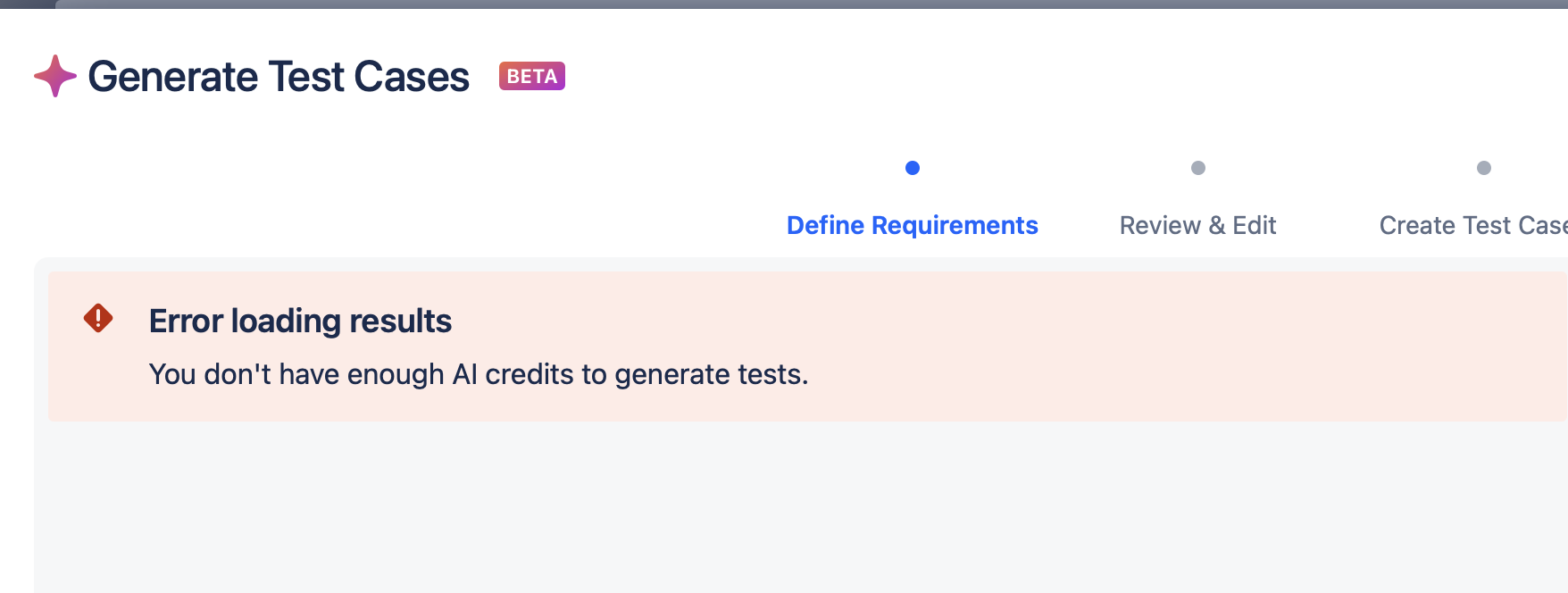
When the AI Credits are 0 for the instance, when we try to create Tests using the AI feature, we are expected to see a relevant message, but the users are seeing misleading errors.
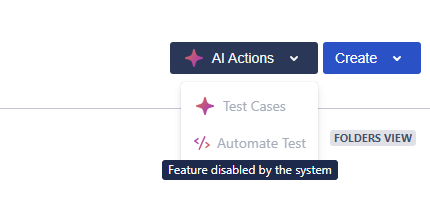
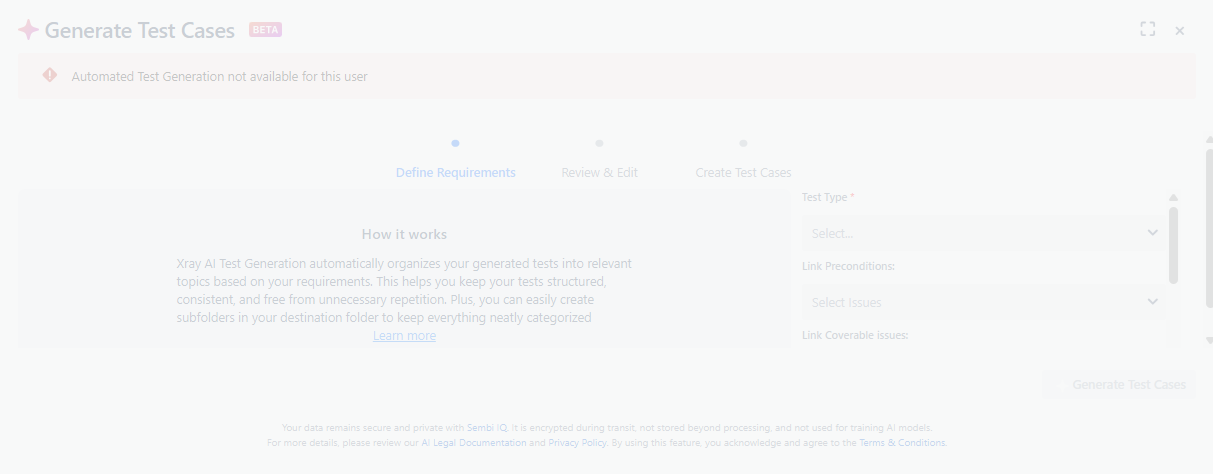
They see an error stating that "Automated Test Generation is not available for this User" if they use the AI feature from the Requirement. If they create Tests from the Test Repository, then they see another error "Feature is disabled, please contact Admin", despite the feature is enabled.
Pre-conditions:
- Test issuetype is not renamed to anything else.
- Xray app is updated.
- AI Test Case Generator Feature is enabled.
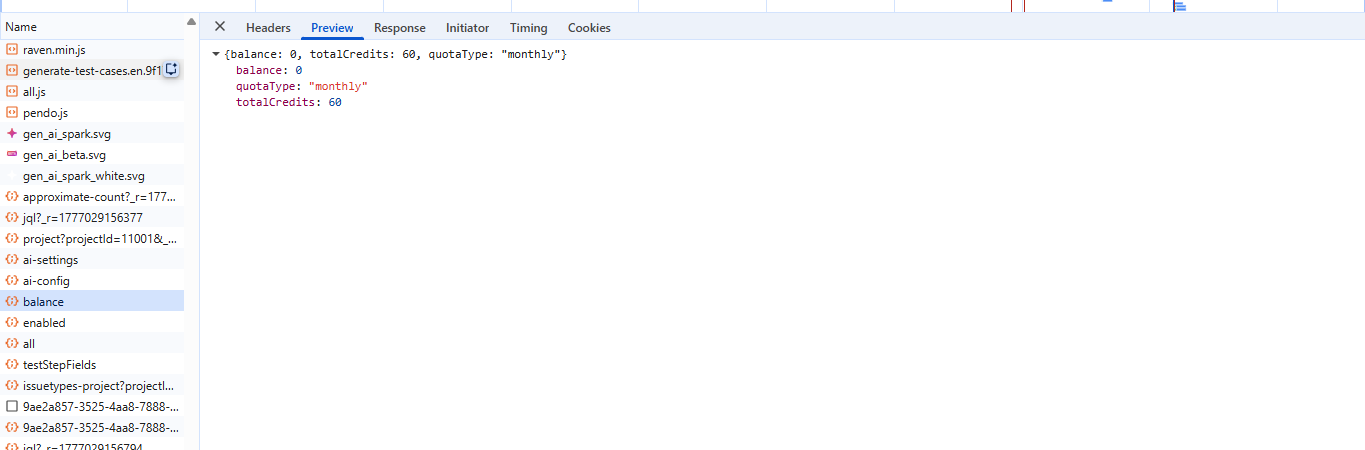
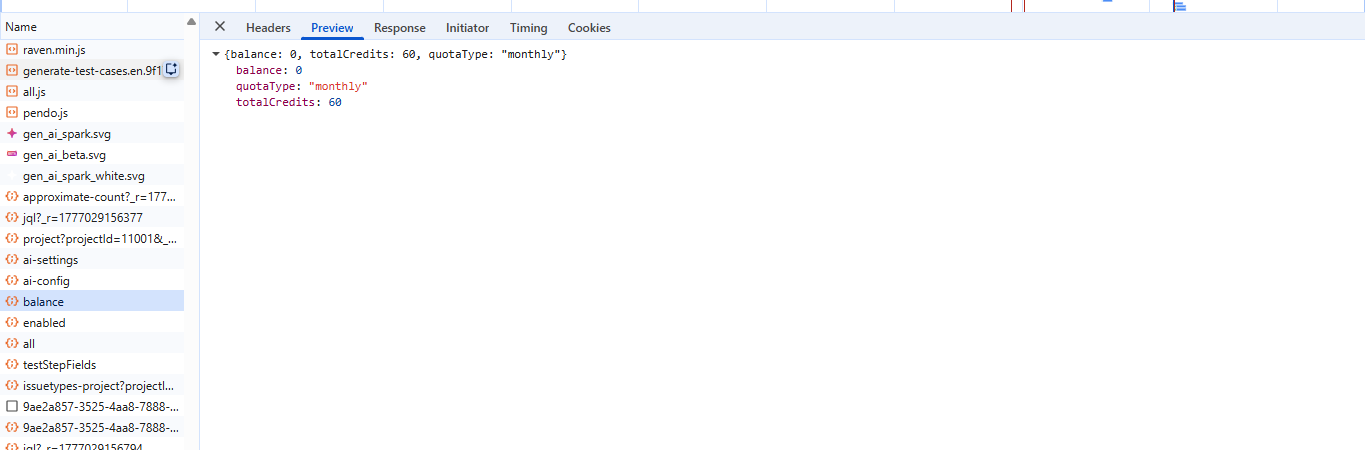
- Importantly, all the AI Credit Balance is used up to make the balance: 0
How to reproduce
- Navigate to the Test Repository and click on AI Actions - Test Cases
- Open a Requirement issue and then click on the AI Test Cases (Beta) option
Actual result/Attachments
An error appears: "xray.test-repository.actions.ai-feature-disabled-tool-tip-balance"

Expected result
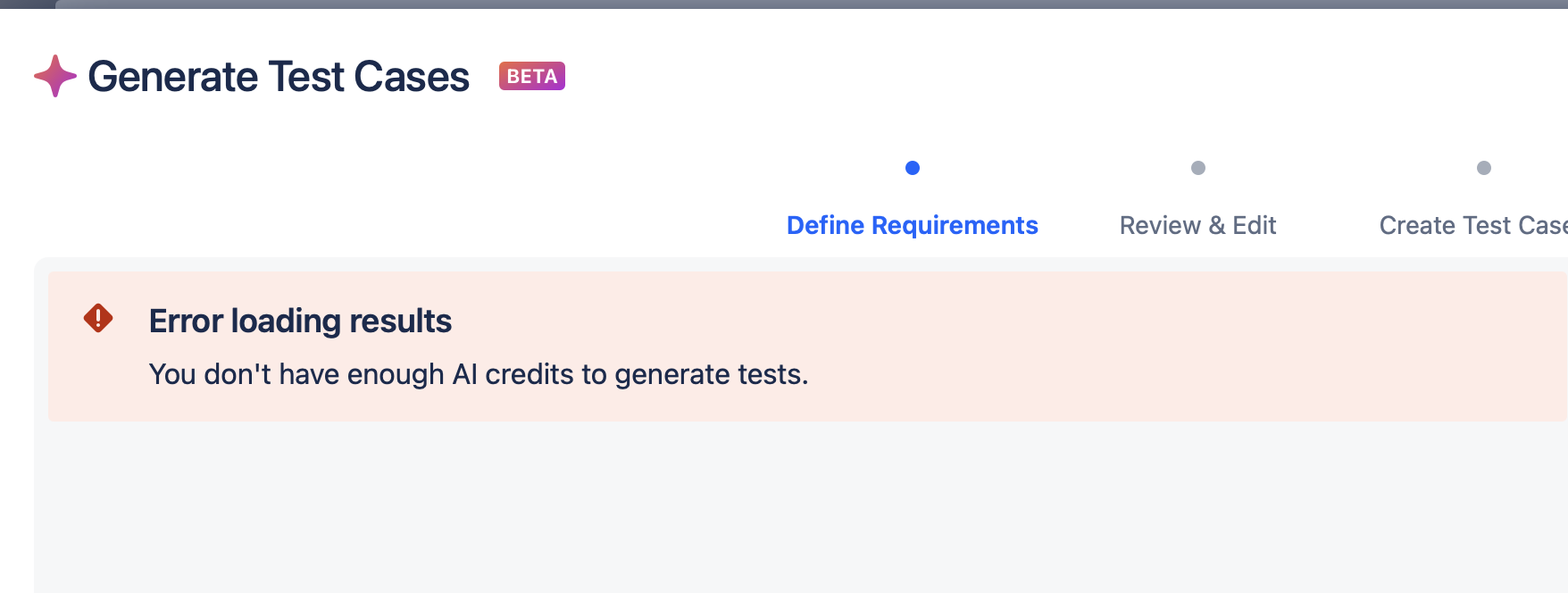
The relevant error, "You don't have enough AI credits to generate tests," should be displayed.
Version
- Xray Cloud 10.0.0
Workaround
Wait for the next month so that AI credits are renewed till the Bug is fixed.
Attachments

Issue Links
- duplicates
-
XCC-1900 Loading...