Details
-
Bug
-
Status: Resolved
-
 Medium
-
Resolution: Fixed
-
Xray Cloud 10.0.0
-
None
-
UI
Description
Description
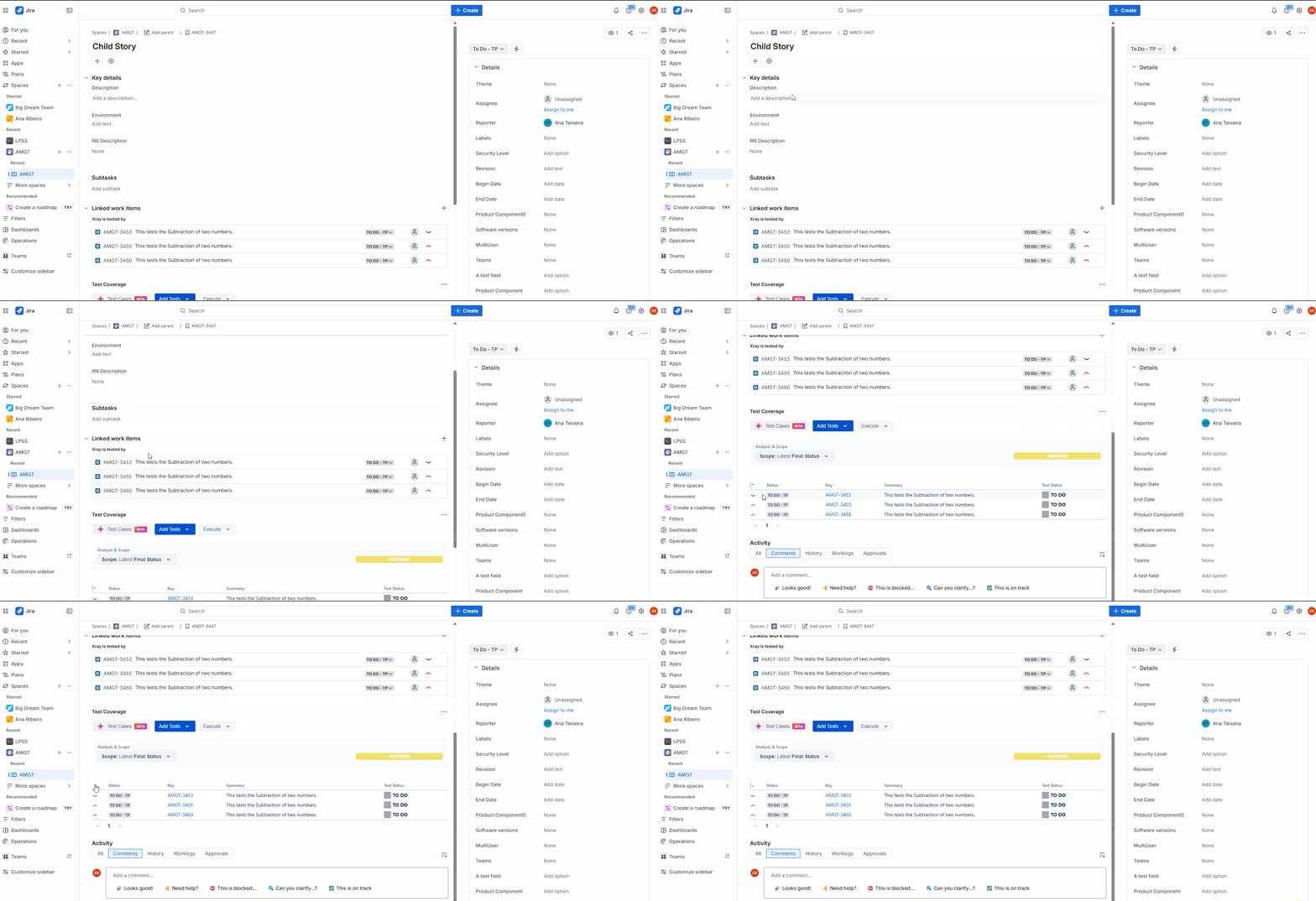
In the Test Coverage section, it is not possible to sort Tests by the Priority column.
When clicking the Priority column header to sort the Tests, no action is triggered, and the list remains unchanged.
How to reproduce
- Create a Story Issue Type
- Add Tests to the Test Coverage section
- Ensure the Tests have a Priority value assigned
- In Test Coverage, add the Priority column
- Click the Priority column header to sort the Tests
Actual result/Attachments
Clicking the Priority column header does not trigger any sorting action.
The Tests remain in the same order regardless of the interaction.
(Please find the screen-to-gif attached)
Expected result
Clicking the Priority column header should sort the Tests accordingly, toggling between ascending and descending order.
Version
- Xray Cloud 10.0.0
Workaround
Attachments
Issue Links
- duplicates
-
XCC-2103 Loading...