Details
-
Bug
-
Status: Resolved
-
 Major
Major
-
Resolution: Fixed
-
Xray Cloud 13.0.0
-
None
-
Test Execution List Report
-
Enterprise
-
Description
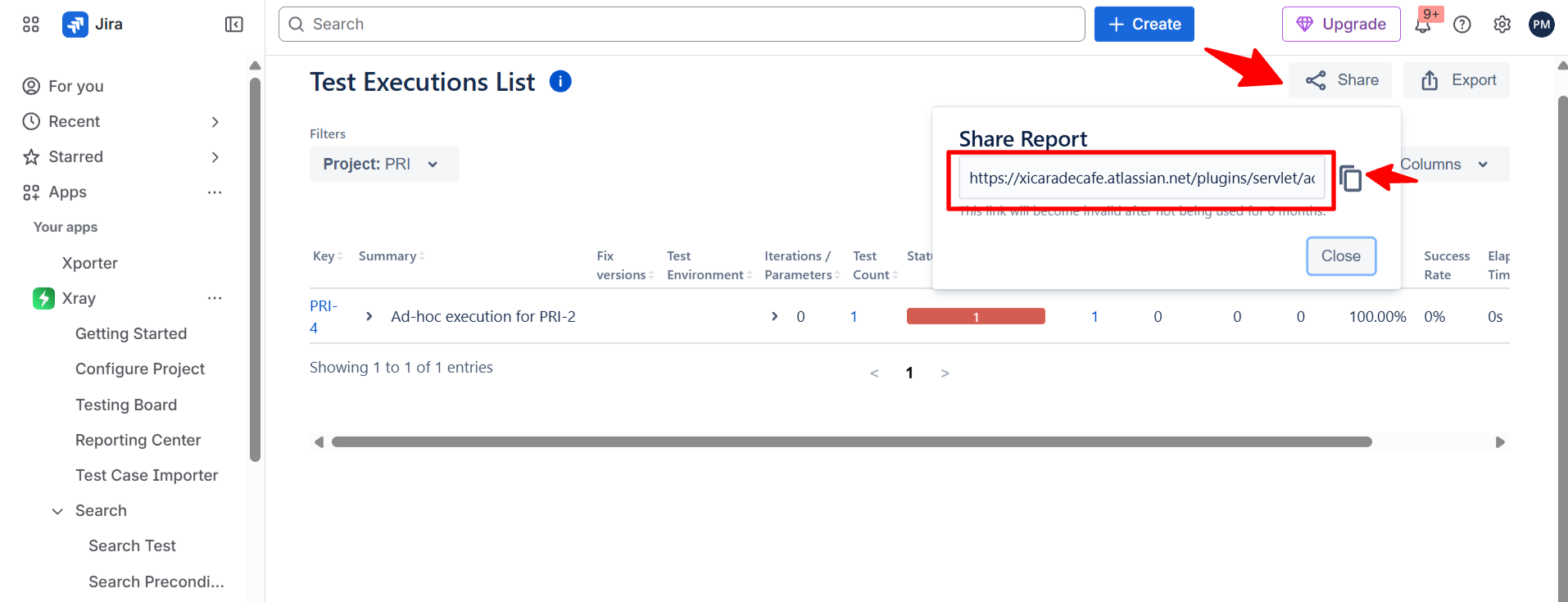
In Xray Cloud, when using the Test Execution Report with the expandable view enabled, the share functionality fails to preserve the expanded view.
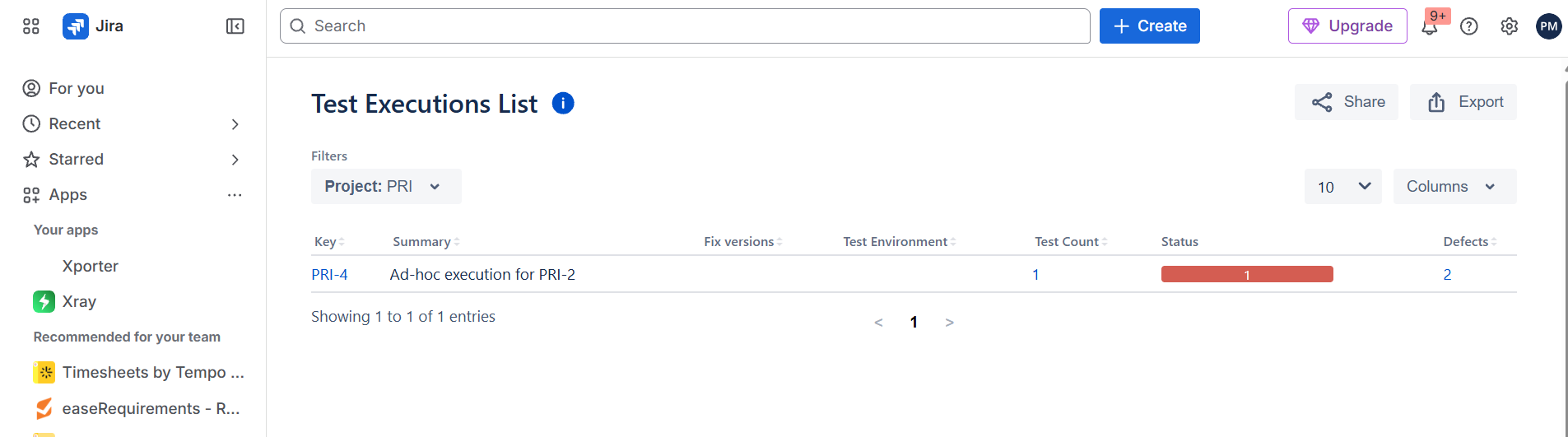
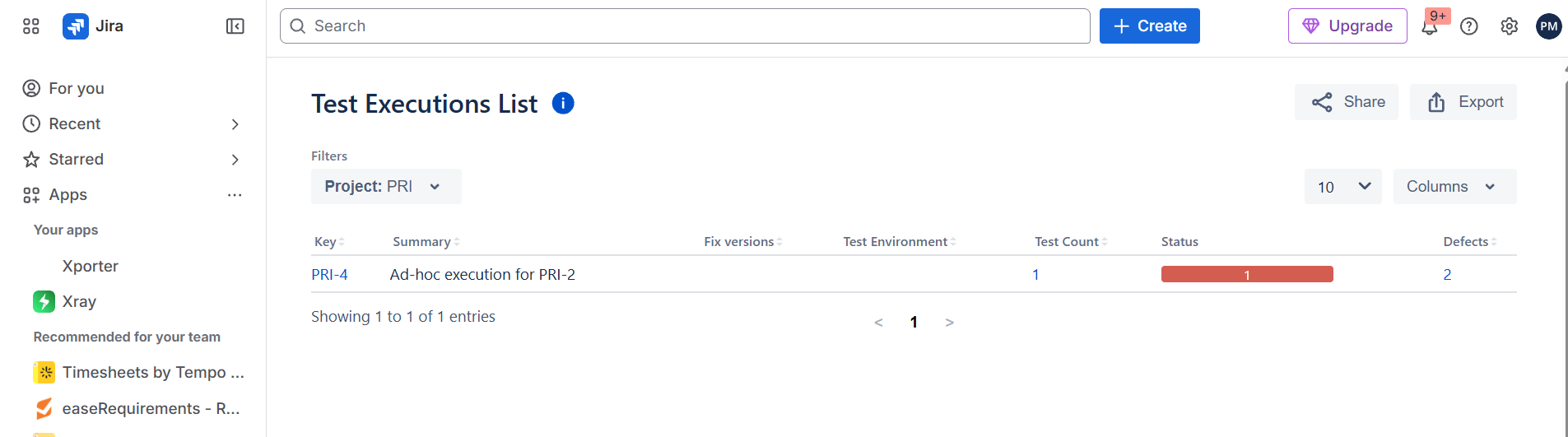
After generating the report and copying the link from the share pop-up, accessing the link directly loads the standard (non-expandable) report view. The expanded version is not retained, and the user must manually re-enable it.
Steps to Reproduce:
1- Access the Test Execution List Report in Xray Cloud.
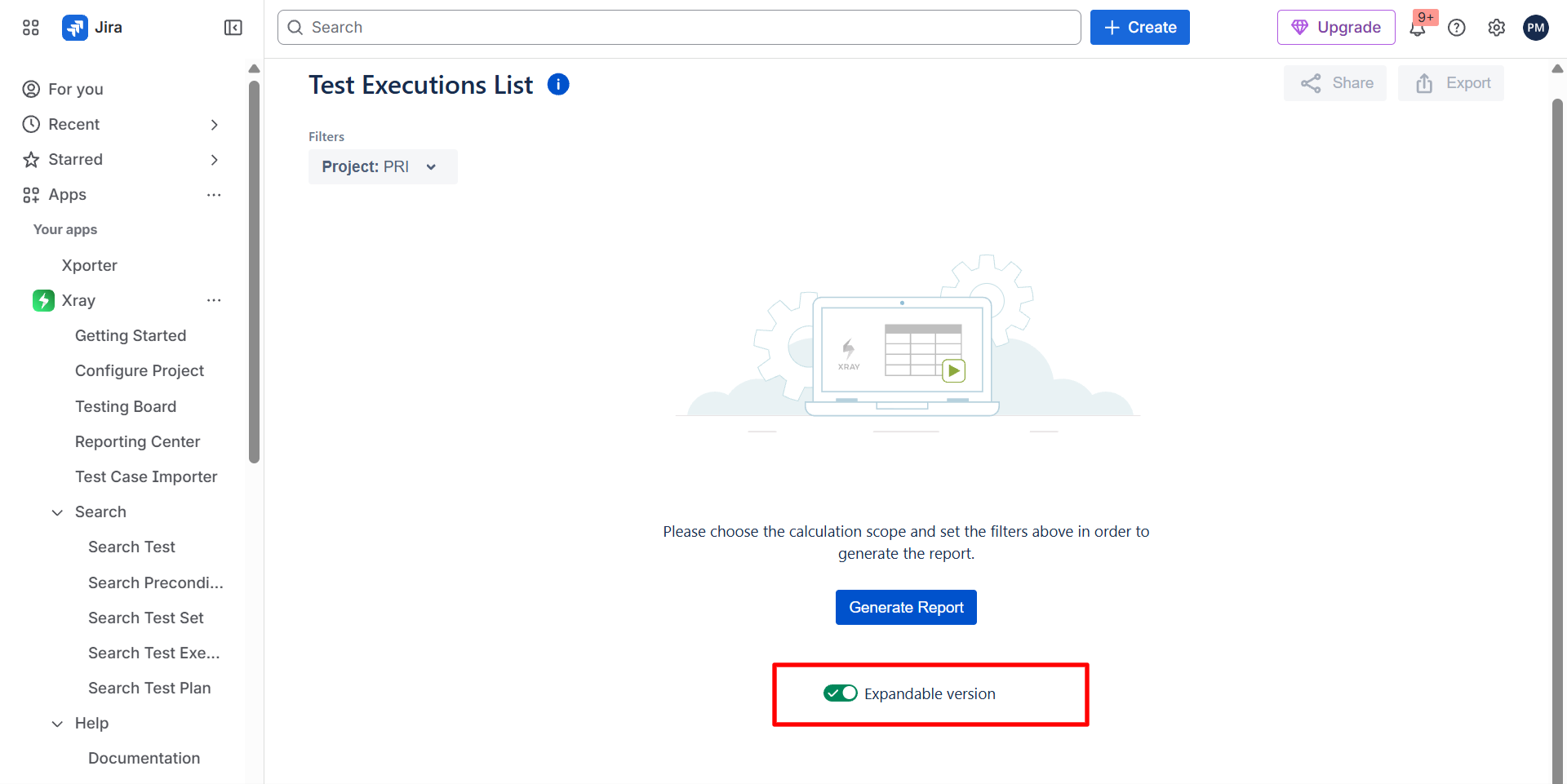
2- Enable the expandable view.
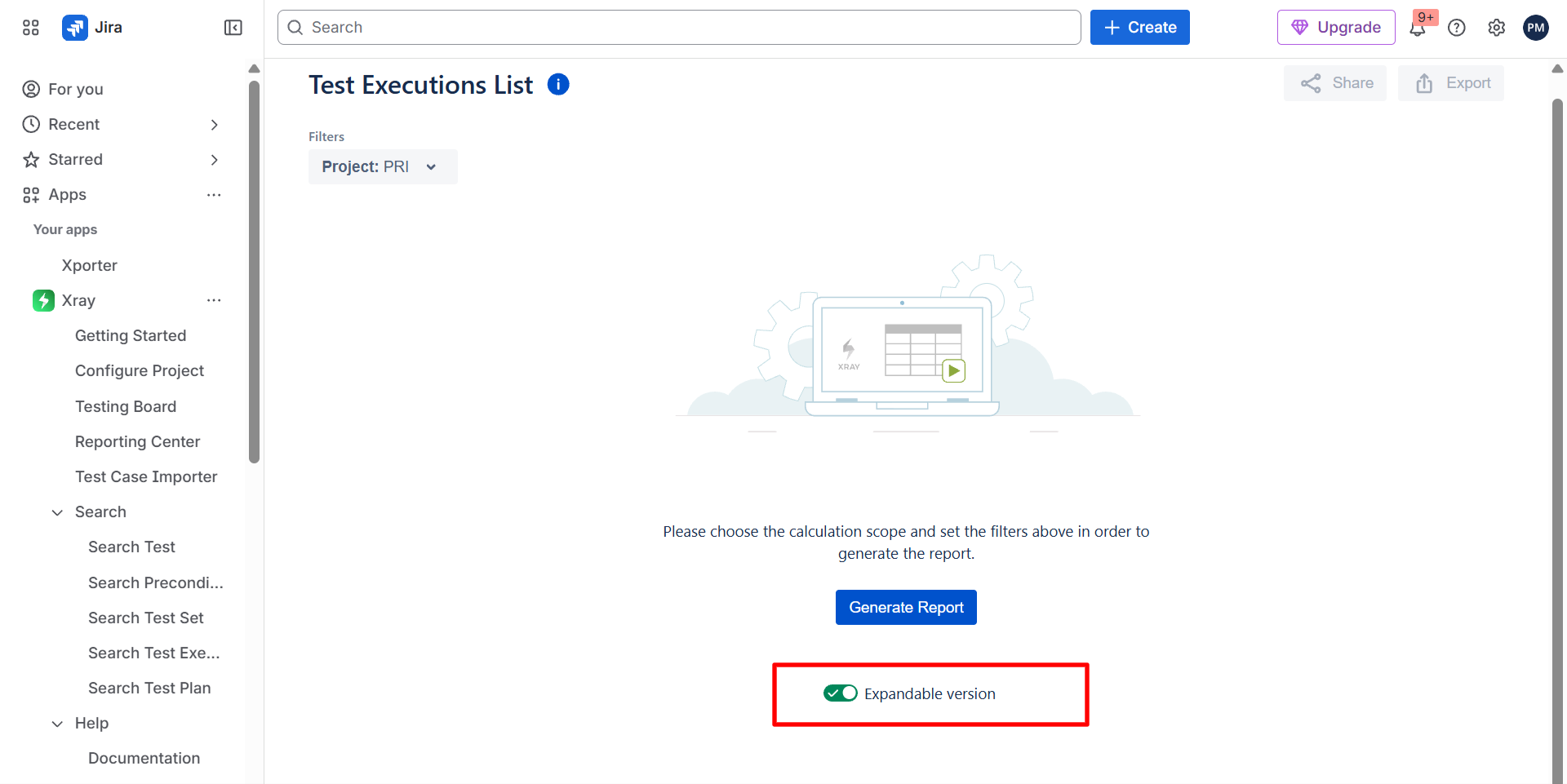
3-Select the project and generate the report.
4- Click the share button and copy the link from the popup.
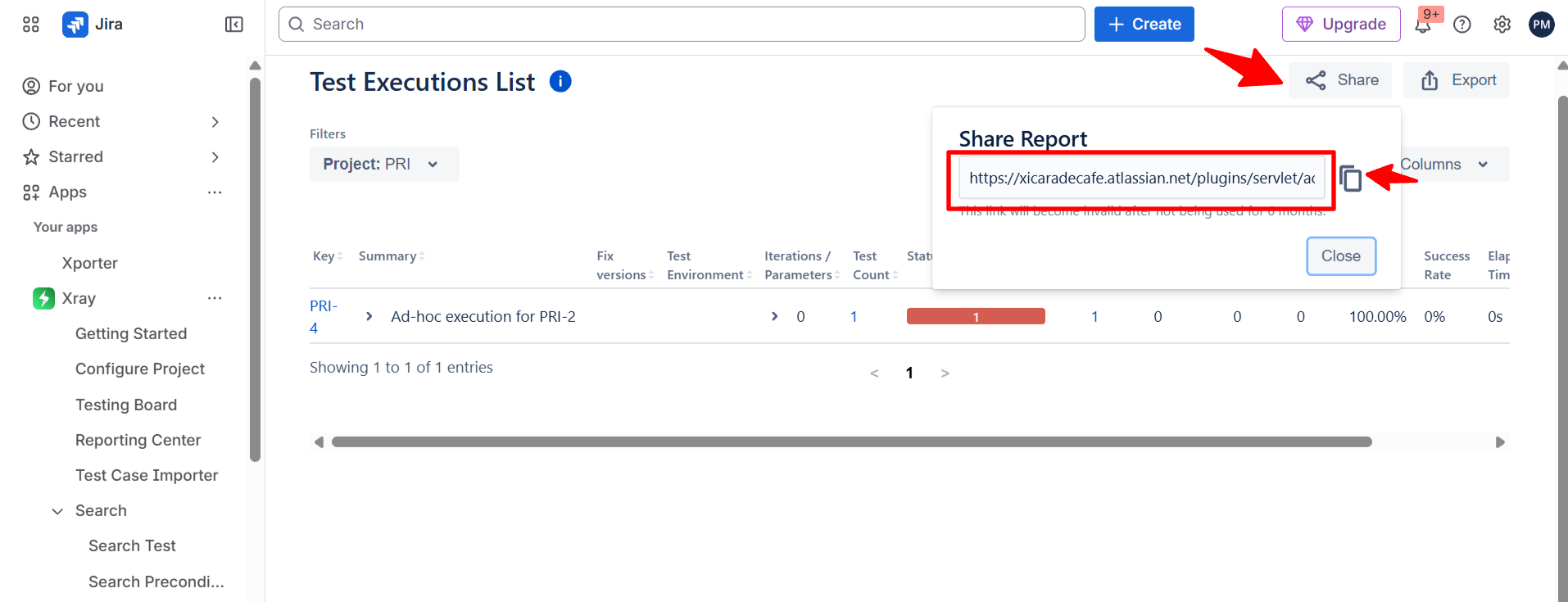
5-Paste the link and open it in a new tab.
Expected Result:
The report opens with the expandable view enabled, showing all details.
Actual Result:
The report loads in the default (non-expandable) view, requiring the user to manually re-enable the expandable version.
Attachments
Issue Links
- duplicates
-
XCC-1989 Loading...