Details
-
Bug
-
Status: Open
-
 Major
Major
-
Resolution: Unresolved
-
Xray Cloud 15.0.0
-
None
-
None
-
N/A
Description
Steps to reproduce:
- In Xray DC, create a project and then one Manual Test.
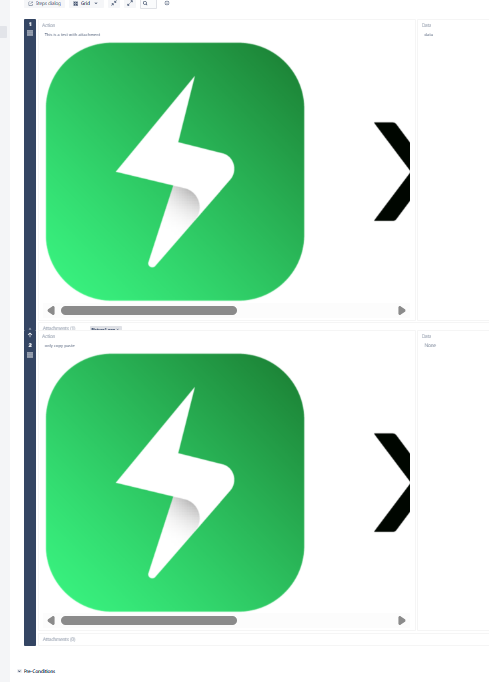
- Add a test step, then add an image as an Attachment to that step, and lastly add the image preview to its Action field.
- Copy the image preview from that test step.
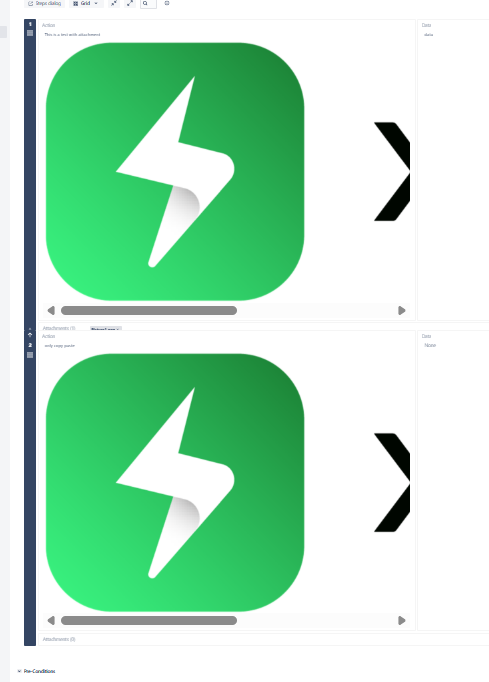
- Create another test step and paste the image preview copied before directly on its Action field, like so:
- Create a migration plan through JCMA and migrate that project to Cloud.
Actual result:
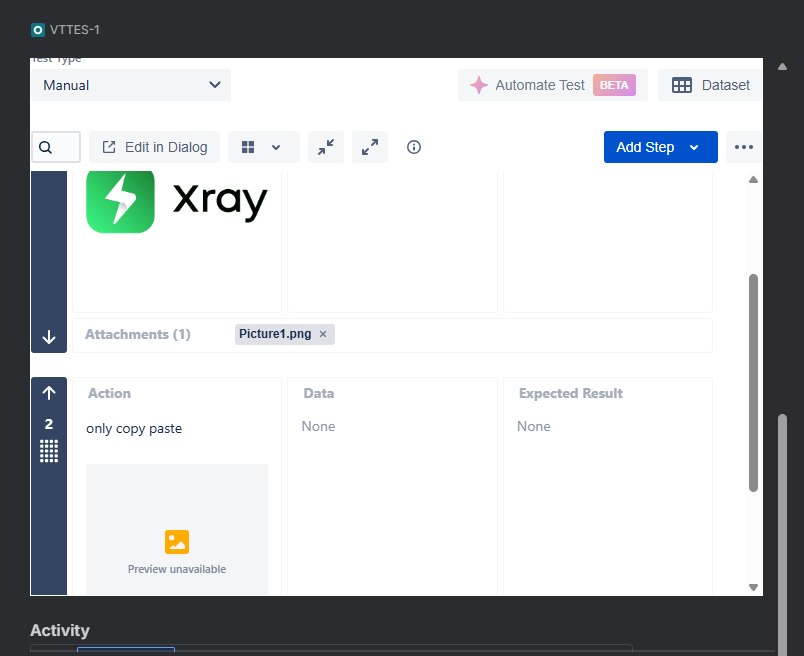
- The image preview on the first test step (the one to which the image was attached) will be correctly displayed.
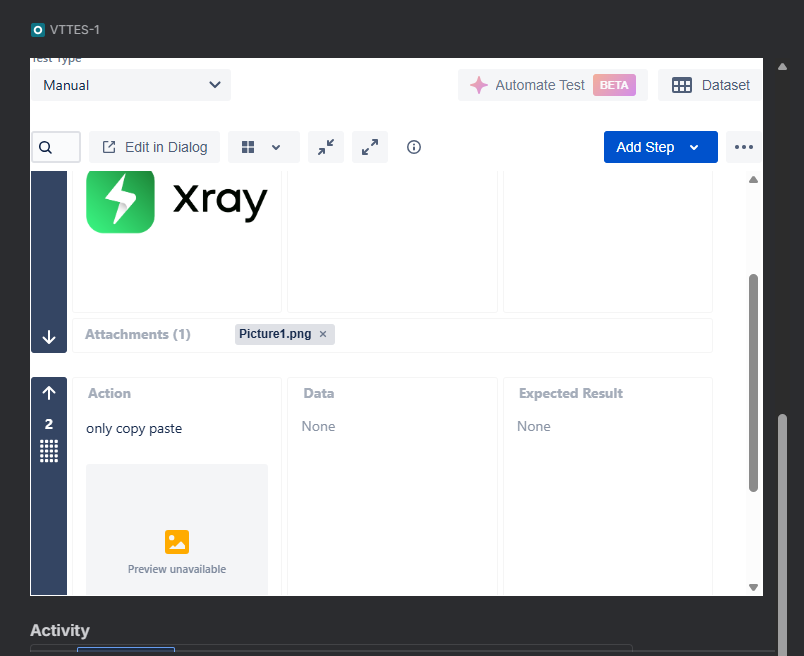
- The image preview on the second step (the one where the image was just pasted on the Action field) will be broken:
Expected result:
The image should be correctly displayed on both steps.
Additonal notes:
- In Xray DC, the images don’t necessarily need to be linked to the test steps as attachments, as Xray DC can still resolve the URL of the images copied on other test steps and render them correctly.
- However, in Xray Cloud, images must be properly linked to the test step as attachments to be rendered.
- For this reason, during the migration, Xray Cloud should copy the images and add them to the test steps during the migration, ensuring that they are correctly rendered in the same way that they were in DC.
Attachments
Issue Links
- duplicates
-
XCC-2577 Loading...