Details
-
Bug
-
Status: Waiting Approval
-
 Medium
-
Resolution: Unresolved
-
Xray Cloud 14.0.0
-
None
-
None
-
Xray Cloud
Description
Description
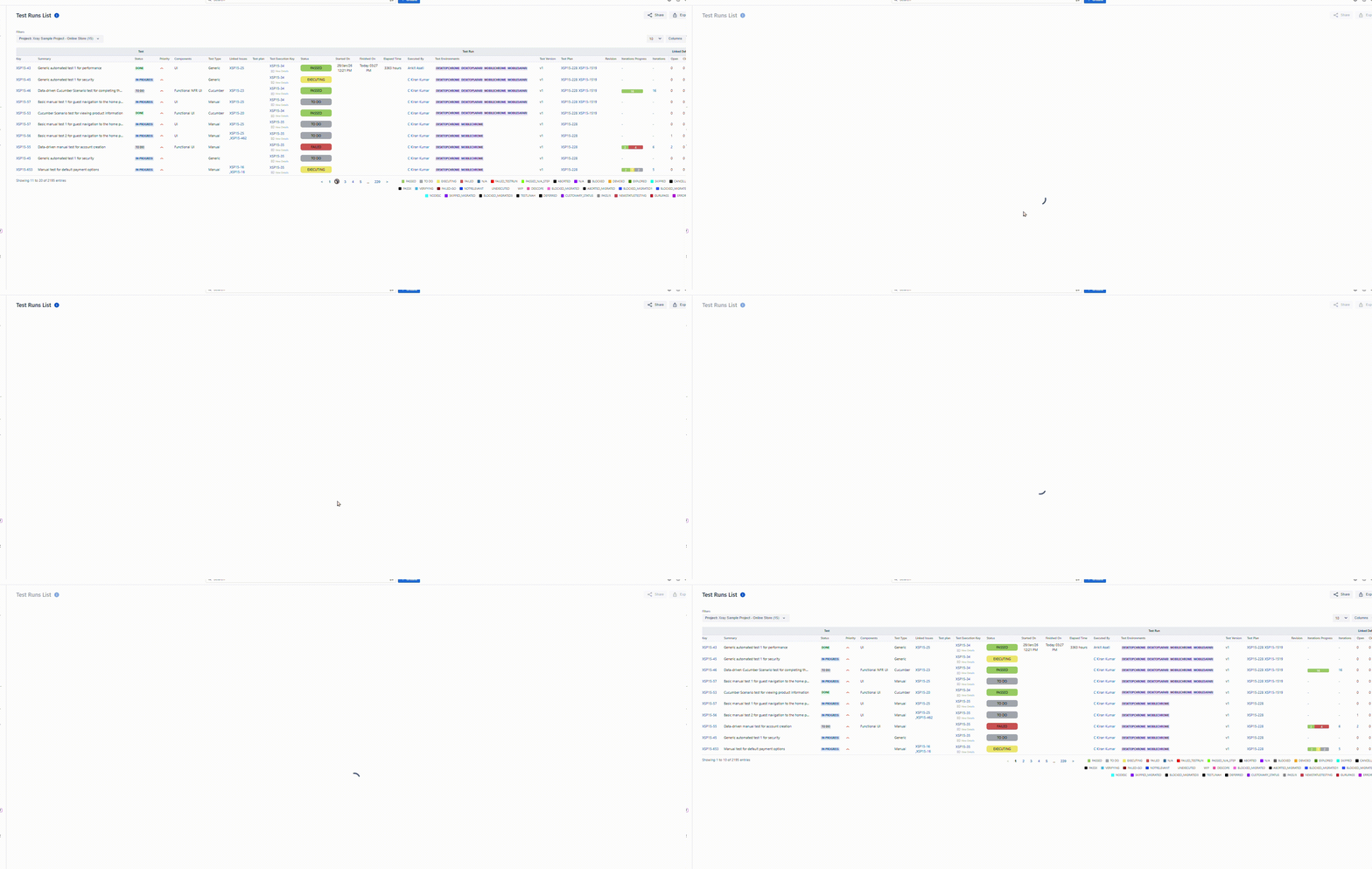
Sometimes, when changing the page in the Test Run List report, it reverts to the first page.
How to reproduce
- Navigate to the Reporting center.
- Open the Test Run List Report and generate the report.
- Now change/Switch the pages.
Actual result/Attachments
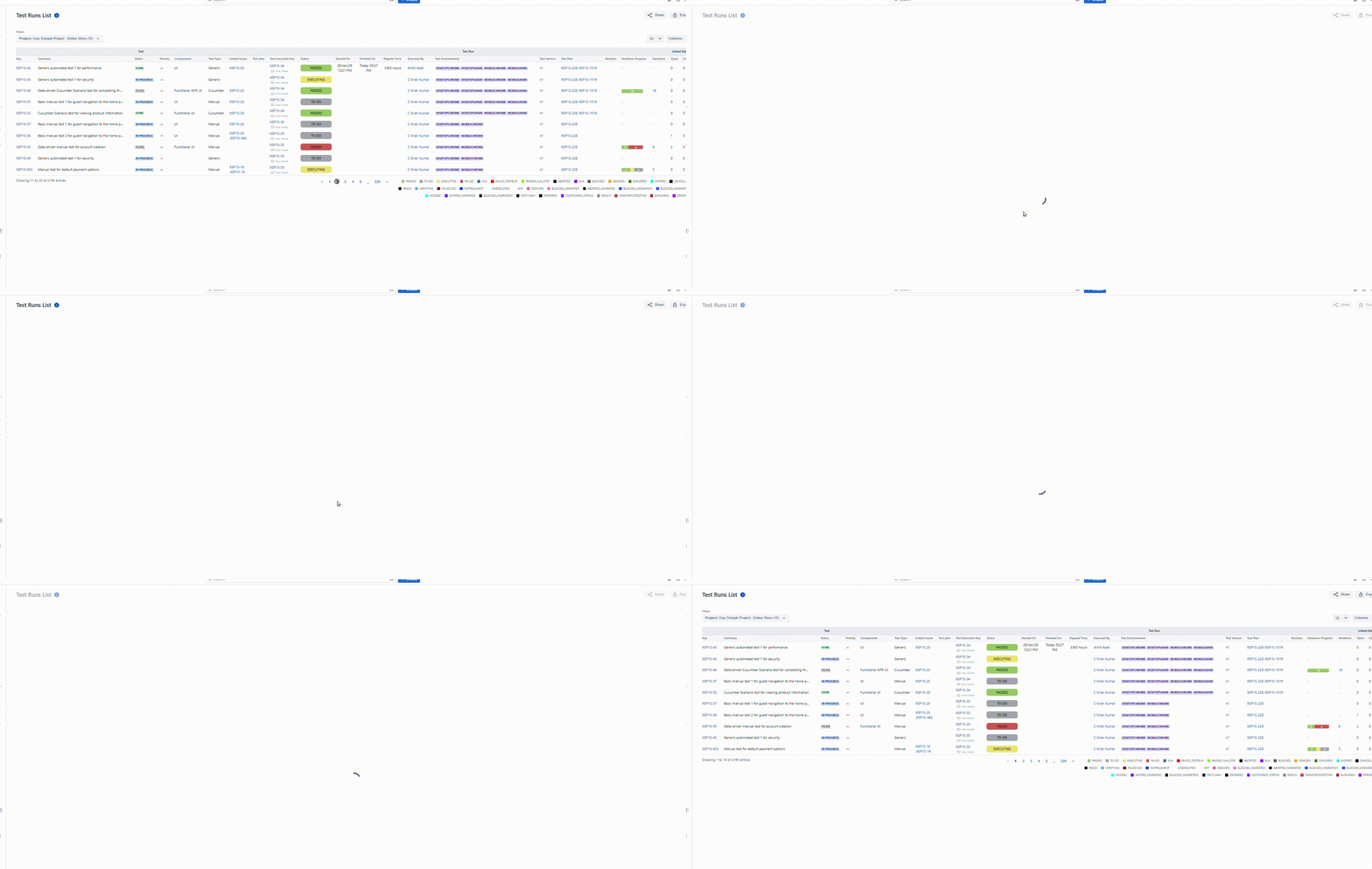
When we open the Test Run List Report and switch pages from 1 to 2, 3, or 4... it reverts to the 1st page.
Please see the GIF for reference -
Expected result
When selecting the page should remain on that page
Version
Xray Cloud 13.1.0
Attachments
Issue Links
- duplicates
-
XCC-2594 Loading...