Details
-
Bug
-
Status: Open
-
 Medium
-
Resolution: Unresolved
-
Xray Cloud 14.0.0
-
None
-
None
-
Xray Cloud 14.0.0
Description
Description:
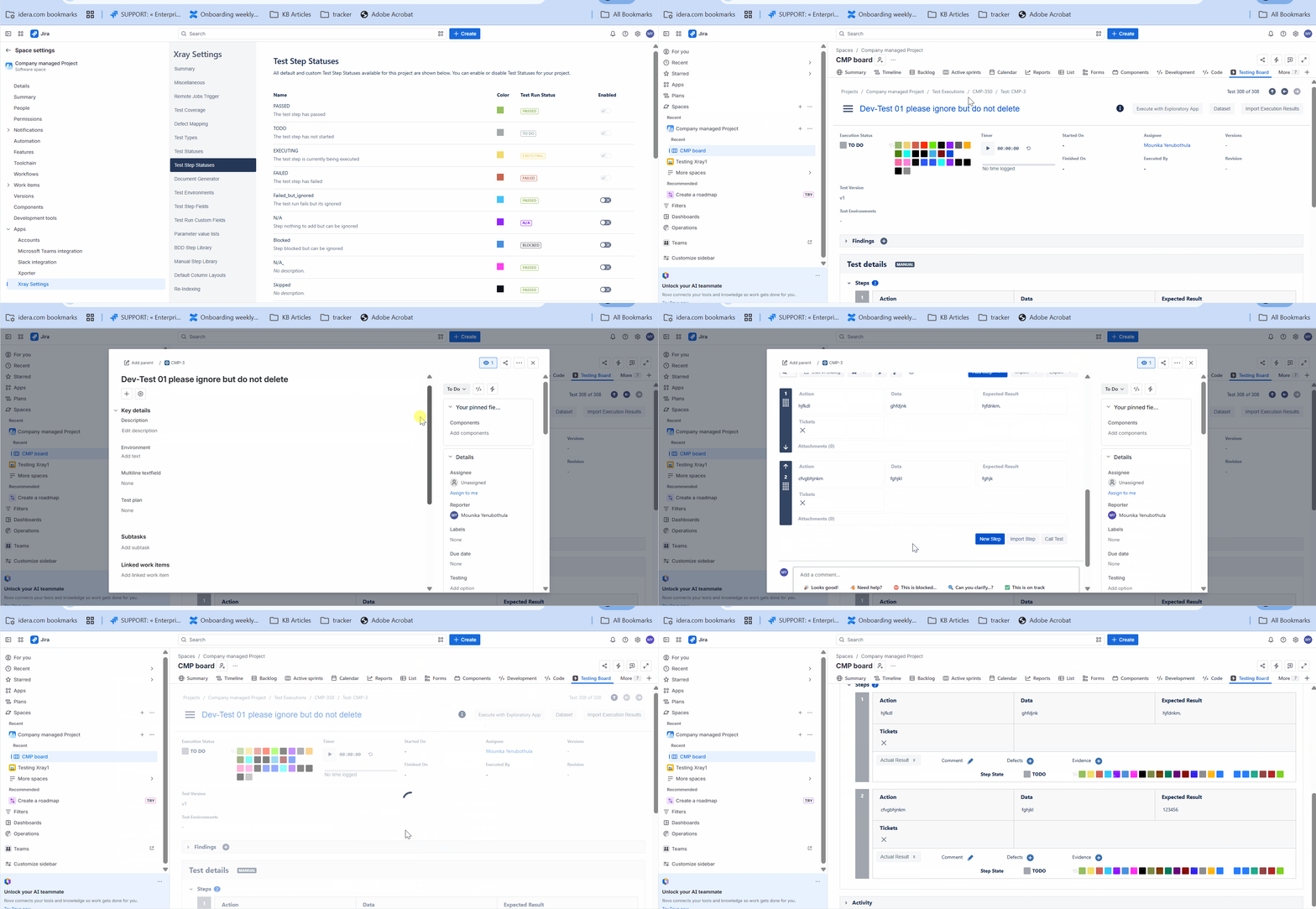
When updating a Test definition (adding or modifying steps) and accessing a previously executed Test Run by this Test, clicking “Merge” causes the Test step Statuses
to show statuses that should not be available in the project.
Steps to Reproduce:
1. Restrict the Test step status (some are only available in selected projects).
2. Create a Test with Test steps. Then, execute the test.
3. After executing, return to the Test and edit the steps. Then, access the Test Run Execution
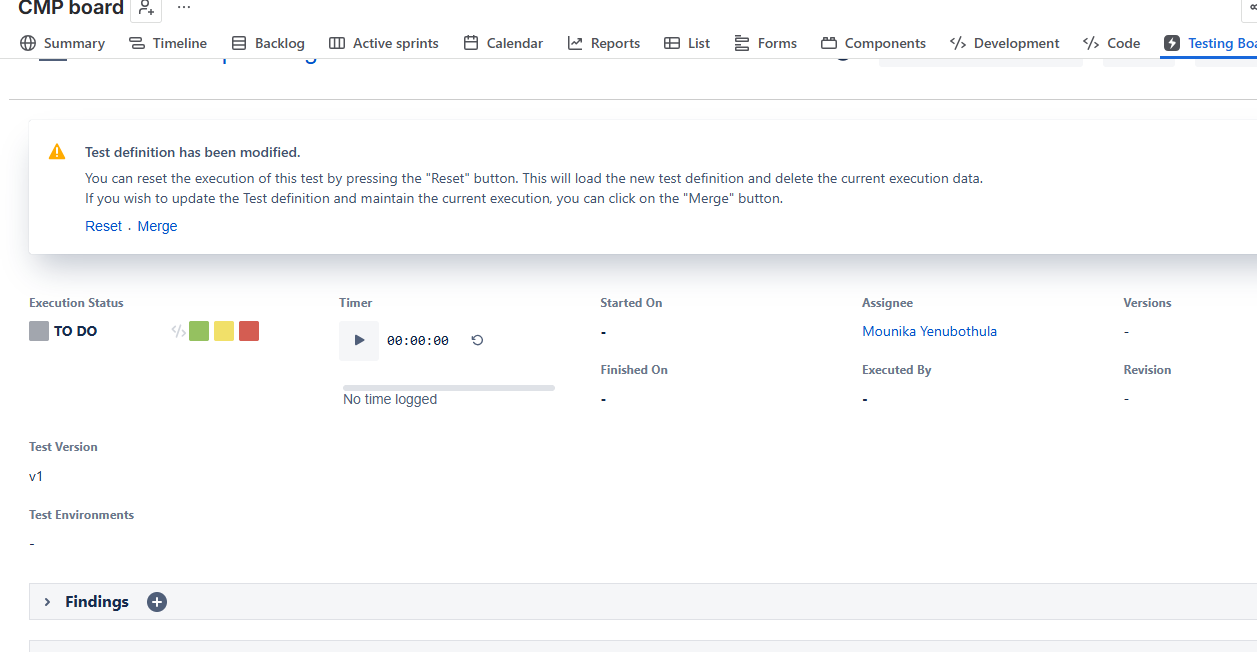
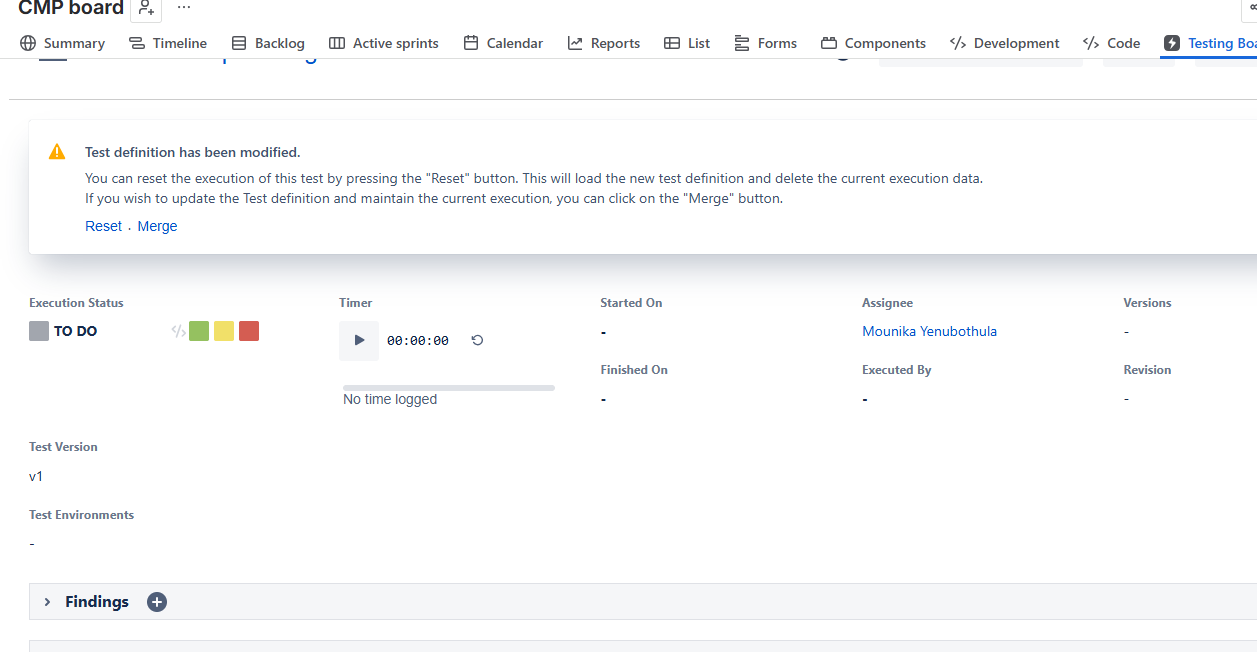
4. Update the test definition and choose “Merge”.
Actual behavior:
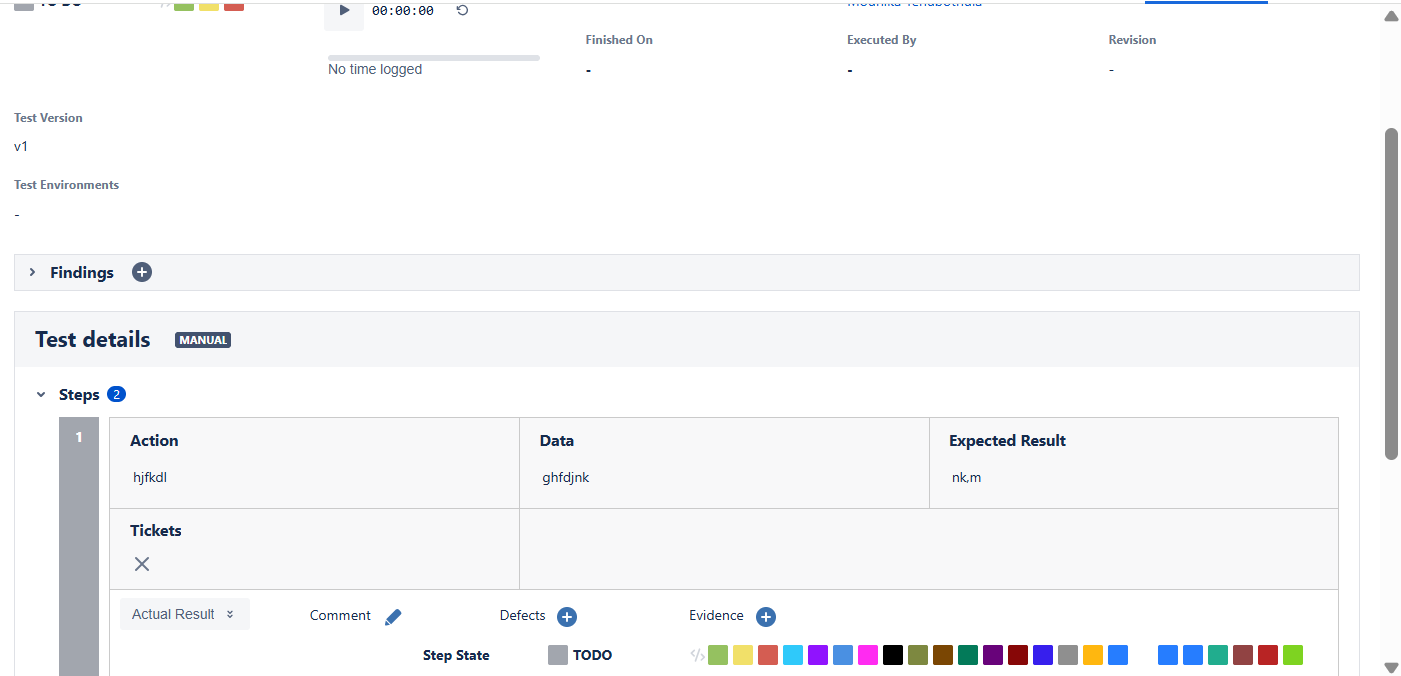
Test Step Statuses that do not apply to the project appear in the Test Run Test step Status.
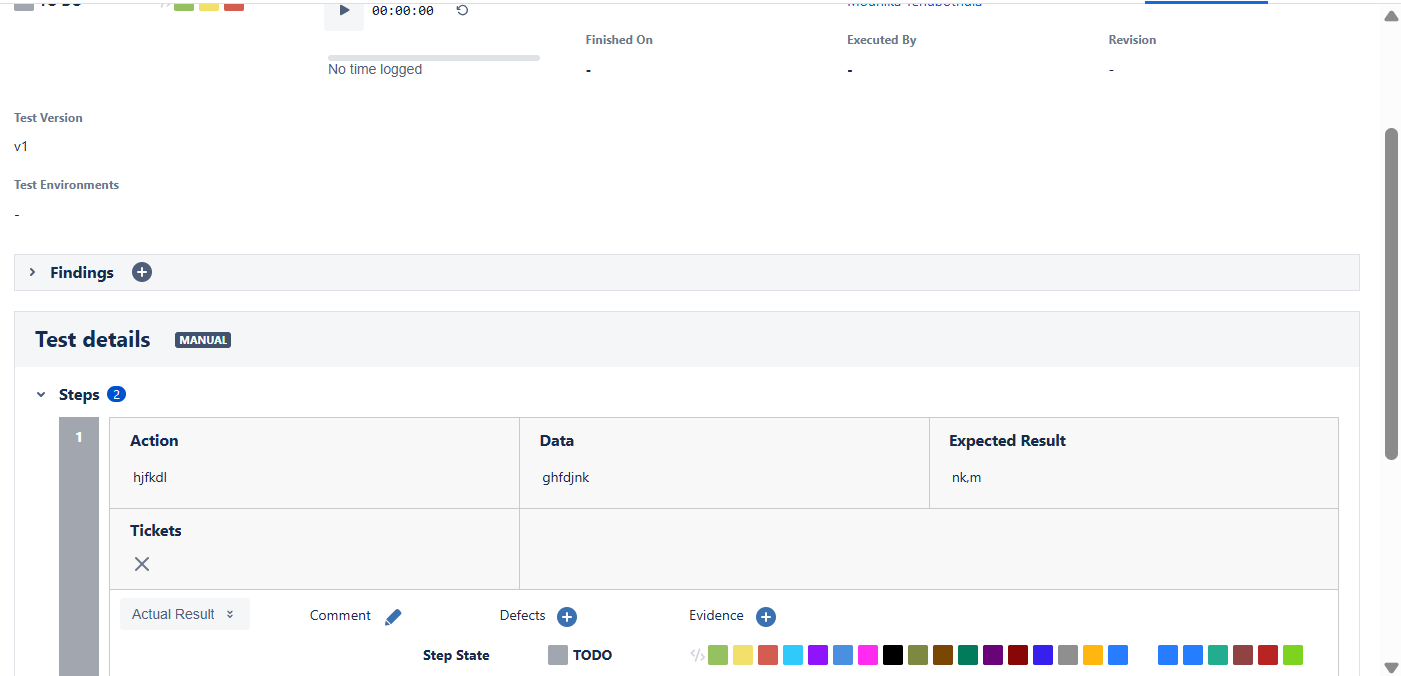
Expected Result:
Only project-allowed Test step statuses should be displayed in Test Run, even after merging test definitions.
Attachments
Issue Links
- duplicates
-
XCC-2649 Loading...