Details
 Medium
 Description
Description
When a custom field is configured with project-scoped values across multiple projects, the Xray Report Filters only display the project-scoped values for one project. When a different project is selected, the filter shows “No elements found” instead of displaying the values configured for that project.
Pre-conditions
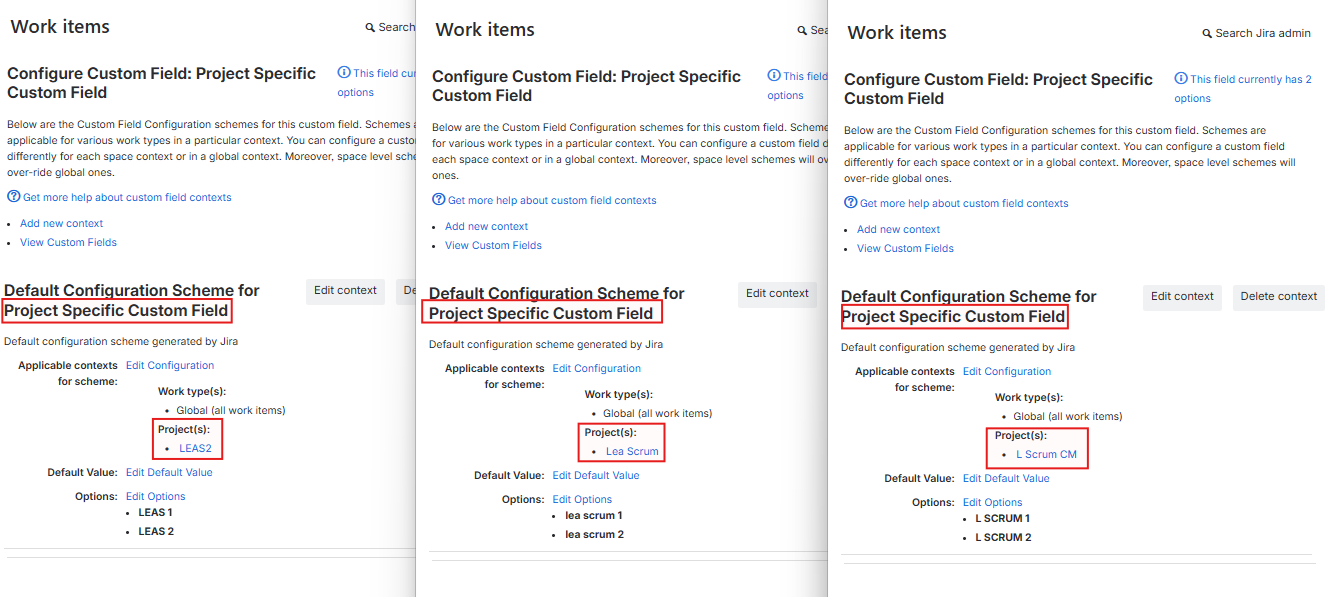
Create one custom field configured with project-scoped values for three different projects, for example, Project A, Project B, and Project C. Each project should have different values configured for the same custom field.

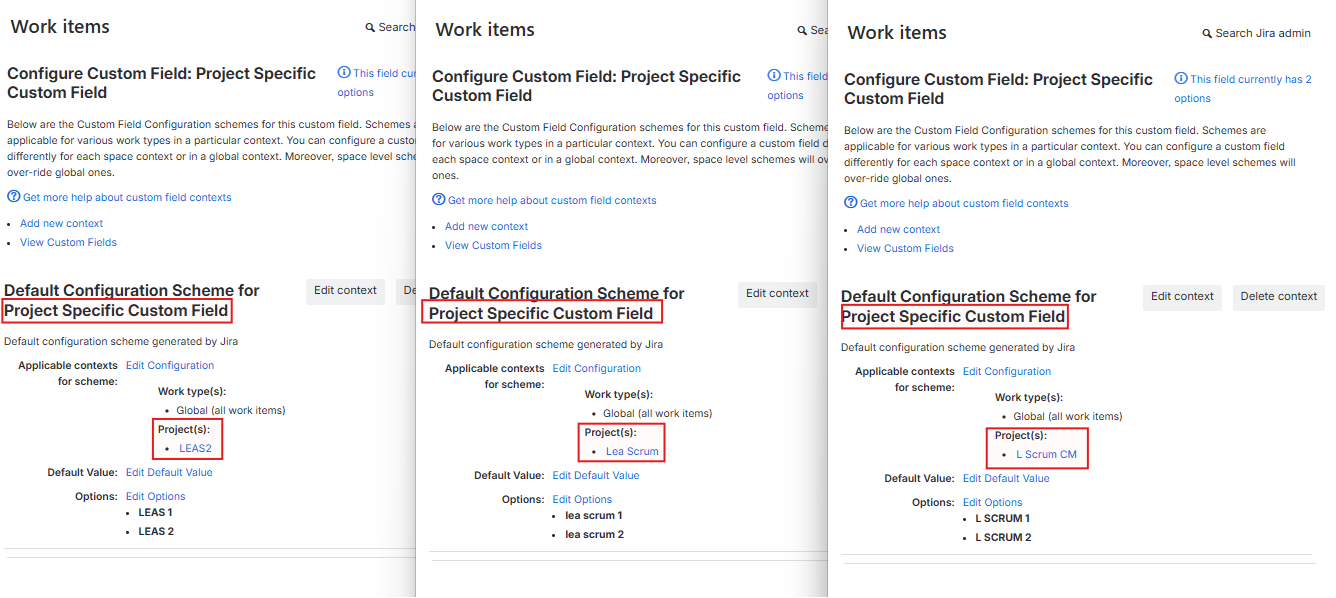
How to reproduce
- Open an Xray Report, for example, Test Executions List Report
- Add the created custom field to the report filters
- Select Project A and check the available values for the custom field.
- Select Project B and check the available values for the custom field.
- Select Project C and check the available values for the custom field.
Actual result/Attachments
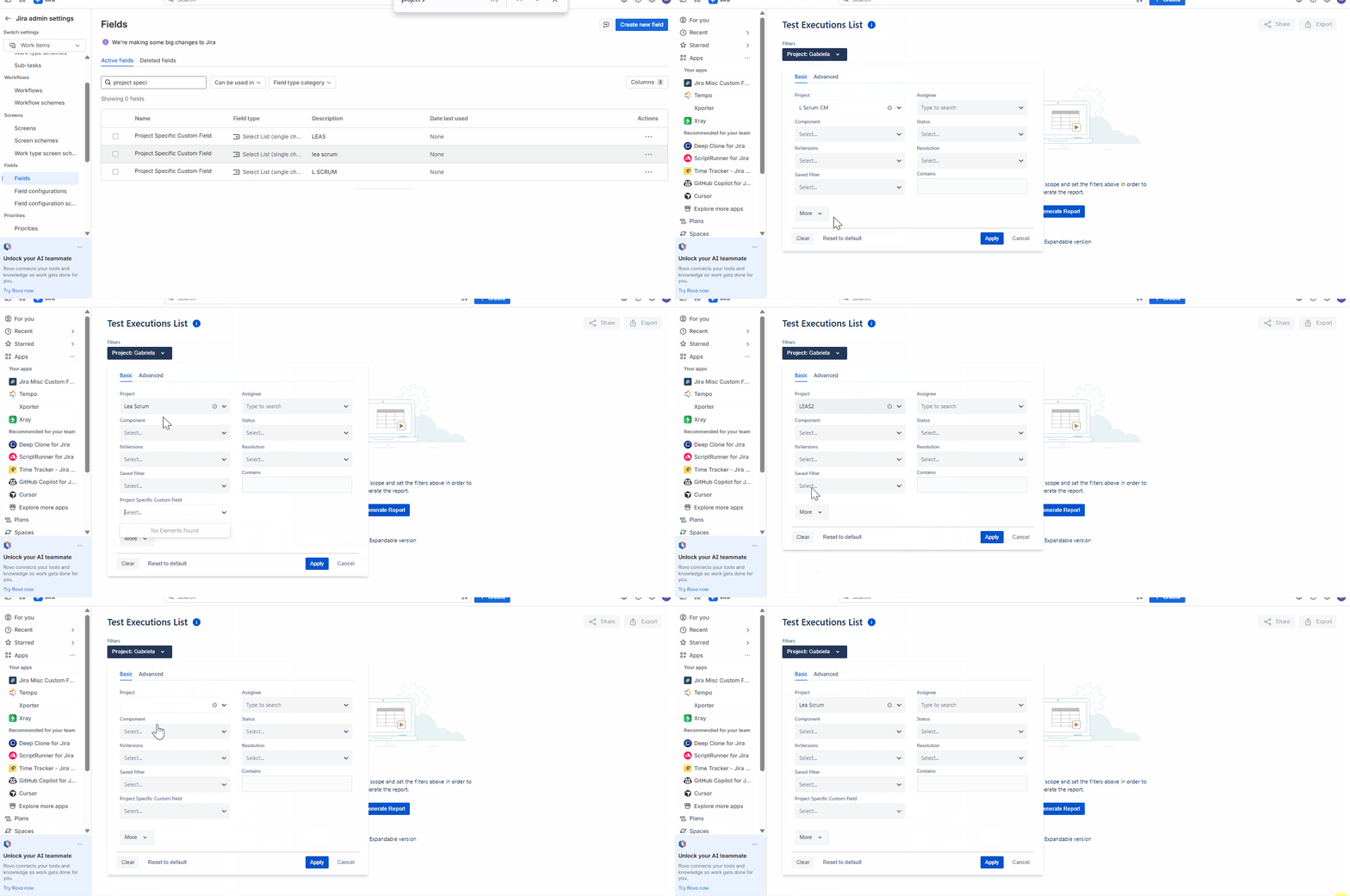
The custom field project-scoped values are displayed for project A.
However, for Project B and Project C, the field shows “No elements found”.
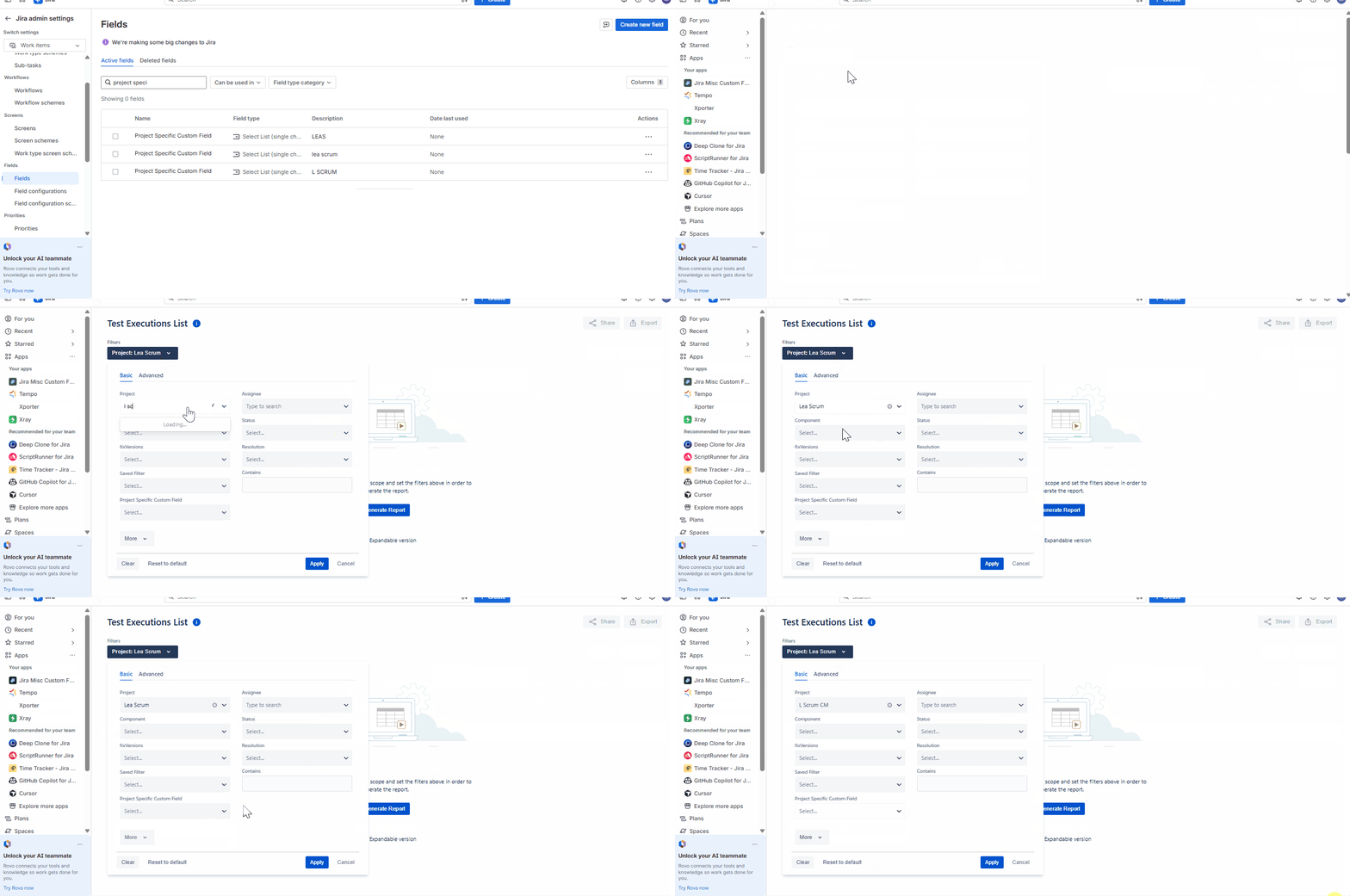
After deleting the Project A-specific configuration for the created custom field, the values for Project B are displayed, while Project C still shows “No elements found”.
Expected result
When a project is selected, the project-scoped values configured for that project should be displayed.
Version
- 14.0.0
Workaround
Use the Advanced Filter when filtering by custom fields with project-specific values.
Attachments



Issue Links
- is duplicated by
-
XCC-2656 Loading...