Details
-
Bug
-
Status: Resolved
-
 Major
Major
-
Resolution: Fixed
-
Xray Cloud 13.0.0
-
None
-
UI
Description
Description
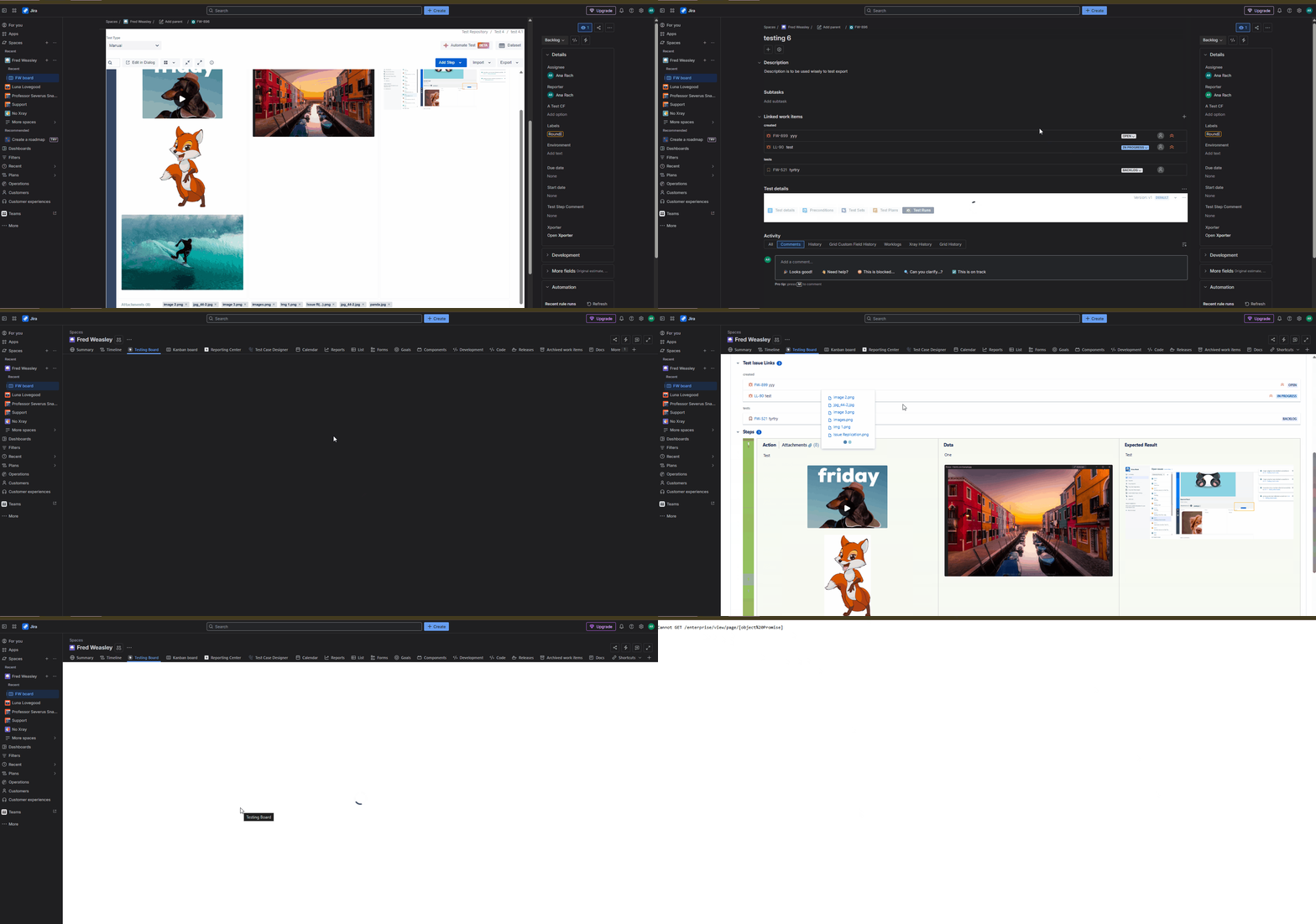
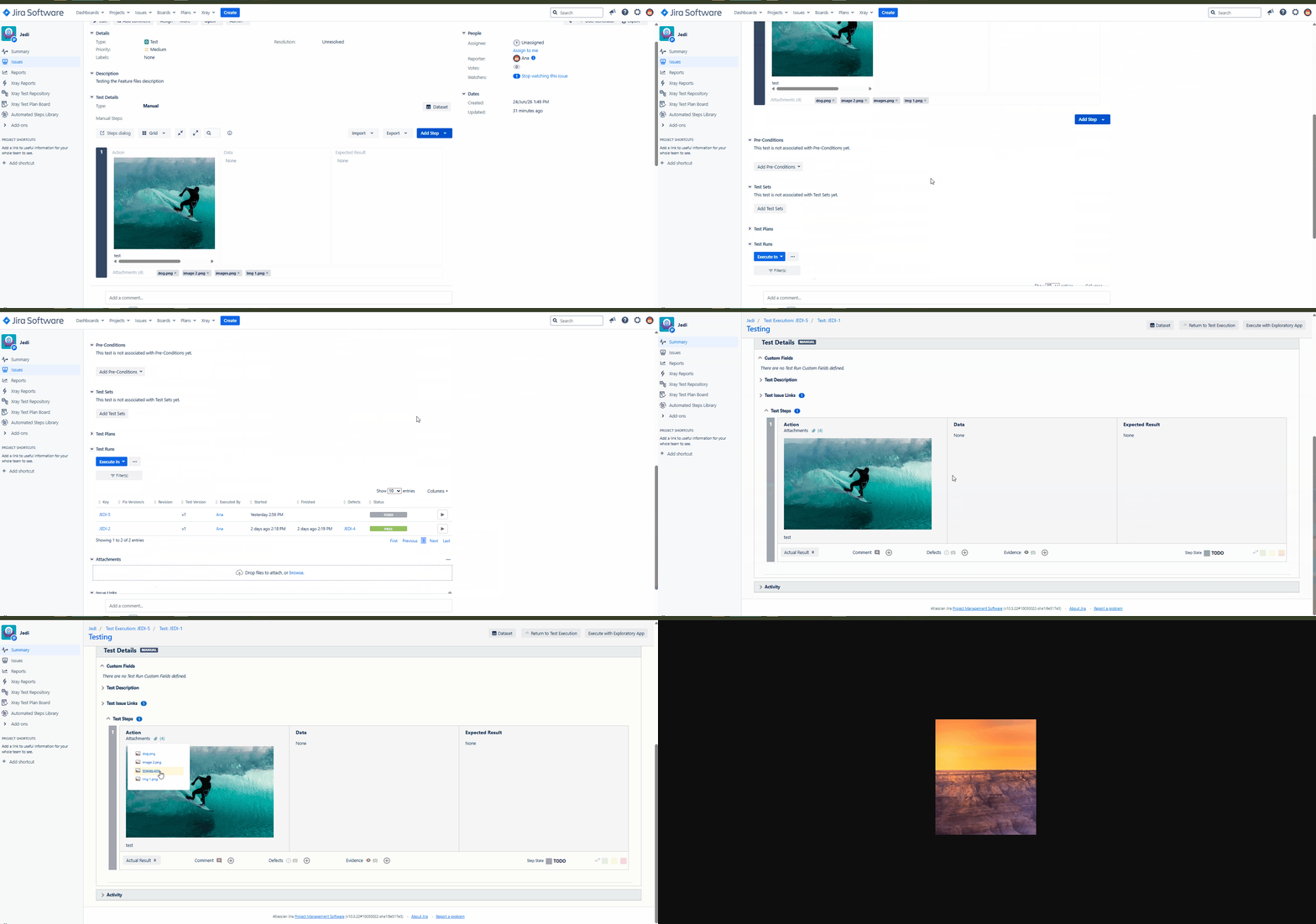
Test Step attachments fail to open in the Test Run, although they are accessible from the Test Details view. The behavior should be the same as in the Data Center environment.
How to reproduce
- Create a Test and add several Test Steps
- Attach multiple files to the Test Steps
- Create a Test Execution and run the Test
- Open the Test Steps within the Test Run
- Click the Attachments icon for any Test Step
- Attempt to open one of the attached files showing
Actual result/Attachments
The attachment does not open. Instead, an error message is displayed.

Expected result
Clicking the Attachment icon for a Test Step within a Test Run should open and display the selected attachment without errors, matching the functionality available in Data Center.
Version
- 16.0.0
Workaround
N/A
Attachments

Issue Links
- duplicates
-
XCC-2843 Loading...