Details
-
Suggestion
-
Status: New
-
Resolution: Unresolved
-
None
-
None
-
None
-
-
21
Description
Description:
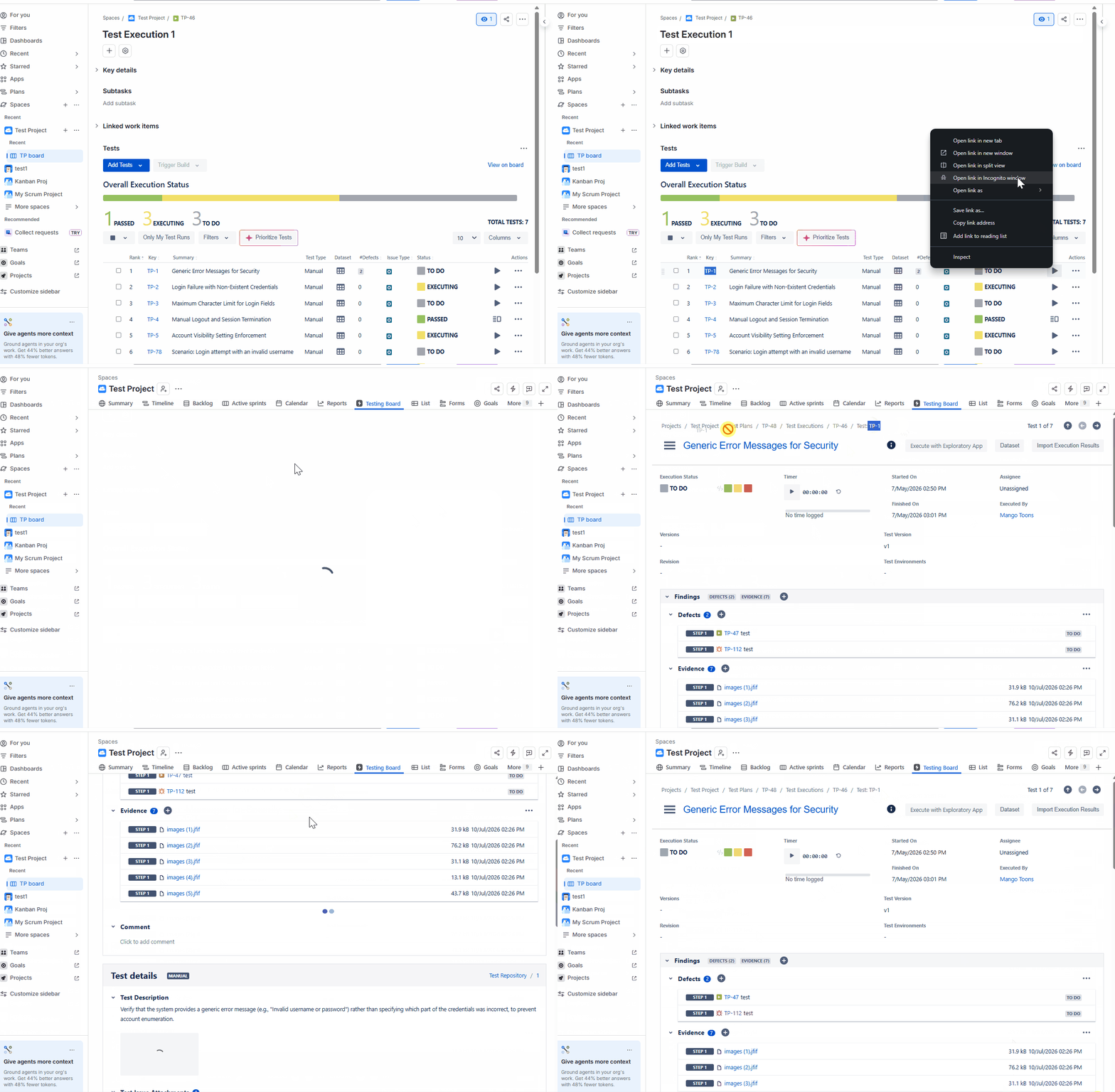
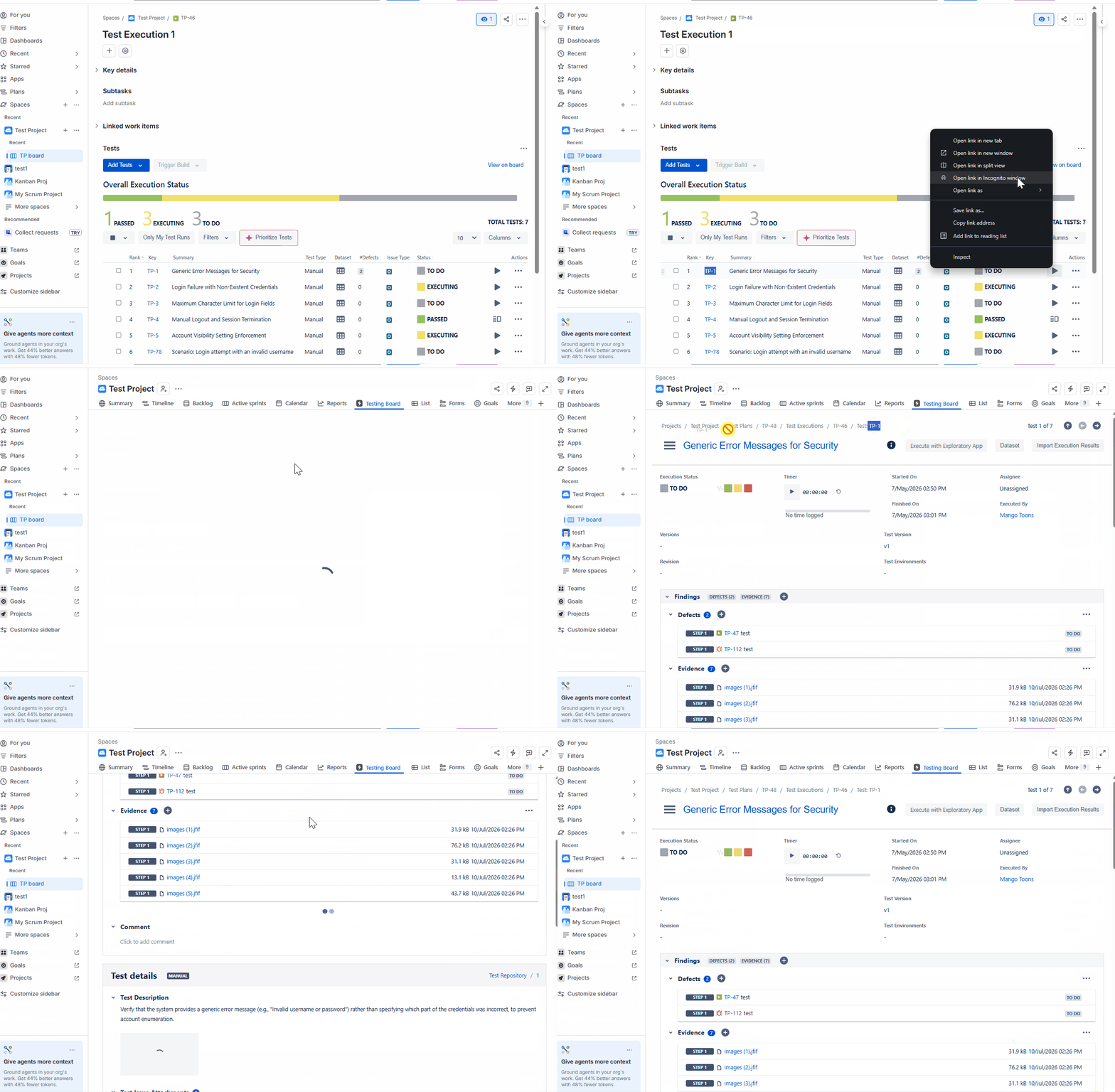
The Test Key is not persistently visible on the Test Run page. When a user scrolls through a lengthy test run, the breadcrumb trail collapses and the Test Key is no longer displayed. This makes it difficult to quickly identify, verify, or reference the current Test without scrolling back to the top, resulting in reduced efficiency and usability.
User friction:
Users working on long test runs frequently need to confirm which Test they are currently viewing. Since the Test Key disappears once the breadcrumb collapses during scrolling, users must either scroll back to the top or rely on memory, interrupting their workflow and increasing cognitive load.
Steps to reproduce (right now):
- Open any Test Run containing a large number of steps or content that requires scrolling.
- Observe the Test Key displayed in the breadcrumb/header section at the top of the page.
- Scroll down through the Test Run.
- Notice that the breadcrumb collapses or is hidden as the page scrolls.
Actual Result:
The Test Key is no longer visible after scrolling beyond the initial page view, making it difficult to identify the current Test Run without returning to the top.
IMPACT:
Users spend additional time scrolling and verifying the current test, reducing efficiency and increasing the risk of referencing the wrong Test Run.
What would improve if solved:
Users could instantly identify the current Test Run without scrolling, improving navigation efficiency and reducing context-switching.
Impact on stakeholders:
Extra effort required to identify the current Test Run.
Current workaround:
Users must scroll back to the top of the page or check the URL/browser tab to confirm the Test Key.
CONTEXT & EXAMPLES:
The issue is most noticeable in lengthy Test Runs where users spend extended periods away from the page header.
Concrete example:
While reviewing step 10 of a 15th step Test Run, a user must scroll to the top to verify the Test Key before sharing an update.
Workaround risk:
Increased risk of mistakes and productivity loss due to time spent repeatedly navigating back to identify the current Test Run.