Details
-
Bug
-
Status: Waiting Approval
-
 Medium
-
Resolution: Unresolved
-
Xray Cloud 16.0.0
-
None
-
None
-
Jira Cloud
Description
Description
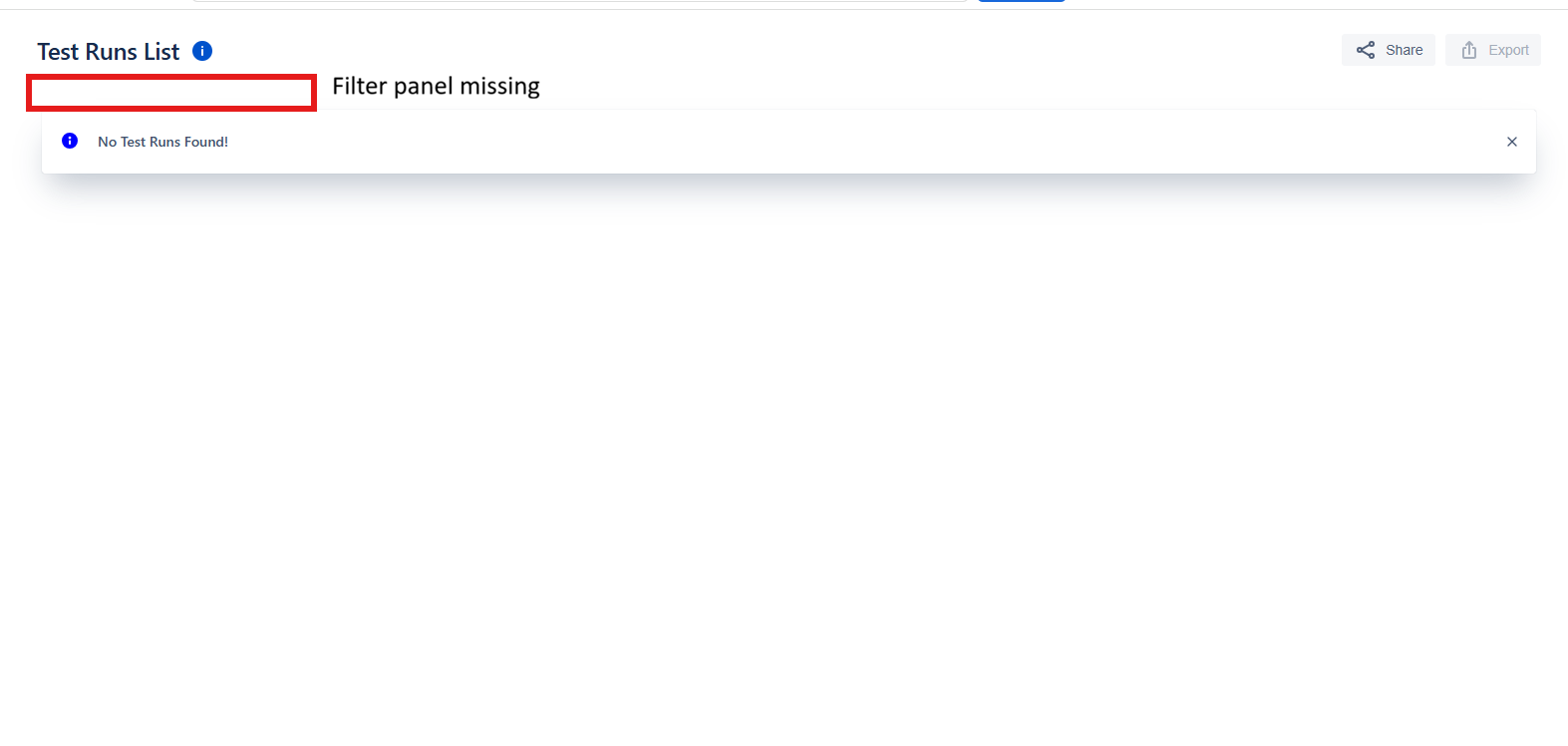
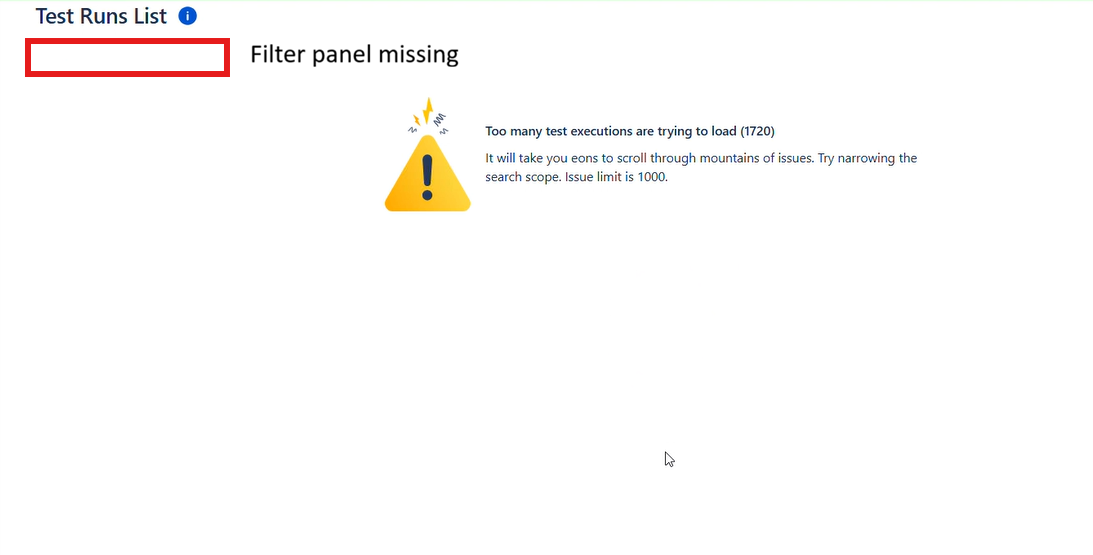
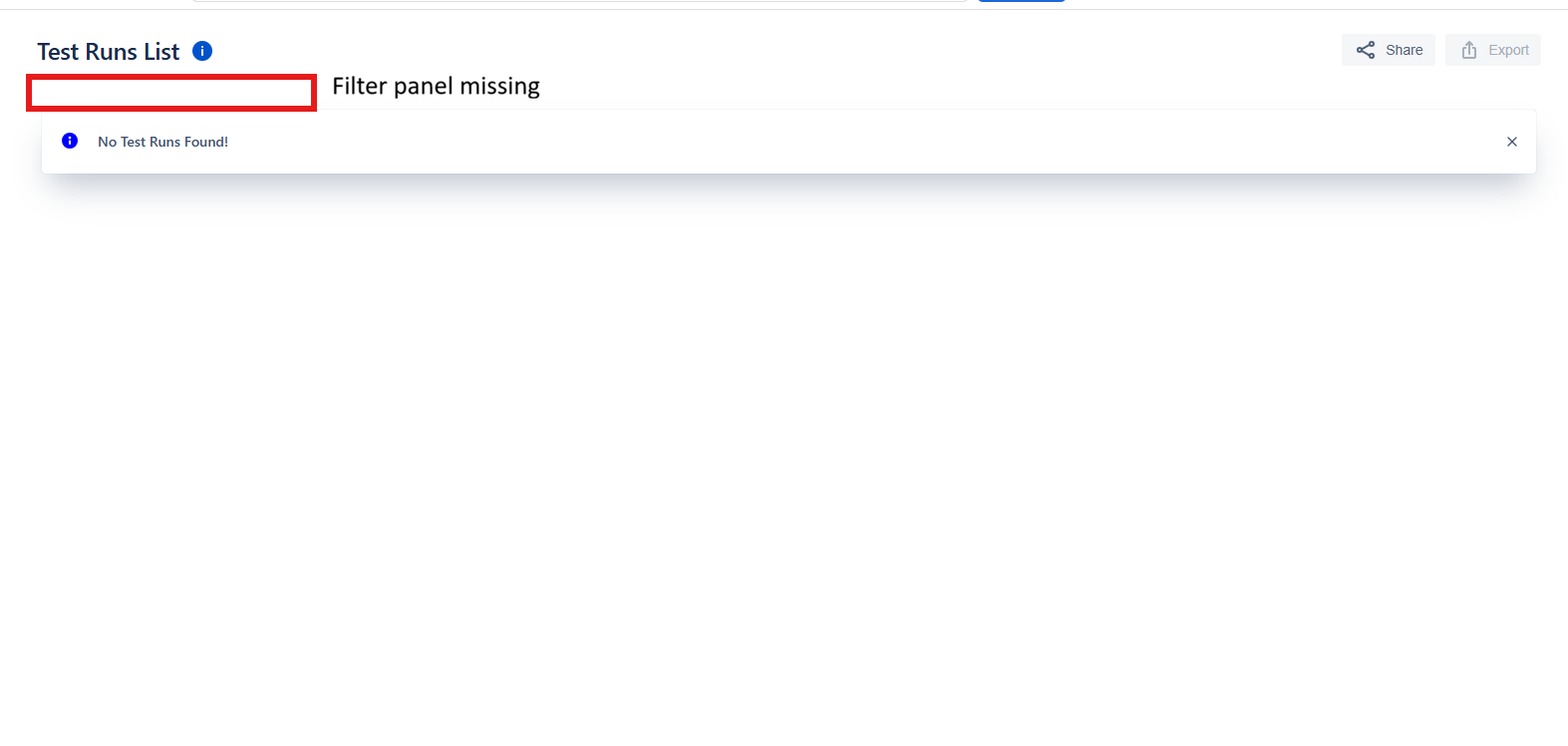
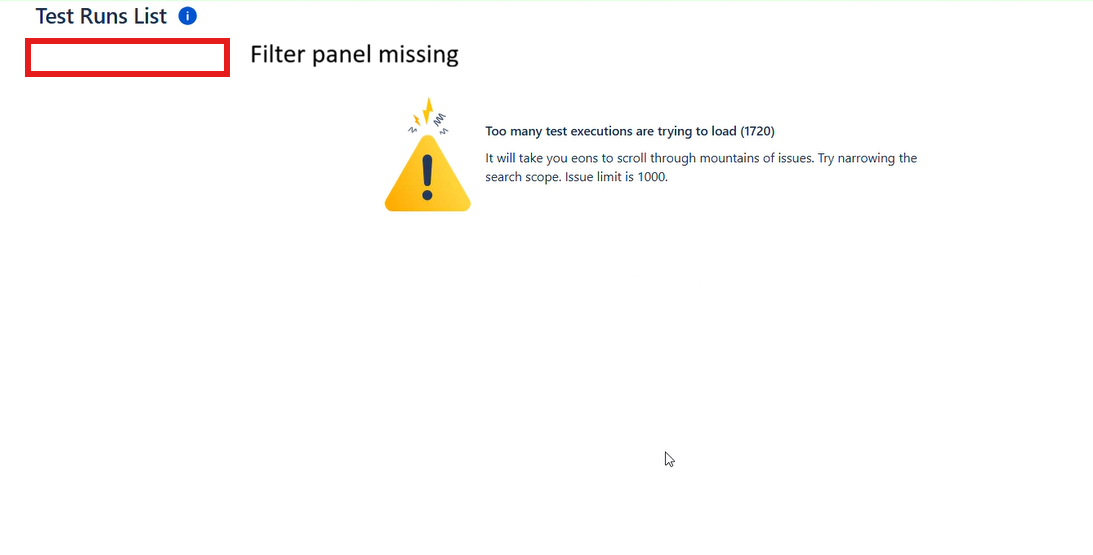
When generating a Test Runs List Report in Xray Cloud, if the selected filter return no results or exceed the supported issue limit, an informational message is displayed ("No Test Runs Found" or "Too many test executions are trying to load"). However, after the message is shown, the filter panel is no longer displayed, preventing users from refining their search criteria and regenerating the report.
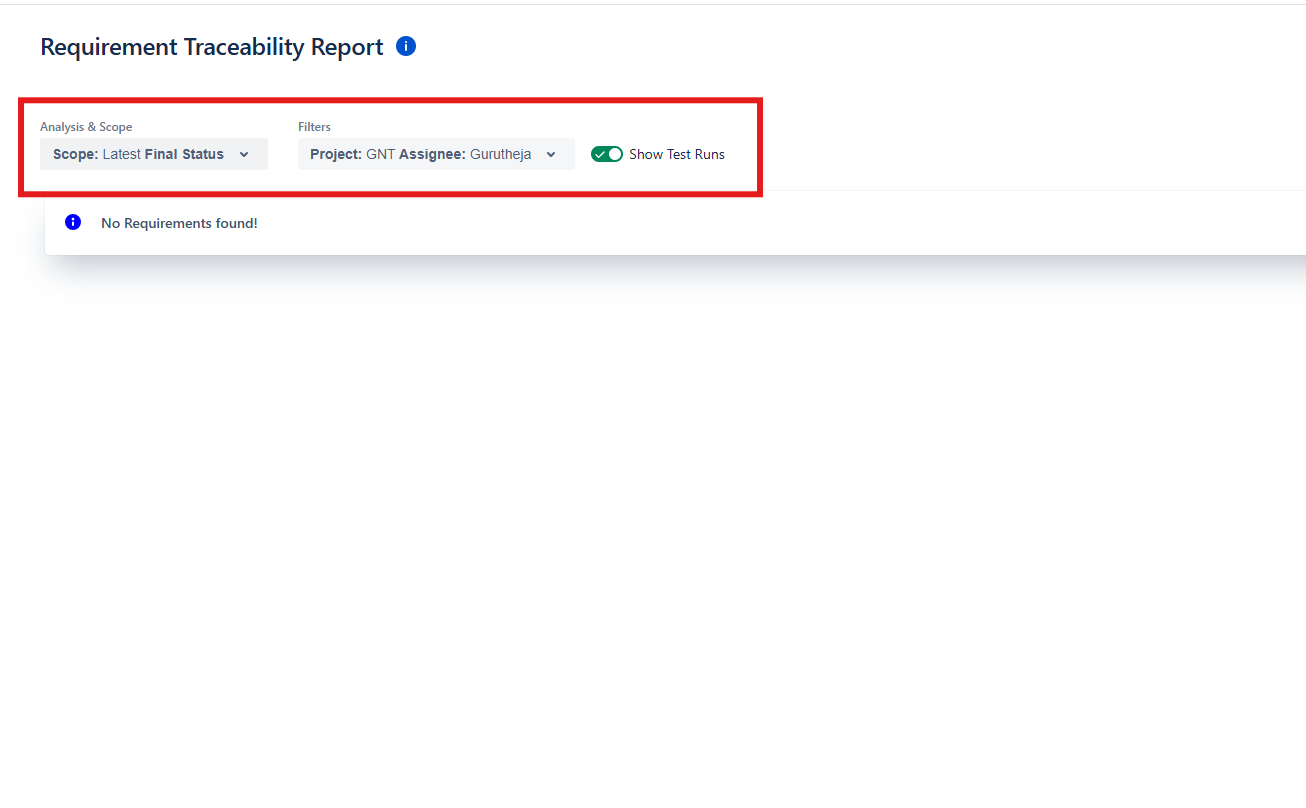
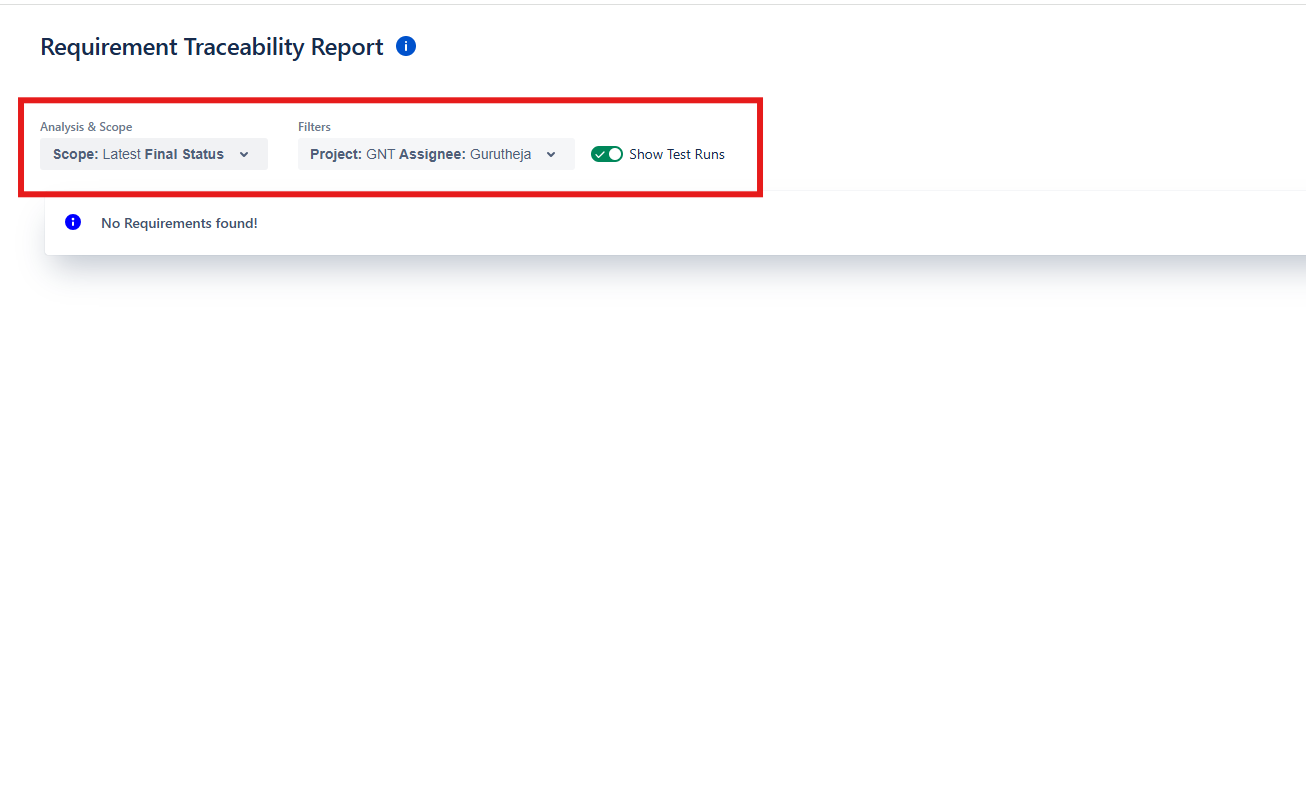
As a result, users must refresh the page to regain access to the filter panel. This behavior is inconsistent with other reports in the Reporting Center, such as the Requirement Traceability Report, where the filter panel remains available even when no data is returned.
Pre-conditions
Generate a Test Runs List Report using filters that either:
- Return no results ("No Test Runs Found!"), or
- Return more than 1000 Test Executions, exceeding the supported issue limit of 1000.
How to Reproduce
- Navigate to the space where the report will be generated.
- Go to Reporting Center > Test Runs List Report.
- Configure the report filters to return either no results or more than 1000 Test Executions.
- Generate the report.
- Observe that the filter panel disappears after the report is generated.
Actual Result
- When the report returns no results or exceeds the supported issue limit, the corresponding informational message is displayed, but the filter panel is no longer available for modifying the report filters.
- Users must refresh the page to modify the report filters and regenerate the report.
Expected Result
- The filter panel should remain visible when the report returns no results or exceeds the supported issue limit.
- Users should be able to modify the report filters and regenerate the report without refreshing the page.
- The behavior should be consistent with the Requirement Traceability Report.
Version
- Xray Cloud 16.0.0
Workaround
- Refresh the page to restore the filter panel, then update the report filters and regenerate the report.
Attachments
Issue Links
- duplicates
-
XCC-3005 Loading...