Details
-
Bug
-
Status: Open
-
 High
High
-
Resolution: Unresolved
-
Xray Cloud 16.3.0
-
None
-
None
-
Jira Cloud, Windows OS, Chrome and Edge browsers
Description
Description
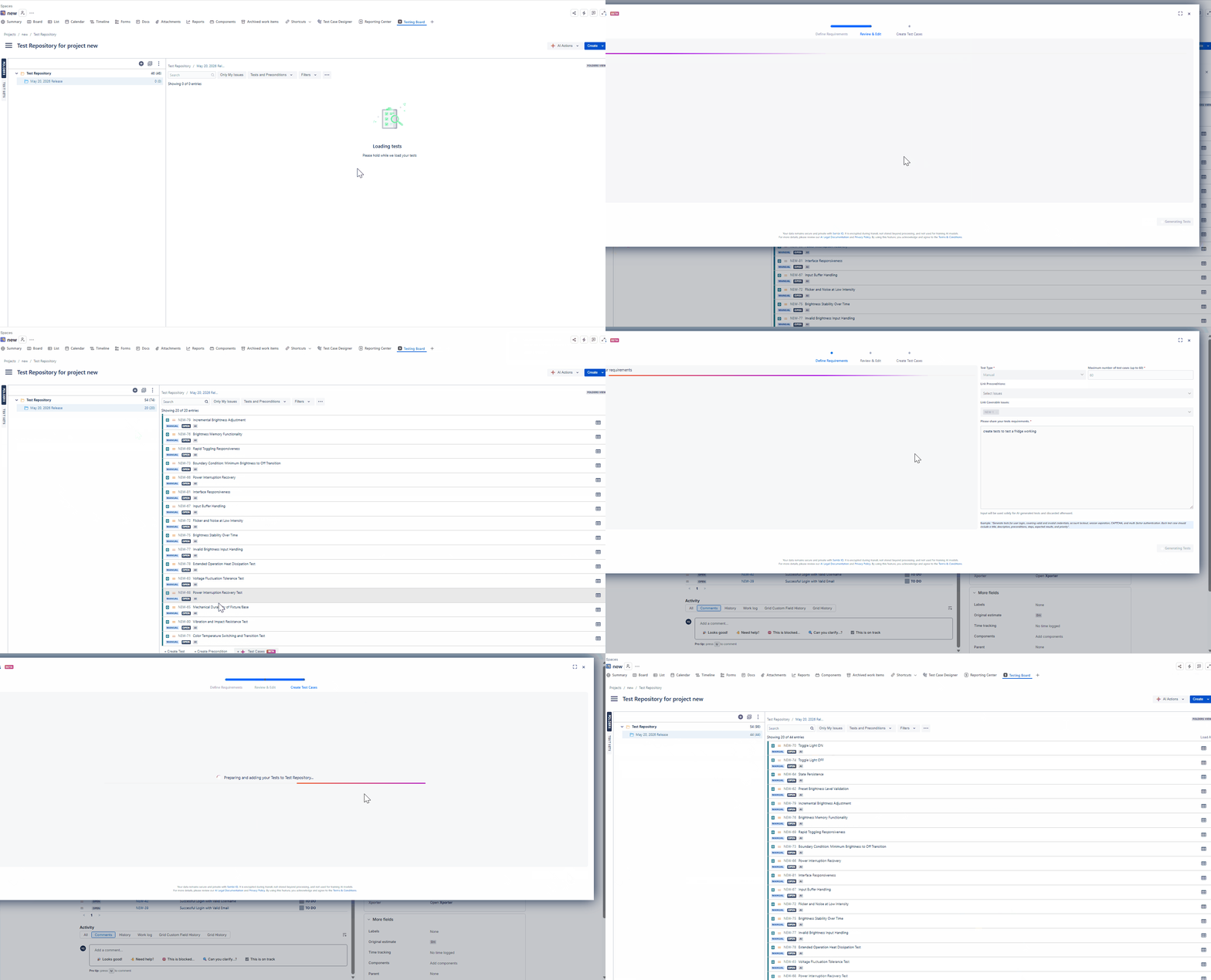
Tests created using the Xray Test AI Test Case Generate feature are not added to the specified folder when the AI generation is initiated from the Test Repository. However, when Tests are generated from a Requirement issue, the generated Tests are successfully added to the selected folder.
Pre-conditions
- The project contains at least one Requirement issue.
- The Test Repository contains a folder where generated Tests can be added.
- AI Test Case Generation feature is enabled and accessible.
How to reproduce
- Navigate to the project's Test Repository.
- Open or select a folder intended to contain the generated Tests.
- Launch AI Test Case Generate from the Test Repository.
- Generate Test cases by providing a prompt in the 'Define Requirements Stage', then click on Generate Tests
- Specify the target folder in the 'Review and Edit stage'
- Complete the generation process.
- Verify the location of the generated Tests in the Test Repository.
- Open a Requirement issue, click on (Beta AI) Test Cases button and create Tests using the Test Case Generation feature and specify the target folder as well.
- Verify the location of the generated Tests in the Test Repository.
Actual result/Attachments
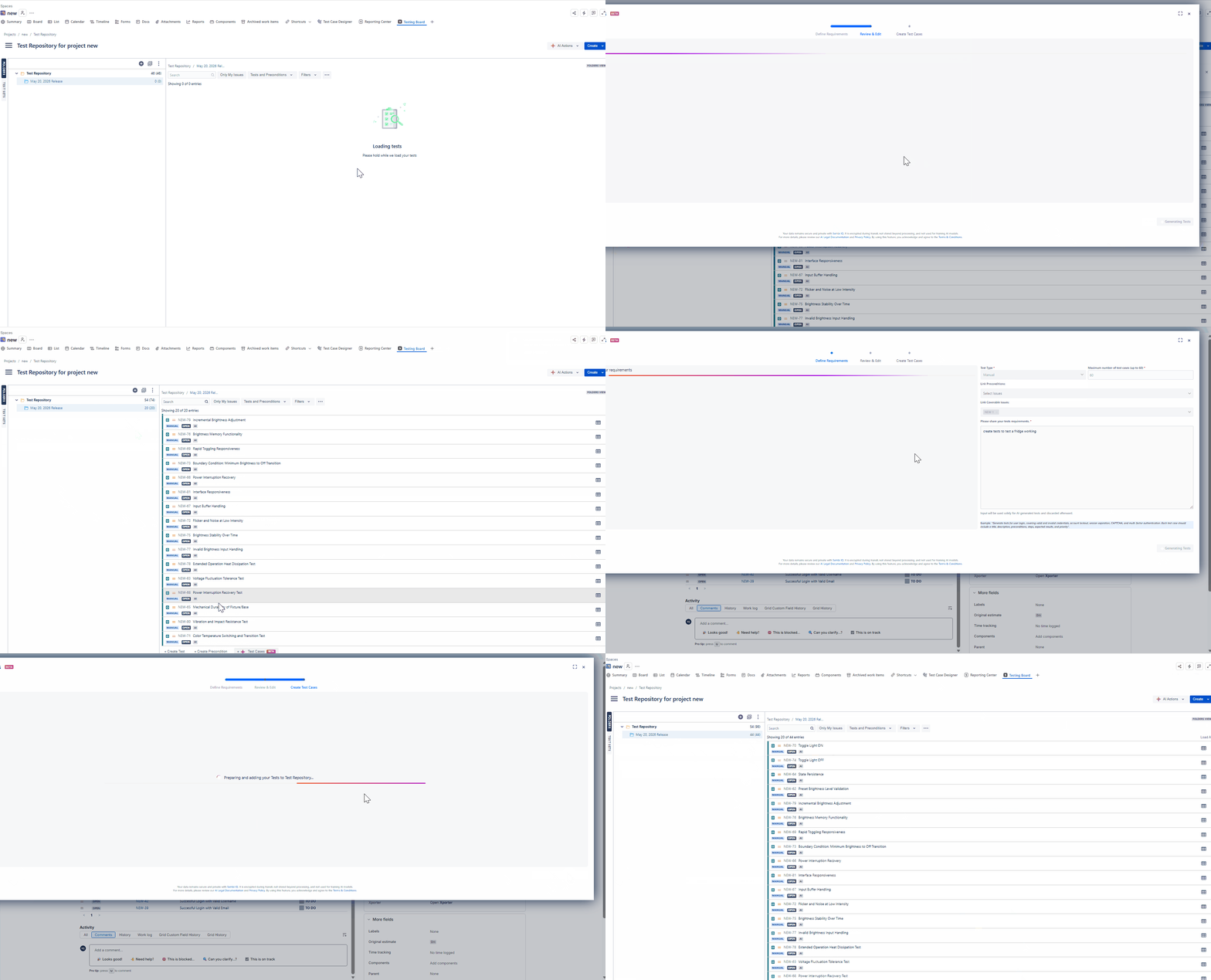
When we generate Tests from Test Repository, the generated Test issues are created successfully, but they are not added to the selected Test Repository folder. The Tests are created without the expected folder association. However, when Tests are generated from a Requirement issue, the Tests are added to the specified folder.
Expected result
All Tests generated through AI Test Case Generate from the Test Repository should be automatically added to the folder selected during the generation process, consistent with the behavior observed when generating Tests from a Requirement issue.
Version
- Xray Cloud 16.3.0
Workaround
Manually add Tests to the folder if you need to create Tests from Test Repository.
Attachments
Issue Links
- duplicates
-
XCC-3031 Loading...