Details
-
Bug
-
Status: Waiting Approval
-
 Medium
-
Resolution: Unresolved
-
Xray Cloud 16.3.0
-
None
-
None
-
Xray Cloud
Description
Description
When a test case is moved to a subfolder within a Test Plan Board and then removed from the test plan through the test issue details page, the standard Test Plan view updates correctly after refresh, but the Test Plan Board folder view does not update. The removed test case continues to appear in the folder structure and is still included in folder counts. This creates an inconsistency between the Test Plan view and the Test Plan Board view.
Additionally, it appears that a full reindex is required to synchronize the board data, which is not a practical solution for regular user workflows.
Pre-conditions
- A test plan exists with at least one or more test cases.
- Test Plan Board (folder structure view) is enabled and accessible.
- Ability to move test cases between folders within the test plan.
- Ability to remove test cases from a test plan through the test issue details page.
How to reproduce
- Create or add a test case to an existing test plan.
- Open the Test Plan Board (folder view).
- Move the newly added test case to a subfolder that is not located in the root folder.
- Open the test case issue.
- Navigate to Test Plan Test Details.
- Select the checkbox next to the test plan and remove the test case from the plan.
- Refresh the standard Test Plan view.
- Verify that the test count is updated and the removed test case is no longer present.
- Refresh the Test Plan Board view.
Actual result / Attachments
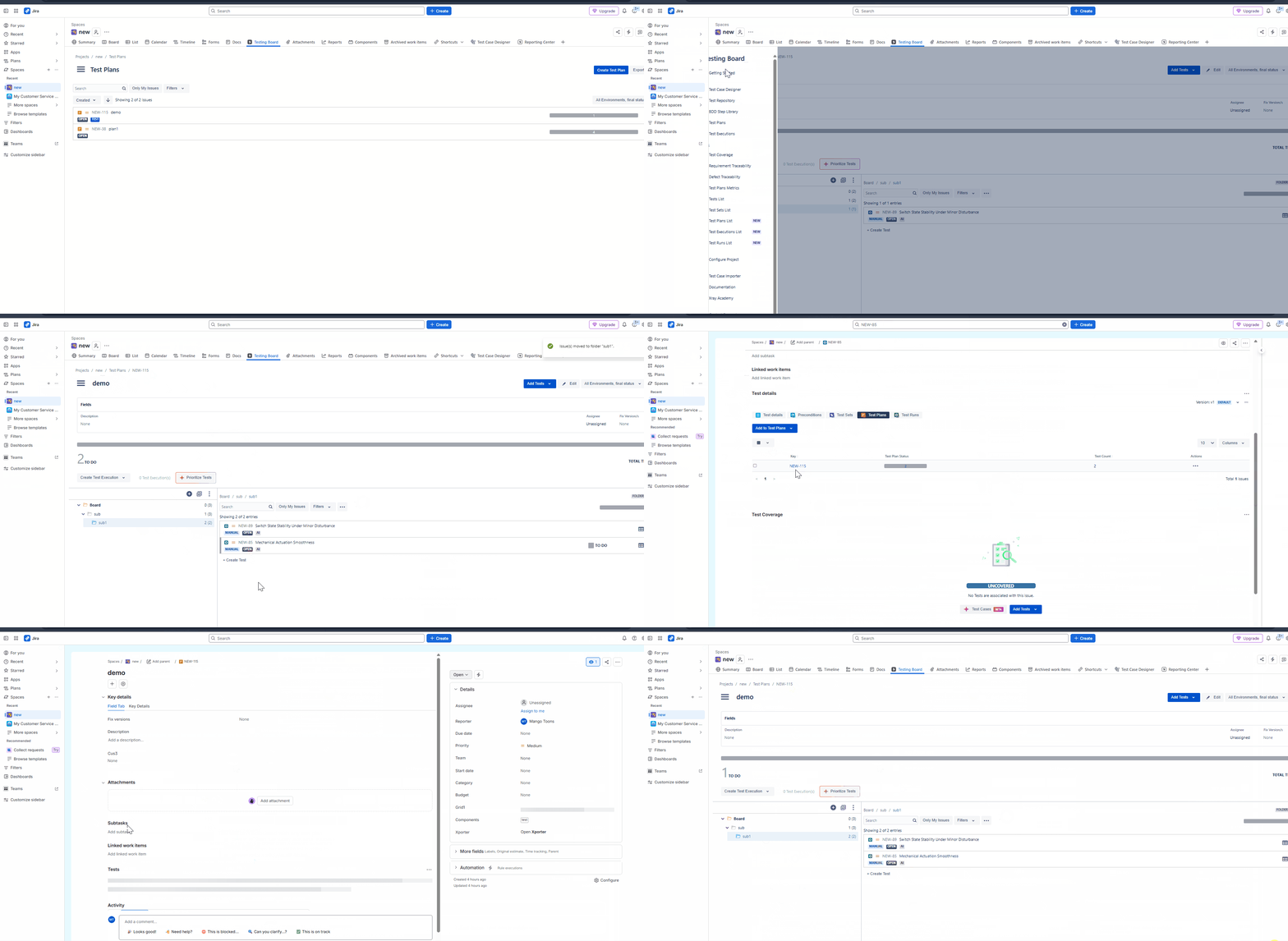
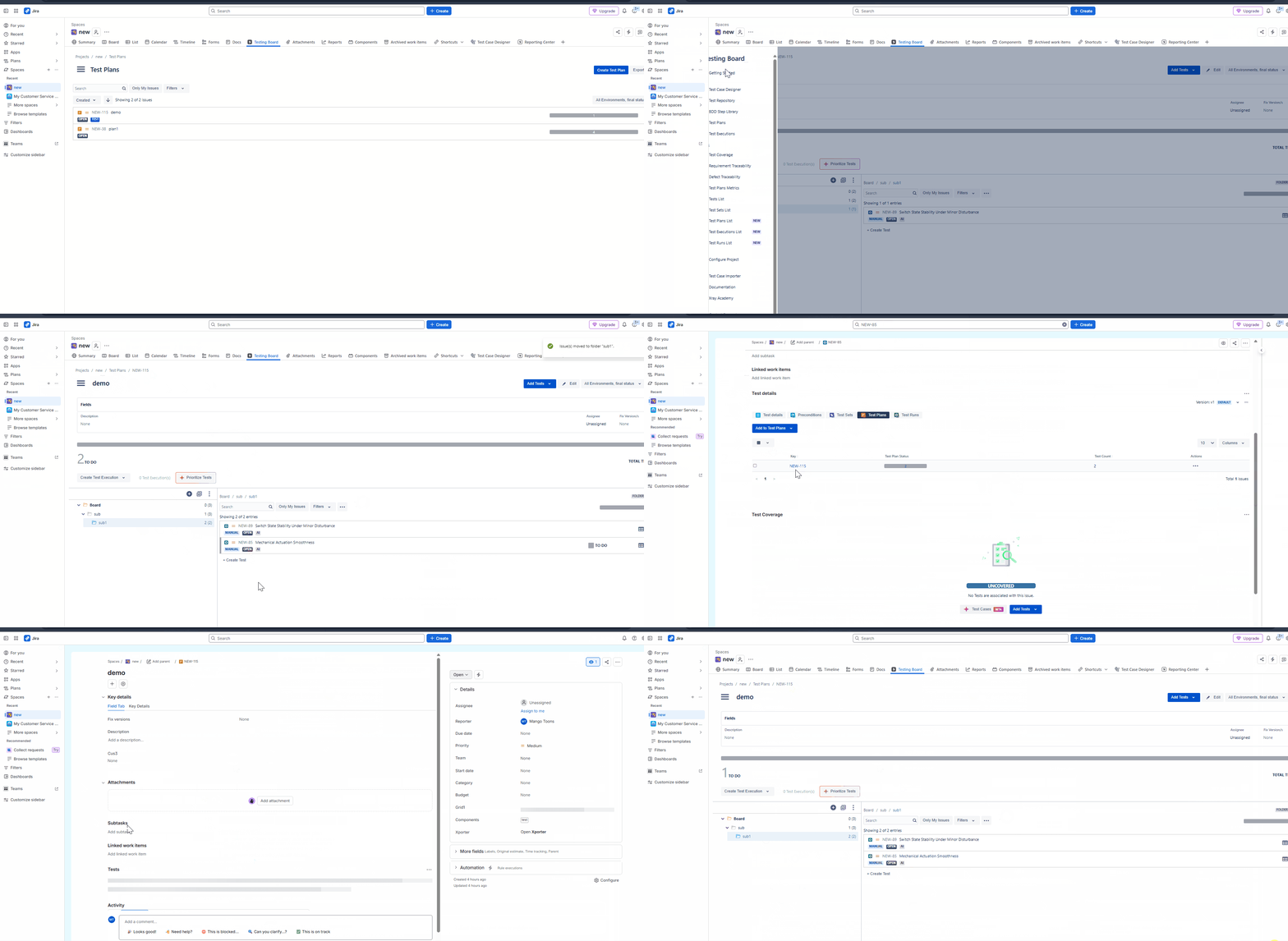
After the test case is removed from the test plan, the Test Plan view updates correctly. However, the Test Plan Board still shows the test case in its folder and includes it in the folder counts, resulting in inconsistent data until a reindex is performed.
Expected result
After the test case is removed from the test plan, both the Test Plan view and Test Plan Board should be updated consistently, with the test case removed from all folders and the folder counts recalculated correctly without requiring a reindex.
Version
- 16.5.0
Workaround
Perform a manual reindex to refresh the Test Plan Board and remove the test case entry.
Attachments
Issue Links
- duplicates
-
XCC-3141 Loading...