Details
-
Bug
-
Status: Waiting Approval
-
 Medium
-
Resolution: Unresolved
-
Xray Cloud 16.8.0
-
None
-
None
-
macOS 27.0
Google Chrome Version 151.0.7922.76 (Official Build) (arm64)
Description
Description
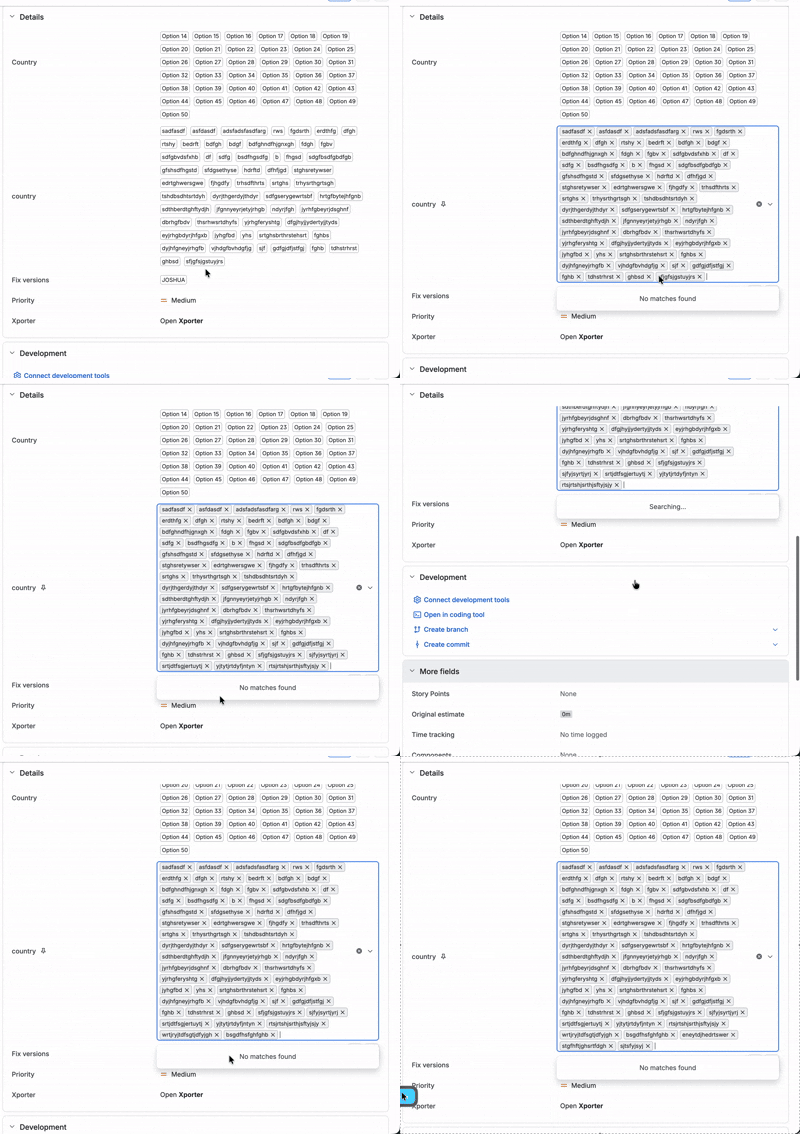
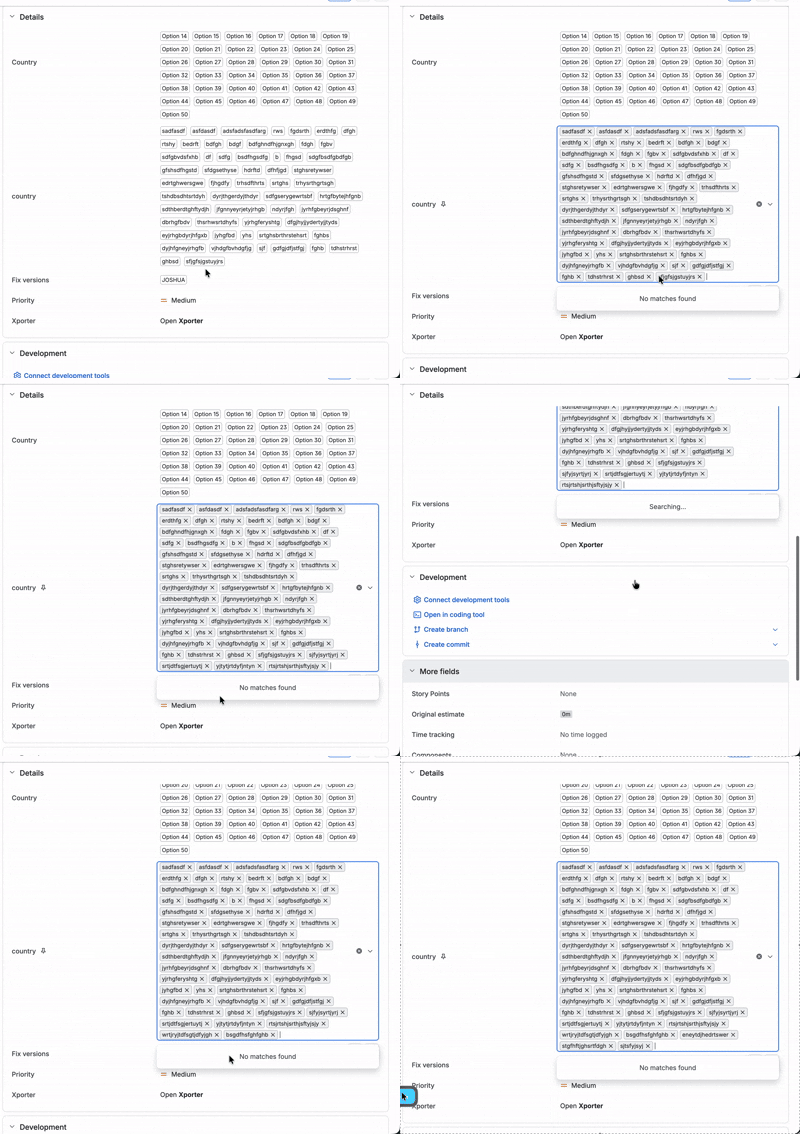
When a multi-select list custom field contains a large number of options, the field's dropdown on the issue view only loads an initial batch of options. When all the available options are depleted, options beyond that batch are not displayed and incorrectly show "No matches found" for values that exist further down the list.
Only after the user manually scrolls up and down inside the dropdown are the remaining options loaded and displayed/selectable.
Pre-conditions
- A multi-select list custom field created with a large number of options (Verified with 58 options)
- The field added to the relevant screens and visible on the issue view.
How to reproduce
- Create a multi-select list custom field and add a large number of options to it.
- Open an issue where the field is available and click the field to add values.
- Observe that once the initially displayed options are depleted the selector shows "No Matches Found" unless manually scrolled.
Actual result/Attachments
Only the initial batch of options is displayed.
Expected result
All of the field's options should be available and selectable
Version
- Xray 16.8.0
Workaround
Scroll up and down within the dropdown to force the remaining options to load and the full list then becomes visible.
Attachments
Issue Links
- duplicates
-
XCC-3189 Loading...