Details
-
Bug
-
Status: Resolved
-
 Medium
-
Resolution: Fixed
-
Xray Cloud 16.15.0
-
None
-
Cloud
-
Standard
-
Description
Description
The Overall Test Results gadget does not use its own configured filter when there is more than one Overall Test Results gadget added to the same dashboard.
When multiple Overall Test Results Gadgets use the same option under Analysis and Scope, the gadgets may use the filter/configuration from the Overall Test Results Gadget that was configured most recently.
Pre-conditions
Create a dashboard with at least two Overall Test Results gadget
How to reproduce
- Add two Overall Test Results Gadgets to the same dashboard.
- Configure the first Overall Test Results Gadget with Filter A.
- Under Analysis and Scope, select Latest and save the configuration.
- Configure the second Overall Test Results Gadget with Filter B.
- Under Analysis and Scope, also select Latest and save the configuration.
- Check the results displayed by both gadgets
Actual result/Attachments
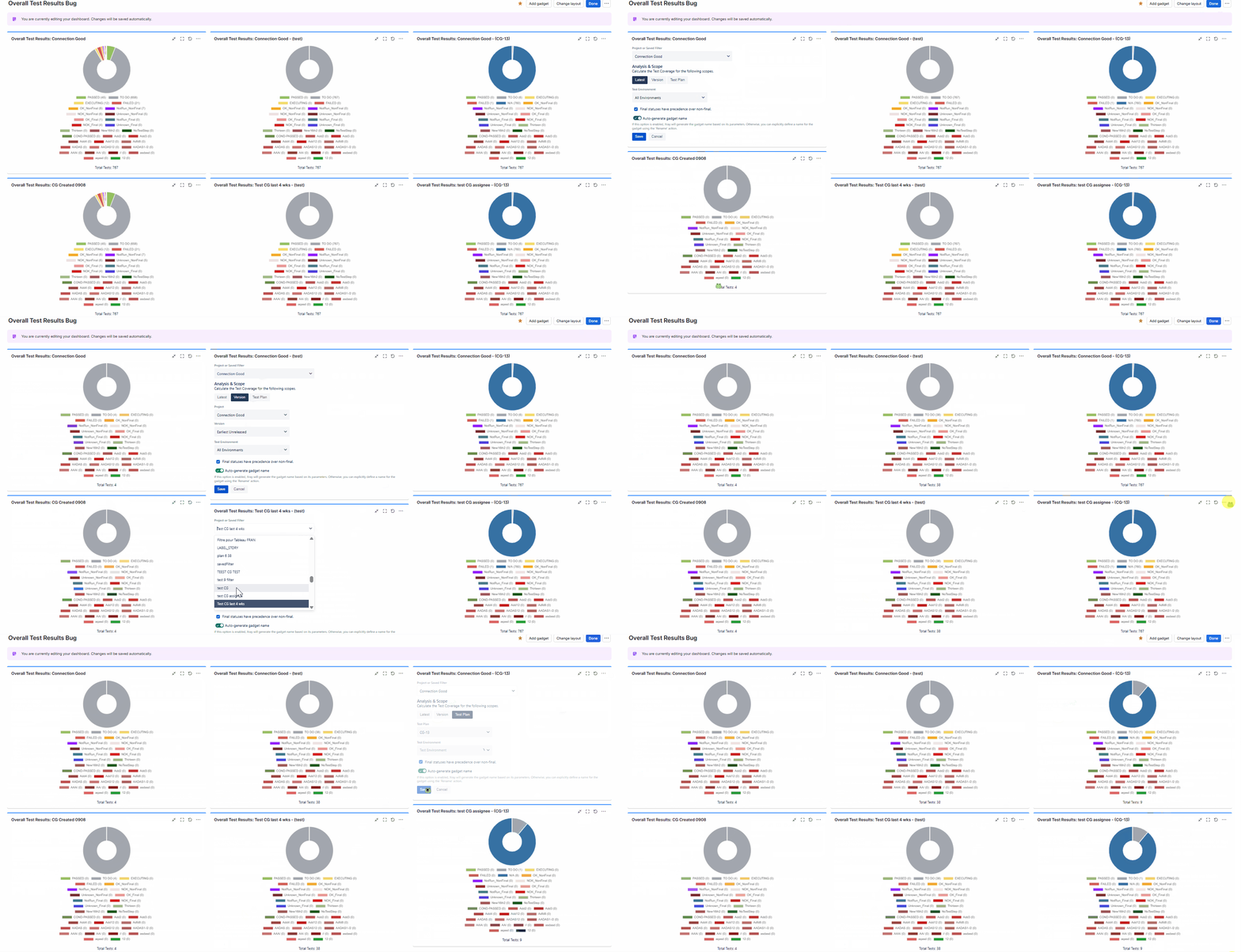
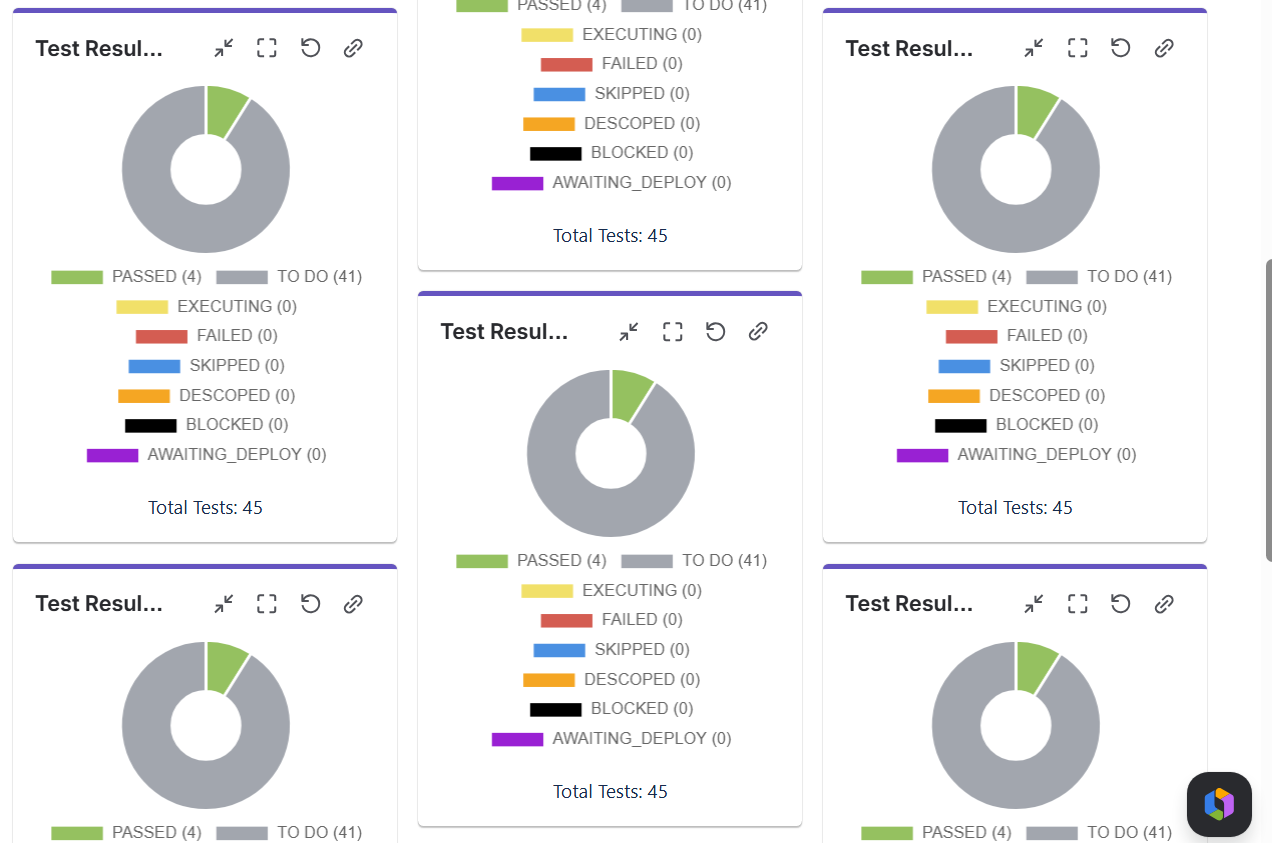
Only one gadget shows the correctly filtered Tests. The other gadget uses the filter configured in the other Overall Test Results Gadget.
In the example below, each column is configured with a different Analysis and Scope option. The top gadgets are filtered to include all Tests in the project, while the bottom gadgets are filtered to include only specific Tests.
Expected result
Each Overall Test Results Gadget should use and retain its own configured filter independently, regardless of the configuration of other Overall Test Results Gadgets on the same dashboard.
Version
- 16.15.0
Workaround
-
Attachments
Issue Links
- duplicates
-
XCC-3488 Loading...