Details
-
Bug
-
Status: Resolved
-
 Major
Major
-
Resolution: Fixed
-
Xray Cloud 16.12.0
-
None
-
Cloud
Description
Description
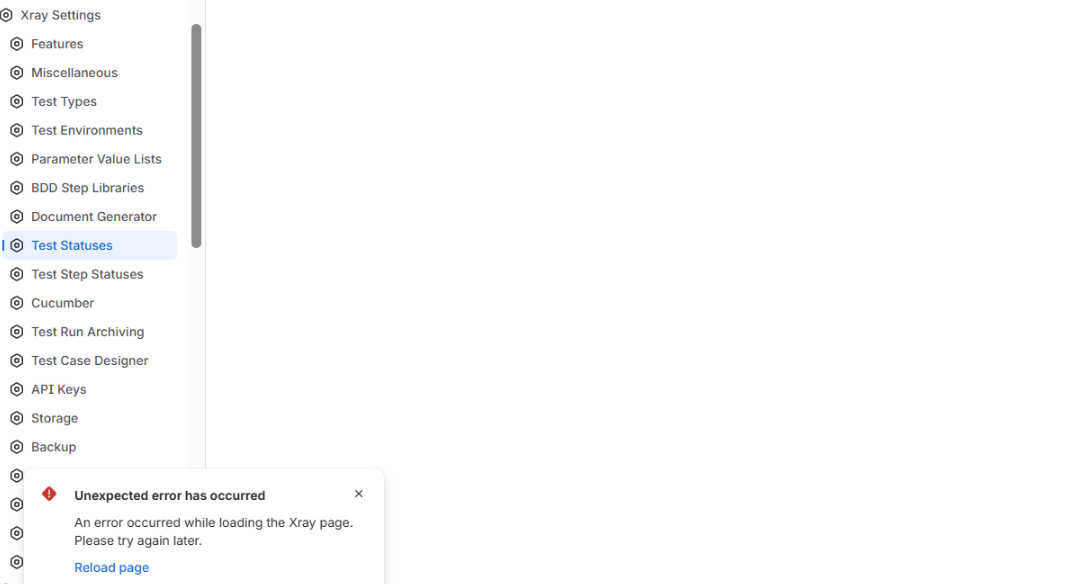
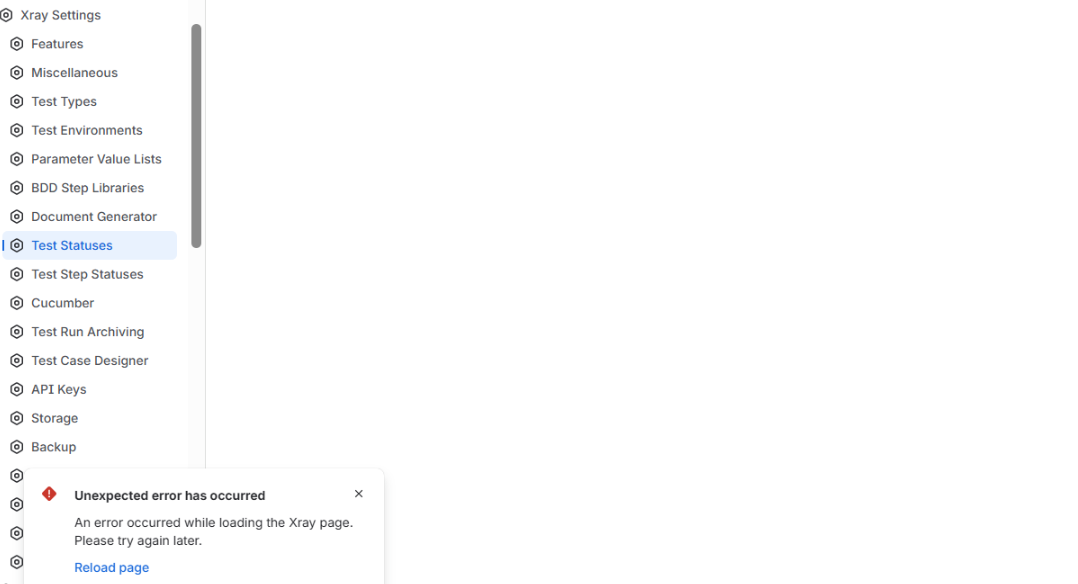
The Test Statuses and Test Step Statuses pages cannot be opened from the Global Settings. An error appears when opening the pages. The other pages in the Xray Settings under Global Settings work fine.
Pre-conditions
- The instance has a large number of projects.
- User has Jira Admin permissions
How to reproduce
- Go to Jira admin settings
- Go to Xray Settings
- Open Test Statuses/Test Step Statuses pages
Actual result/Attachments
The Test Statuses and Test Step Statuses pages do not open/load. An error occurs when trying to open the page.
Expected result
The Test Statuses and Test Step Statuses pages should open successfully.
Version
- 16.12.0
Workaround
-
Attachments
Issue Links
- duplicates
-
XCC-3503 Loading...