Details
-
Bug
-
Status: Waiting Approval
-
 High
-
Resolution: Unresolved
-
Xray Cloud 16.19.0
-
None
-
None
-
Xray Plugin for Jenkins
Version: 2.6.2
Description
Description
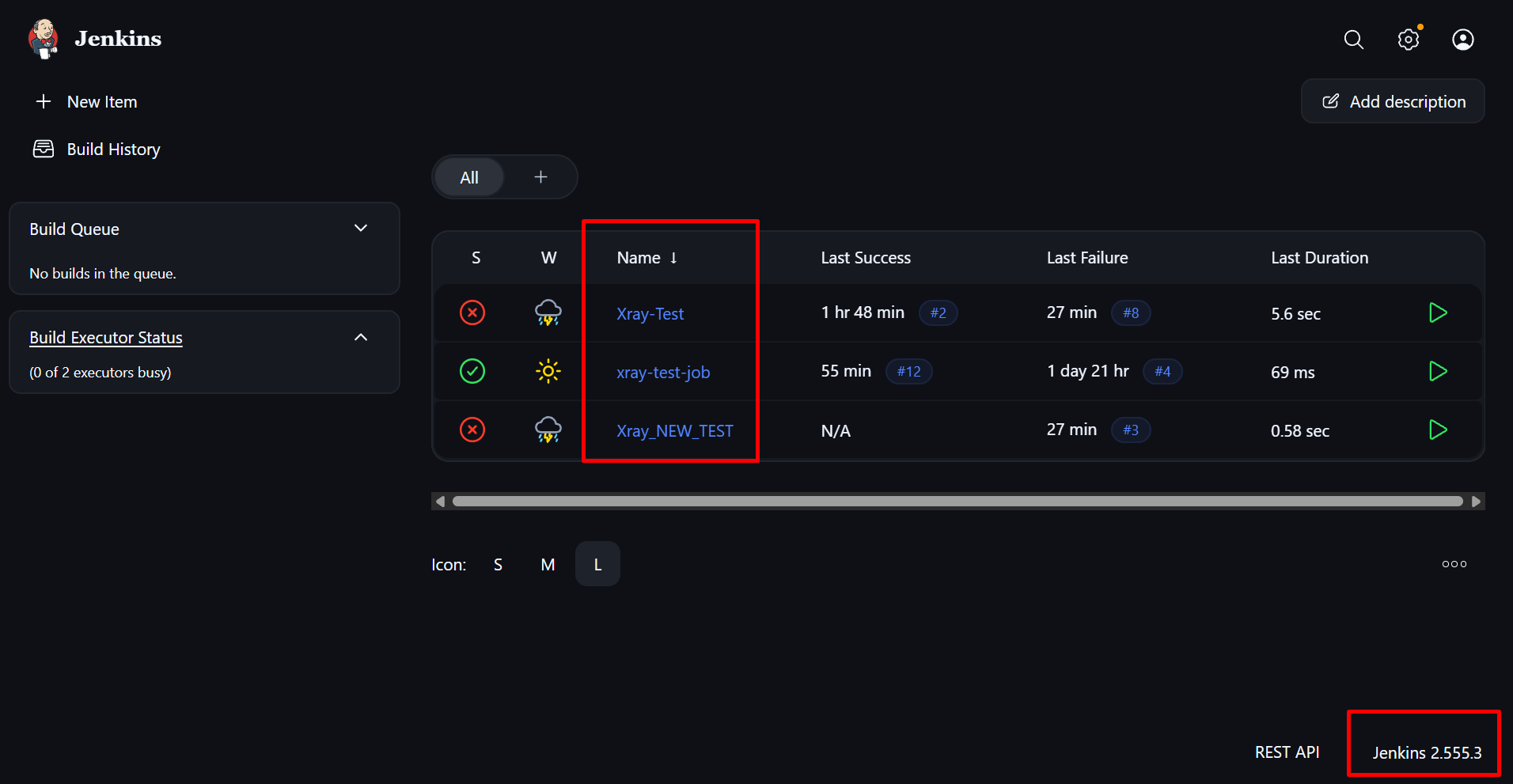
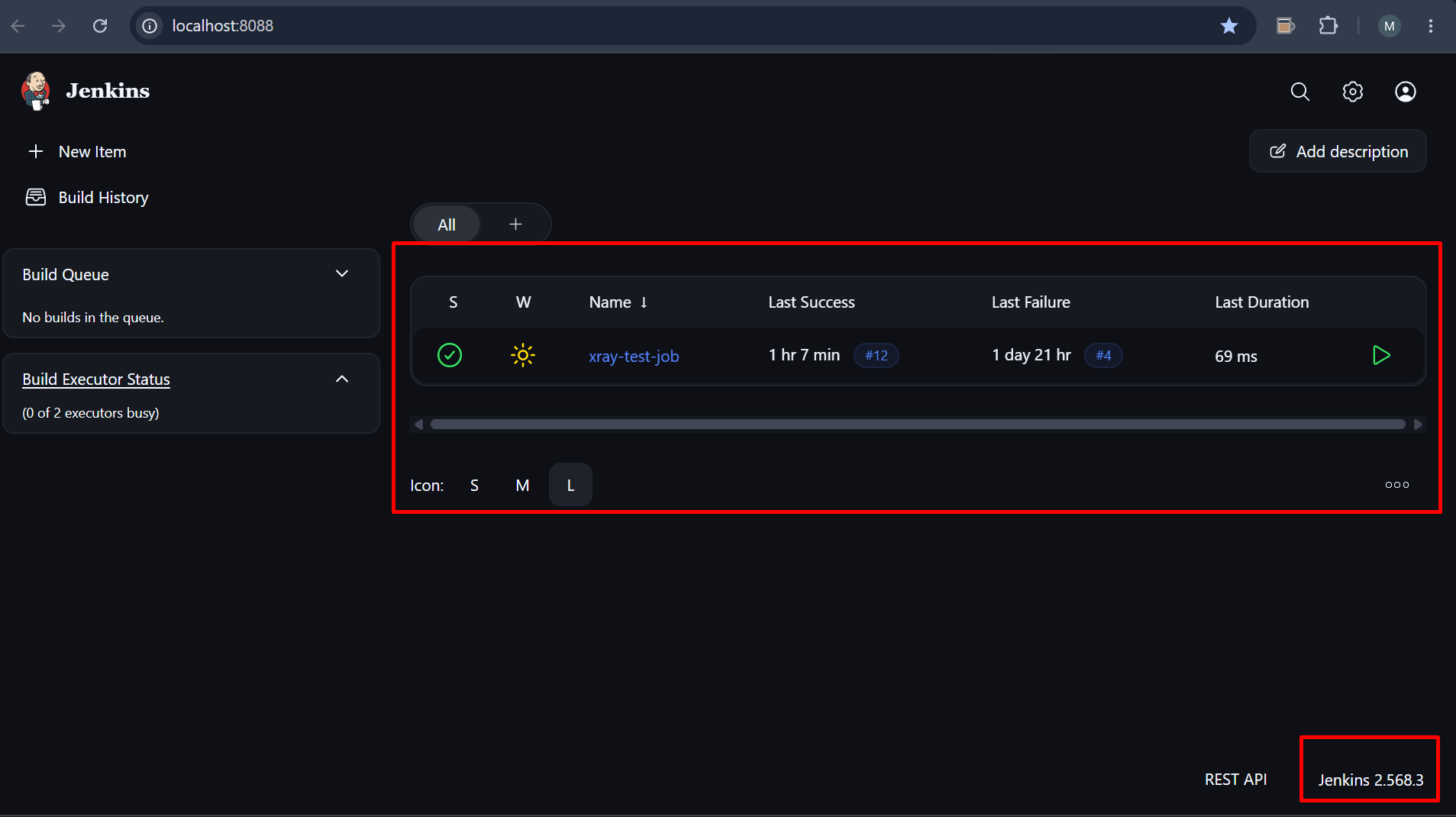
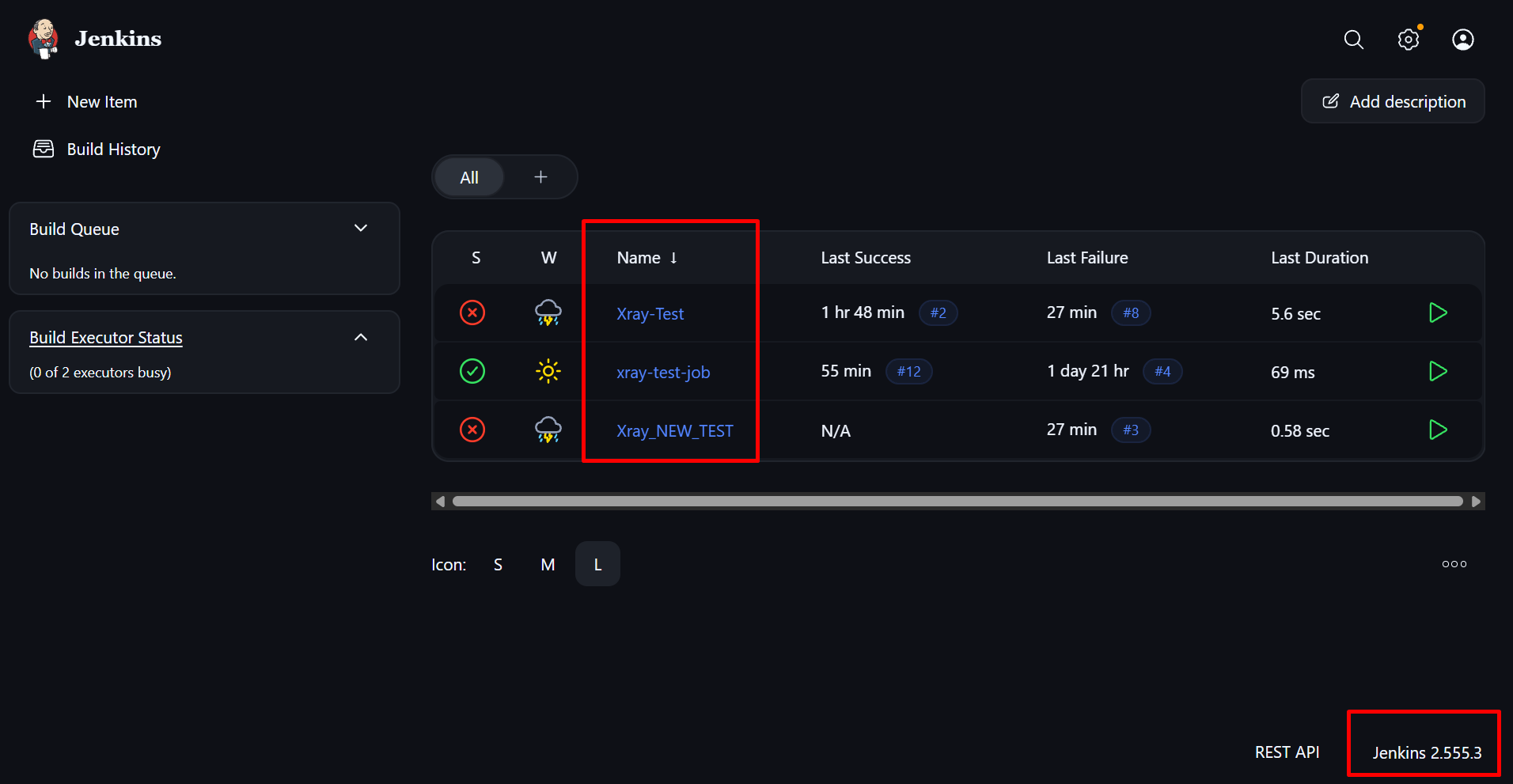
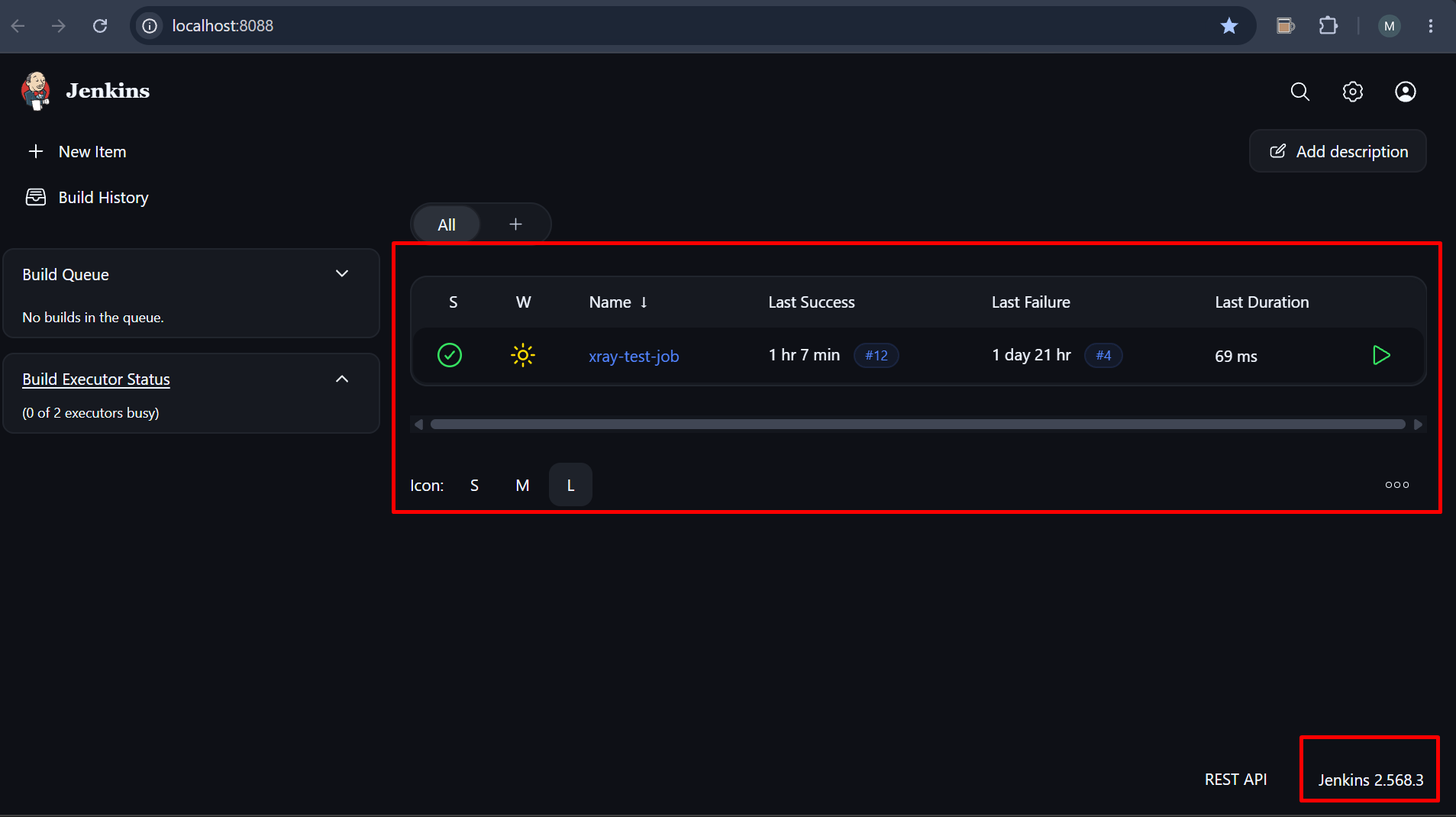
After upgrading Jenkins from 2.555.3 to LTS 2.568.3, all Freestyle jobs configured with the Xray: Result Import Task disappeared from the Jenkins dashboard and could not be loaded during Jenkins startup.
The issue occurs because the Xray Connector Plugin stores a serialized hudson.model.FreeStyleBuild object within the job's config.xml under:
/project/publishers/com.xpandit.plugins.xrayjenkins.task.XrayImportBuilder/xrayInstance/credentialResolver/run
Starting with Jenkins 2.568.3, Jenkins refuses to deserialize this object and throws an exception during job loading, causing affected jobs to fail initialization and therefore not appear in Jenkins.Downgrading the Xray Connector Plugin from 2.6.2 to 2.6.1 does not resolve the issue because the serialized <run> configuration remains present in the job configuration.The only identified recovery method is manually removing the <run> section from each affected job's config.xml, after which the jobs load successfully.
And this is also reported in https://github.com/jenkinsci/xray-connector-plugin/issues/98
Pre-conditions
- Jenkins Controller running on Linux.
- Jenkins upgraded from version 2.555.3 to 2.568.3.
- Xray Connector Plugin version 2.6.1 or 2.6.2 installed.
- Freestyle jobs configured with Xray: Result Import Task.
- Job configuration contains the following serialized section:
<run class="hudson.model.FreeStyleBuild"
     resolves-to="hudson.model.Run$Replacer">
    <id>JOB_NAME#BUILD_NUMBER</id>
</run>
How to reproduce
- Install Jenkins 2.555.3.
- Install Xray Connector Plugin 2.6.2.
- Create a Freestyle project.
- Configure the project with Xray: Result Import Task.
- Run the job at least once so the plugin persists build-related information in config.xml
- upgrade Jenkins to 2.568.3.
- Restart Jenkins.
- Observe Jenkins startup and job loading behavior.
Actual result/Attachments
Freestyle jobs containing the Xray Result Import Task are not loaded during Jenkins startup.
The jobs disappear from the Jenkins UI.
Jenkins logs contain errors similar to:
Failed Loading item <project>Refusing to unmarshal PersistenceRoot subtype
'hudson.model.FreeStyleBuild'into field 'run'
in 'CredentialResolver'/project/publishers/com.xpandit.plugins.xrayjenkins.task.XrayImportBuilder/
xrayInstance/credentialResolver/run
Additional Findings
Downgrading the Xray Connector Plugin does not restore the jobs.
Editing config.xml and removing the <run> section allows the jobs to load successfully.
Issue affects all jobs configured with the Xray Result Import Task.
Expected result
After upgrading Jenkins to version 2.568.3, all existing jobs using the Xray Connector Plugin should load successfully during startup and remain visible and functional without requiring manual modification of the job configuration.
Version
- Jenkins (Before Upgrade): 2.555.3
- Jenkins (After Upgrade): 2.568.3 LTS
- Xray Connector Plugin: 2.6.1, 2.6.2
- Controller OS: Linux
- Agent OS: Windows (not relevant to reproduction)
- Job Type: Freestyle Project
- Affected Feature: Xray Result Import Task
Workaround
Remove the serialized <run> element from each affected job's config.xml:
<run class="hudson.model.FreeStyleBuild"
     resolves-to="hudson.model.Run$Replacer">
    <id>JOB_NAME#BUILD_NUMBER</id>
</run>
After removing the section and restarting/reloading Jenkins, the jobs become available again and can be loaded successfully.
Attachments
Issue Links
- duplicates
-
XCC-3759 Loading...