Details
-
Bug
-
Status: Open
-
 Medium
-
Resolution: Unresolved
-
Xray Cloud 16.29.0
-
None
-
None
-
Cloud
-
Enterprise
-
Description
Description
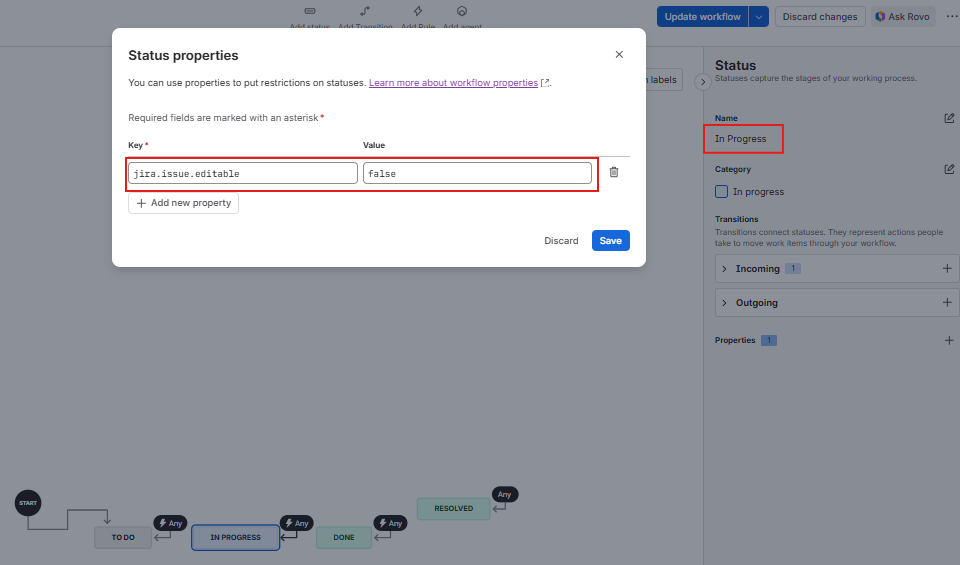
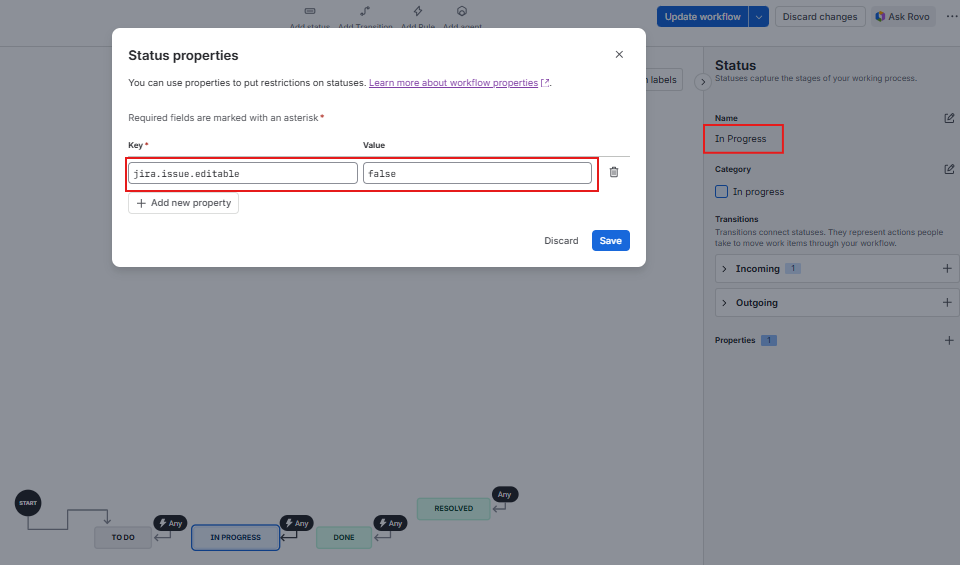
When the workflow property jira.issue.editable = false is configured on the current status of a Test Execution issue, users are unable to execute Test Runs from the Test Execution view, even when they have the required permissions.
The following warning is displayed: "User does not have permission to execute test execution with key XXX."
Pre-conditions
- The workflow associated with the Test Execution issue has the property jira.issue.editable = false configured on the current status (In Progress).
- The user has the required permissions to execute Tests
- Ensure that the In Progress status is not selected under the Disallow Executions with Workflow Statuses setting.
How to reproduce
- Open a Test Execution
- Update to In Progress status
- Refresh page
Actual result/Attachments
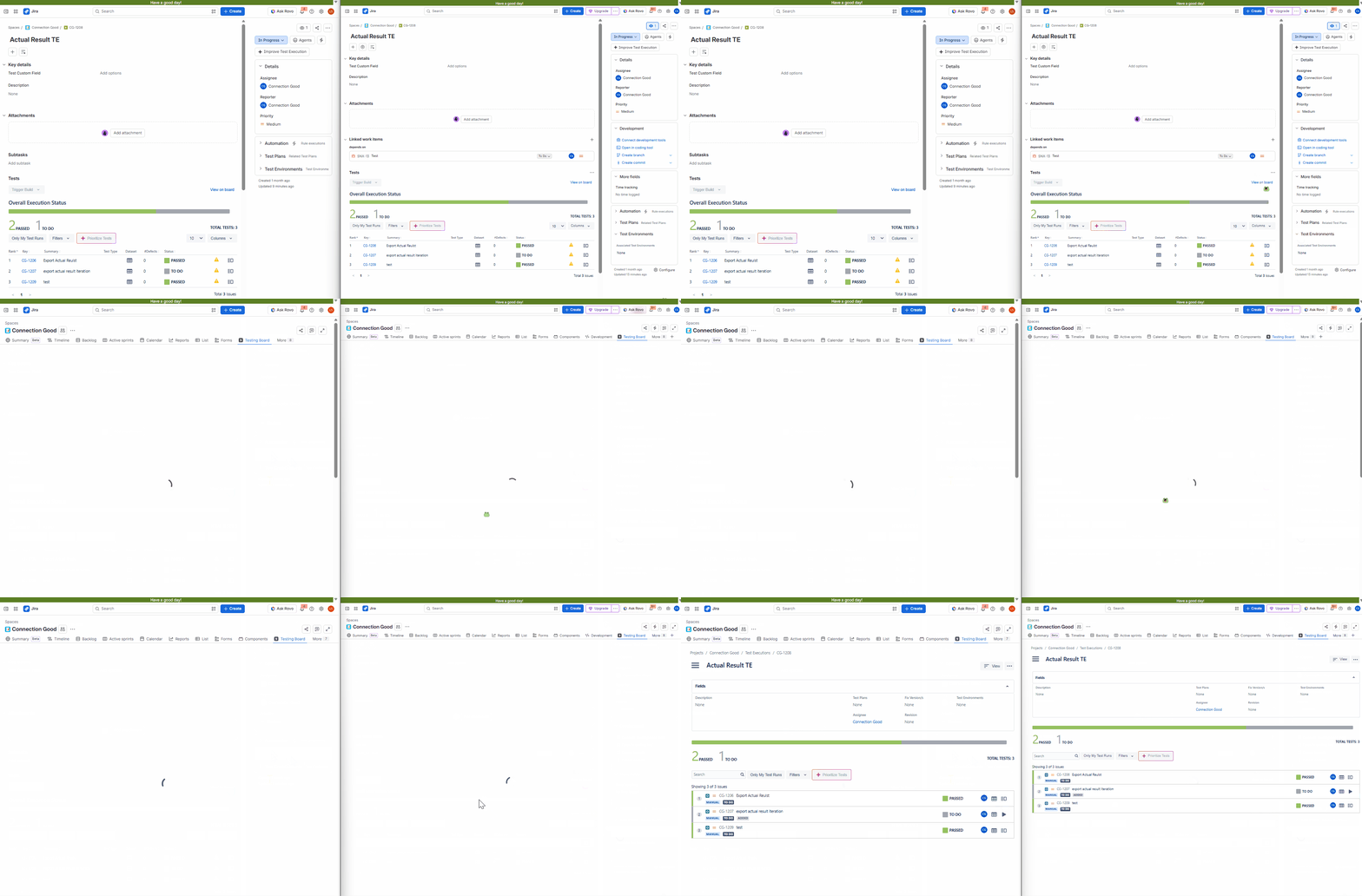
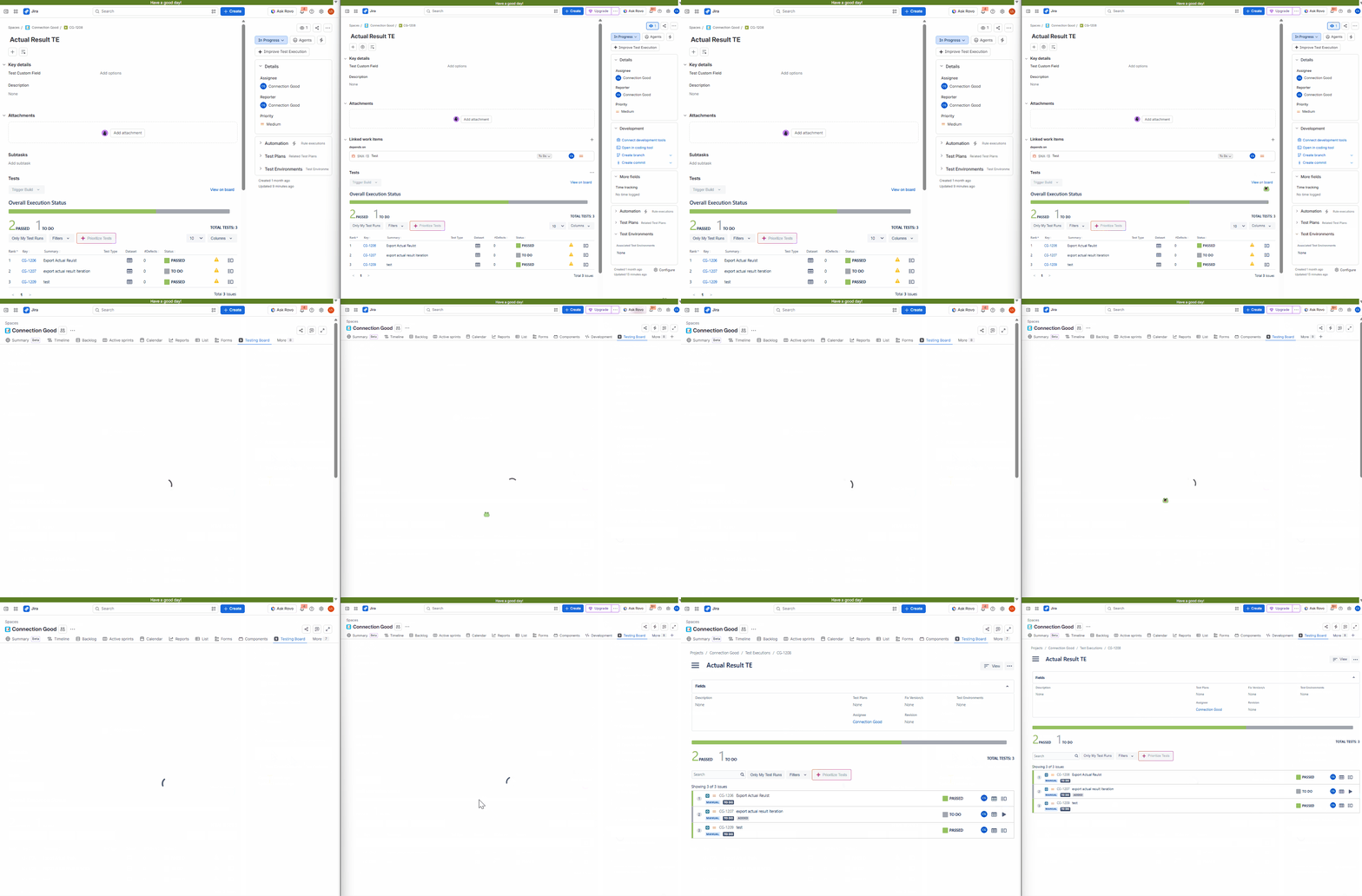
The warning is displayed in the Test Execution view. However, when the same Test Execution is opened in the Testing Board view, users can execute the Test Runs without any issues.
Expected result
Users with the required permissions should be able to execute Test Runs from the Test Execution view, even when jira.issue.editable = false is configured, consistent with the behavior in the Testing Board view.
Version
- 16.29.0
Workaround
Open Test Execution in the Testing Board
Attachments
Issue Links
- duplicates
-
XCC-4046 Loading...