Details
-
Bug
-
Status: Waiting Approval
-
 Medium
-
Resolution: Unresolved
-
Xray Cloud 17.0.0
-
None
-
None
-
Xray Cloud
Description
Description
When viewing issues from the Test Repository using the "View in Issue Navigator" feature, clicking the option fails to perform any action. This issue occurs when a folder contains more than 50 issues and either the Xray DC compatible JQL or Xray Custom JQL toggle is enabled in the JQL settings.
How to Reproduce
- Ensure at least one of the JQL toggles is enabled (Xray DC compatible JQL or Xray Custom JQL).
- Navigate to the Test Repository.
- Select a folder that contains more than 50 issues.
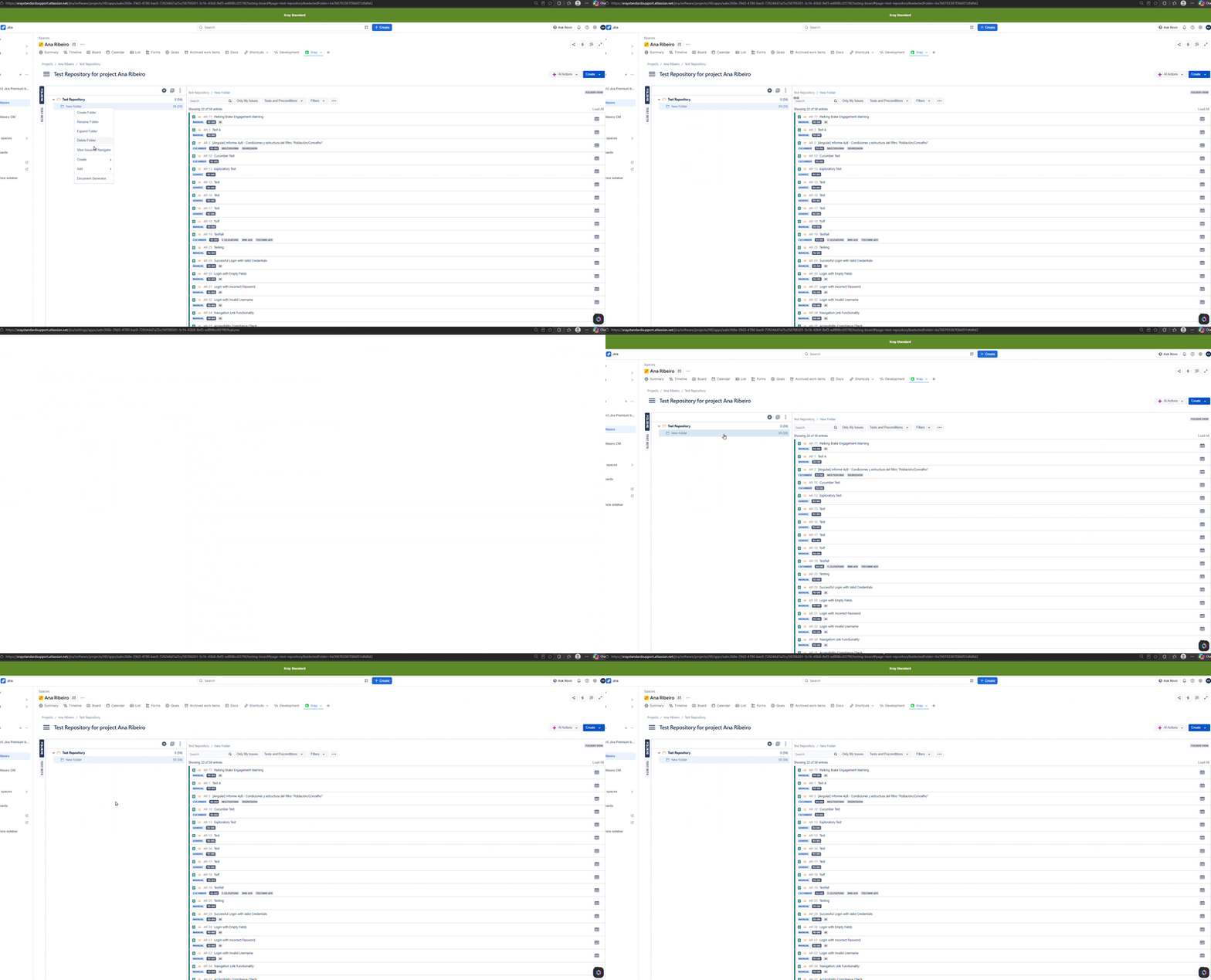
- Click on View in Issue Navigator.
- Observe that clicking the button yields no response.
Actual Result / Attachments
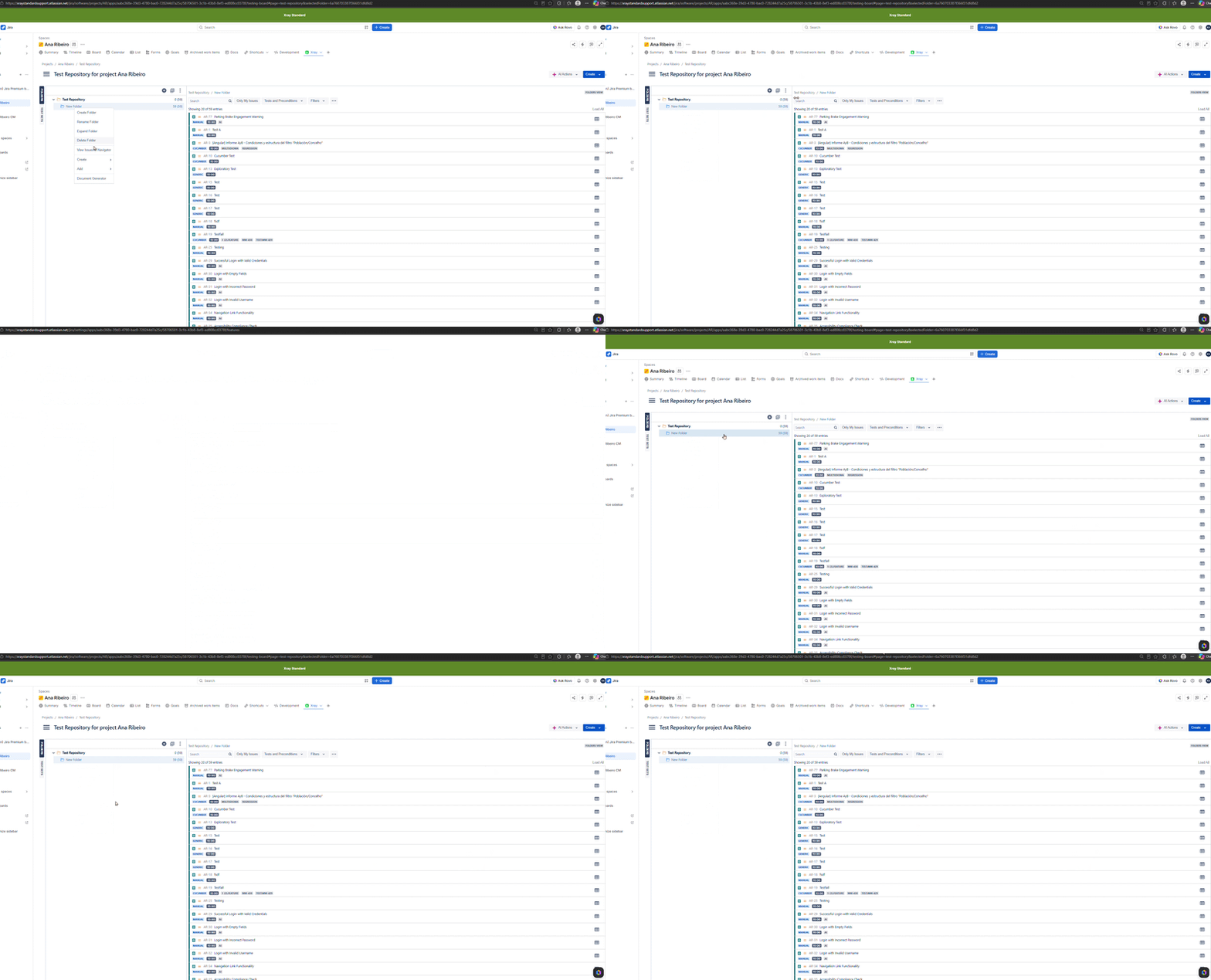
Clicking "View in Issue Navigator" does not do anything.
The navigation to Jira's Issue Navigator fails to trigger.
Expected Result
The Issue Navigator should open successfully and display all issues contained within the selected Test Repository folder and show in JQL - testRepositoryFolderTests
Version
17.0.0
Workaround
Temporarily disable the Xray DC compatible JQL and Xray Custom JQL toggles before using the "View in Issue Navigator" option for folders.
Attachments
Issue Links
- is duplicated by
-
XCC-4245 Loading...