Details
-
Bug
-
Status: Open
-
 Medium
-
Resolution: Unresolved
-
Xray Cloud 17.2.0
-
None
-
None
-
N/A
Description
Steps to reproduce:
- Create a Test issue.
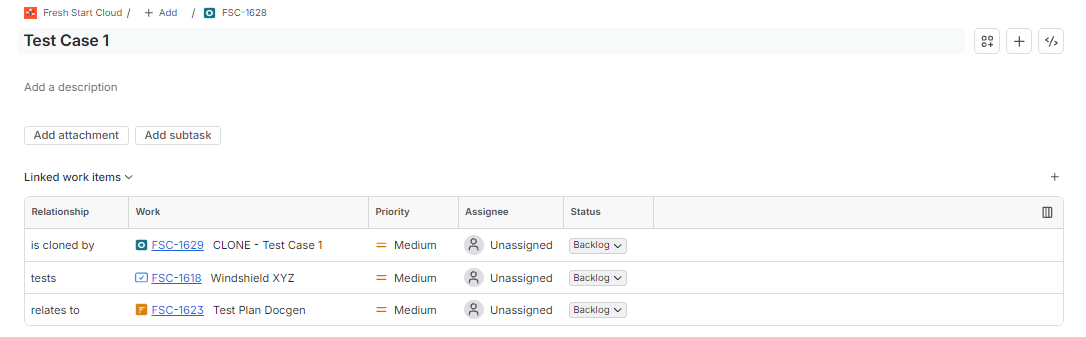
- Add a few links to other Xray issues, as seen in the example below:
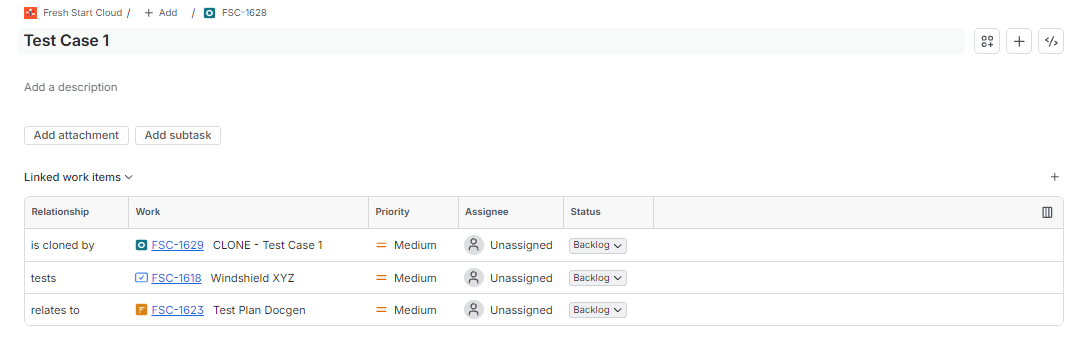
- Execute the Test with a new Test Execution.
- Check the issue type icons under the "Test details" section of the Test Run
Expected result:
The icons should be displayed normally.
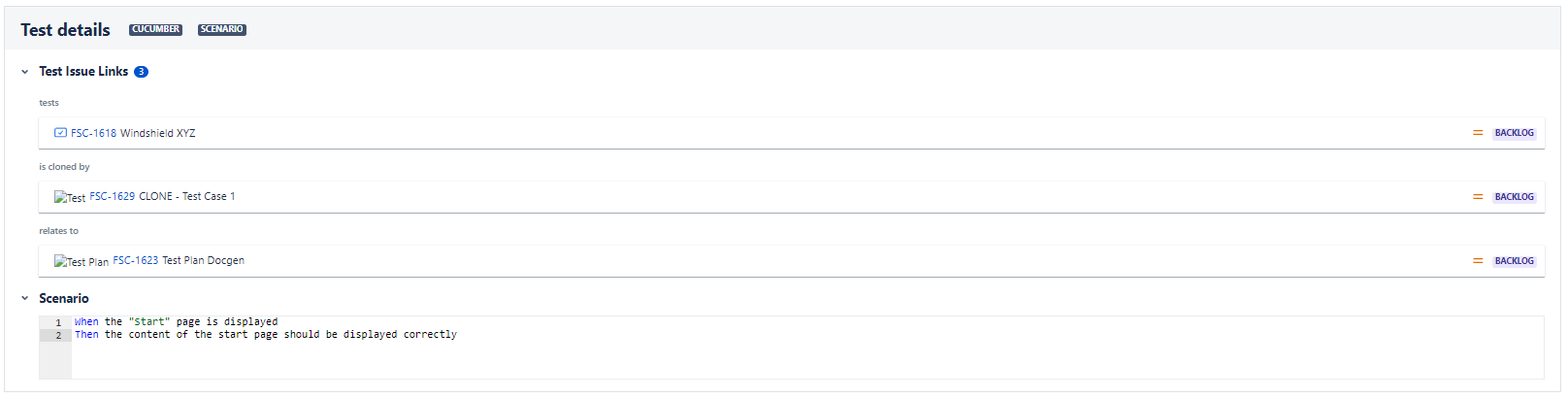
Actual result:
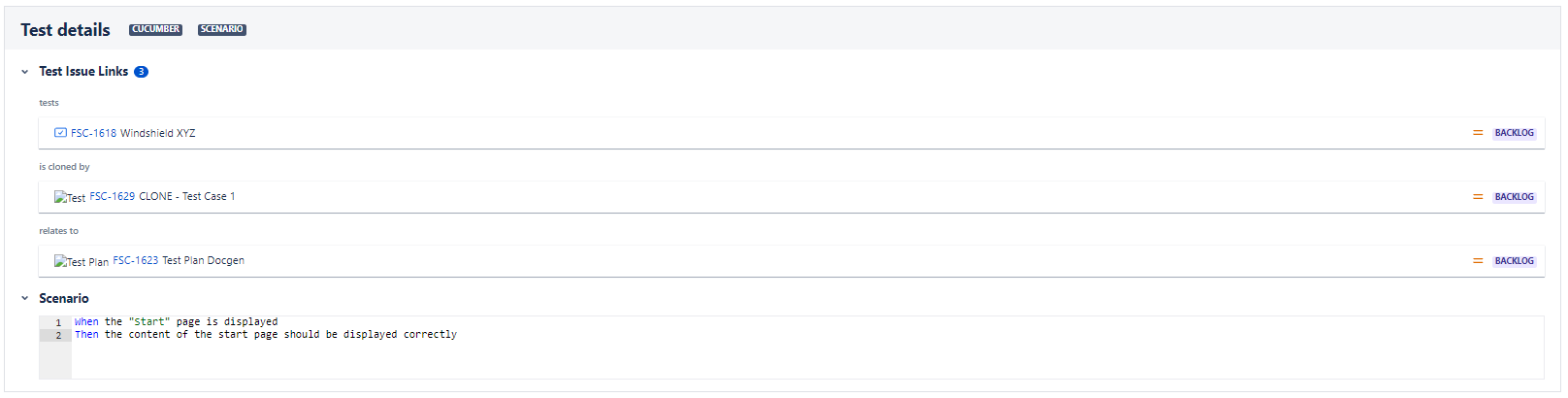
The icons for the Xray issue types are broken, as shown in the example below:
Attachments
Issue Links
- relates to
-
XCC-4393 Loading...