Uploaded image for project: 'Xray for Jira Cloud'
  1. Xray for Jira Cloud
  2. XRAYCLOUD-5277

Importing JUnit XML results shows stack trace with bad format

    XporterXMLWordPrintable

Details

    • Suggestion
    • Status: New
    • Resolution: Unresolved
    • None
    • None
    • None
    • None
    • UNCOVERED

    • 1

    Description

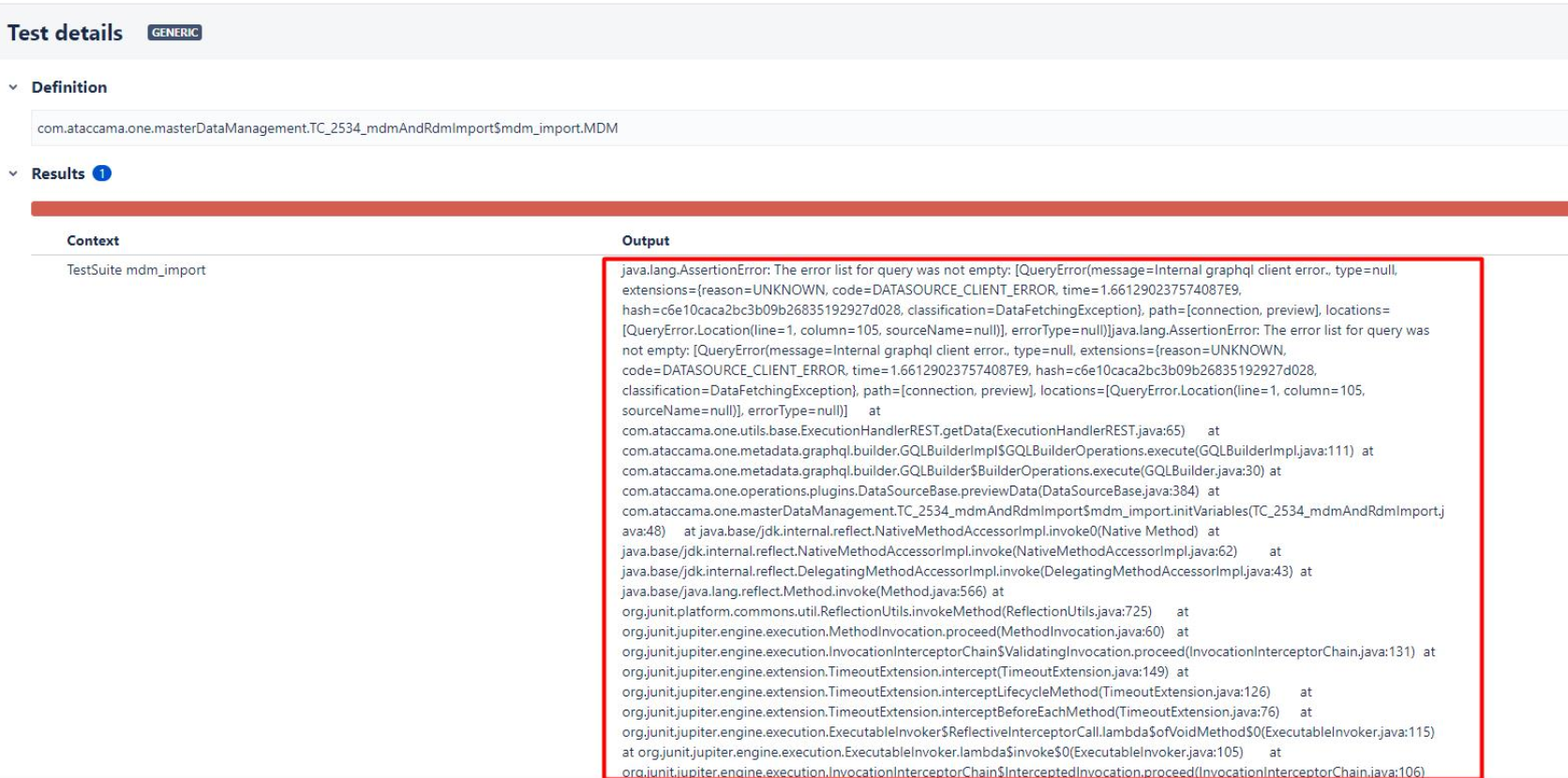
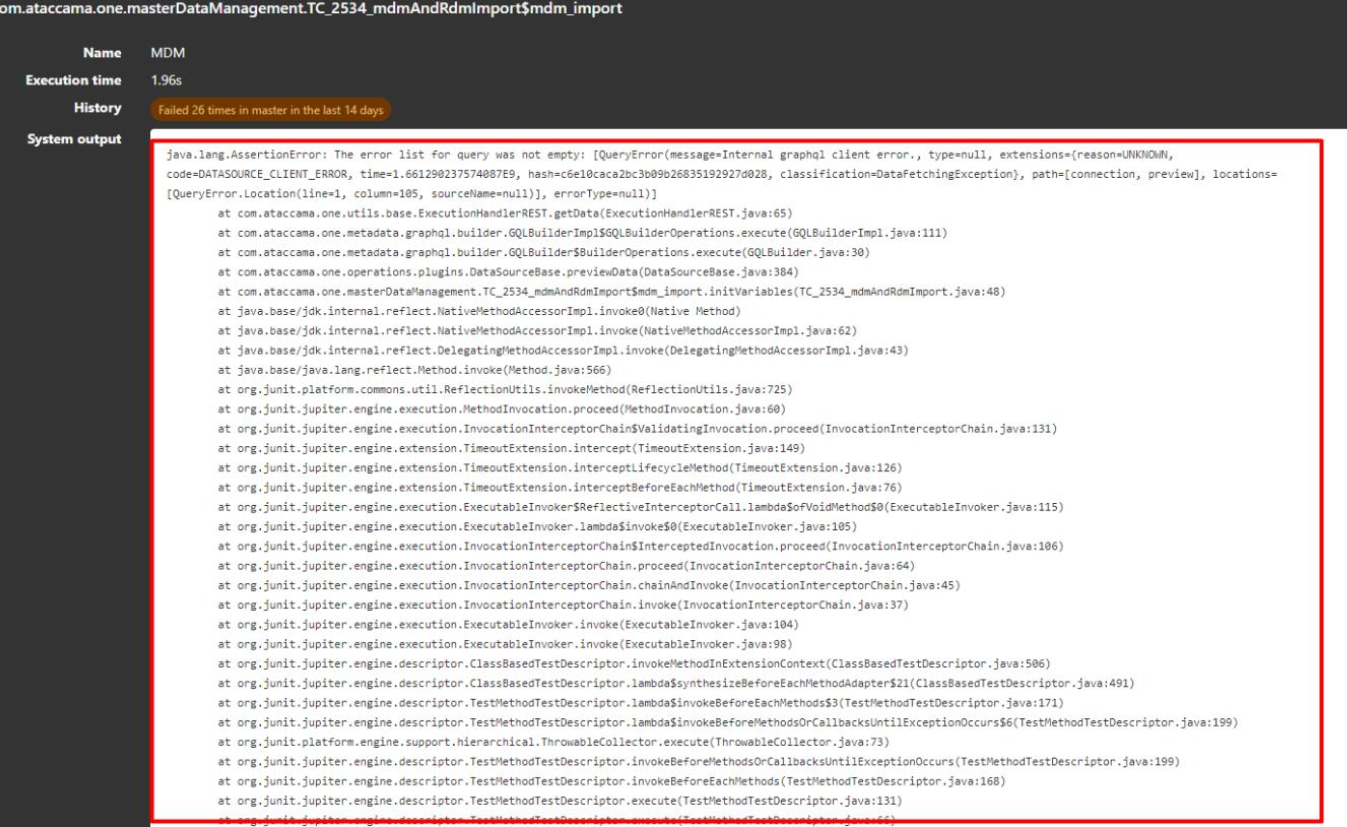
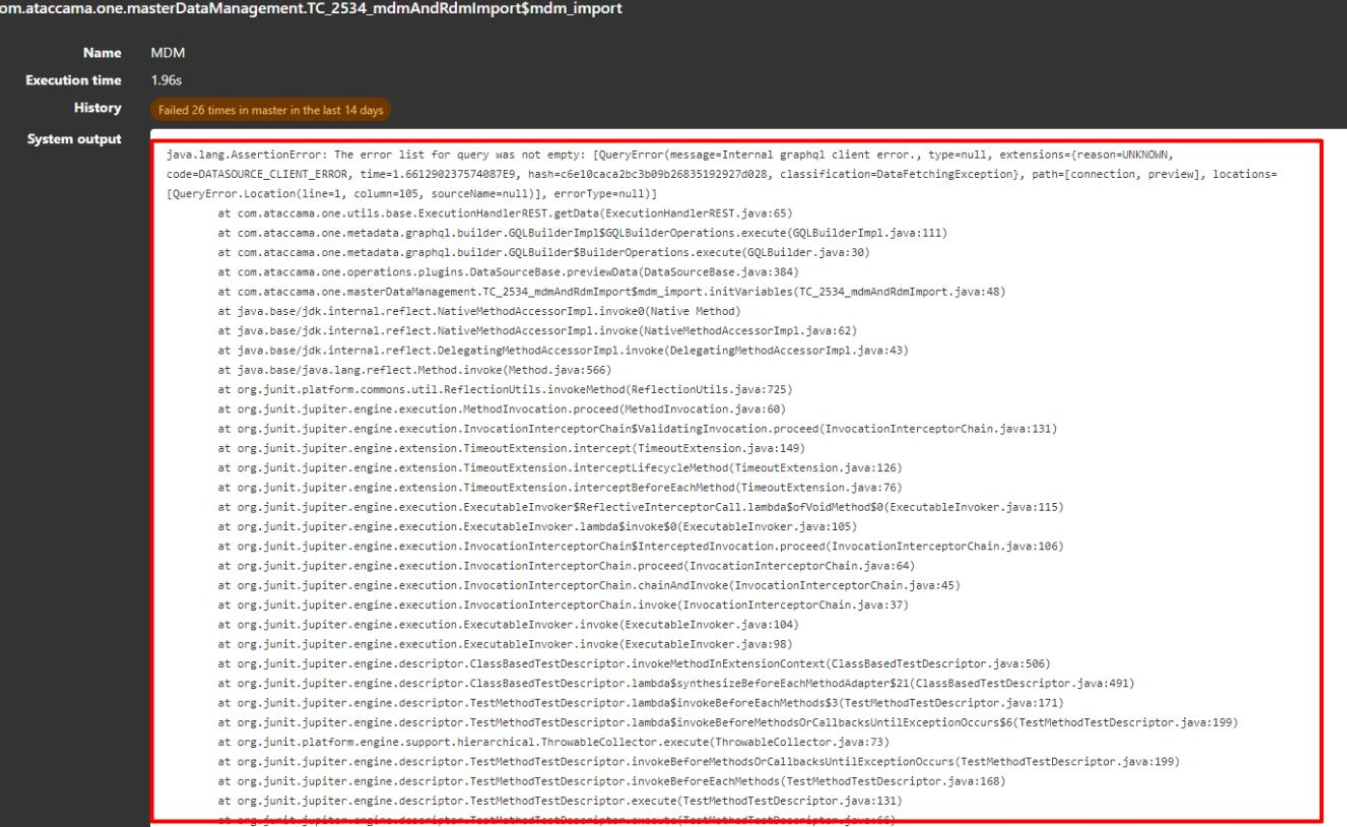
      When importing JUnit XML results, the stack trace found in the failure message is not formatted the same way in Xray and Gitlab.
      Gitlab
      Xray
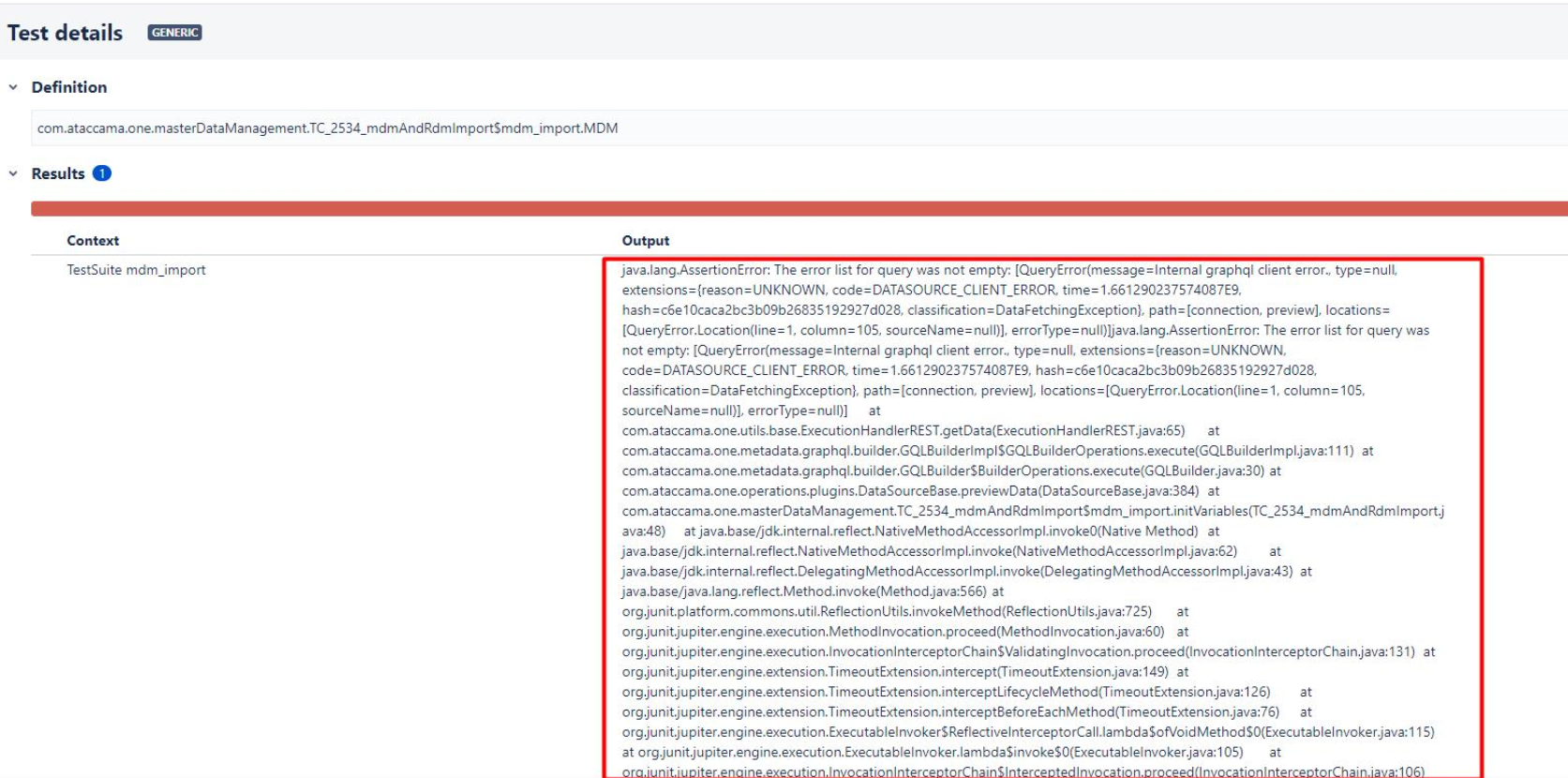
      The stack trace found in the failure message is not formatted nicely in Xray, making it difficult for developers to identify the problem quickly.

      Workaround
      Copy the Stack trace and paste it on an online Stack trace formatted as for example:
      https://elmah.io/tools/stack-trace-formatter/
      Attachments

        Activity

          People

            joana.fonseca Joana Fonseca
            mrap Mario Peixoto
            Votes:
            1 Vote for this issue
            Watchers:
            1 Start watching this issue

            Dates

              Created:
              Updated: