Details
-
Bug
-
Status: Resolved
-
 Medium
-
Resolution: Fixed
-
Xray Cloud 4.12.5-1
-
None
-
Windows 11
Description
Description
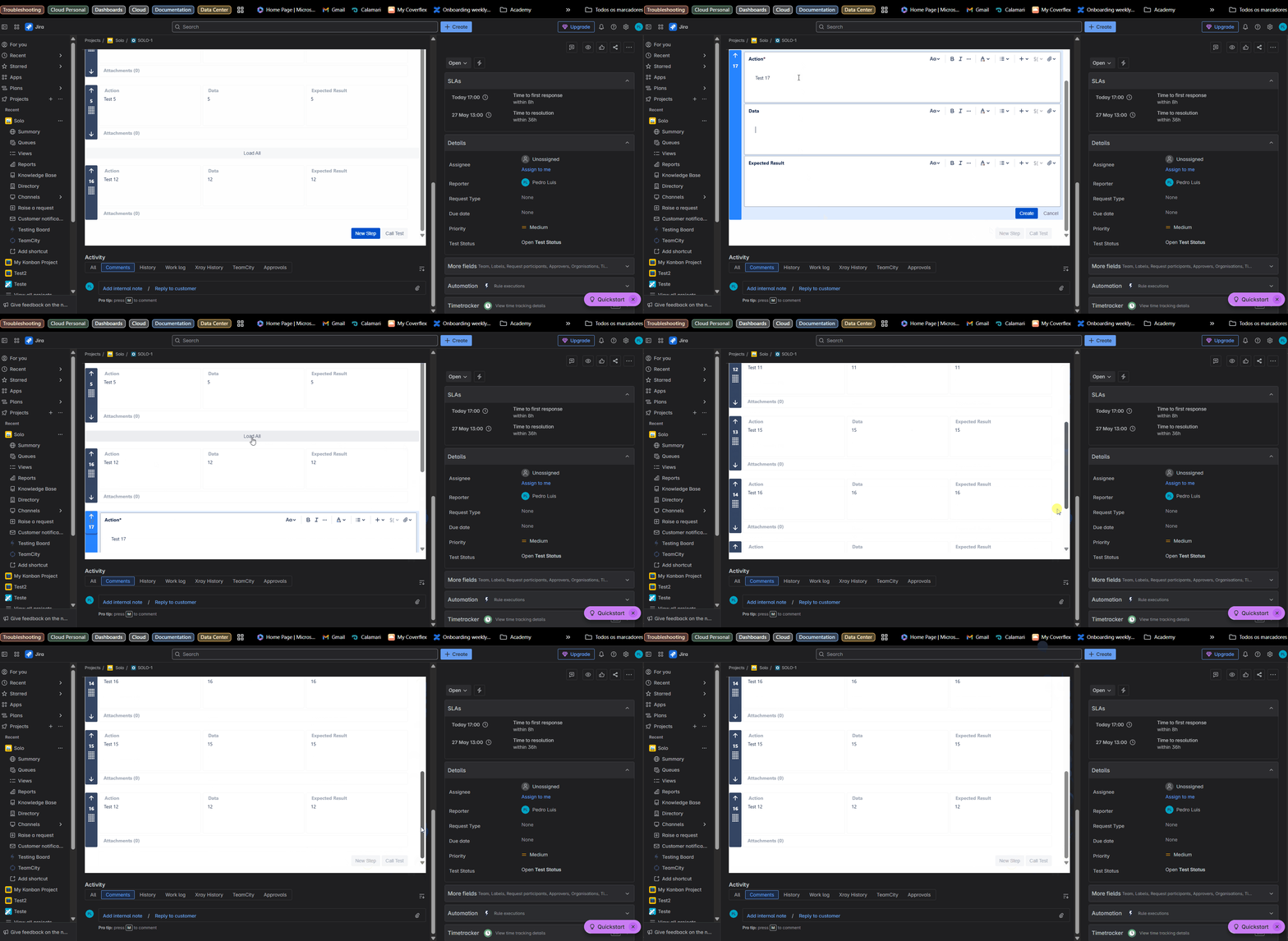
If a step is added but not saved, clicking "Load All" will cause the new step to disappear. After this, clicking "Add Step" will have no effect, and editing existing steps will not be possible as the interface becomes unresponsive.
Pre-conditions
Have enough tests for the Load All field to be presented
How to reproduce
- Create a new test Step
- Before saving this Step, click on "Load all"
Actual result/Attachments
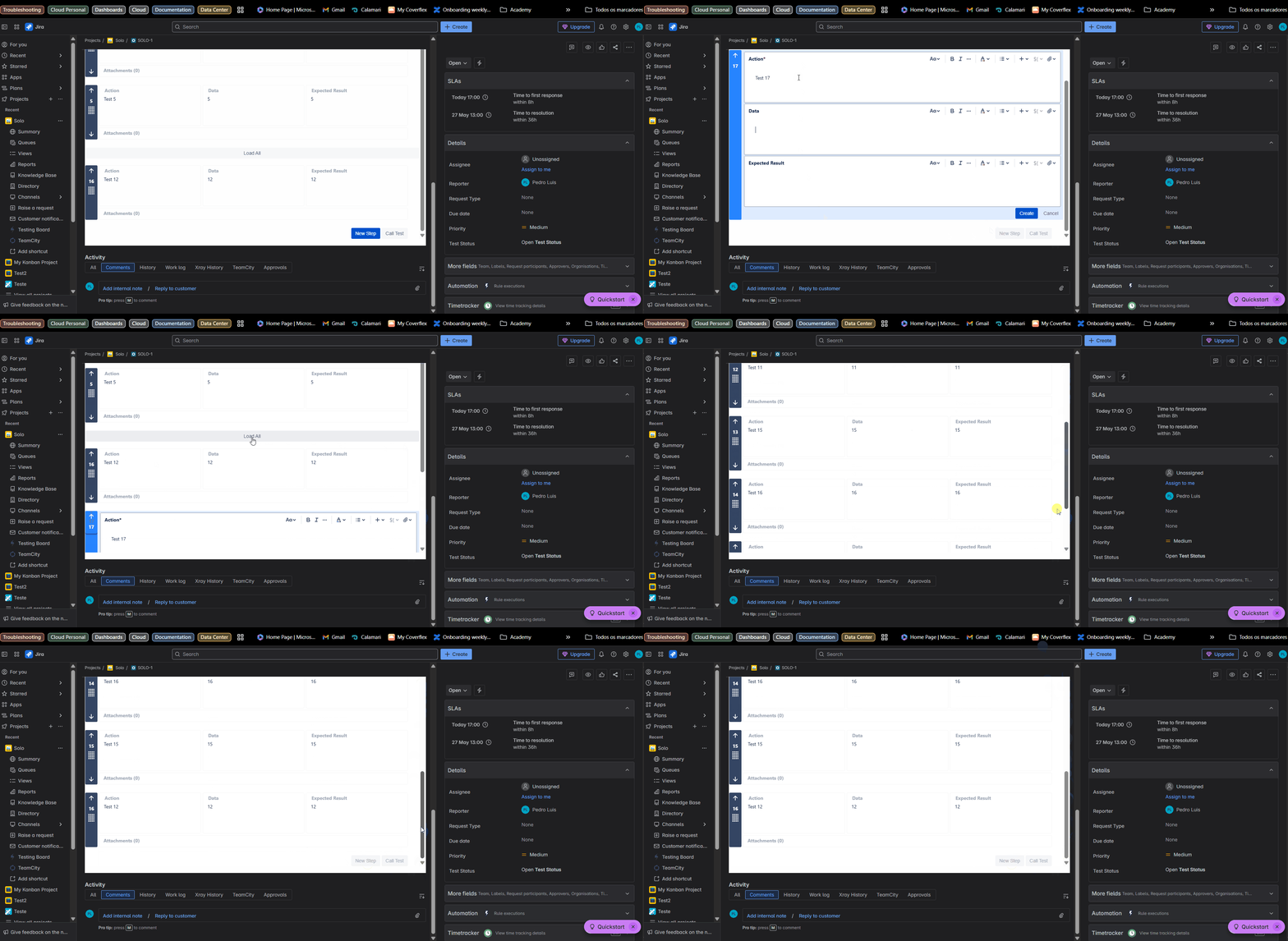
The Step that was being created disappears, and the option to create a new one is greyed.
Expected result
The Step being created could disappear as it was not saved, however, the create option should be enabled.
Attachments
Issue Links
- duplicates
-
XCC-2288 Loading...