Details
-
Bug
-
Status: Resolved
-
 Medium
-
Resolution: Fixed
-
Xray Cloud 6.12.0 | release/6.12.0
-
None
-
Jira Cloud, Chrome, and Edge browsers, Windows OS
Description
Description:
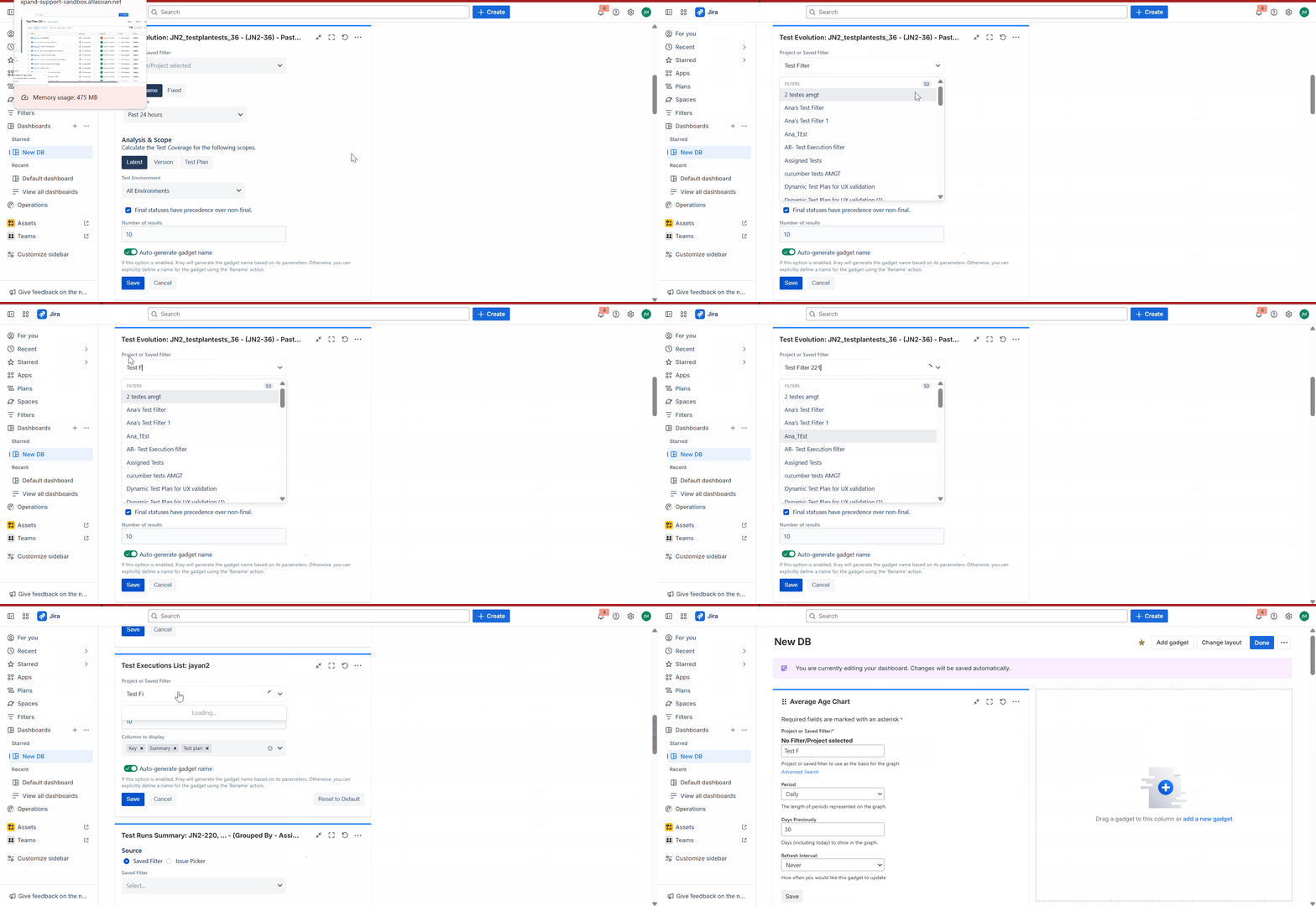
In Xray Gadgets, Saved Filters do not display correctly when their names contain spaces.
- Filters without spaces show up as expected, as they have unique names. They are shown even when we search with a unique text in the search text.
- Filters with spaces only appear if they are among the first 50 matching results while typing the initial text of the filter name.
- Even typing the full filter name does not populate the correct Saved Filter.
- When typing in the filter, results are returned for each individual string rather than the full string entered, resulting in more matches.
- This will not happen with Jira gadgets.
Pre-conditions: Having more than 50 saved filters with the starting name. Say, Test Filter 1, Test Filter 2, Test Execution Filter 1, Test Sets Filter 1,.....
How to reproduce
- Create a Saved Filter, say Test Filter 221
- In any Xray Gadget, in the Project/Saved Filter, try to search with 'Test Filter' keywords, typing slowly and observing the results populated.
- Now, search with 221(assuming this is unique in nature)
- Also, try to search the full filter name
- Finally, in any Jira Gadget(non-Xray), try to perform a search with the first characters and then with the full name of the Saved filter
Actual result/Attachments:
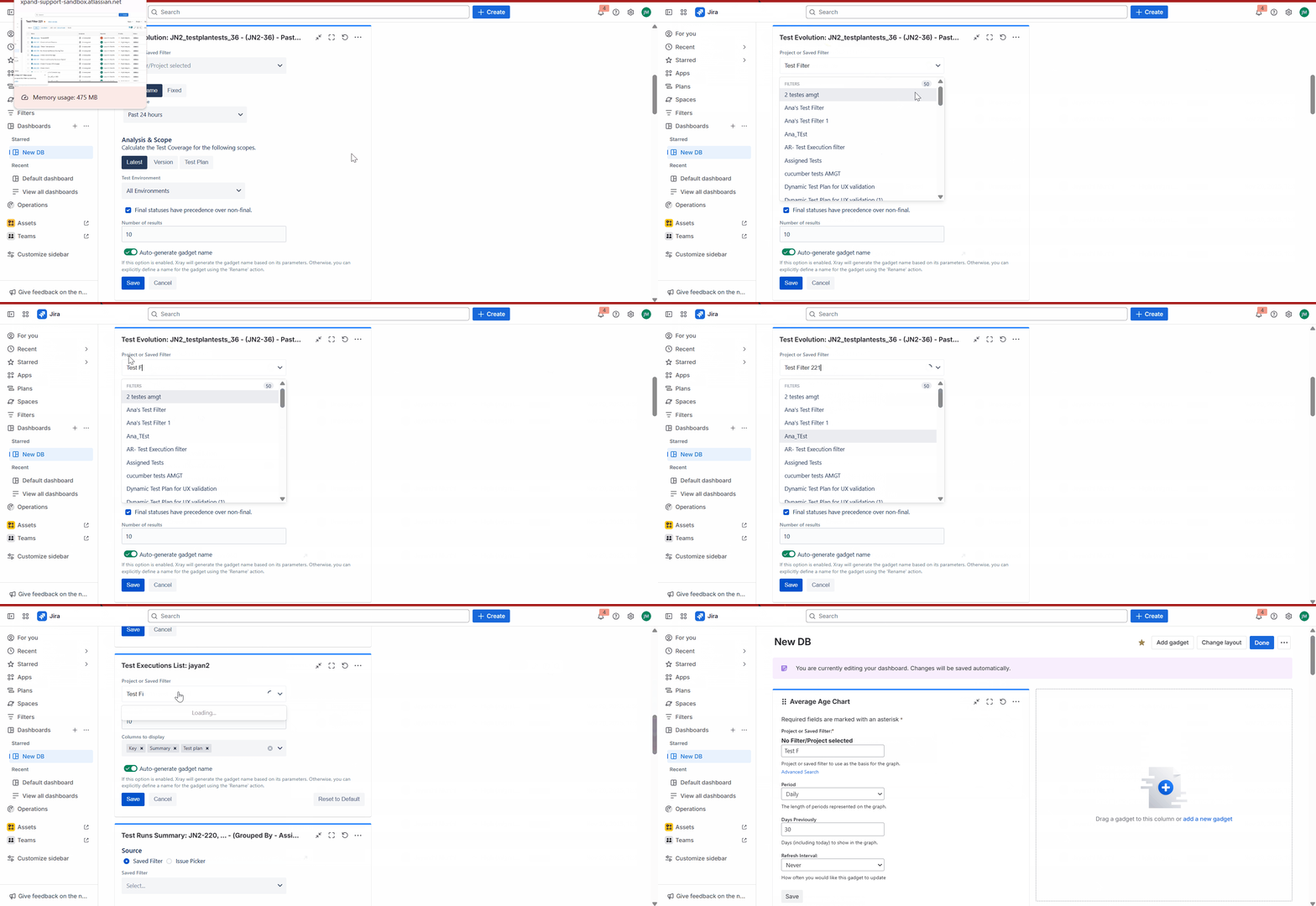
In the Xray gadgets, the search results appear correctly till a space is encountered. After having the space, the top 50 results matching any one part of the search criteria are only shown. Even the full name of the filter does not show the filter. Also, when typing in the filter, results are returned for each individual string rather than the full string entered, resulting in more matches.
However, the search results appear with unique value(221).
In the non-Xray gadgets, the Saved filter is shown as expected.
Expected result:
Xray gadgets should show all the results of the saved filters with the matched text search criterion.
Version
- Xray Cloud 6.12.0
Workaround:
Maintain a unique words in the Saved filter to search with that word.