Details
-
Suggestion
-
Status: New
-
Resolution: Unresolved
-
None
-
None
-
None
Description
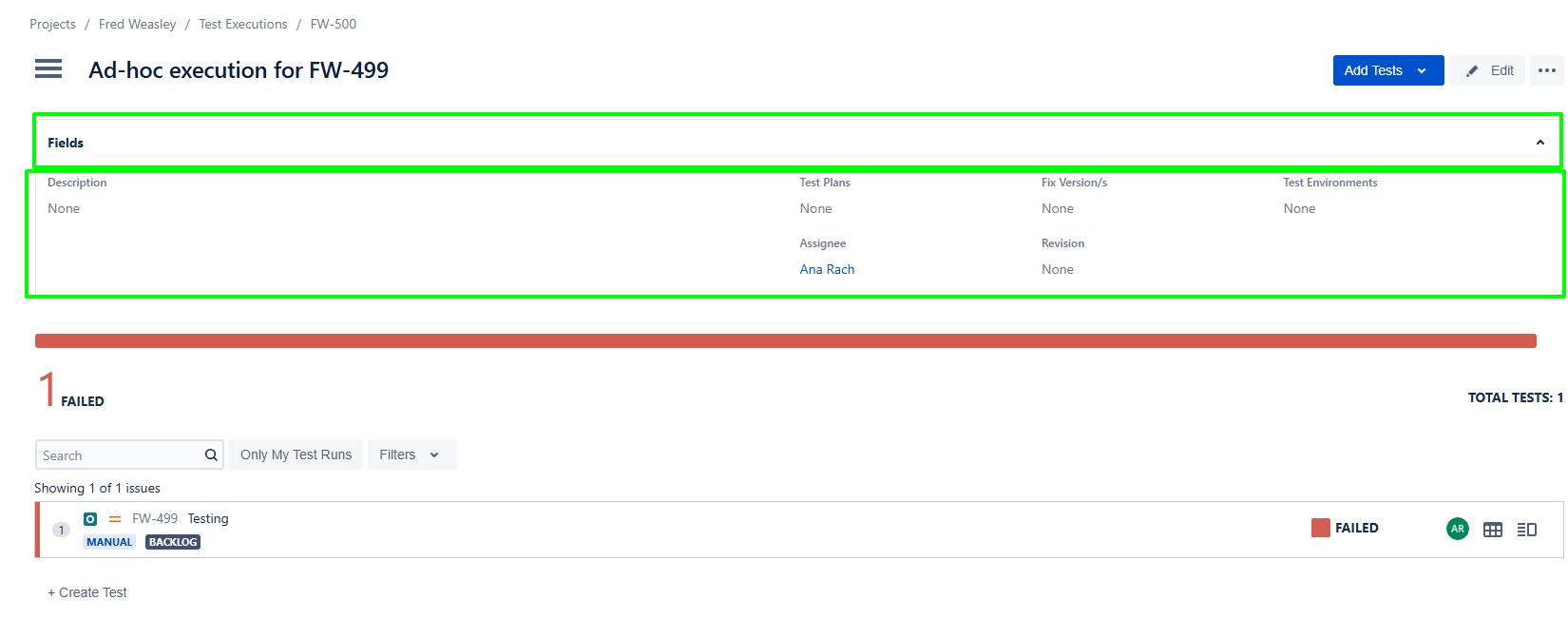
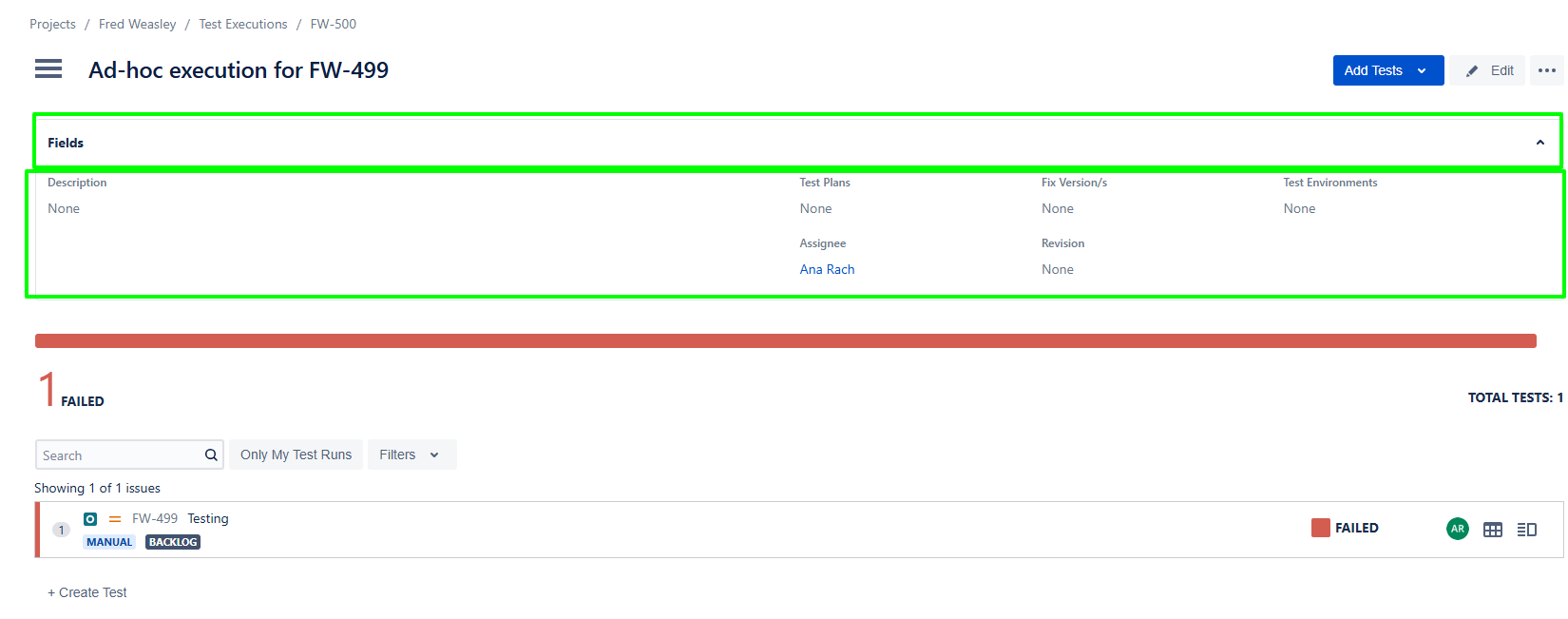
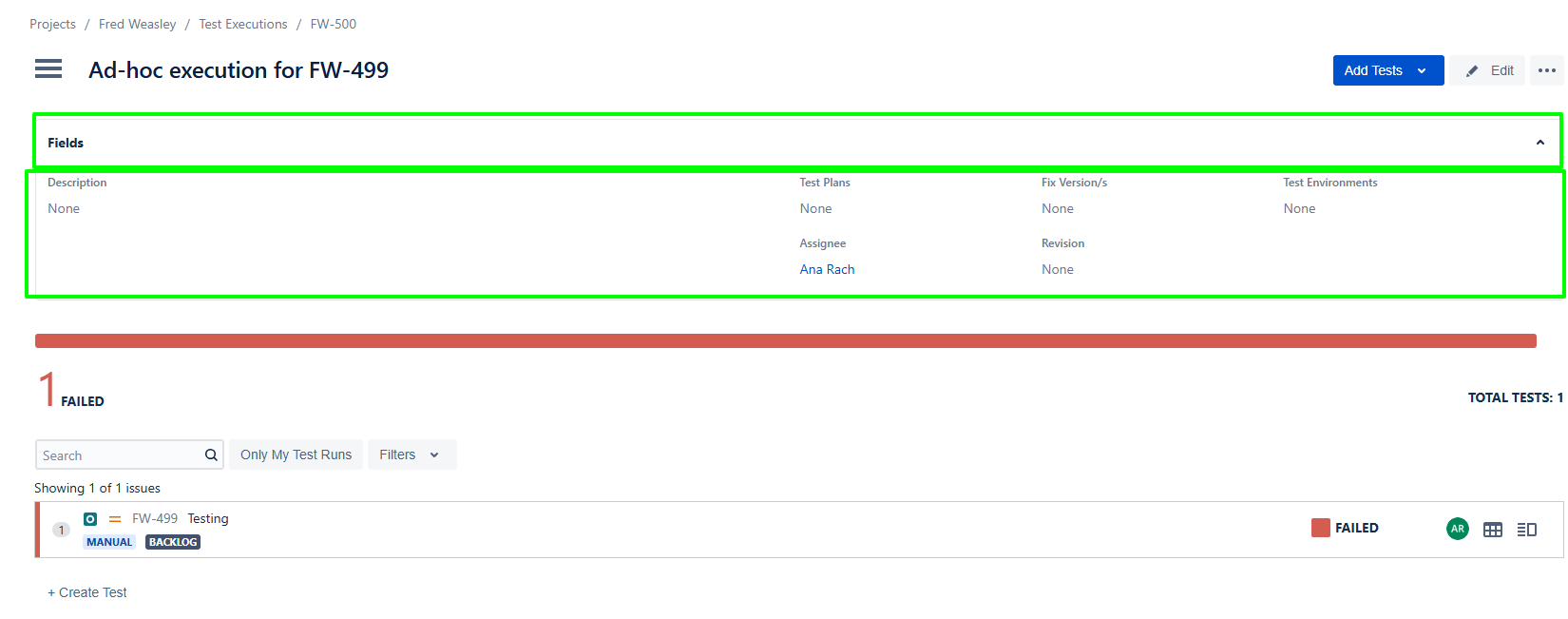
Users currently cannot customize the structure of the Testing Execution Board and Testing Board. This limits flexibility in adapting boards to different workflows, testing phases, or team-specific needs. Allowing users to add and modify custom columns would enable better tracking, organization, and visibility of testing activities. Uer should be able to edit the Highlighted area.
User friction
- Users are forced to work within a fixed board structure
- Inability to reflect real testing workflows (e.g., “Blocked”, “Ready for Retest”, “In Review”)
- Manual tracking outside the system (e.g., spreadsheets, notes)
- Reduced efficiency and clarity in test execution tracking
Steps to reproduce (right now) / Actual Result:
- Navigate to Testing Execution Board or Testing Board
- Attempt to modify existing columns or add a new column
- Observe that no option exists to customize columns
Actual Result:
Users cannot edit, add, or remove columns; board structure is static
Impact
What would improve if solved:
- Increased flexibility to match real-world QA workflows
- Better visibility of test progress and statuses
- Reduced need for external tracking tools
- Improved team productivity and collaboration
Impact on stakeholders:
- More efficient test tracking and status management
- Clearer overview of testing progress
- Improved transparency into testing lifecycle
- Higher adoption due to customizable workflows
Current workaround:
- Using external tools (e.g., spreadsheets, Kanban boards) to track additional states
- Overloading existing columns with multiple meanings
CONTEXT & EXAMPLES:
Concrete example:
A team may have a custom field such as Security Validation Required or Time tracking, and they would like to display it directly on the Testing Board for faster execution decisions.
Workaround risk:
- Miscommunication of test status
- Loss of important workflow granularity
- Increased manual effort and human error
- Fragmented tracking across tools