Details
-
Bug
-
Status: Open
-
 Medium
-
Resolution: Unresolved
-
Xporter Cloud 2.3.7
-
None
-
- Chrome 144.0.7559.61 (Official Build) (arm64)
Description
Description
${wiki:<field name>} fails to render a Paragraph / multi-line text custom field when the custom field name contains the substring Images (capital “I”).
The same wiki rendering works as expected for a Paragraph custom field whose name does not contain Images, even when both fields contain similar wiki content with embedded images.
Pre-conditions
- Jira Cloud instance with Xporter Cloud installed.
- An issue type screen where custom fields can be added.
- Two custom fields of type Paragraph / multi-line text:
- Field A: name contains Images (capital I), e.g. NOK Images / OK Images / Images
- Field B: name does not contain Images, e.g. Work instructions (or any other name without Images)
- A Xporter template that references both fields using ${wiki:...}{}.
- Both fields have content that includes an embedded image (inline image in the field).
How to reproduce
- Create a Paragraph custom field named Work instructions (or any name without Images).
- Create a Paragraph custom field named NOK Images (or any name that contains Images with capital “I”).
- Add both fields to the same issue screen and open/create an issue.
- In both fields, add wiki content and include an embedded image (paste an image so it appears inline in the field).
- In a Xporter template, add:
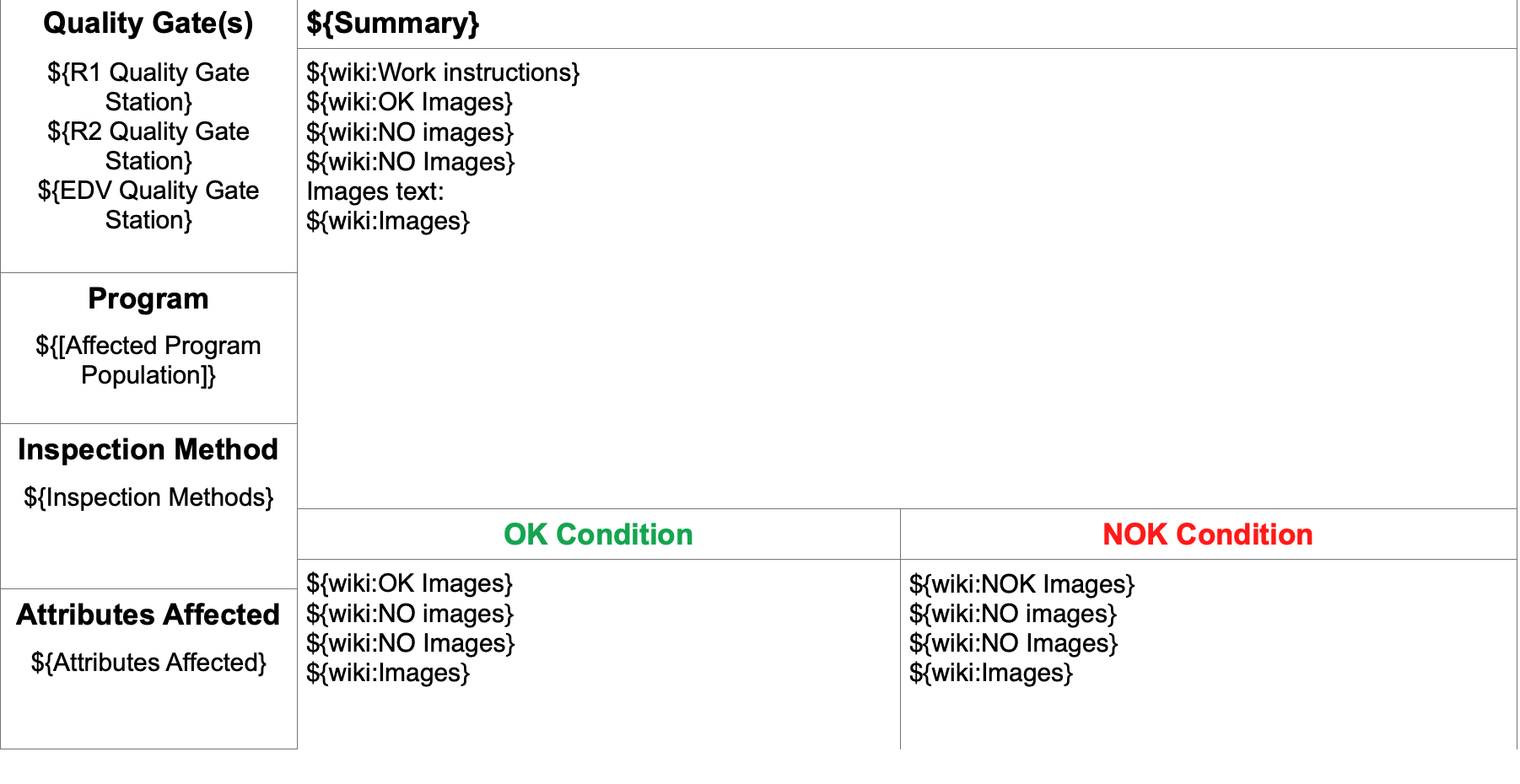
- ${wiki:Work instructions}
- ${wiki:NOK Images}
- Export the issue with Xporter (e.g., Word export).
Actual result / Attachments
- ${wiki:Work instructions} renders correctly (content + embedded image included).
- ${wiki:NOK Images} does not render as wiki / embedded image is not carried into the export (wiki execution does not work for the field whose name contains Images).
- Attachments to include:
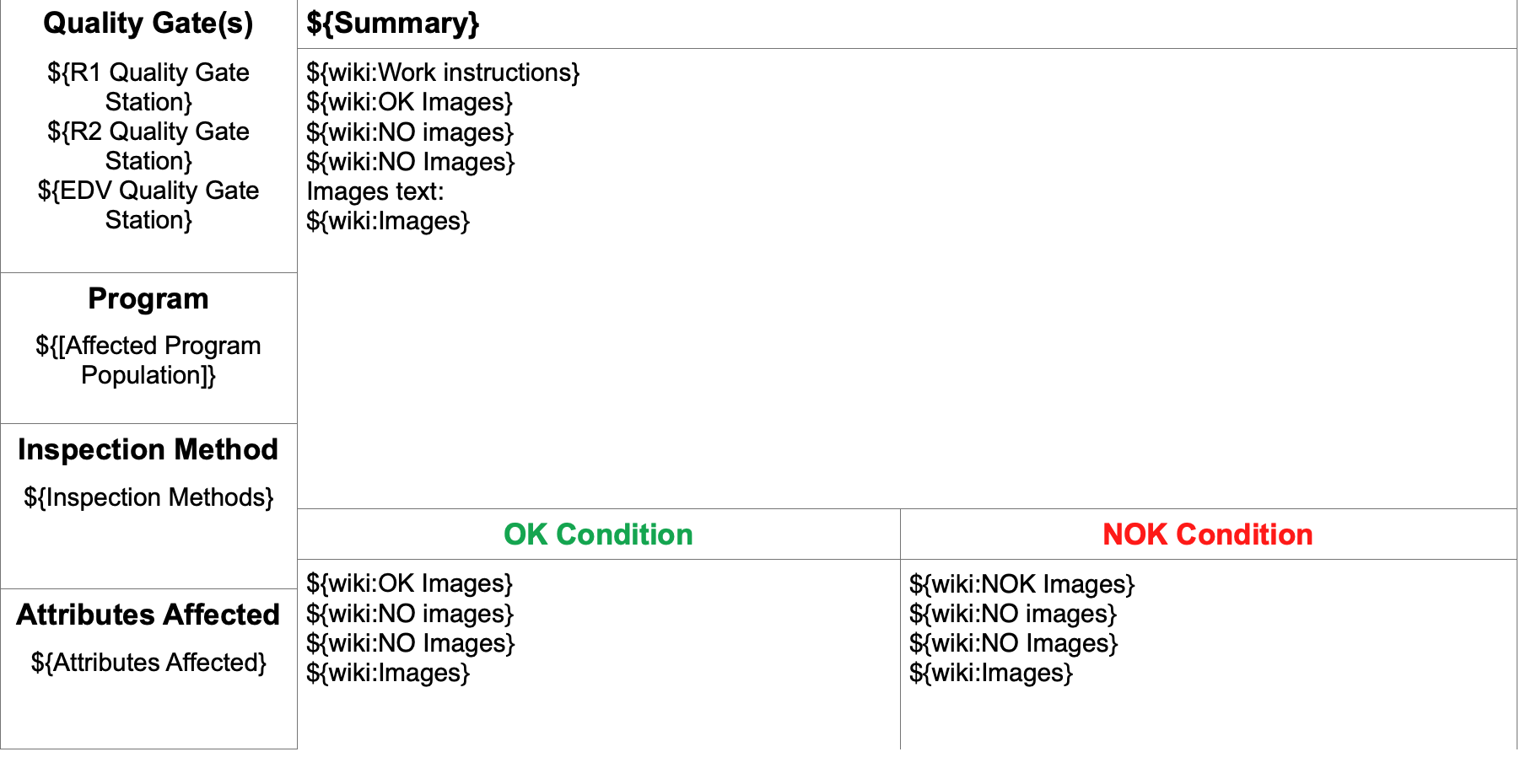

Expected result
- ${wiki:<field name>} should render Paragraph custom field content consistently regardless of the field name.
- Field names containing Images should not break wiki rendering.
Version
- Jira Cloud
- Xporter Cloud
- Export type:word
- Browser: Chrome
Workaround
- Rename the custom field to avoid the substring Images (capital “I”) and update the template reference accordingly
- Alternatively, create a new Paragraph field without Images in the name and migrate content.
Attachments
Issue Links
- duplicates
-
XPOR-286 Loading...