Details
-
Bug
-
Status: Open
-
 Minor
Minor
-
Resolution: Unresolved
-
Xray DC 8.2.1, Xray DC 8.2.2
-
None
-
None
-
Test Execution Issue View
Description
Description
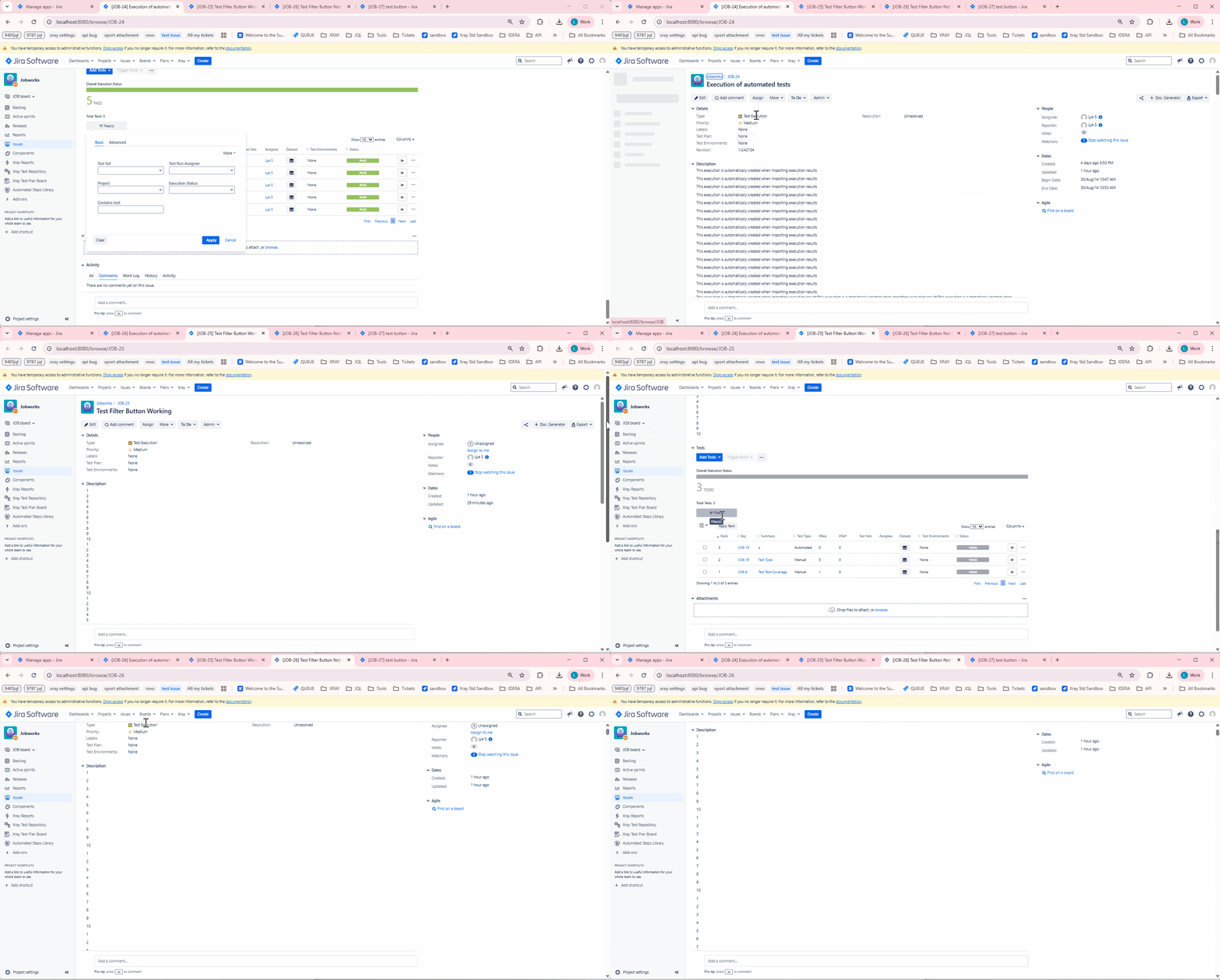
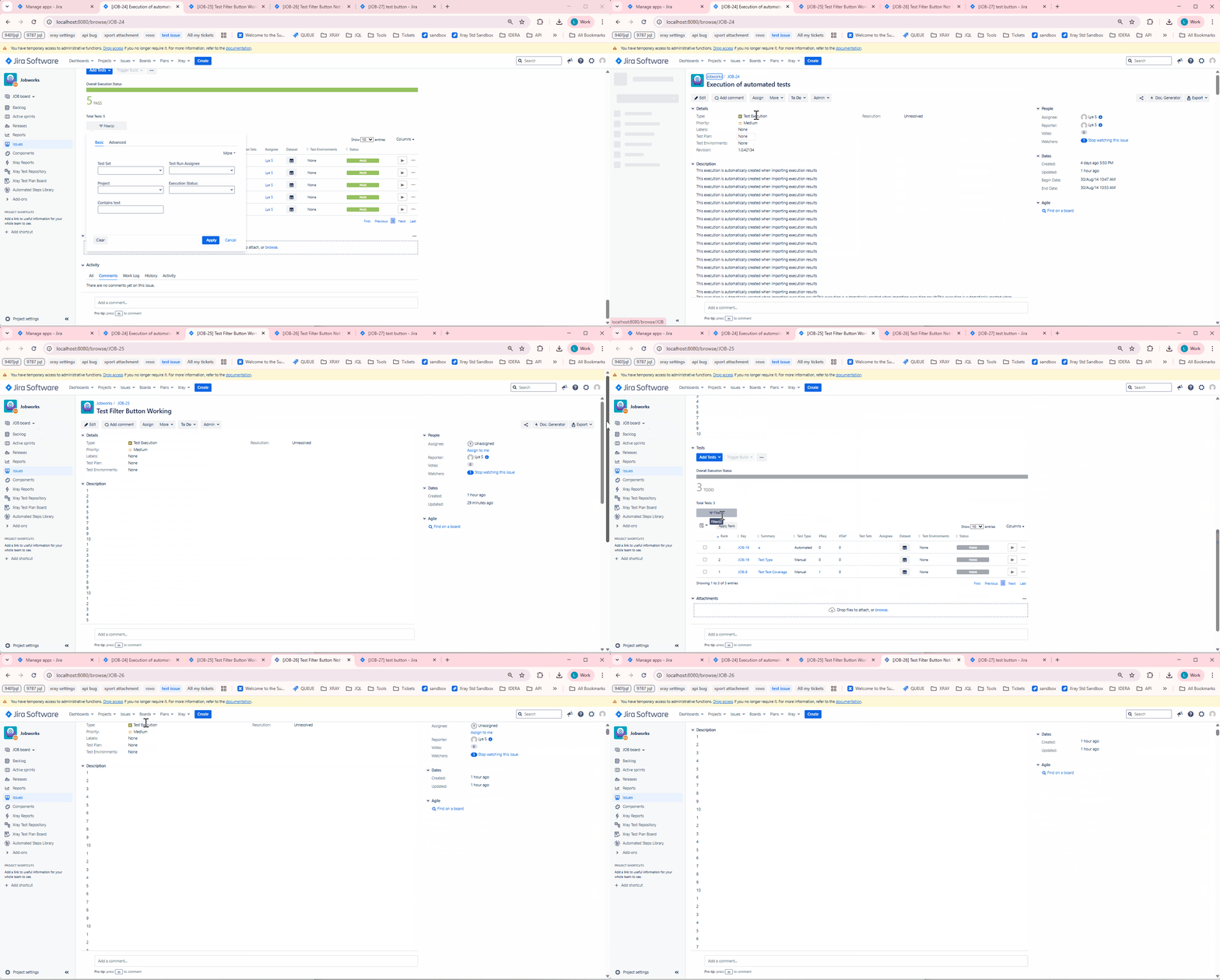
When a Test Execution has a description with many lines, clicking on the "Filter(s)" button under Tests scrolls the page up to the Description box.
Pre-conditions
-
How to reproduce
- Create a Test Execution
- Add a description with many lines
- Add tests
- Click on Filter(s) button
Actual result/Attachments
It scrolls up to the Description box.
Expected result
Version
- <app versions>
Workaround
Attachments
Issue Links
- duplicates
-
XDC-887 Loading...