Uploaded image for project: 'Xray for Jira'
  1. Xray for Jira
  2. XRAY-11407

Clicking "Filters" button scrolls the page up to the Description box

    XporterXMLWordPrintable

Details

    • Bug
    • Status: In Progress
    • Minor
    • Resolution: Unresolved
    • Xray DC 8.2.1, Xray DC 8.2.2
    • None
    • Test Execution Page
    • None
    • Test Execution Issue View

    • UNCOVERED

    Description

      Description

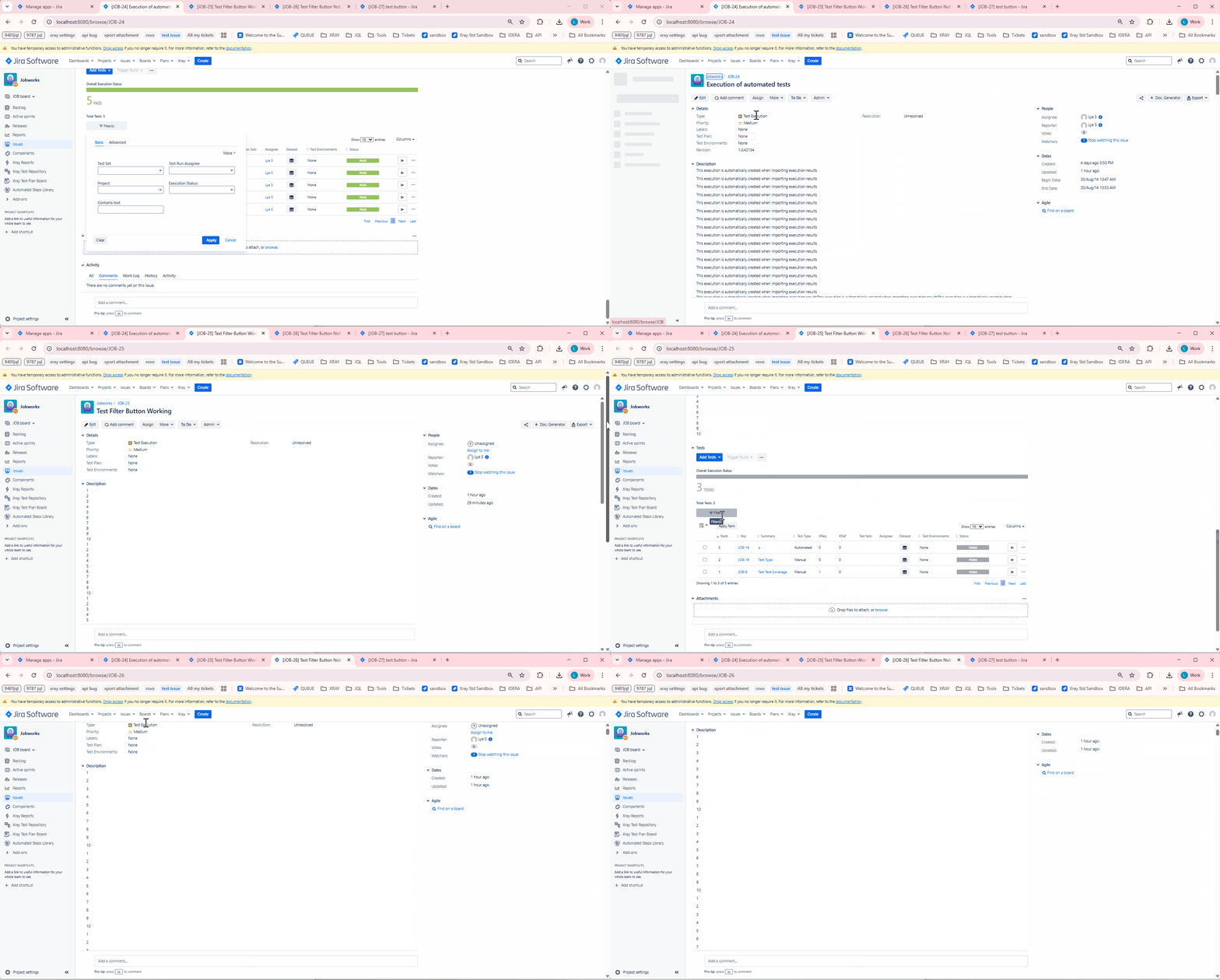
      When a Test Execution has a description with many lines, clicking on the "Filter(s)" button under Tests scrolls the page up to the Description box. 

      Pre-conditions
      -

      How to reproduce

      1. Create a Test Execution
      2. Add a description with many lines
      3. Add tests
      4. Click on Filter(s) button

      Actual result/Attachments
      It scrolls up to the Description box.
      Expected result

      Version

      • <app versions>

      Workaround


      Attachments

        Issue Links

          Activity

            People

              joana.fonseca Joana Fonseca
              lya.sayson Lya Sayson
              Votes:
              1 Vote for this issue
              Watchers:
              1 Start watching this issue

              Dates

                Created:
                Updated: